RaspArch Rpi5 Build 260111 :: Run Arch Linux (aarch64) with LXQt 2.3 and kernel 6.18.4-1-rpi-16k on your Raspberry Pi 5 computer :: Install using Rufus or Etcher in Windows!

RaspArch Build 260111 for the “newRaspberry Pi 5 (released on October 23, 2023)

RaspArch Build 260111 is a “ready-to-go” ARM (aarch64/arm64) system. It can only run on a Raspberry Pi 5 computer. All included packages have been updated to the latest version as of 260111. The Desktop Environment is LXQt 2.3. You can log in to LXQt from SLiM as the normal user archpi or as root.

RASPBERRY Pi 5
This RaspArch version is made especially for the new Raspberry Pi 5 released on October 23, 2023 (4GB and 8GB).
NOTE1: A Raspberry Pi 5 is about twice as fast as the Raspberry Pi 4.
NOTE2: You can only run version 260111 on a Rpi5.

Study all installed packages in RaspArch…

WHO should run Arch Linux/RaspArch?

My answer: The system fits the “advanced” Linux user/enthusiast, who would be willing to run an occasional command from time to time.

PERFORMANCE

Everything works! The System is responsive and quite fast. The sound and video performance is very good. Especially when logged in as the ordinary user archpi.

TOTALLY UNIQUE
There is no other (good) Arch Linux ARM System for Raspberry Pi 5 (as far as I know). Not for downloading anyway.

SCREENSHOTS
Screenshot 1 of RaspArch’s Desktop
– logged in as archpi
Screenshot 2 of RaspArch’s Desktop – logged in as root
Screenshot 3 – running a YouTube video with very good video quality

READ MORE…

Read about my Android-x86 Systems – 11, 10, Pie, Oreo, Nougat, Marshmallow, Lollipop and KitKat at andex.exton.net – latest is AndEX 11 (with GAPPS), AndEX 10 (with GAPPS) and AndEX Pie 9.0 (also with GAPPS)!
and
about my Android 16, 15, 14, 13, 12, 11, 10, Pie, Oreo, Nougat, Marshmallow and Lollipop versions for Raspberry Pi 5, Pi 4 and  Pi 3/2 at raspex.exton.se – latest is RaspAnd 16 (with GAPPS), RaspAnd 15 (also with GAPPS), RaspAnd 14 (also with GAPPS), 13 and 12 (without GAPPS), RaspAnd 11 (with GAPPS) and RaspAnd Oreo 8.1 (also with GAPPS)!
Follow me on Facebook…

FedEX Rpi5 (Fedora 43 ARM64) for Raspberry Pi5 and Pi4 with GNOME 49 :: Build 251215

FedEX Rpi5 for Raspberry Pi5 and 4 is a “remaster” of the Fedora Project’s Fedora 43 Workstation build for ARM64 (aarch64).

REPLACEMENT
My previous version of FedEX from 250105 was also made for Raspberry Pi5.

ABOUT

FedEX Rpi5 uses the GNOME 49 Desktop. (As the original system does). The original Fedora 43 ARM64 system can only run a Raspberry Pi4 computer. You may be able to start it on a Rpi5, but you can’t make the keyboard and mouse work. My Build works very well on a Raspberry Pi5 computer though. You can also run FedEX Rpi5 on a Rpi4 computer. Your Raspberry Pi computer will automatically choose the correct kernel at boot.

Study all installed packages…

USED KERNEL
6.12.56-1.rpi5-fc43.aarch64

PERFORMANCE
The system is quite fast and responsive. All included applications work very well.

WHO SHOULD RUN FedEX Rpi5 for Raspberry Pi5 and 4?
My answer: The system fits the “advanced” Linux user/enthusiast, who would be willing to run an occasional command from time to time.

SCREENSHOTS
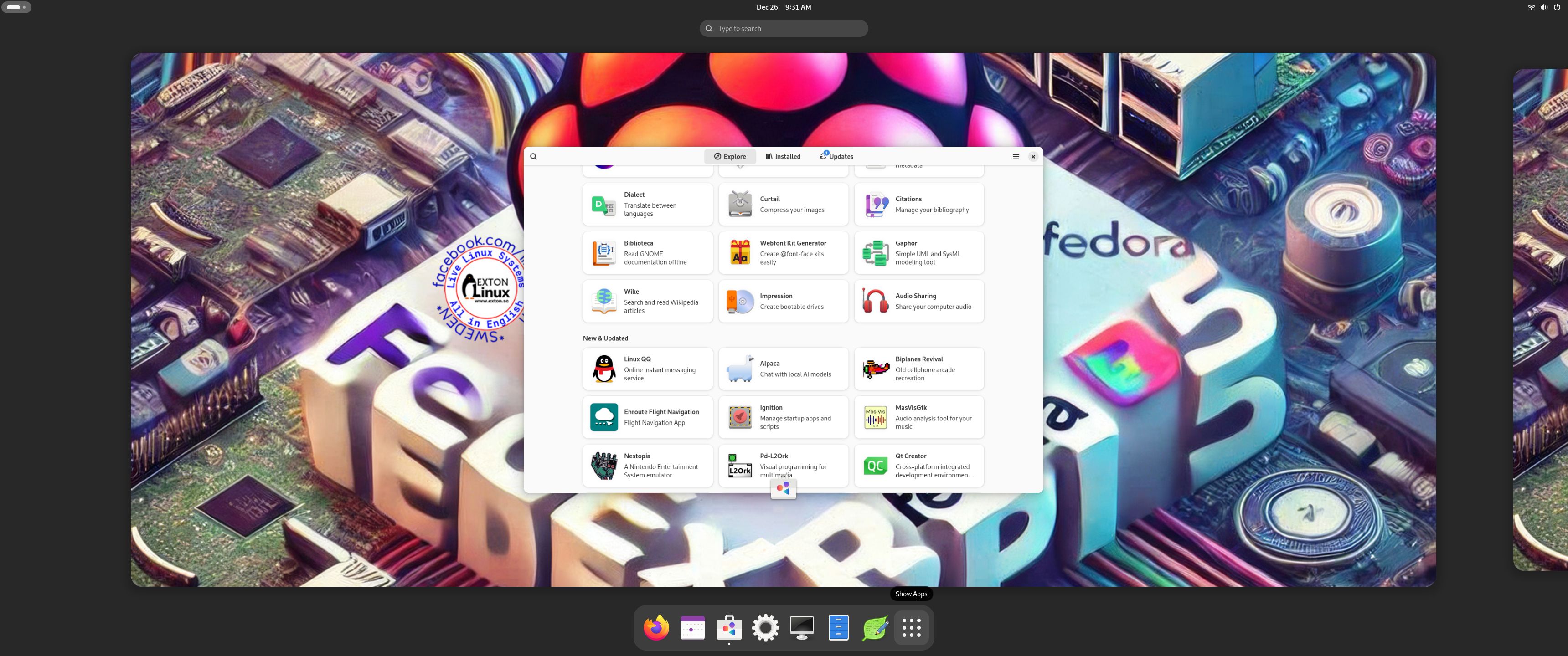
1. The Desktop for the ordinary user pi
2. The Desktop for root
3. Running YouTube showing very good video quality
4. Running dnf upgrade 251215

READ MORE…

Read about my Android-x86 Systems – 11, 10, Pie, Oreo, Nougat, Marshmallow, Lollipop and KitKat at andex.exton.net – latest is AndEX 11 (with GAPPS), AndEX 10 (with GAPPS) and AndEX Pie 9.0 (also with GAPPS)!
and
about my Android 16, 15, 14, 13, 12, 11, 10, Pie, Oreo, Nougat, Marshmallow and Lollipop versions for Raspberry Pi 5, Pi 4 and  Pi 3/2 at raspex.exton.se – latest is RaspAnd 16 (with GAPPS), RaspAnd 15 (also with GAPPS), RaspAnd 14 (also with GAPPS), 13 and 12 (without GAPPS), RaspAnd 11 (with GAPPS) and RaspAnd Oreo 8.1 (also with GAPPS)!


Follow me on Facebook…

FedEX Rpi5 (Fedora 41 ARM64) for Raspberry Pi 5 and Pi 4 with GNOME 47 :: Build 250105

FedEX Rpi5 for Raspberry Pi 5 and 4 is a “remaster” of the Fedora Project’s Fedora 41 Workstation build for ARM64 (aarch64).

ABOUT
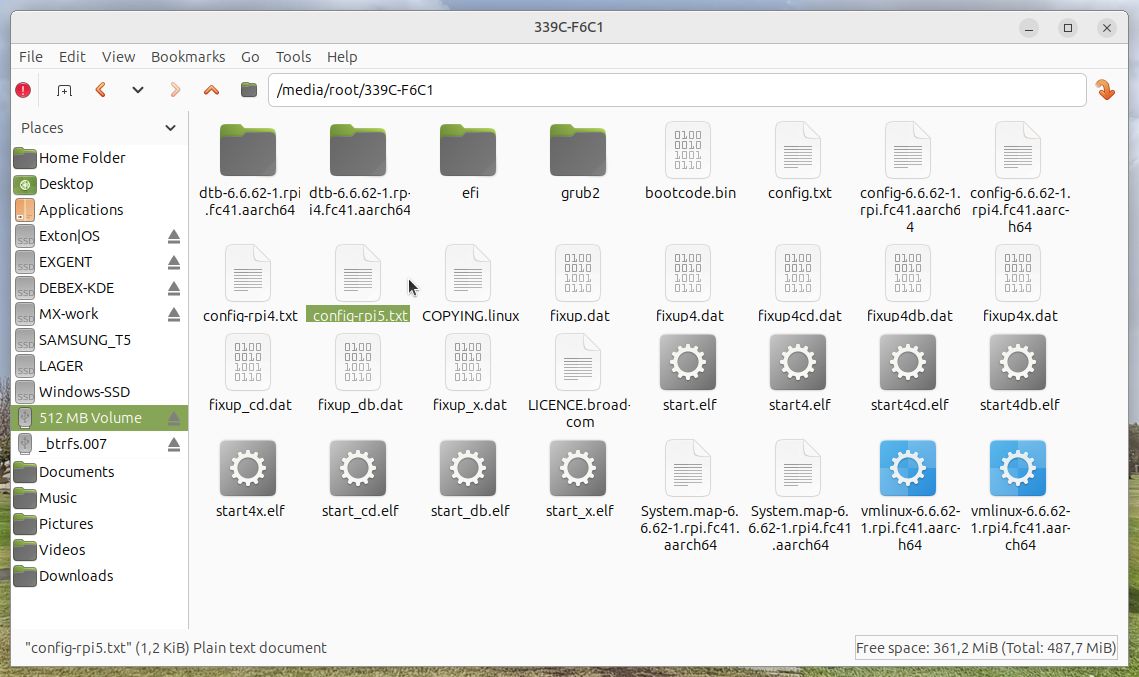
FedEX Rpi5 uses the GNOME 47 Desktop. (As the original system does). The original Fedora 41 ARM64 system can only run a Raspberry Pi 4 computer. You may be able to start it on a Rpi 5, but you can’t make the keyboard and mouse work. My Build works very well on a Raspberry Pi 5 computer though. You can also run FedEX Rpi5 on a Rpi 4 computer if you switch /boot/config.txt to /boot/config-rpi4.txt. Watch this screenshot…

PERFORMANCE
The system is quite fast and responsive. All included applications work very well.

WHO SHOULD RUN FedEX Rpi5 for Raspberry Pi 5 and 4?
My answer: The system fits the “advanced” Linux user/enthusiast, who would be willing to run an occasional command from time to time.

SCREENSHOTS
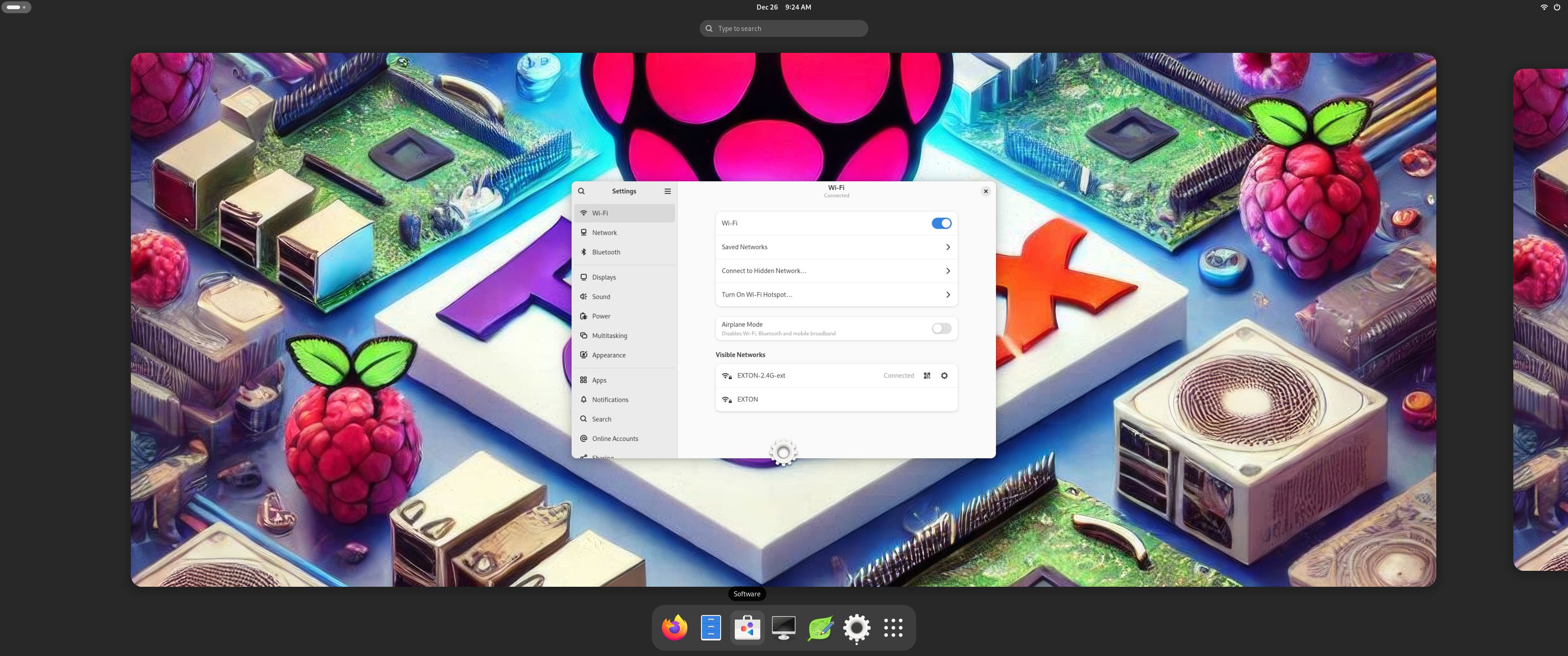
1. The Desktop for the ordinary user pi
2. The Desktop for root
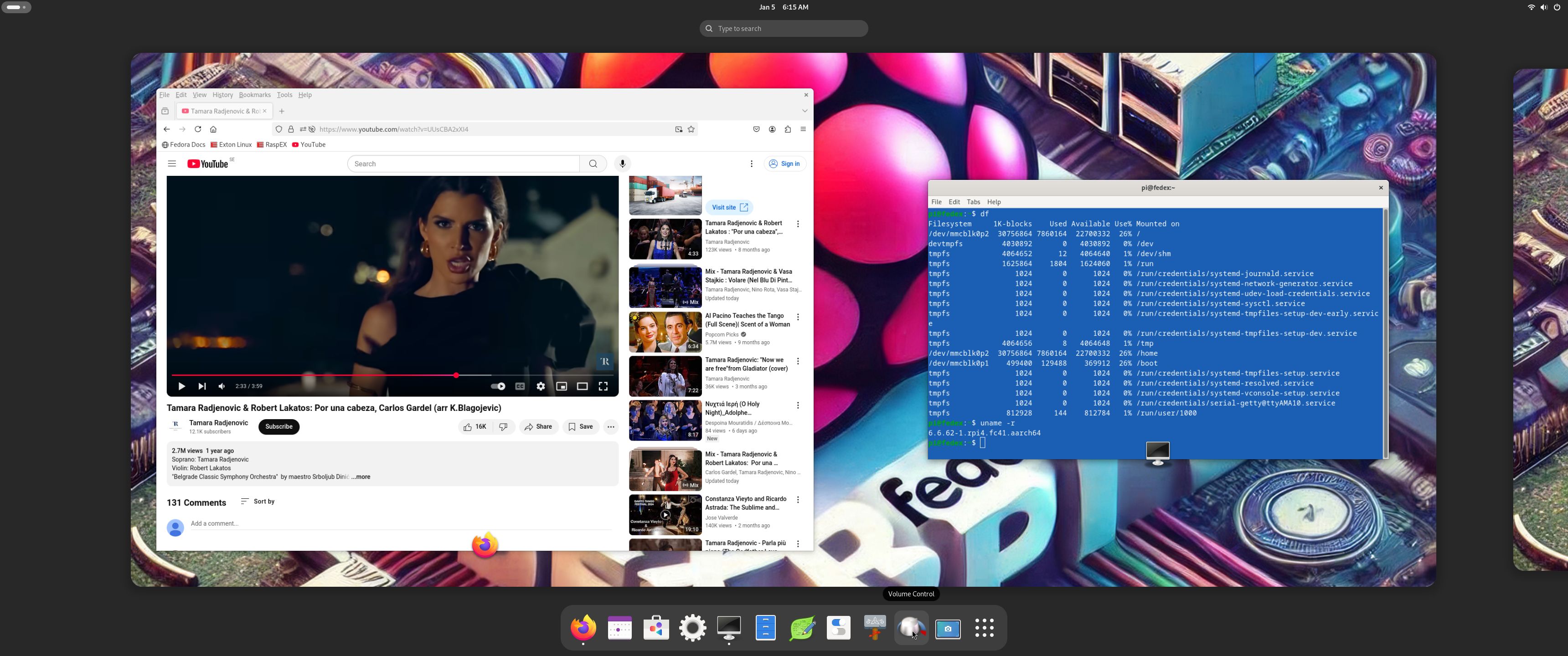
3. Running YouTube showing very good video quality
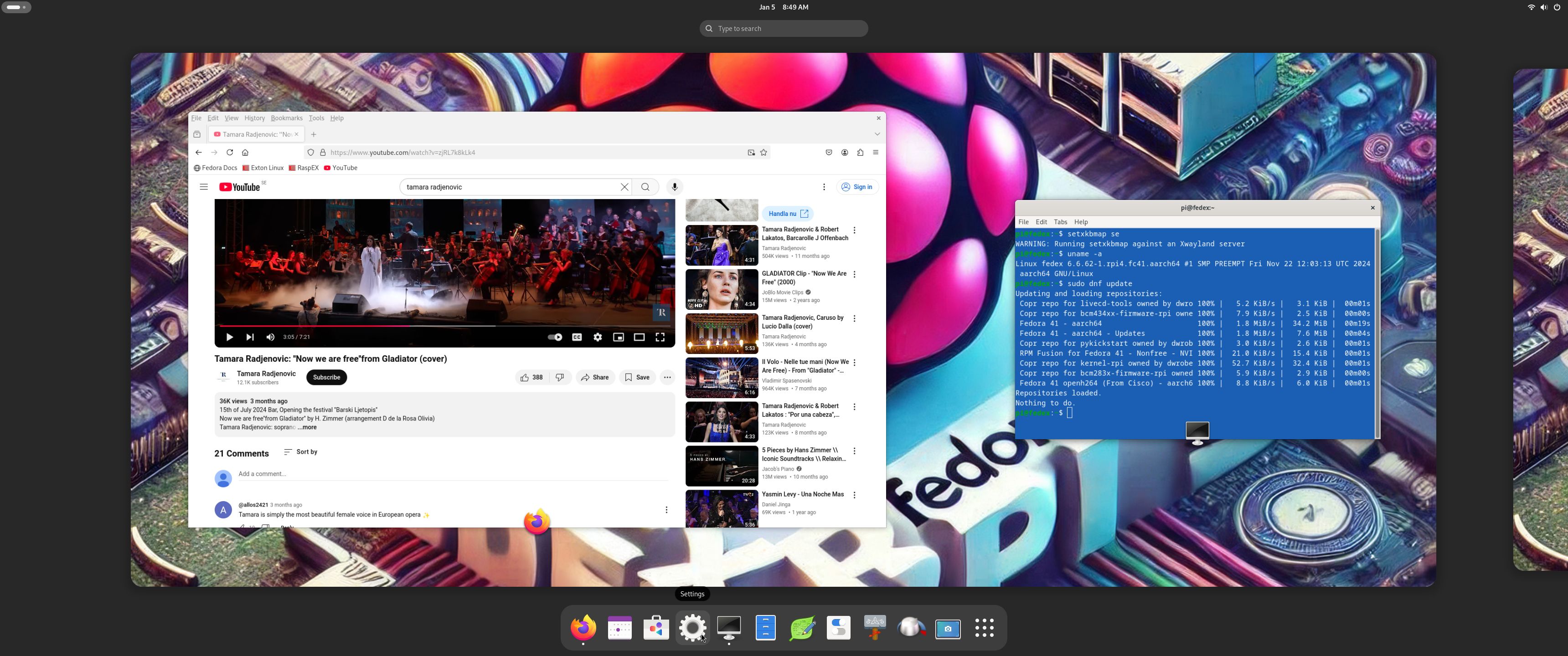
4. Running dnf update 250105

READ MORE…

Read about my Android-x86 Systems – 11, 10, Pie, Oreo, Nougat, Marshmallow, Lollipop and KitKat at andex.exton.net – latest is AndEX 11 (with GAPPS), AndEX 10 (with GAPPS) and AndEX Pie 9.0 (also with GAPPS)!
and
about my Android 15, 14, 13, 12, 11, 10, Pie, Oreo, Nougat, Marshmallow and Lollipop versions for Raspberry Pi 5, Pi 4 and  Pi 3/2 at raspex.exton.se – latest is RaspAnd 15 (with GAPPS), RaspAnd 14 (also with GAPPS), 13 and 12 (without GAPPS), RaspAnd 11 (with GAPPS) and RaspAnd Oreo 8.1 (also with GAPPS)!

Follow me on Facebook…

Yet another version of RaspEX Kodi 64-bit :: Now based on Debian 11 with the LXQt Desktop and Kodi 19.3 “Matrix” :: Build 220221

NEWS 220221 about RaspEX Kodi 64-bit
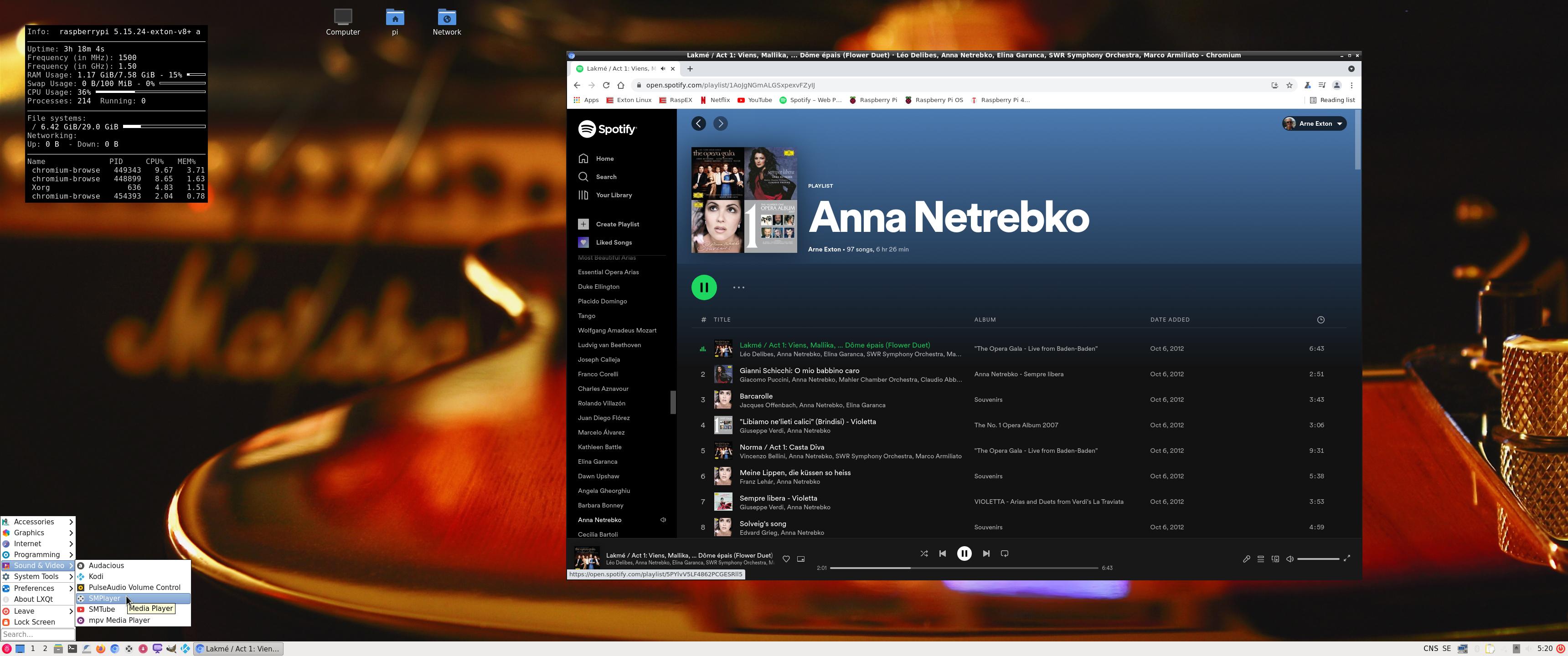
I’ve made a new extra version of RaspEX Kodi 64-bit. This version is based on Raspbian (Raspberry Pi OS) and Debian Bullseye (Debian 11 stable). The LXDE Desktop is replaced with LXQt 0.16.0 which has a more “modern look” than LXDE. Historically, LXQt is the product of the merge between LXDE-Qt, an initial Qt flavour of LXDE, and Razor-qt, a project aiming to develop a Qt based desktop environment with similar objectives as the current LXQt. In RaspEX Kodi Build 220221 I’ve upgraded Kodi to version 19.3 Matrix since it has reached the “stable stage”. You can now much easier install extra repositories. Read about the best Kodi repos 2022.

NEW FEATURES
NOTE1
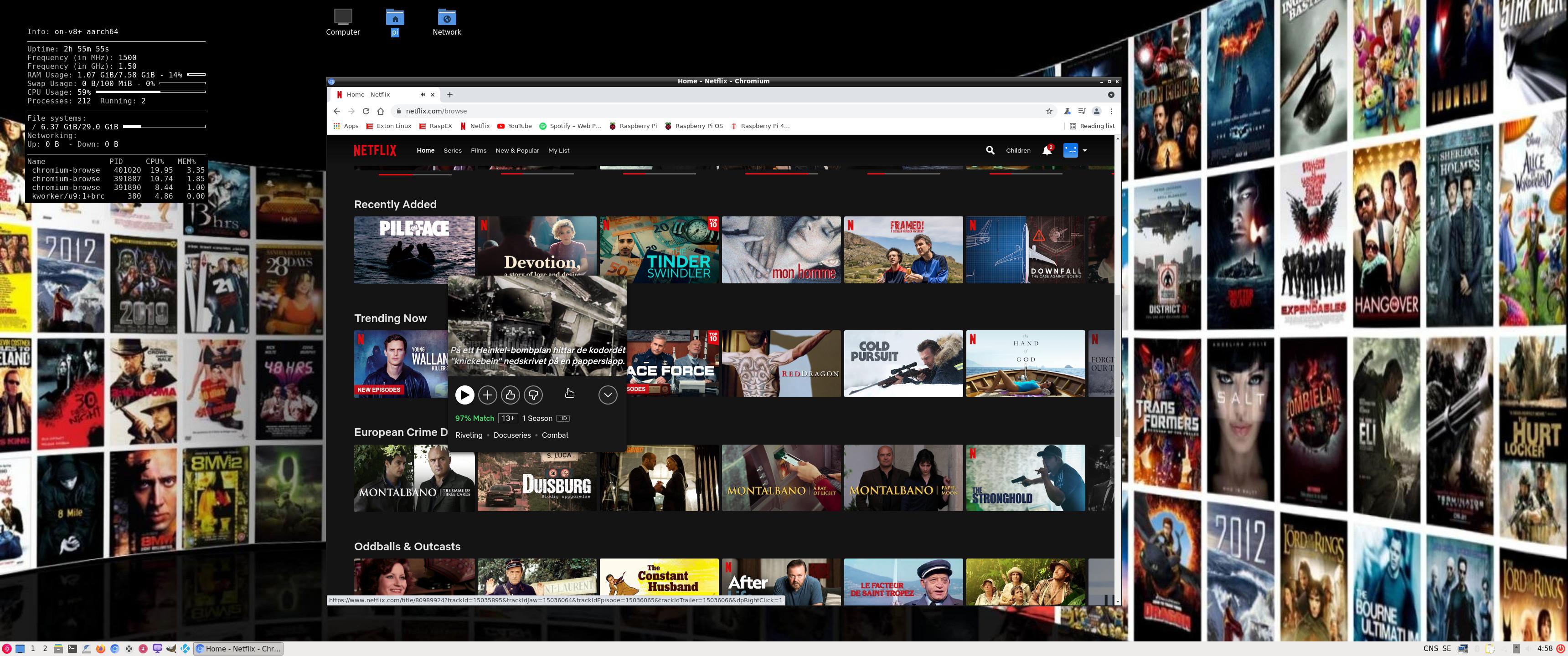
: This RaspEX Kodi 64bit version has DRM support in the Chromium Browser. It means that you can use Chromium to play Netflix videos and also run Spotify Web Player! Possibly other videos too, but I haven’t tried any (yet).
NOTE2: Build 220221 (64bit) is missing the Netflix add-on in Kodi. Widevine CDM (which is necessary for Netflix to work) is not available natively on ARM64. As regards the Chromium Browser (DRM support) I solved the problem by installing a 32bit version of Chromium!
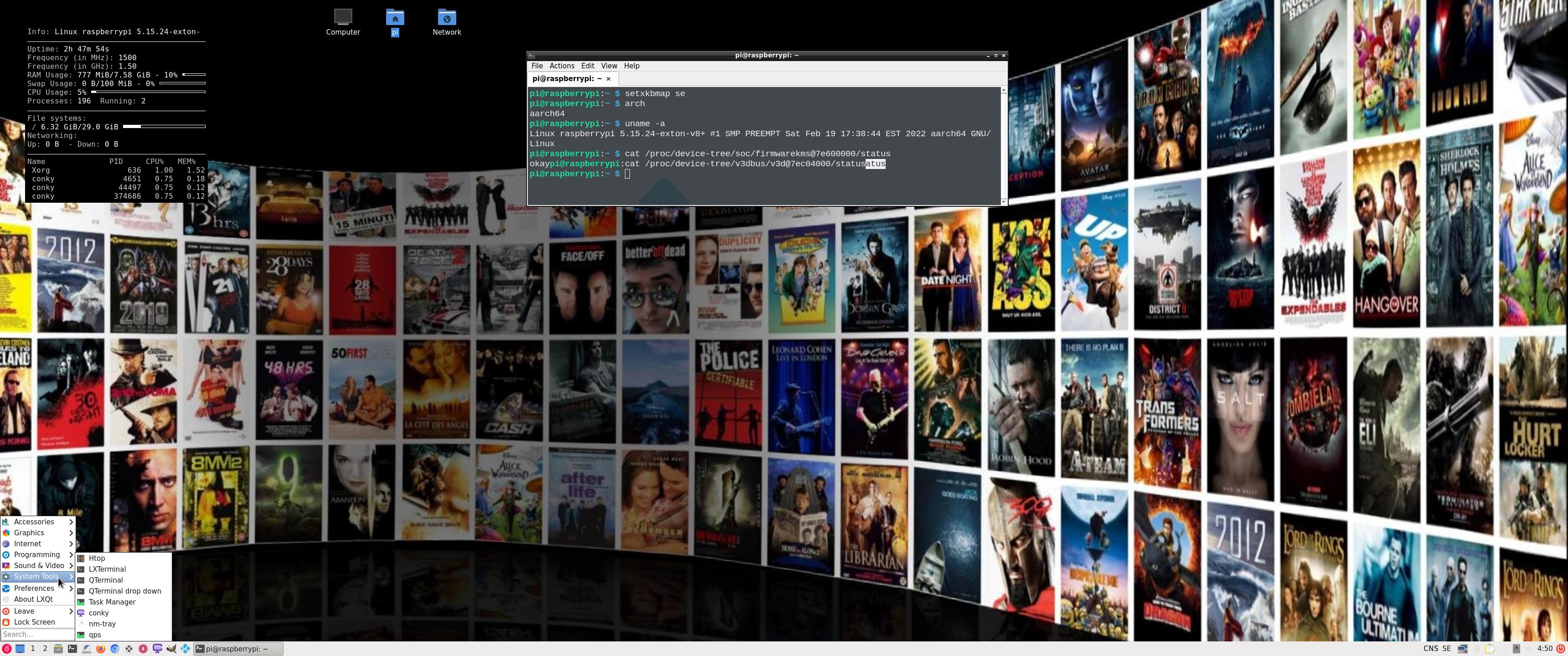
NOTE3: I’ve also enabled VIDEO ACCELERATION in this version of RaspEX Kodi, which means that the video playback is pretty smooth. Watch this screenshot, which shows that the 3D drivers are loaded.

Study all installed packages in Build 220221…


Used kernel

5.15.24-exton-v8+ (for Rpi 4). This RaspEX Kodi 64bit version is only for Raspberry Pi 4.

SCREENSHOTS
1. The LXQt Desktop running as user pi
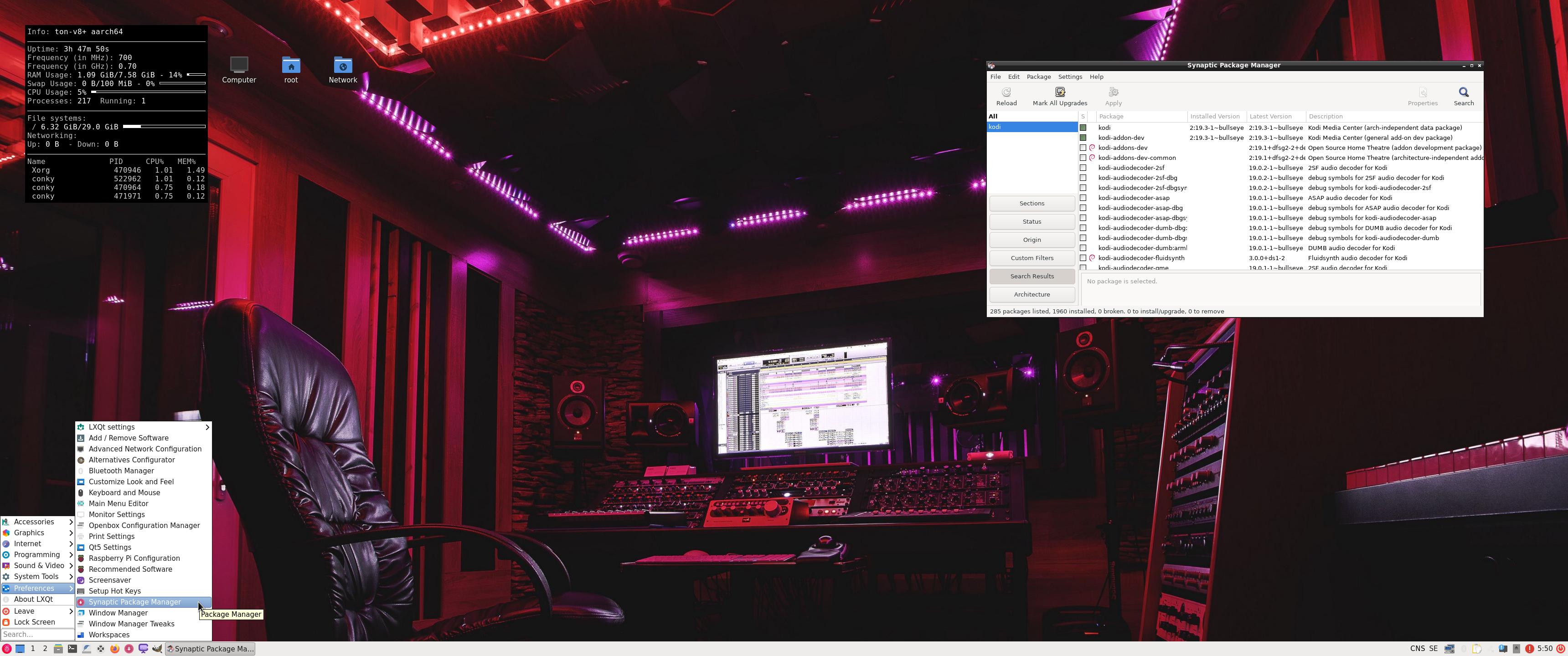
2. The LXQt Desktop running as root
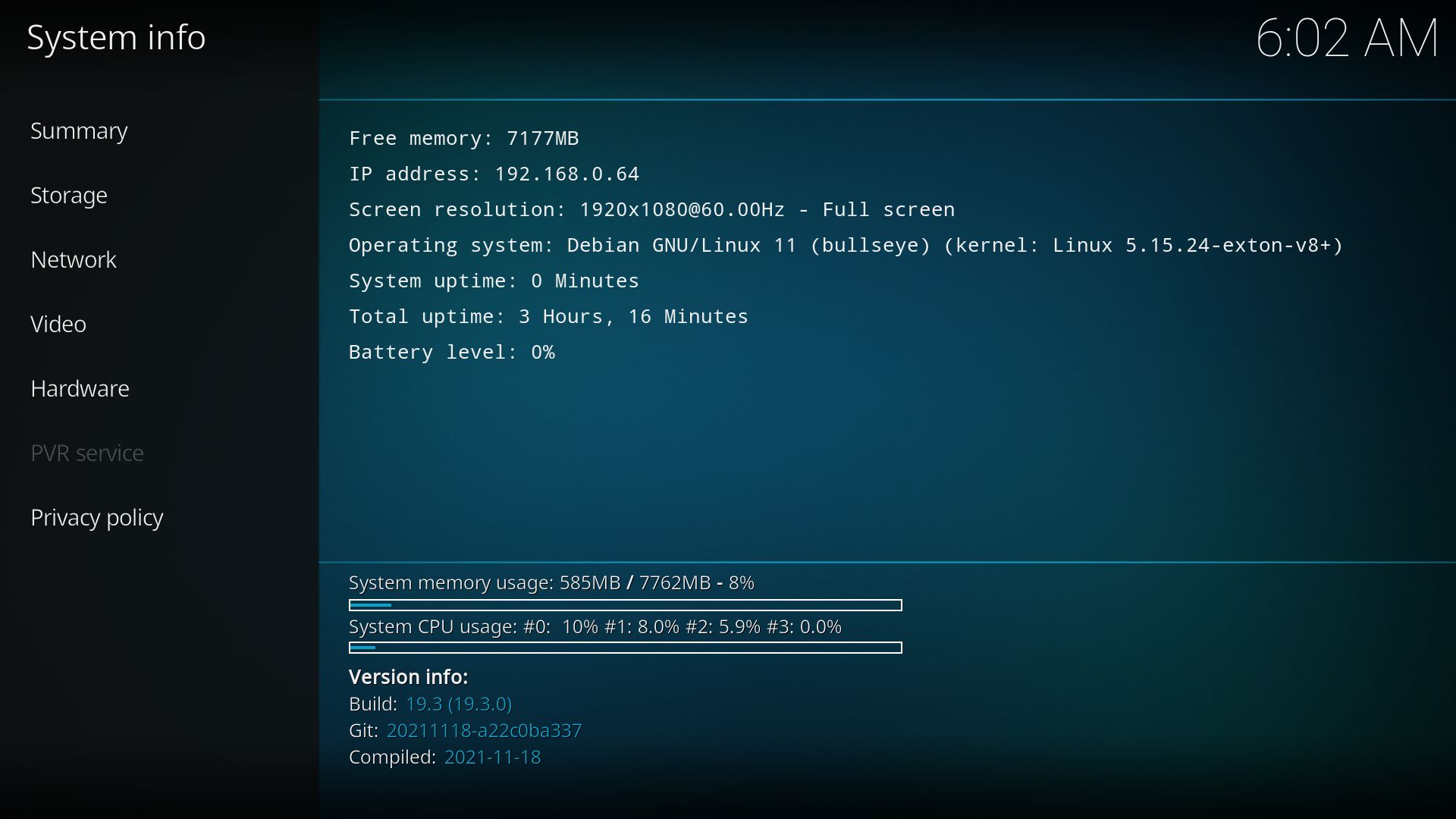
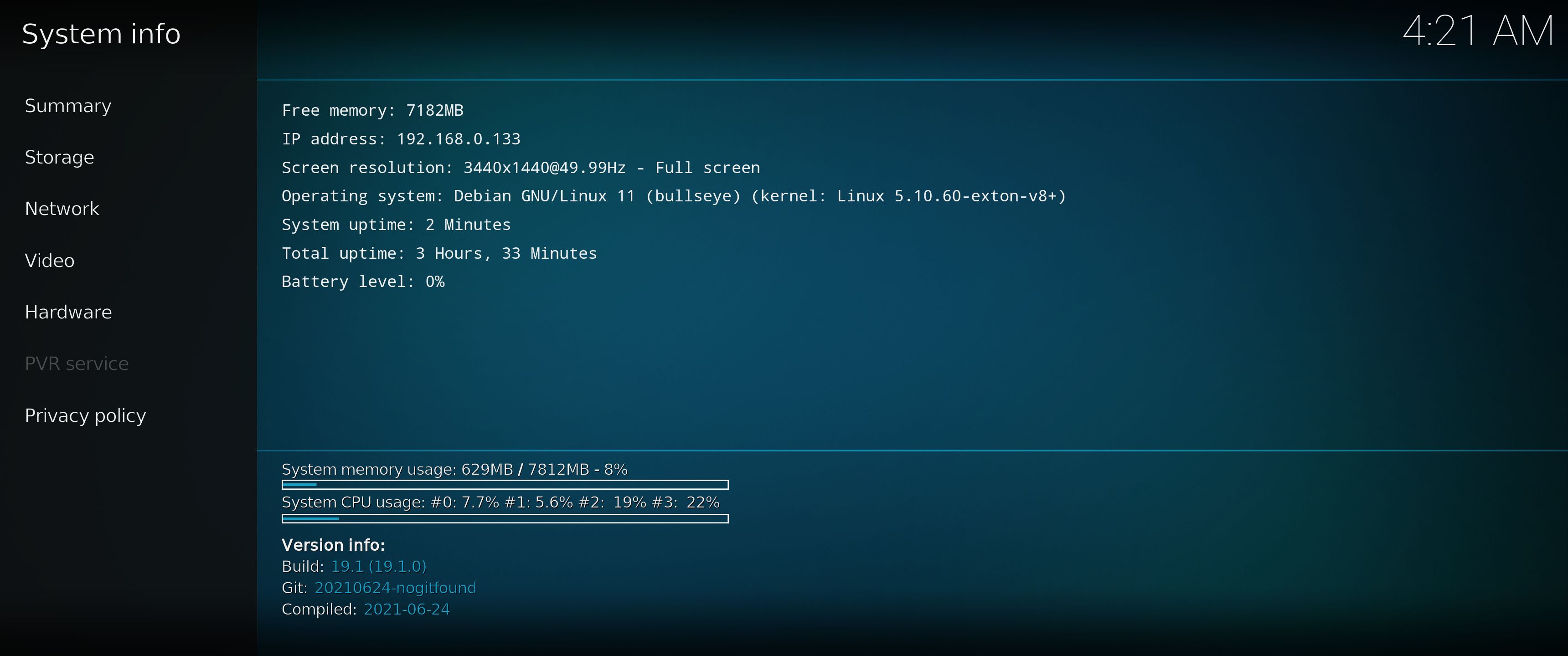
3. Kodi 19.3 system info
4. Netflix running in the Chromium Browser
5. Spotify running in the Chromium Browser
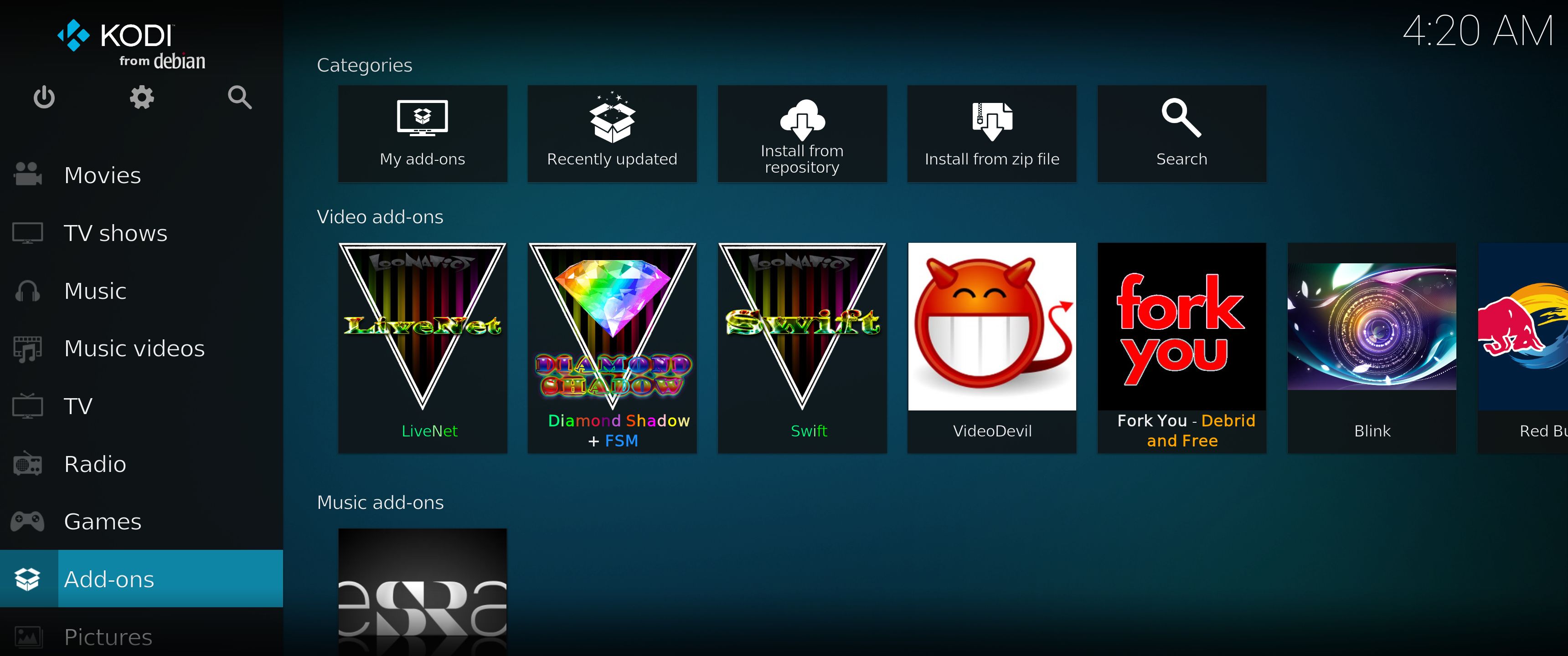
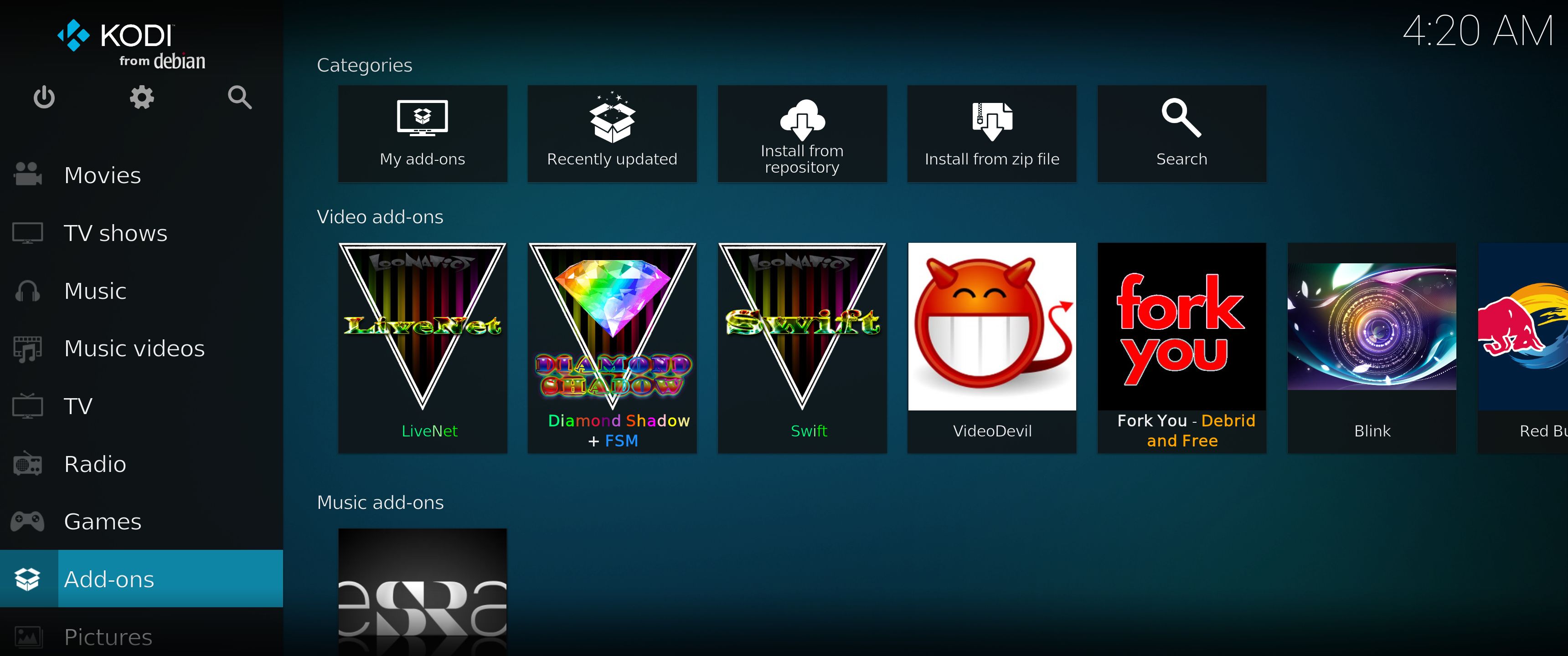
6. Kodi running showing some add-ons. (The Diamond Wizard repository is not included)

READ MORE…

Read about my Android-x86 Systems – 10, Pie, Oreo, Nougat, Marshmallow, Lollipop and KitKat at
andex.exton.net – latest is AndEX 10 (with GAPPS) and AndEX Pie 9.0 (also with GAPPS)!
and

about my Android 11, 10, Pie, Oreo, Nougat, Marshmallow and Lollipop versions for Raspberry Pi 4 and 3/2 at
raspex.exton.se
– latest is RaspAnd 11 (with GAPPS) and RaspAnd Oreo 8.1 (also with GAPPS)!

Yet another version of RaspEX Kodi 64-bit :: Now based on Debian 11 stable with the LXQt Desktop and Kodi 19.1 “Matrix” stable – Build 210904

NEWS 210904 about RaspEX Kodi 64-bit
I’ve made a new extra version of RaspEX Kodi 64-bit. This version is based on Raspbian (Raspberry Pi OS) and Debian Bullseye (Debian 11 stable). The LXDE Desktop is replaced with LXQt 0.16.0 which has a more “modern look” than LXDE. Historically, LXQt is the product of the merge between LXDE-Qt, an initial Qt flavour of LXDE, and Razor-qt, a project aiming to develop a Qt based desktop environment with similar objectives as the current LXQt. In RaspEX Kodi Build 210904 I’ve upgraded Kodi to version 19.1 Matrix since it has reached the “stable stage”. You can now much easier install extra repositories. Read about the best Kodi repos 2021.

NOTE: Build 210904 (64-bit) is missing the Netflix addon. Widevine CDM (which is necessary for Netflix to work) is not available natively on ARM64.

Boot problems as regards RaspEX Kodi Build 210904

If you can’t boot up the system after installing to the SD card using Rufus 3.15 in Windows it’s because the files /boot/cmdline.txt and /etc/fstab has the wrong content. I.e. the PARTUUID for the card is wrong. Then you’ll have to edit said files. Do it like this.
1. Start up a Linux system (Ubuntu or…).
2. Insert your SD card with RaspEX Kodi installed. It will be seen as /dev/sdb1 (boot partition) and /dev/sdb2 (root filesystem).
3. To find out the correct PARTUUID for /dev/sdb1 and /dev/sdb2 run the command blkid /dev/sdb1 respectively blkid /dev/sdb2
4. Now change to the correct PARTUUID in /boot/cmdline.txt and /etc/fstab on the SD card. Use Leafpad or Mousepad for that. Never LibreOffice writer!

The file cmdline.txt can look like this:
console=serial0,115200 console=tty1 root=PARTUUID=347a28ab-02 rootfstype=ext4 elevator=deadline fsck.repair=yes rootwait quiet splash plymouth.ignore-serial-consoles

The file fstab can look like this:
proc /proc proc defaults 0 0
PARTUUID=347a28ab-01 /boot vfat defaults 0 2
PARTUUID=347a28ab-02 / ext4 defaults,noatime 0 1
# a swapfile is not a swap partition, no line here
# use dphys-swapfile swap[on|off] for that

Study all installed packages in Build 210904…

Log in to LXQt or Kodi
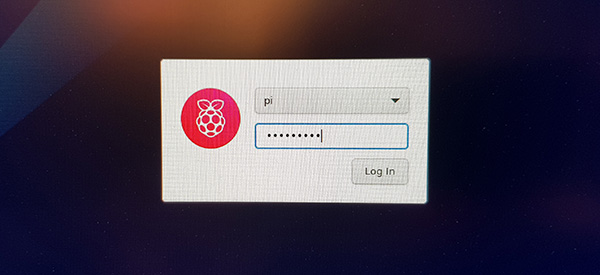
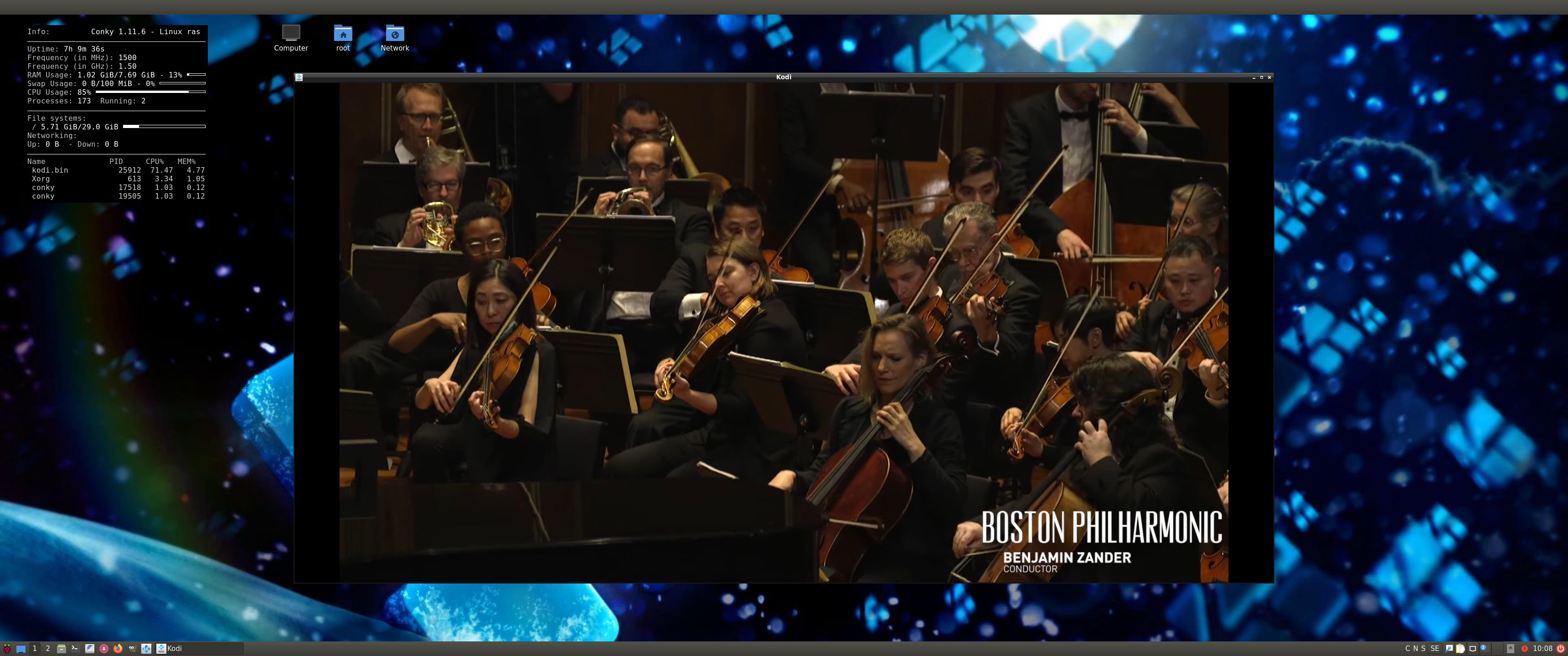
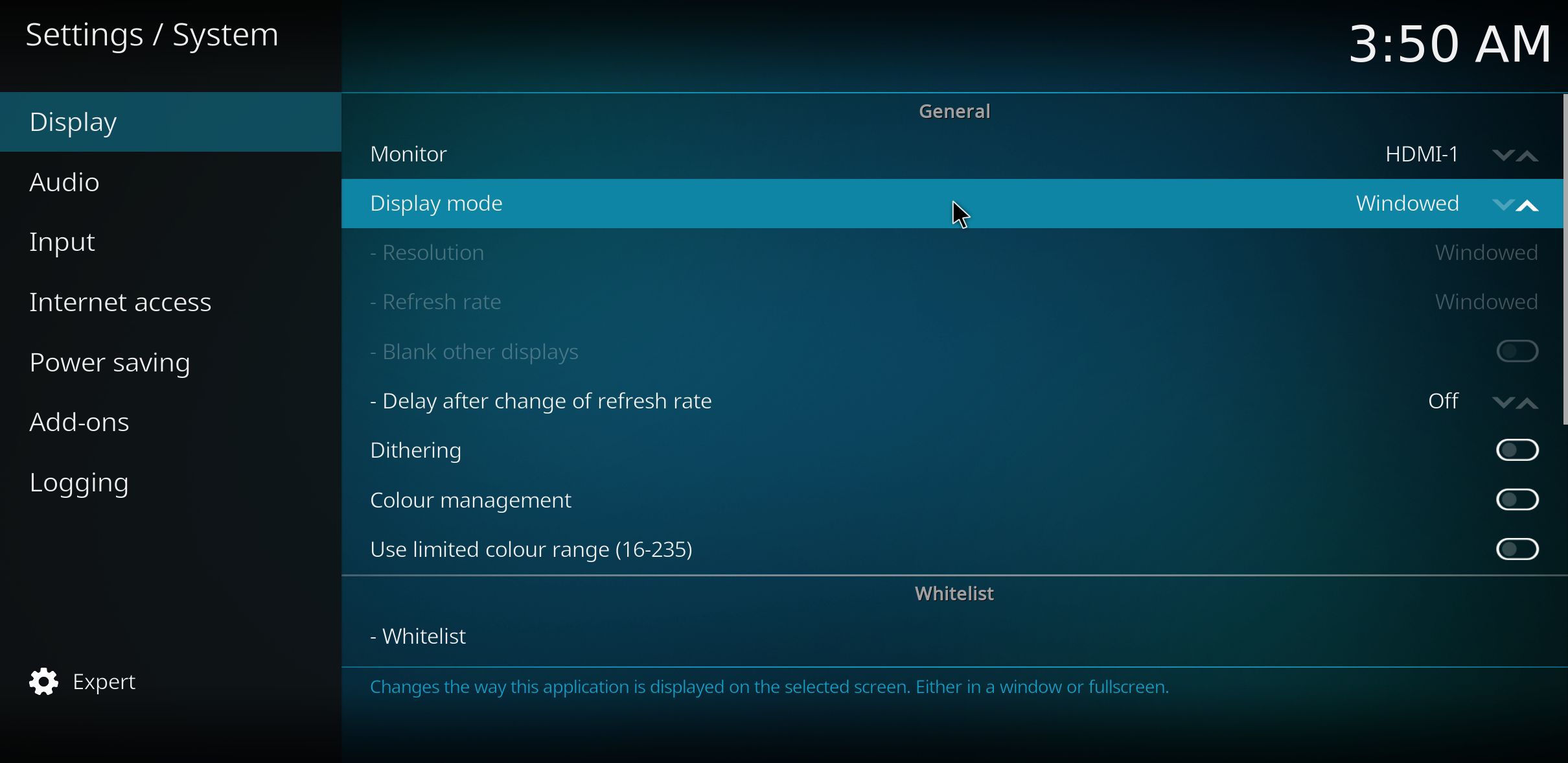
After the boot process is ready you will end up at LightDM‘s login screen. It will look like this – see below. Log in as pi with password raspberry or as root (“other”) with password root. You can log in to Kodi directly from LightDM if you want. While inside LXQt you can change to the Kodi Desktop environment. You can run Kodi on the LXQt Desktop like any other program or run it in full screen. Just change Kodi’s Settings from Windowed to Fullscreen. Watch this screenshot.

Expand the filesystem on the SD card
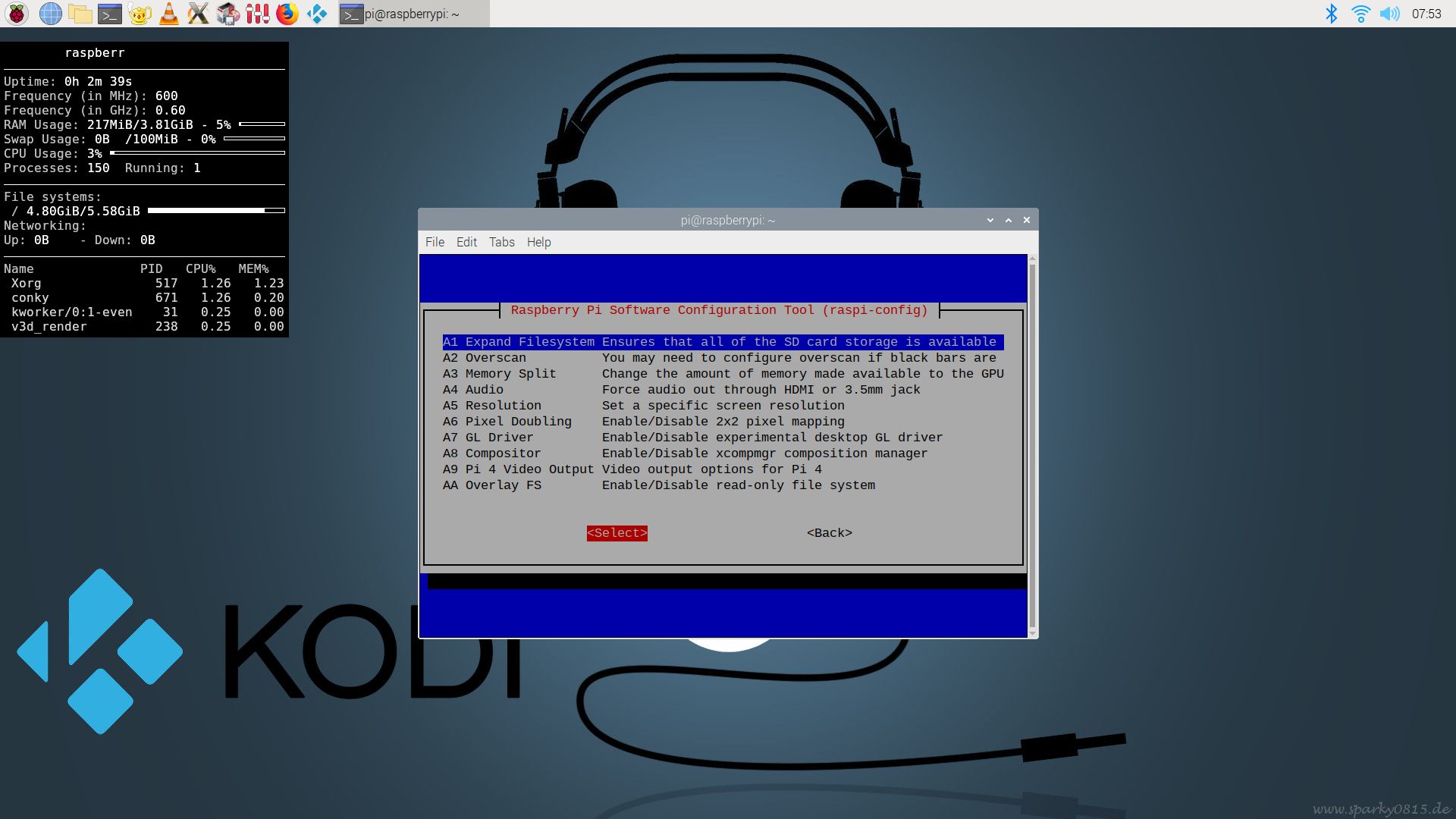
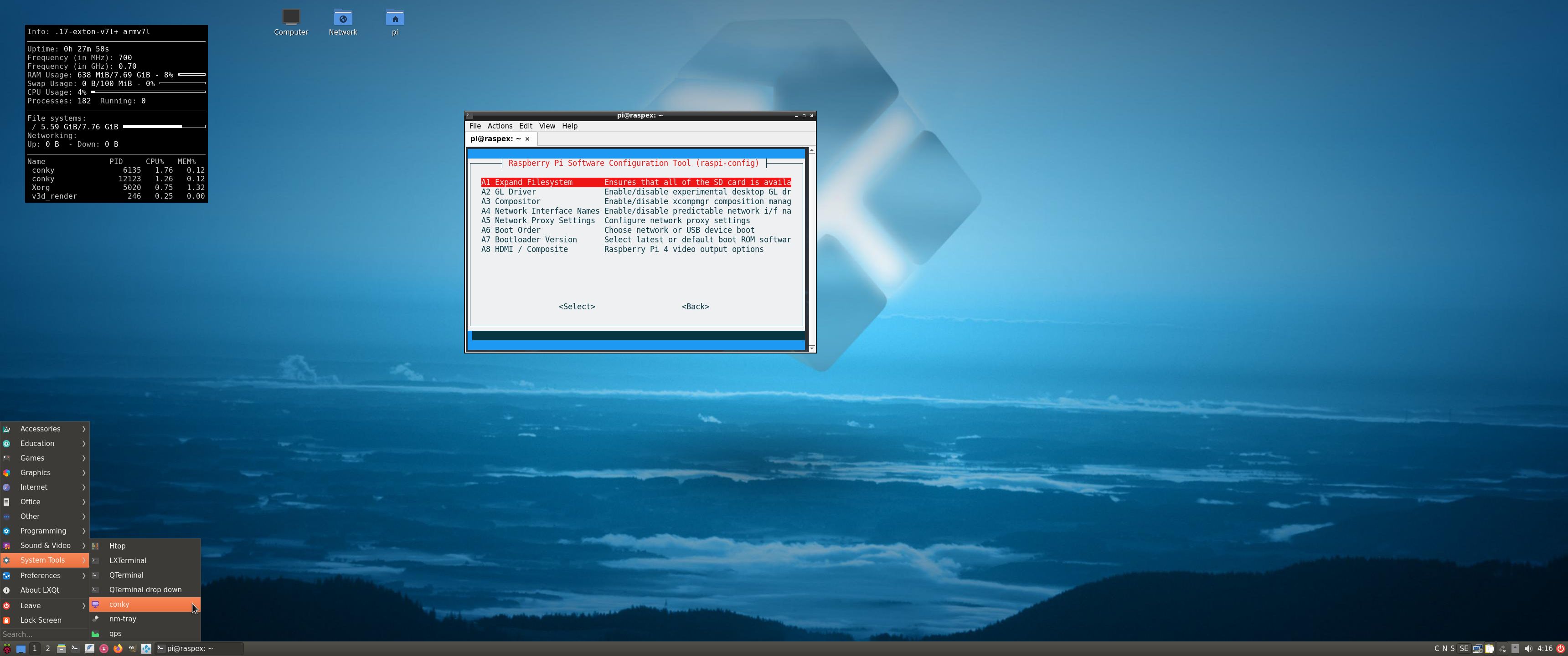
If you install many new big programs and/or download large files (for example videos) you may run out of space on the SD card. That is best fixed by running the following command: sudo raspi-config. Click on “Advanced Options” and choose A1 Expand Filesystem.
NOTE: That’s all you have to do. Just wait for the script to fix everything. If you use a SD card of 64 GB all the space on it will be used afterwards. Watch a screenshot when raspi-config is running.
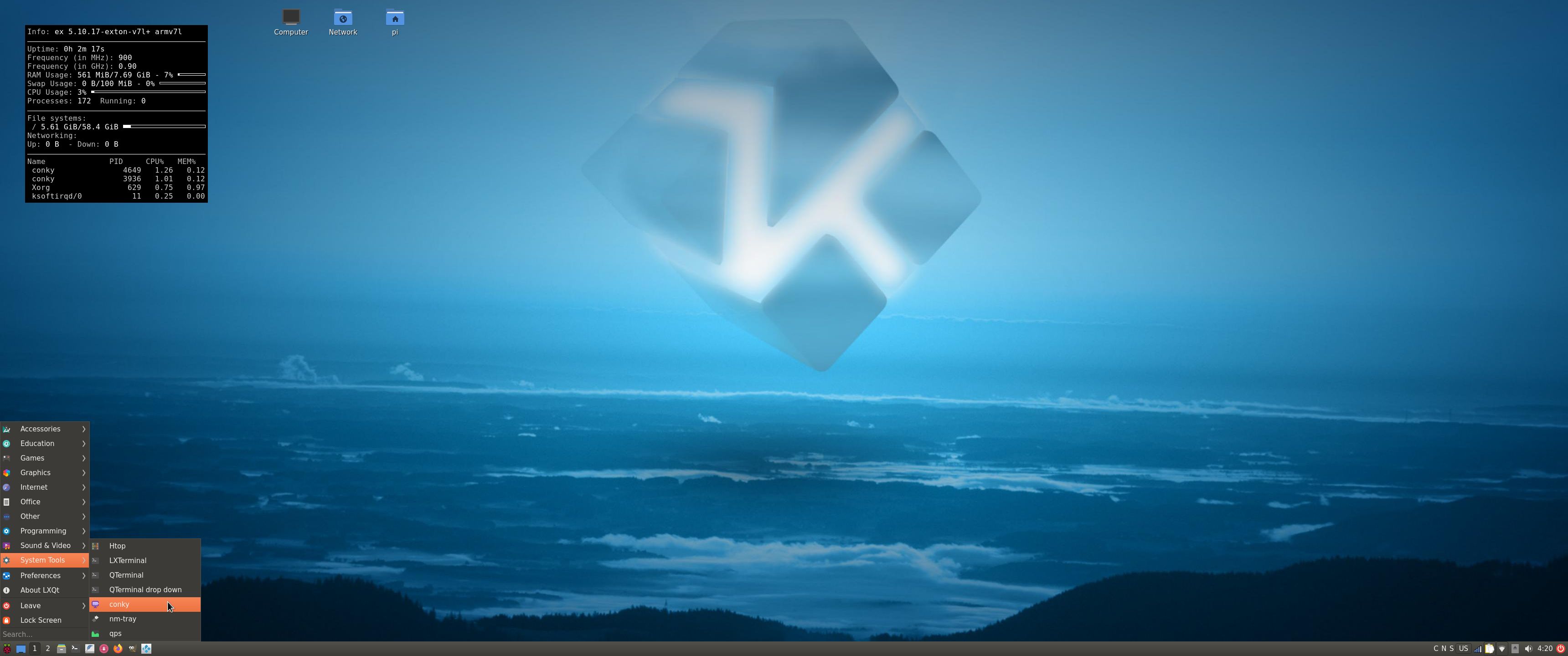
1. Screenshot showing filesystem size before resizing
2. Screenshot showing filesystem size after resizing

API and Authentication keys
Google and Netflix make it more and more difficult to use the YouTube and Netflix addons in Kodi. They demand API and Authentication keys. As regards YouTube I’ve managed to solve the problem permanently. As regards Netflix you’ll have to create your Authentication key yourself. (Not as regards this version of RaspEX Kodi, since the Netflix addon can’t be used – see above).
Follow this instruction.
1. Read this INFO site. Then do this:
2. Download NFAuthenticationKey_Linux.zip
3. unzip NFAuthenticationKey_Linux.zip
4. cd NFAuthenticationKey_Linux
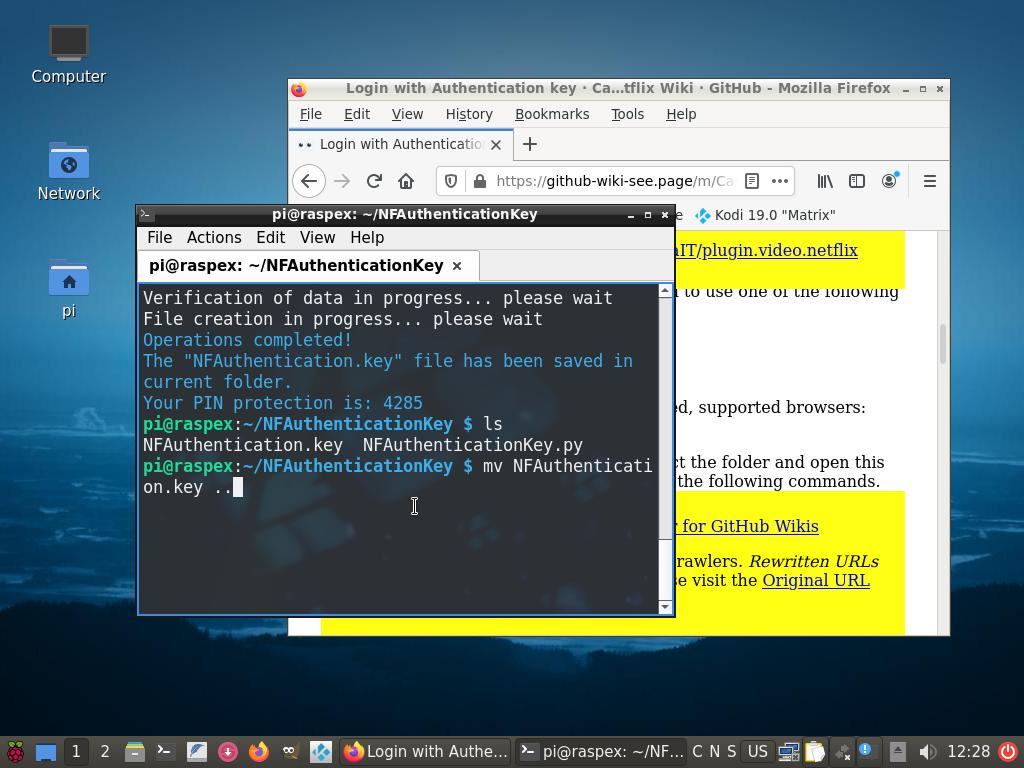
5. Run the script with the command python3 NFAuthenticationKey.pyscreenshot
6. Follow the instructions on the screen and save your Authentication key in /home/pi
7. Remember to take a note of the created four-digit PIN code
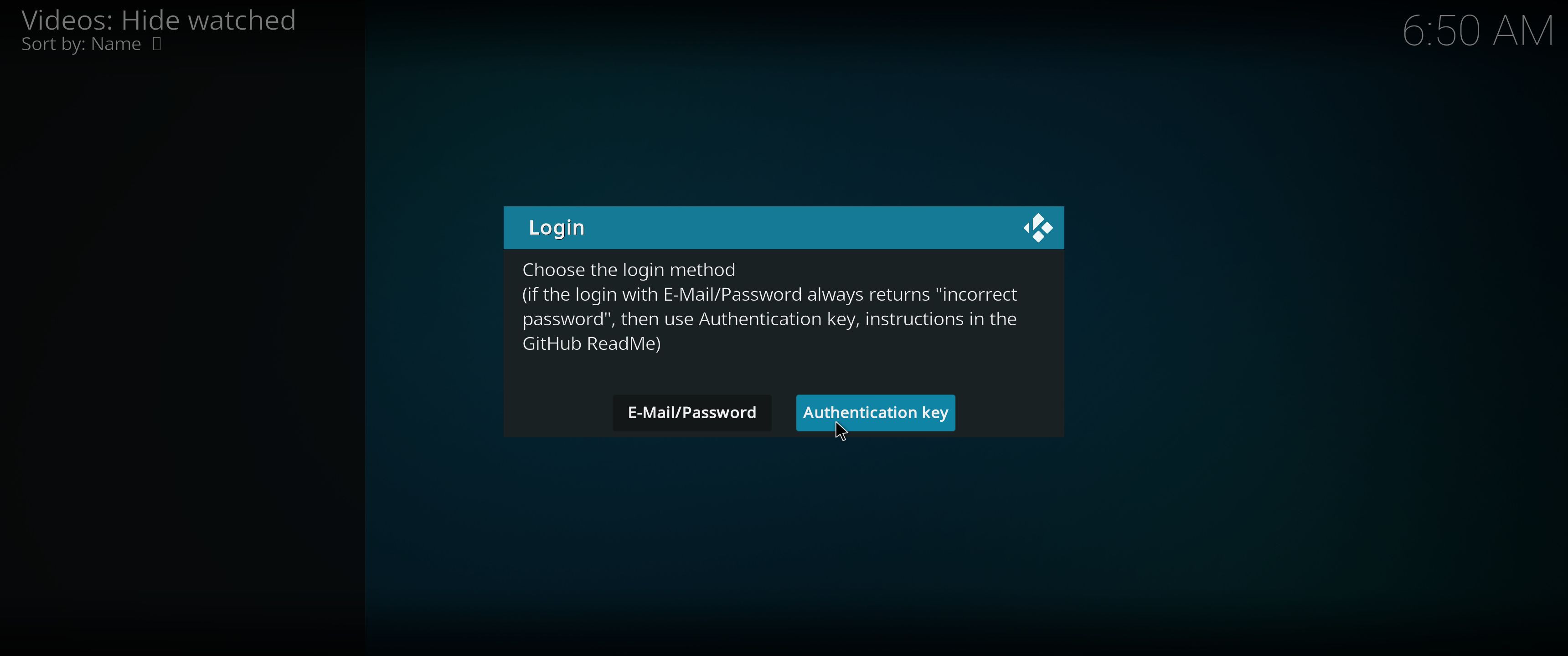
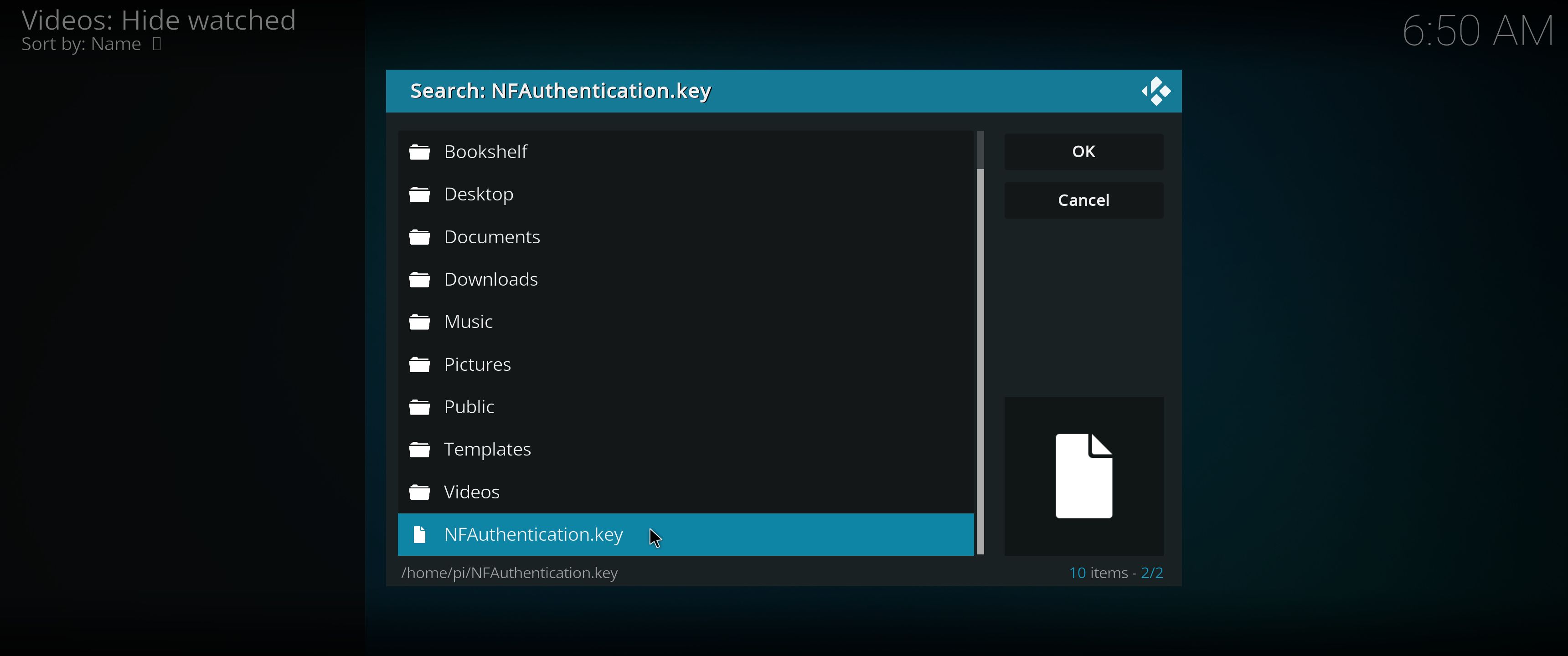
8. Open the Netflix addon in Kodi and choose to login with the the Authentication key you have created – screenshot
9. Find your Authentication key in /home/pi – screenshot
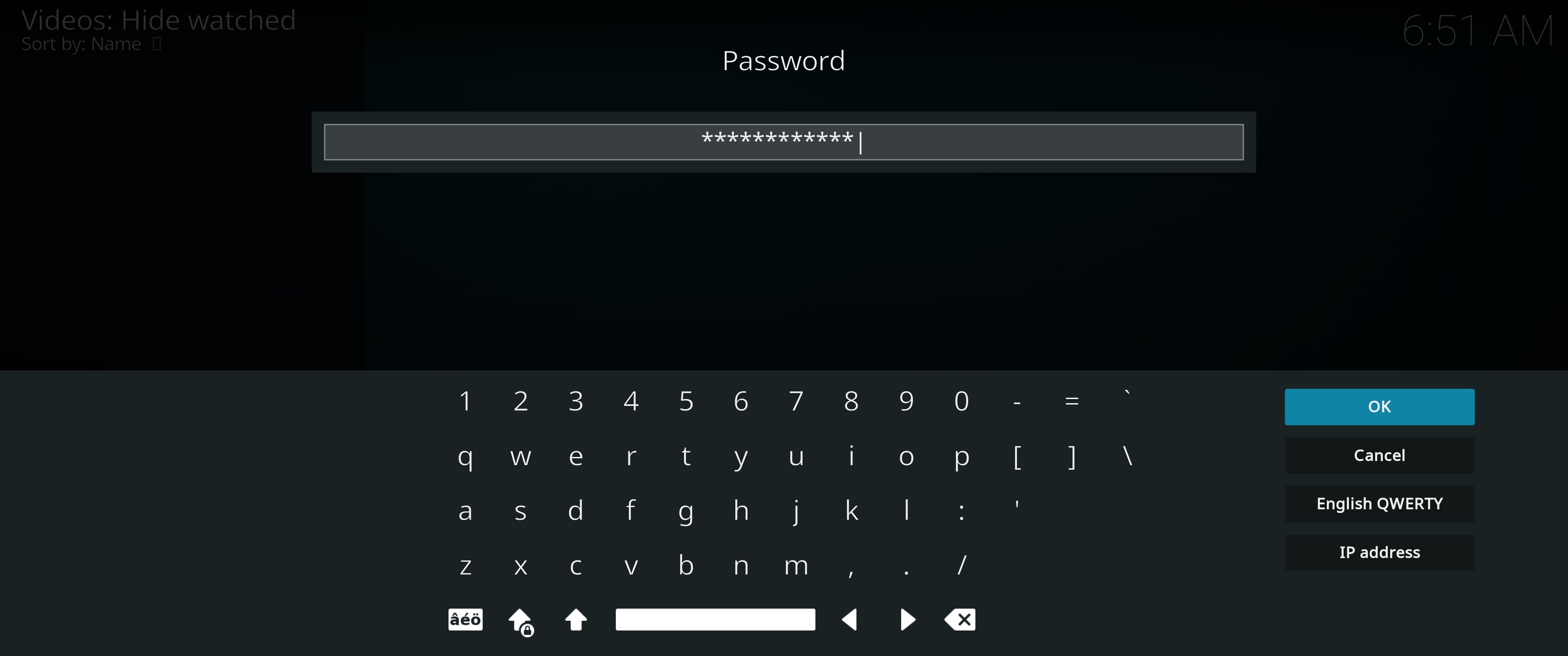
10. Give Netflix you password – done! – screenshot.

Your monitor/screen resolution
If you experience problems with the screen resolution you may have to make some changes in /boot/config.txt. The eight last lines in /boot/config.txt have the following content.
## exton
# Enable DRM VC4 V3D driver
# dtoverlay=vc4-fkms-v3d
dtoverlay=vc4-fkms-v3d,cma-344
max_framebuffers=2
arm_64bit=1
enable_uart=1
## exton end
My screen resolution is 3440×1440. If you have for example 1920×1080 you should change the line dtoverlay=vc4-fkms-v3d,cma-344 to dtoverlay=vc4-fkms-v3d,cma-192.

Used kernels

5.10.60-exton-v8l+ (for Rpi 4) and 5.10.60-v7+ (for Rpi 3 and 2).

Compatibility :: September 2021
Unfortunately not all systems made for Raspberry Pi 3 and 2 will run on the new Raspberry Pi 4 computer. They need to be upgraded with a new kernel. I therefore have to upgrade the systems I distribute. I.e. RaspEX, RaspEX with OpenCPN, exGENT, RaspEX BunsenLabs, RaspEX Kodi, RaspAnd Marshmallow, RaspAnd Nougat 7.1.2, RaspAnd Oreo 8.1, RaspAnd Pie, RaspAnd 10, RaspAnd 11 Build 210321, EXTON OpSuS Rpi, FedEX Rpi3 and RaspArch. I have until now (210321) only upgraded RaspAnd 11, RaspAnd 10, RaspEX, RaspEX Kodi, RaspArch, exGENT and RaspEX with OpenCPN. Read about the new Raspberry Pi 4.

SCREENSHOTS
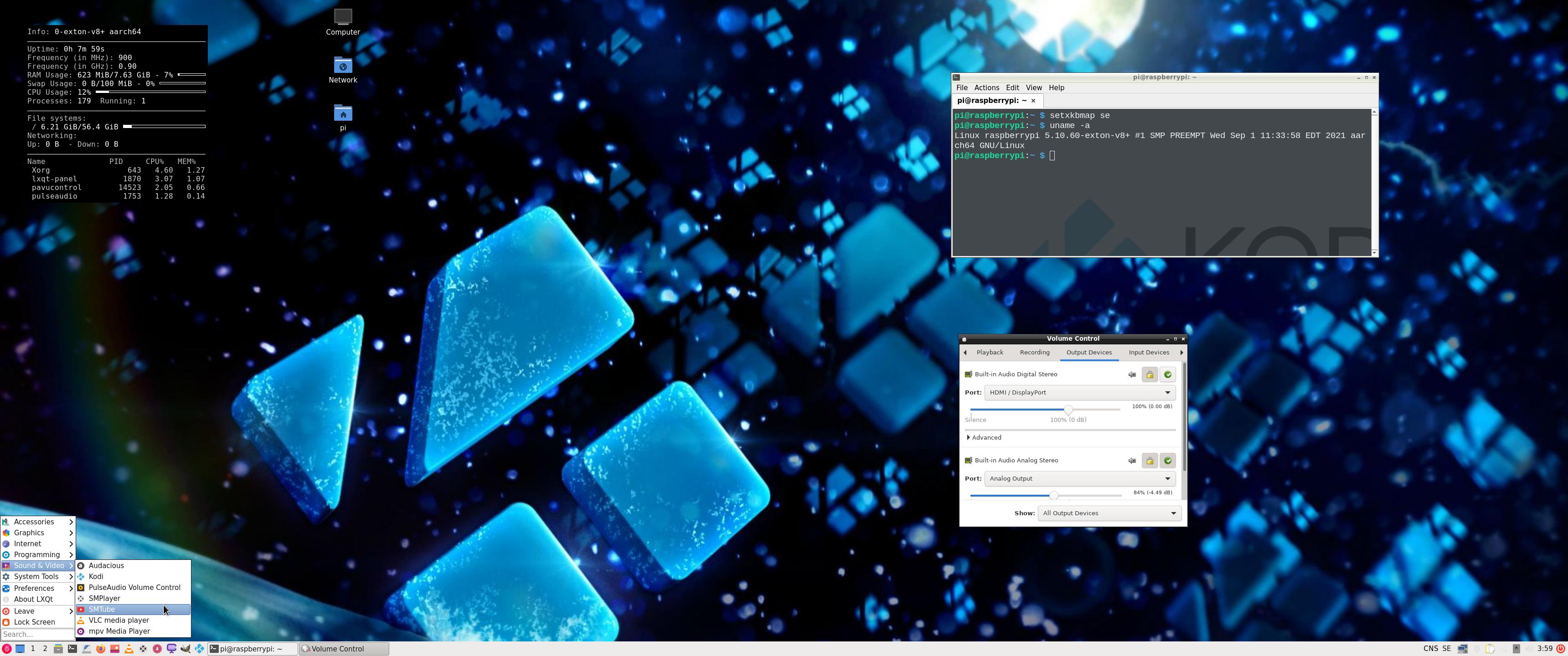
1. The LXQt Desktop running as user pi
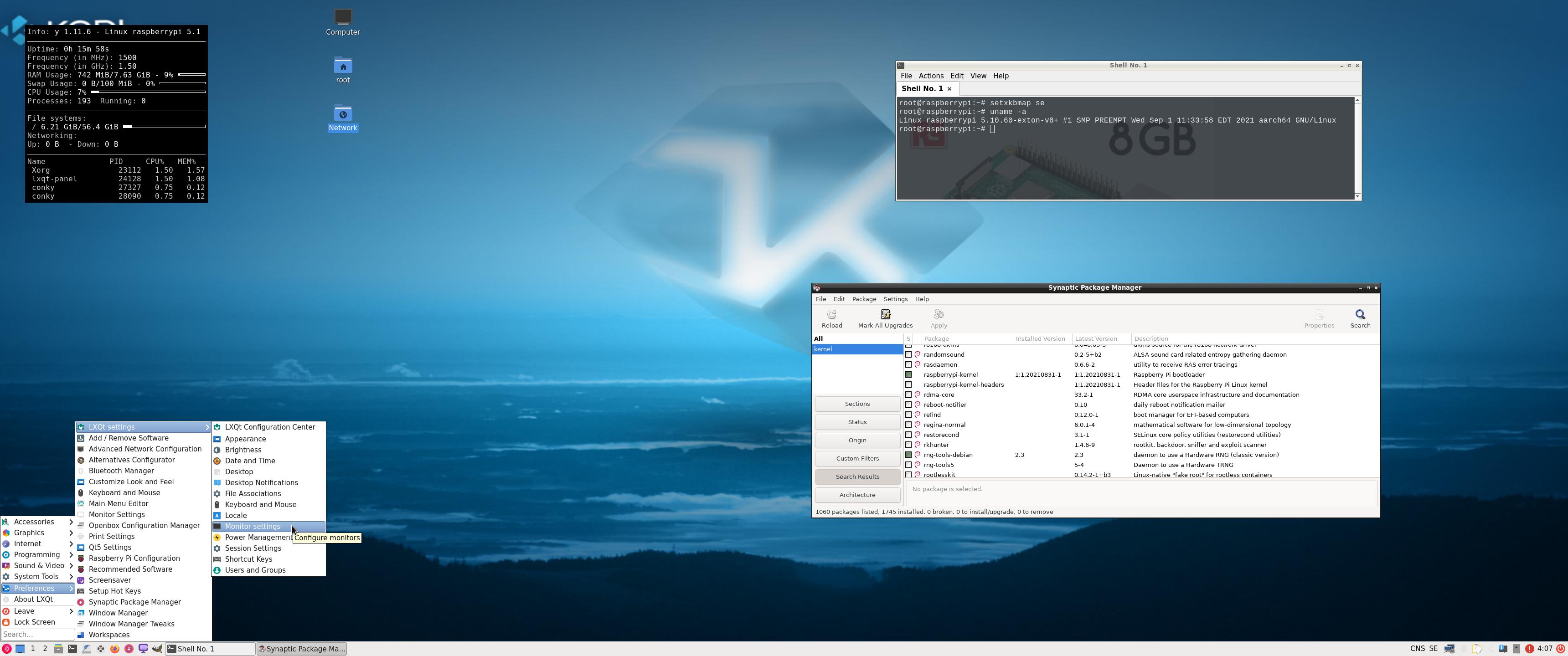
2. The LXQt Desktop running as root

3. Kodi 19.1 system info
4. Kodi running showing some addons. (The Diamond Wizard repository is not included)

READ MORE…

Read about my Android-x86 Systems – 10, Pie, Oreo, Nougat, Marshmallow, Lollipop and KitKat at
andex.exton.net – latest is AndEX 10 (with GAPPS) and AndEX Pie 9.0 (also with GAPPS)!
and

about my Android 11, 10, Pie, Oreo, Nougat, Marshmallow and Lollipop versions for Raspberry Pi 4 and 3/2 at
raspex.exton.se
– latest is RaspAnd 11 (with GAPPS) and RaspAnd Oreo 8.1 (also with GAPPS)!