RaspEX Rpi4 based on upcoming Ubuntu 22.04 LTS “Jammy Jellyfish” with LXDE, kernel 5.15.24-exton-v7l+, Raspotify, RealVNC, PuTTy, Samba and Bluetooth :: Build 220228

NEWS 220228 about RaspEX with LXDE based on upcoming Ubuntu 22.04 LTS Jammy Jellyfish.
I have upgraded the whole system and replaced the old kernel 5.10.87-exton-v7l+ with kernel 5.15.24-exton-v7l+. RaspEX Build 220228 is a Linux ARM (32bit) system for Raspberry Pi 4 with 2GB/4GB/8GB RAM and Raspberry Pi 3 Model B+, Raspberry Pi 3 Model B or Raspberry Pi 2 Model B. It is based on Debian, Ubuntu 22.04 LTS and Linaro (Open Source software for ARM SoCs). Both Firefox and Chromium Browser are pre-installed. I have also installed Samba and RealVNC so you can connect to your Windows computers in your Home Network and/or control RaspEX on your Raspberry Pi 4 from your Windows computers with VNC Viewer and/or PuTTY (Telnet and SSH client). Furthermore some extra Network Tools, SMTube (YouTube browser which allows to browse, search and play YouTube videos), PulseAudio for better sound in YouTube and RaspotifyRaspotify is a Spotify Connect client for Raspbian on the Raspberry Pi that just works. Study all installed packages in RaspEX Build 220228.

Most IMPORTANT News/Changes in Build 220228
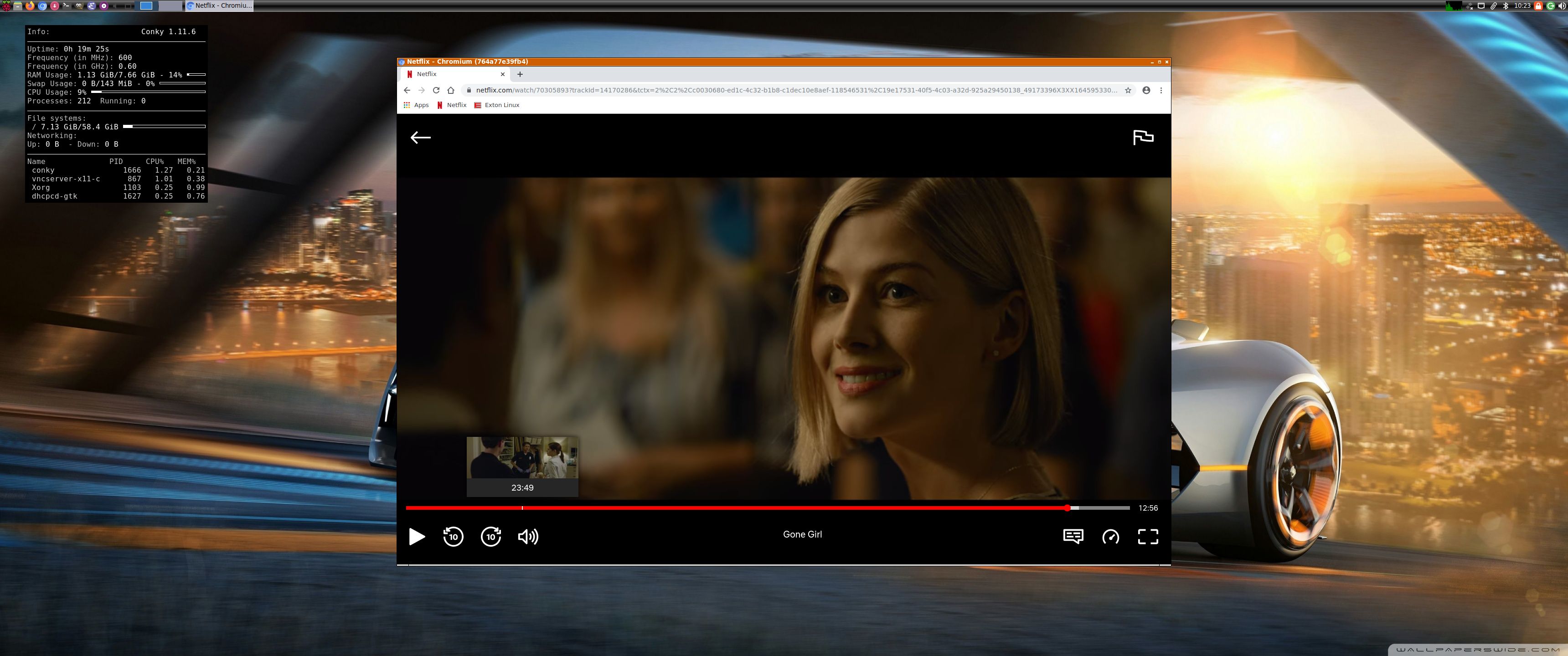
1. I have installed an old version of Chromium with DRM/Widevine support, which means that you can watch Netflix (and possibly also HBO, YouTube TV, Amazon Prime Video, etc.) using the Chromium Browser. I did that following the instructions here.
2. In this build of RaspEX you can also run Chromium/Firefox logged in as root. You will have sound, which you normally won’t have as root on Debian/Ubuntu systems.

SCREENSHOTS
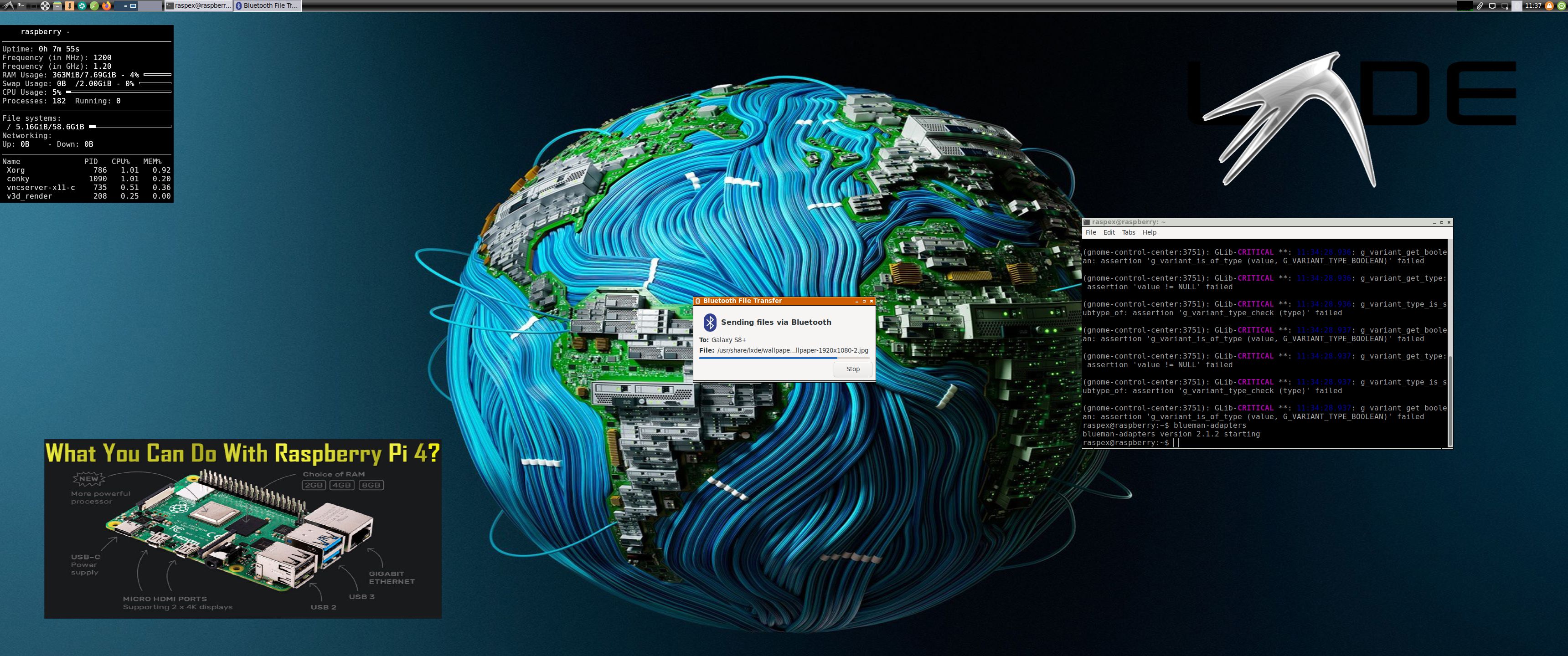
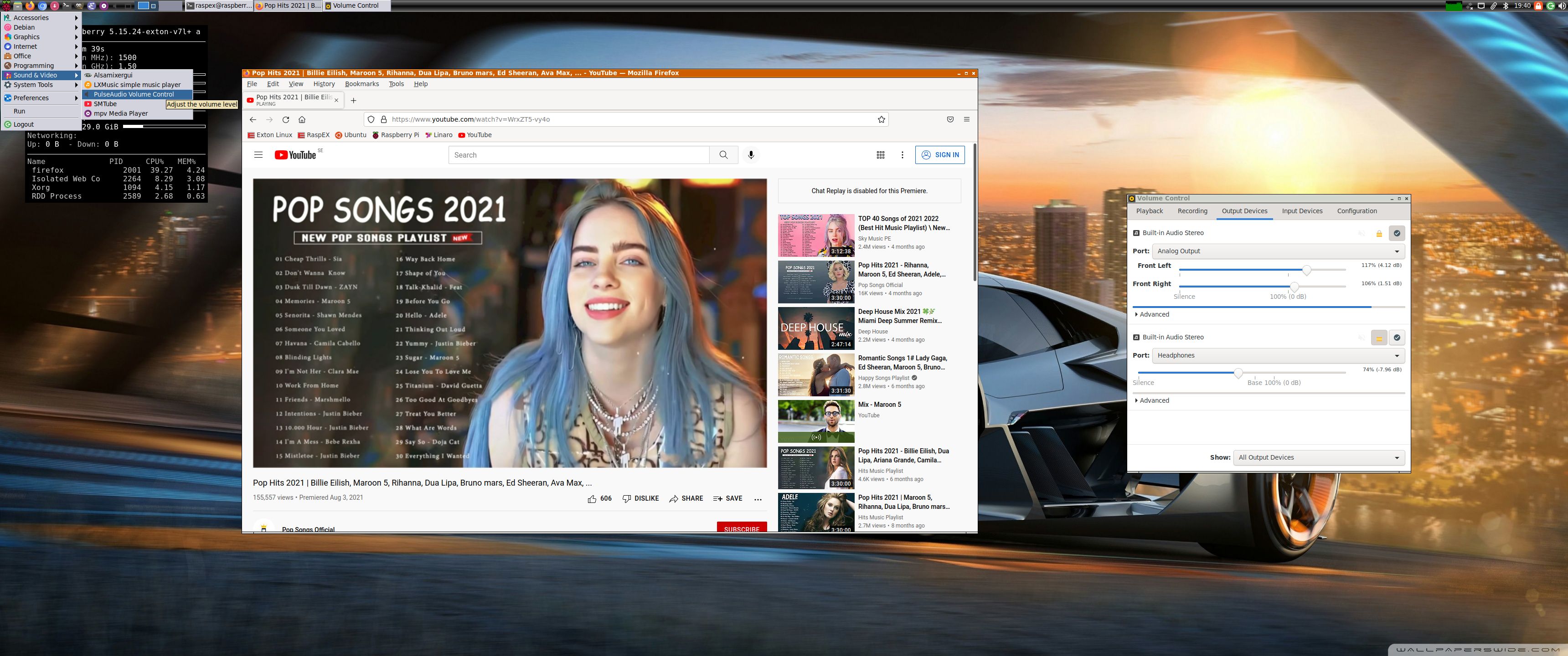
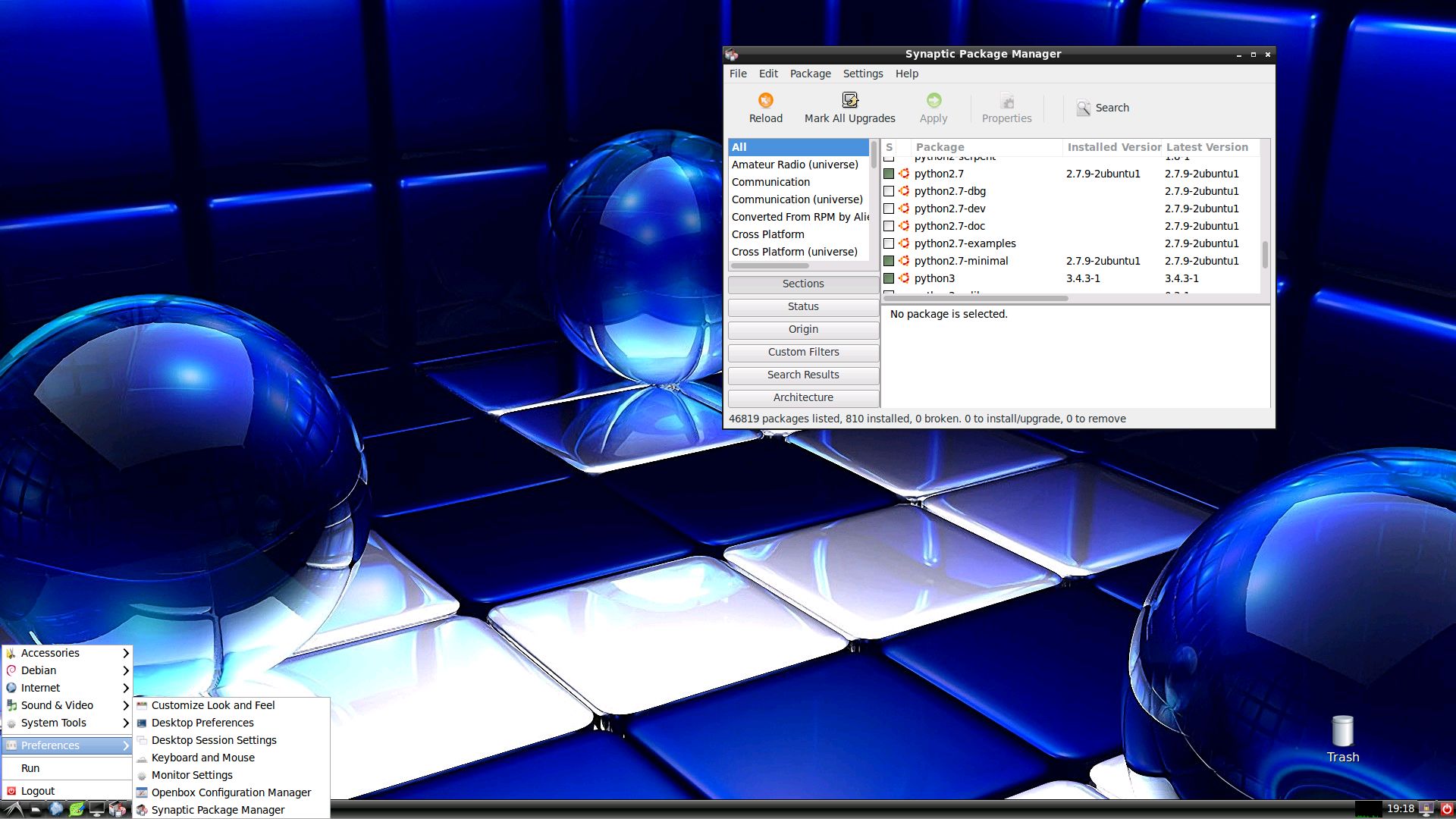
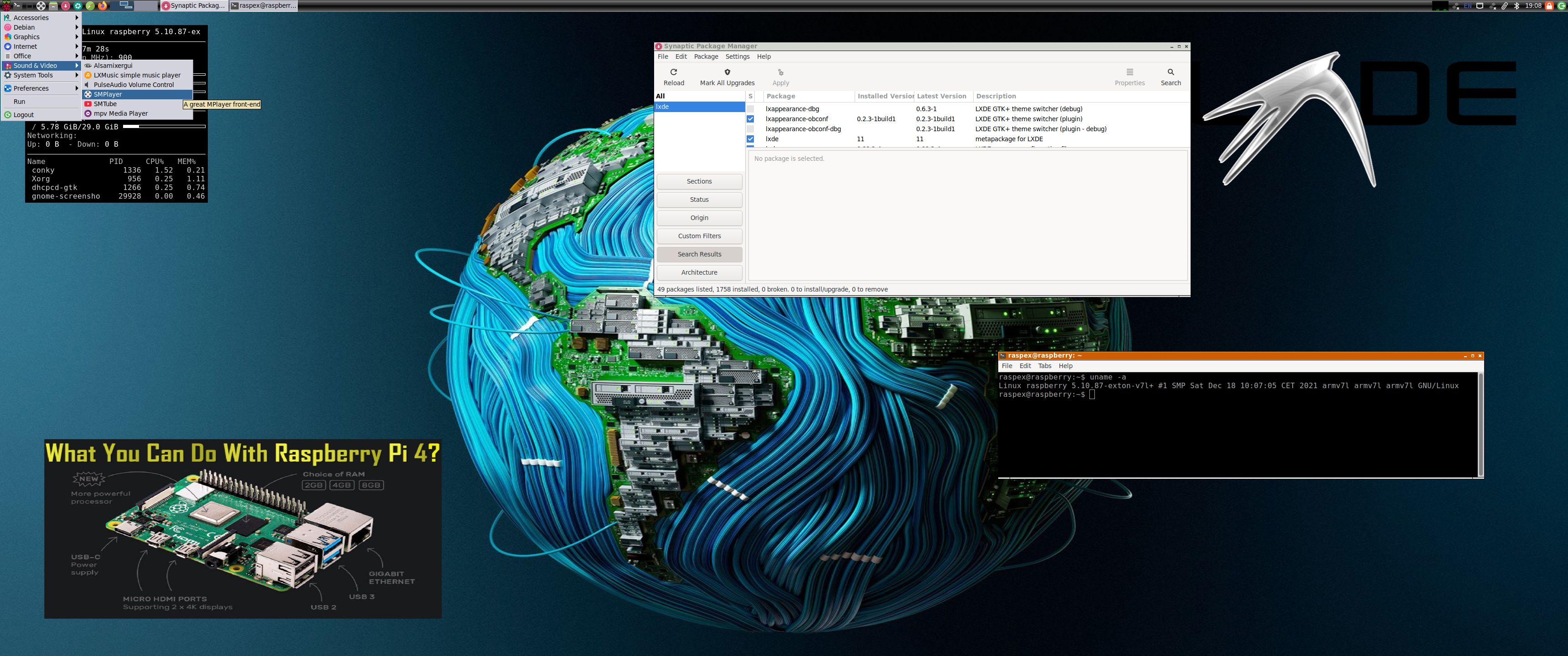
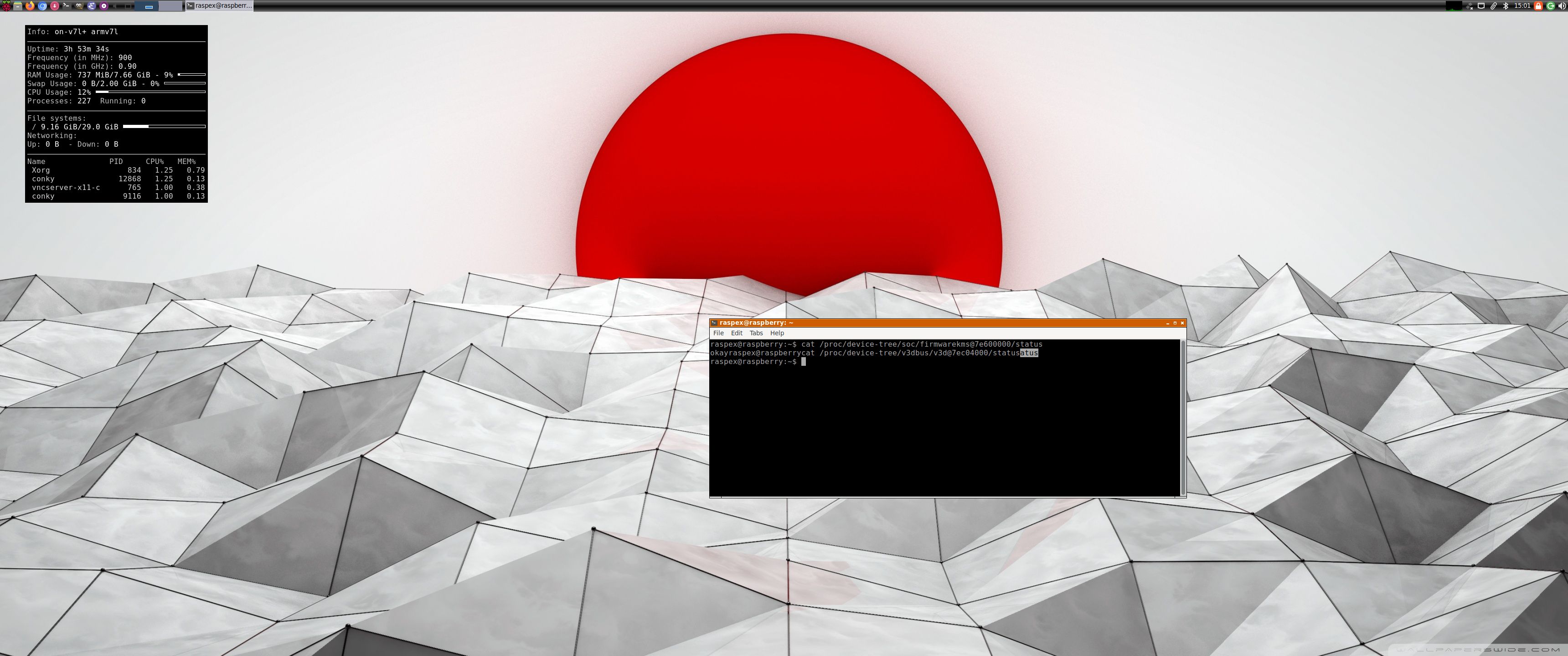
Screenshot 1 – raspex’s Desktop 220228
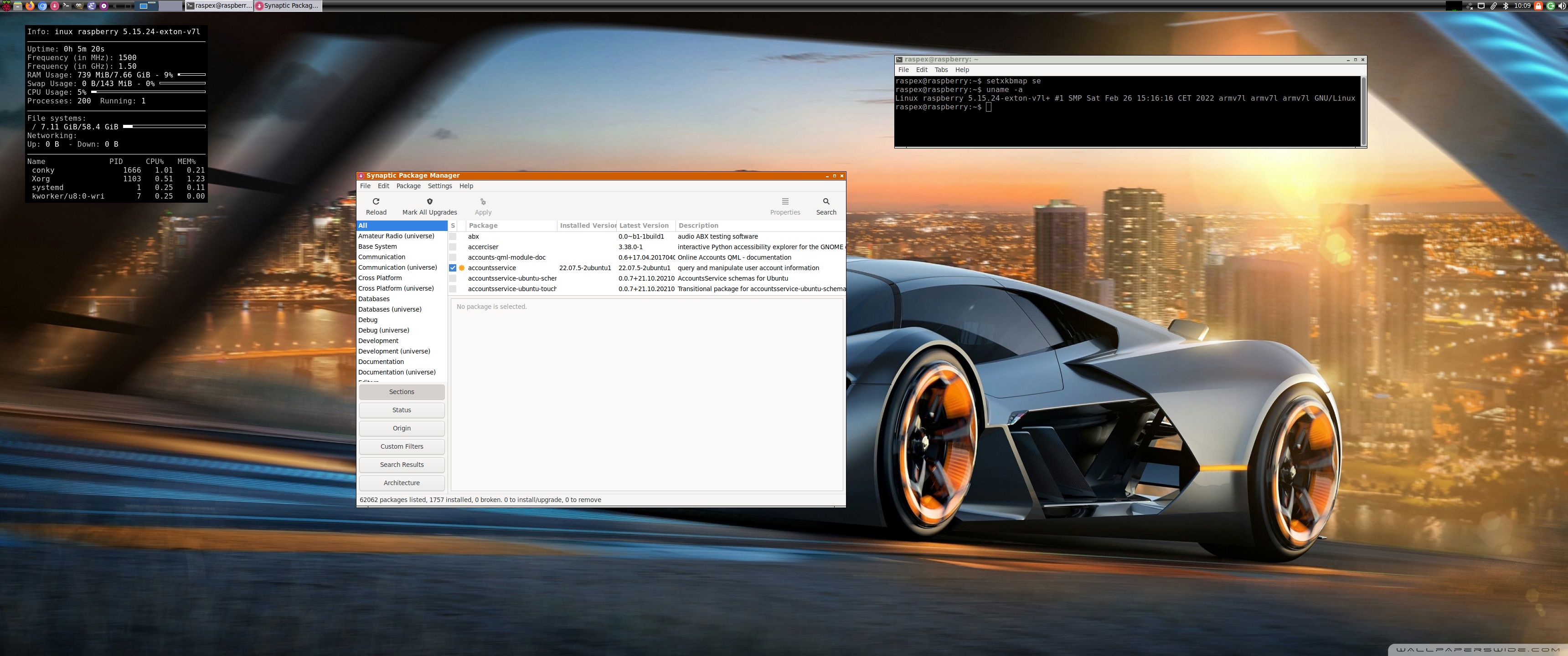
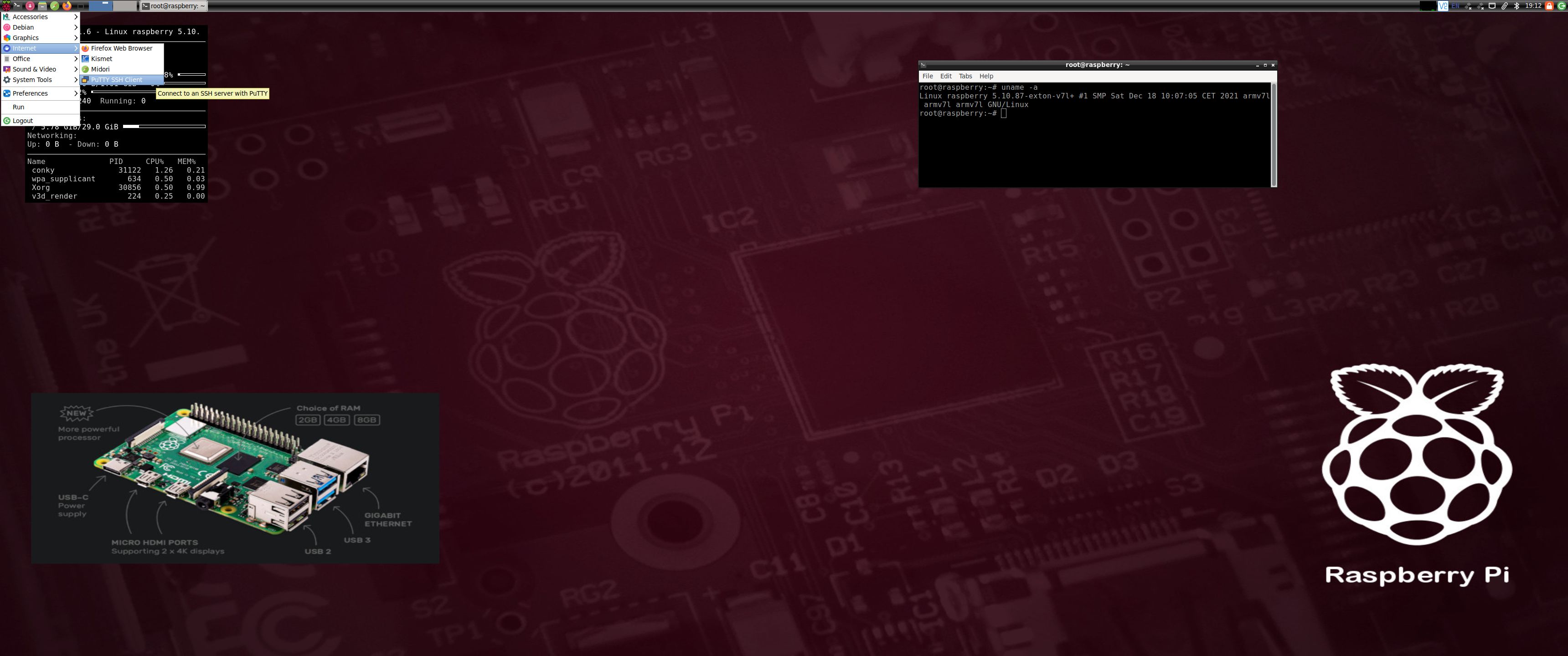
Screenshot 2 – root’s Desktop 220228
Screenshot 3 – running Netflix in Chromium
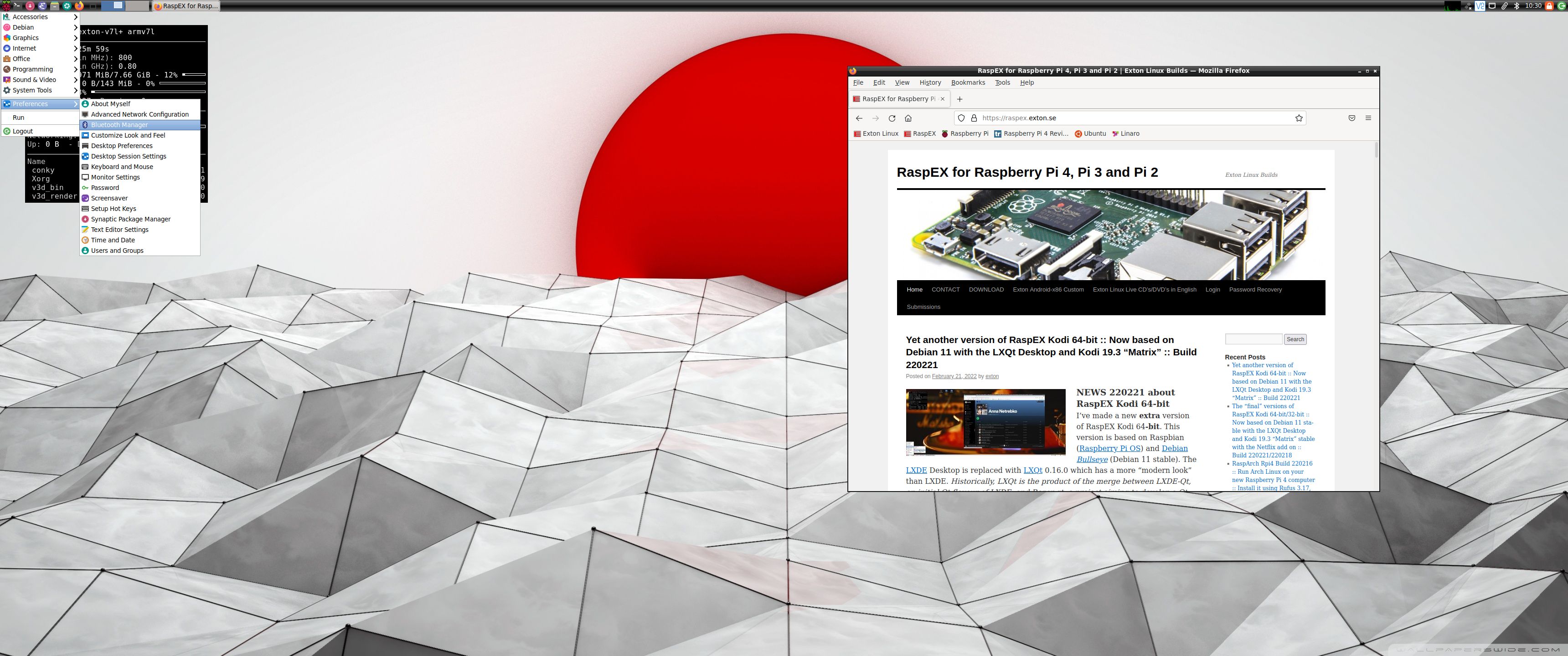
Screenshot 4 – showing that hardware acceleration is enabled
Screenshot 5 – showing how to configure sound using Pavucontrol

READ MORE…

Read about my Android-x86 Systems – 10, Pie, Oreo, Nougat, Marshmallow, Lollipop and KitKat at
andex.exton.net – latest is AndEX 10 (with GAPPS) and AndEX Pie 9.0 (also with GAPPS)!
and

about my Android 11, 10, Pie, Oreo, Nougat, Marshmallow and Lollipop versions for Raspberry Pi 4 and 3/2 at
raspex.exton.se
– latest is RaspAnd 11 (with GAPPS) and RaspAnd Oreo 8.1 (also with GAPPS)!
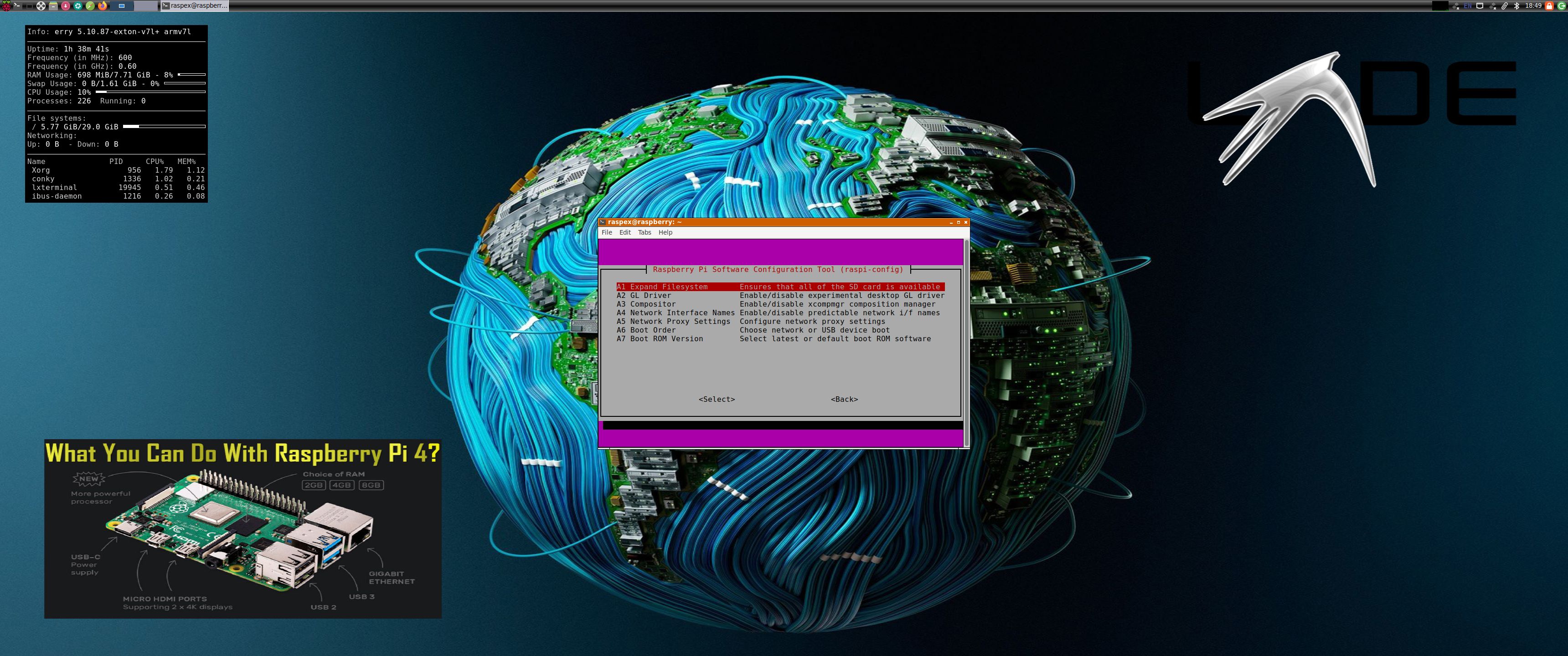
 

RaspEX Rpi4 based on upcoming Ubuntu 22.04 LTS “Jammy Jellyfish” with LXDE, kernel 5.10.87-exton-v7l+, Raspotify, RealVNC, PuTTy, Samba and Bluetooth :: Build 211221

NEWS 211221 about RaspEX with LXDE based on upcoming Ubuntu 22.04 LTS Jammy Jellyfish.
I have upgraded the whole system and replaced the old kernel 5.4.83-exton-v7l+ with kernel 5.10.87-exton-v7l+. RaspEX Build 211221 is a Linux ARM system for Raspberry Pi 4 with 2GB/4GB/8GB RAM and Raspberry Pi 3 Model B+, Raspberry Pi 3 Model B or Raspberry Pi 2 Model B. It is based on Debian, Ubuntu 22.04 LTS and Linaro (Open Source software for ARM SoCs). Both Firefox and Midori Private Browser are pre-installed. I have also installed Samba and RealVNC so you can connect to your Windows computers in your Home Network and/or control RaspEX on your Raspberry Pi 4 from your Windows computers with VNC Viewer and/or PuTTY (Telnet and SSH client). Furthermore some extra Network Tools, SMTube (YouTube browser which allows to browse, search and play YouTube videos), PulseAudio for better sound in YouTube and RaspotifyRaspotify is a Spotify Connect client for Raspbian on the Raspberry Pi that just works. Study all installed packages in RaspEX Build 211221.

More about RaspEX

RaspEX is a full Linux Desktop system with LXDE (an extremely fast-performing and energy-saving desktop environment) with many other useful programs pre-installed. Firefox is used as Web Browser and Synaptic as Package Manager. You can use Samba and RealVNC to connect to your Windows computers in your Home Network and/or control RaspEX on your Raspberry Pi 4 from your Windows computers with VNC Viewer and/or PuTTY (Telnet and SSH client). You can use Synaptic to install any extra packages you may need. For example LibreOffice. RaspEX uses Ubuntu’s software repositories so you can install thousands of extra packages if you want.

Kernels
Kernel 5.10.87-exton-v7l+ (for Rpi 4) and 5.10.87-exton-v7+ (for Rpi 3/2) are used in Build 211221.

Why shall I use RaspEX?
Eight Operating Systems are recommended by Raspberrypi.org. Among them Noobs, Raspbian (Debian Bullseye) and Snappy Ubuntu Core. RaspEX is faster (“fast as lightning”), more useful and more fun to use. (In my opinion). One member at this site thought that running RaspEX (for Raspberry Pi 2 Model B) was like running Raspberry Pi on “steroids“. If you use the new Raspberry Pi 4 RaspEX will run even faster!

SCREENSHOTS
Screenshot 1 – raspex’s Desktop 211221
Screenshot 2 – root’s Desktop 211221
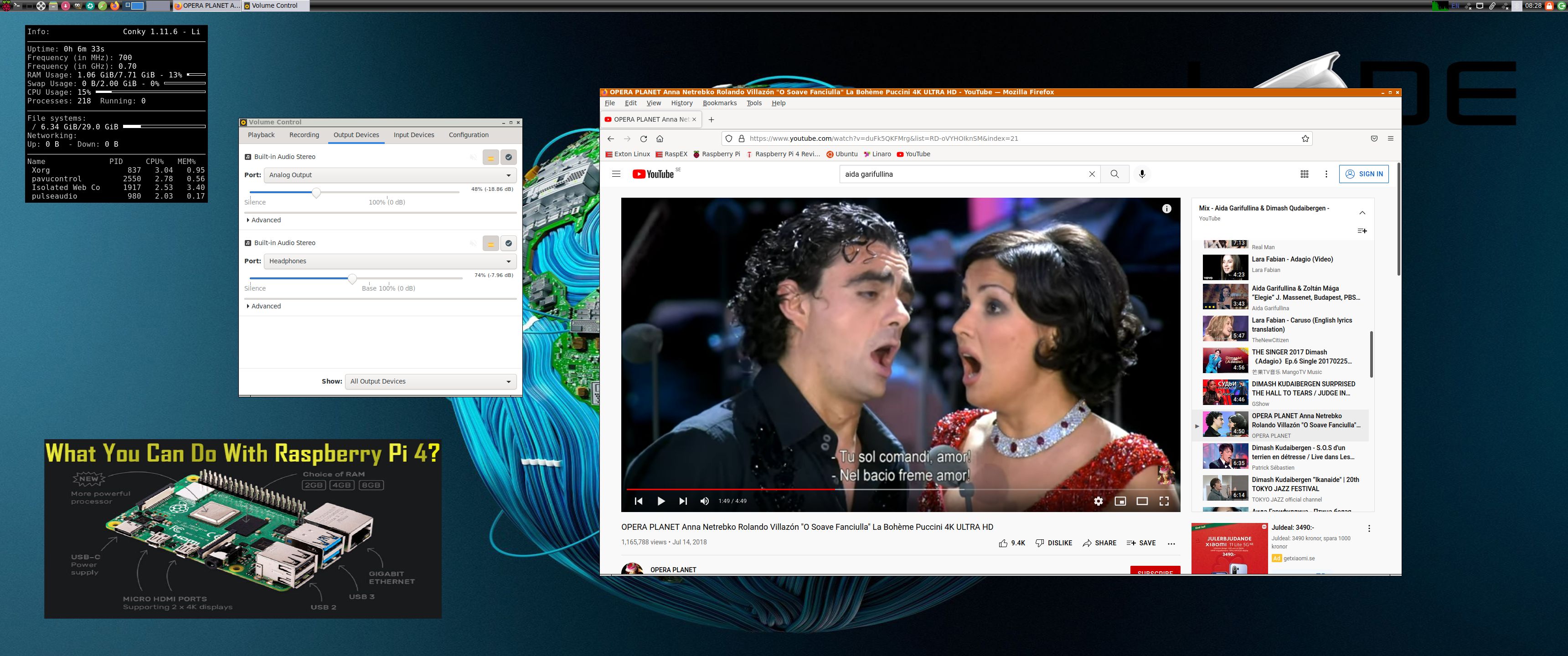
Screenshot 3 – running YouTube in Firefox
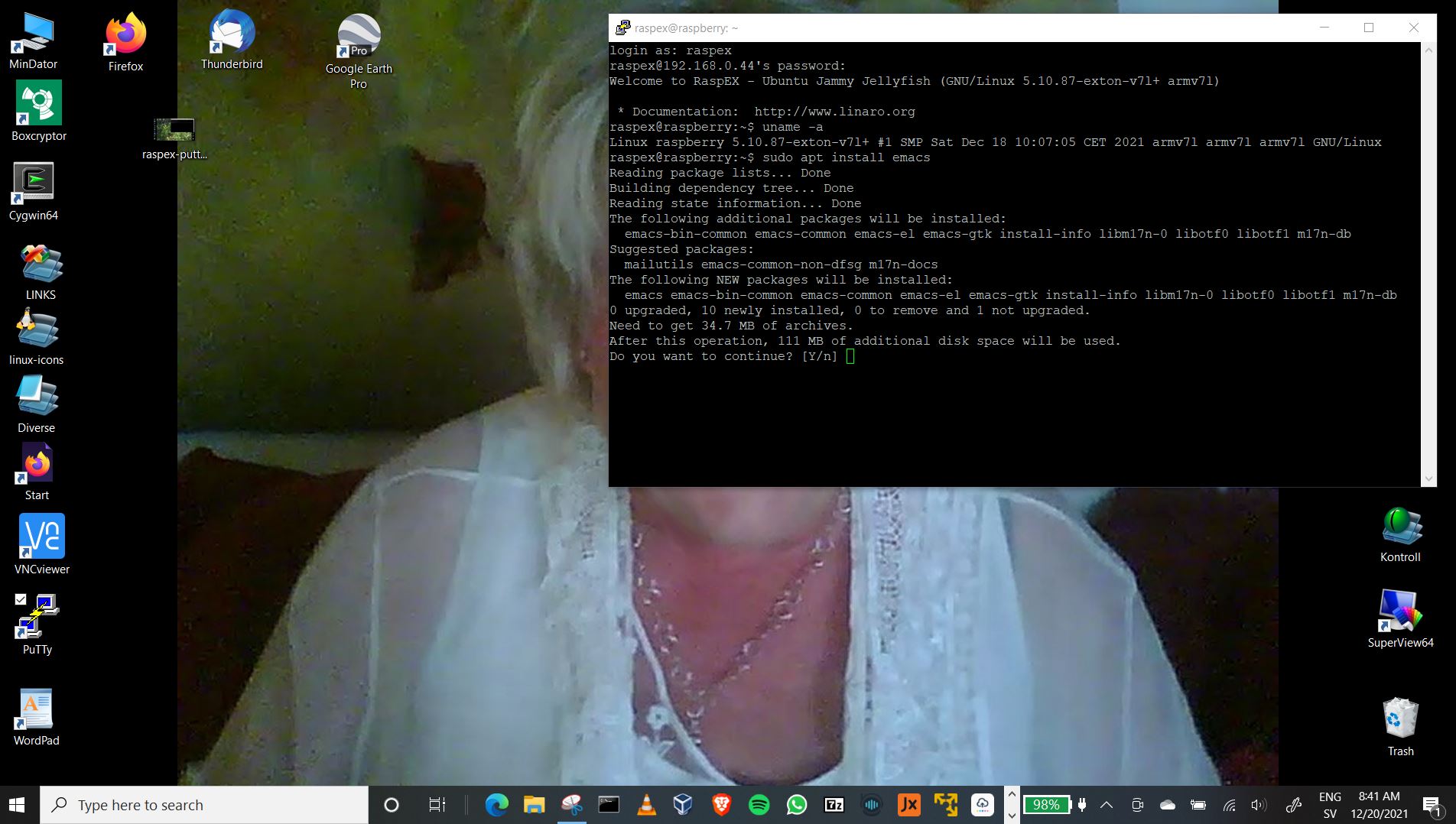
Screenshot 4 – RaspEX connected to Windows 10 via PuTTy
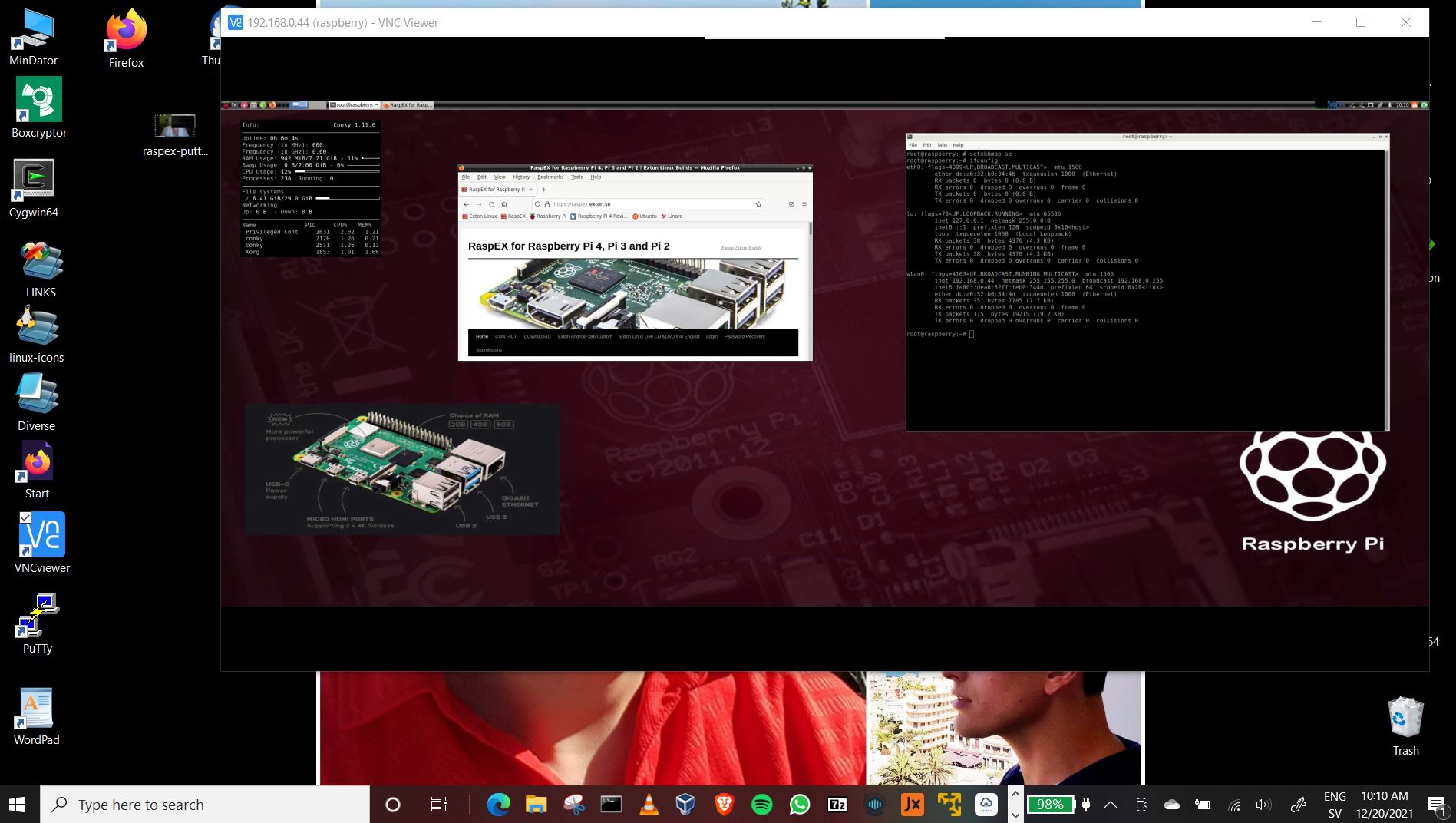
Screenshot 5 – RaspEX “running on” Windows 10 with VNC-viewer
Screenshot 6 – RaspEX using Pavucontrol (for sound control)
Screenshot 7 – RaspEX running Raspotify

READ MORE…

Read about my Android-x86 Systems – 10, Pie, Oreo, Nougat, Marshmallow, Lollipop and KitKat at
andex.exton.net – latest is AndEX 10 (with GAPPS) and AndEX Pie 9.0 (also with GAPPS)!
and

about my Android 11, 10, Pie, Oreo, Nougat, Marshmallow and Lollipop versions for Raspberry Pi 4 and 3/2 at
raspex.exton.se
– latest is RaspAnd 11 (with GAPPS) and RaspAnd Oreo 8.1 (also with GAPPS)!
RaspEX Rpi4 – Build 210109 based on Ubuntu 20.04 LTS – with OpenCPN 5.2.4 (navigation software)

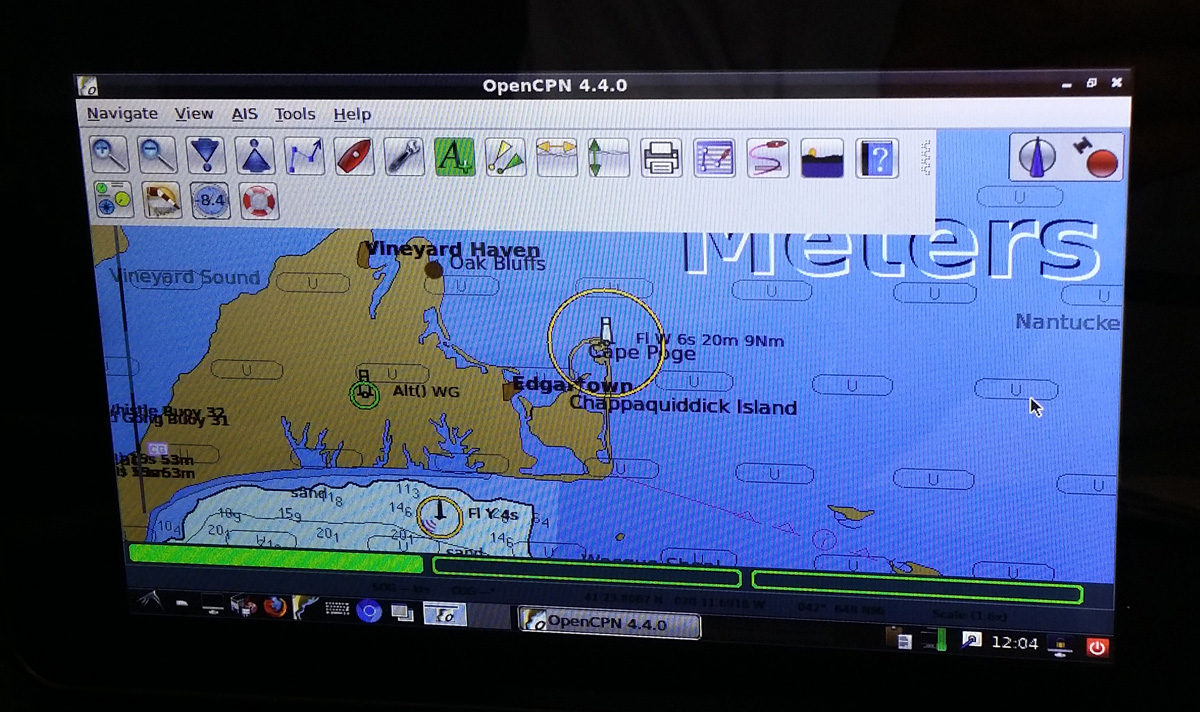
raspex-16.04-opencpn-4.4.0-touchscreen-20160702-smallRaspEX Rpi4 – Build 210109 based on Ubuntu 20.04 Focal Fossa LTS (supported until April, 2025) – with OpenCPN 5.2.4 (latest stable version released 201018) – especially made for the new Raspberry Pi 4, but it can of course also be used on a Raspberry Pi 3 Model B+, Raspberry Pi 3 Model B and Raspberry Pi 2 Model B.

OpenCPN is a free software (GPLv2) project to create a concise chart plotter and navigation software, for use underway or as a planning tool. OpenCPN is developed by a team of active sailors using real world conditions for program testing and refinement.

REPLACEMENT
This build (210109) replaces build 190812. Ubuntu has been upgraded to version 20.04 and OpenCPN to version 5.2.4 – latest stable version. Build 210109 is made especially for the new Raspberry Pi 4, but can of course also be used on a Raspberry Pi 3 Model B+, Raspberry Pi 3 Model B and a Raspberry Pi 2 Model B.

The Desktop environment LXDE is used. The “Lightweight X11 Desktop Environment” is an extremely fast-performing and energy-saving desktop environment. LXDE uses less CPU and less RAM than other environments. It is especially designed for cloud computers with low hardware specifications, such as netbooks, mobile devices (e.g. MIDs) or older computers.

ABOUT RaspEX Build 210109
RaspEX is a Linux ARM system for Raspberry Pi 4, Pi 3 Model B, Model B+ and Pi 2 model B. It is based on Debian Buster (Debian 10), Focal Fossa (Ubuntu 20.04) and Linaro (Open Source software for ARM SoCs). In this new version (210109) I’ve installed OpenCPN 5.2.4.

Read this OpenCPN Review….

SCREENSHOTS
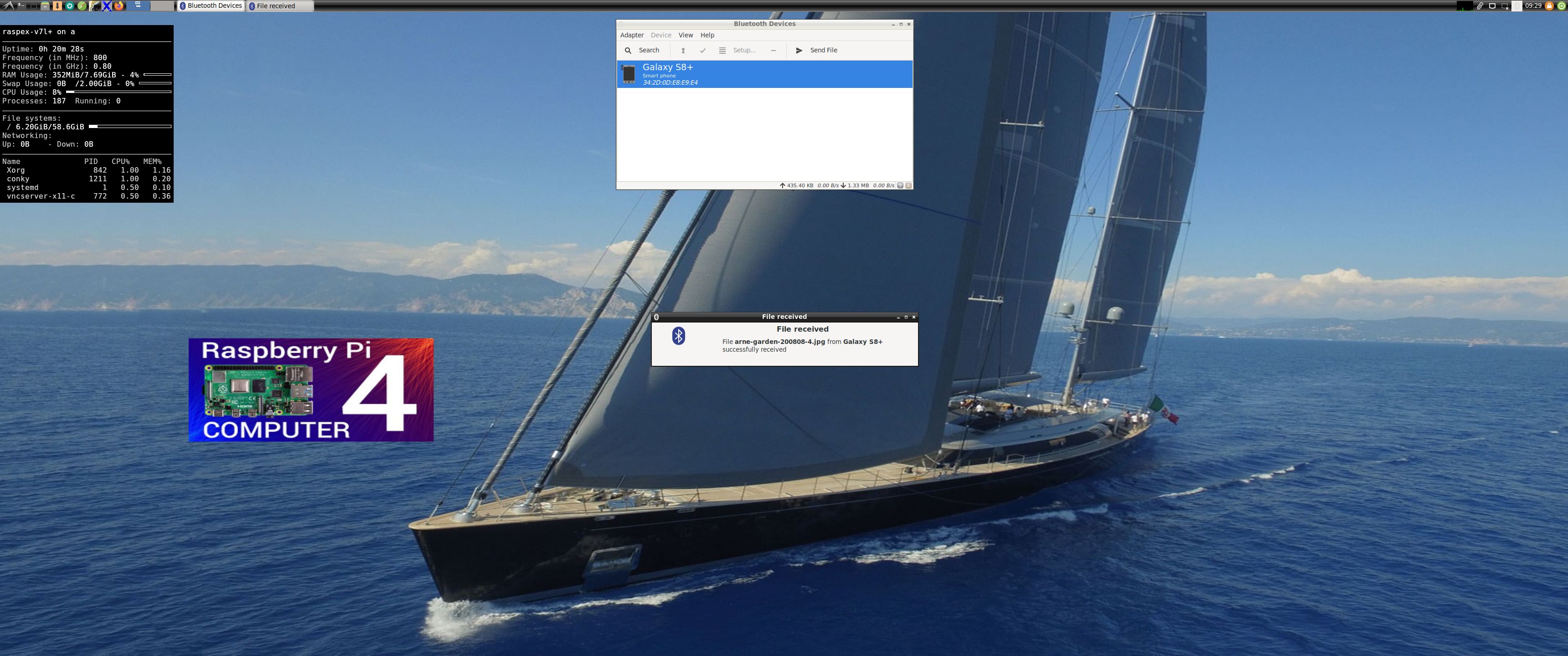
1. RaspEX Build 210109 using Bluetooth
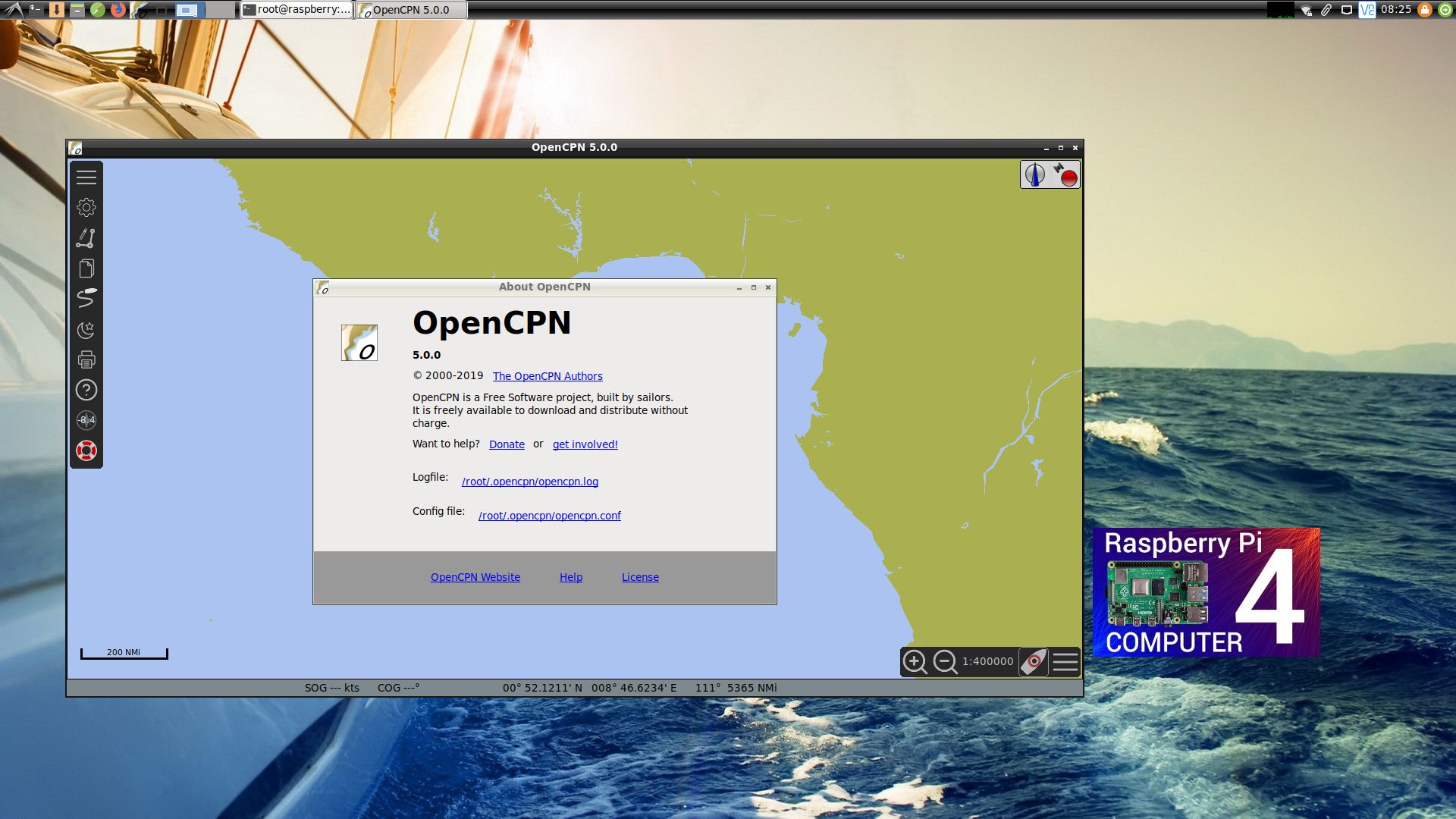
2. RaspEX version 190812 running OpenCPN as the ordinary user raspex
3. RaspEX version 190812 running OpenCPN as root
4. OpenCPN 4.4.0 runningon the 7″ Touchscreen Monitor for Raspberry Pi (old version OpenCPN)
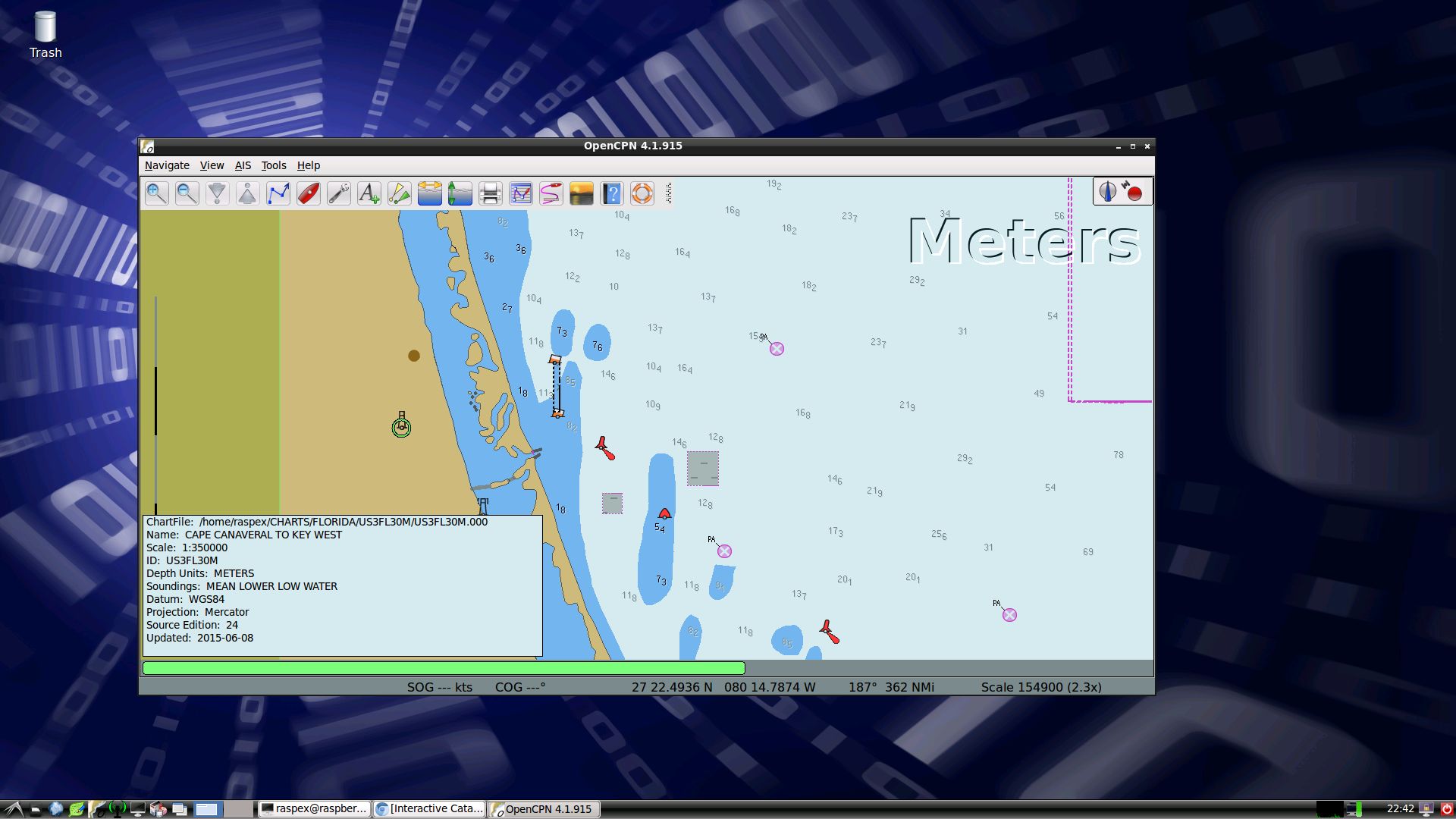
5. OpenCPN Florida – Cape Canaveral (old version of OpenCPN)
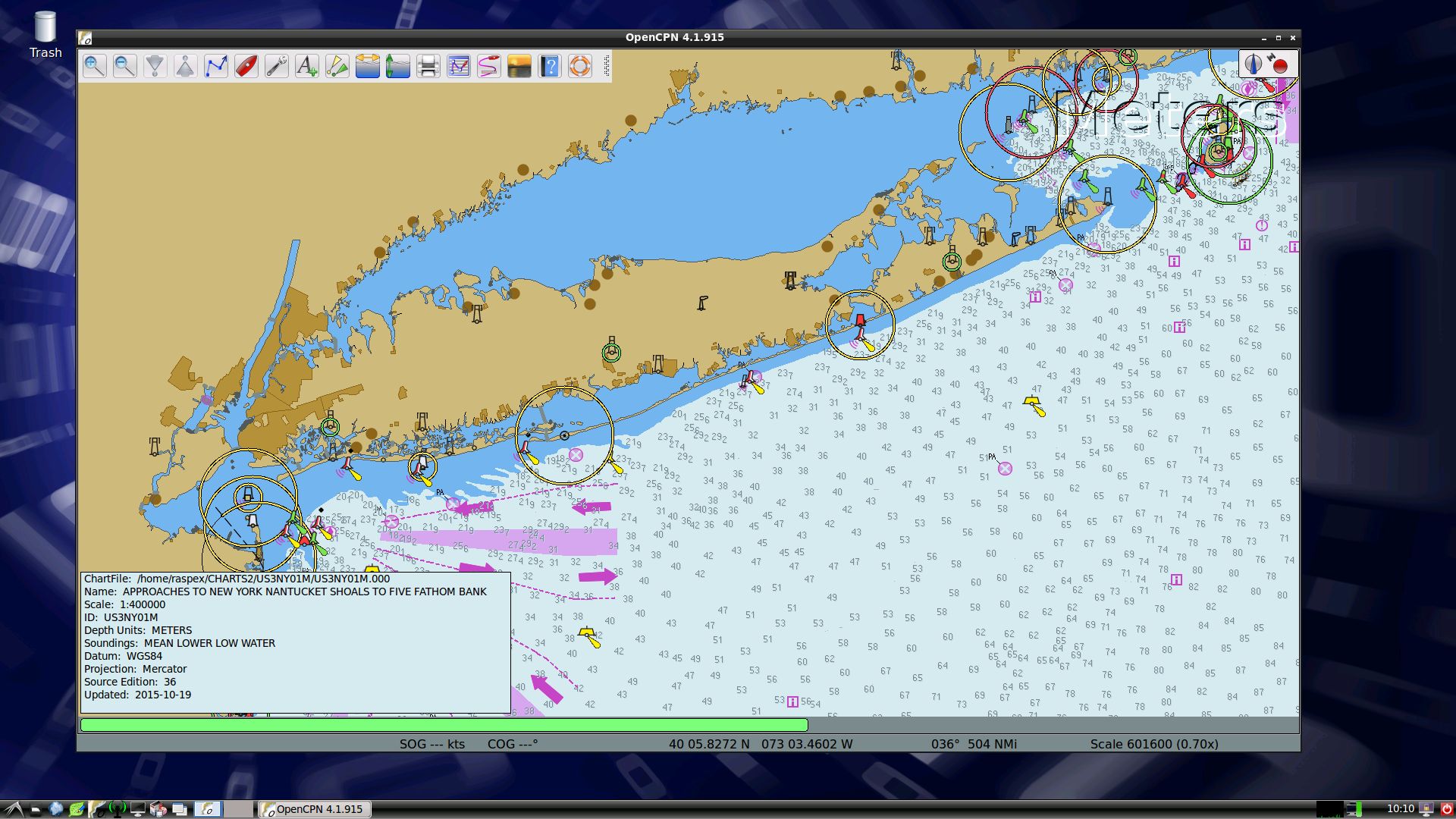
6. OpenCPN New York – Approaches to New York (old version of OpenCPN)

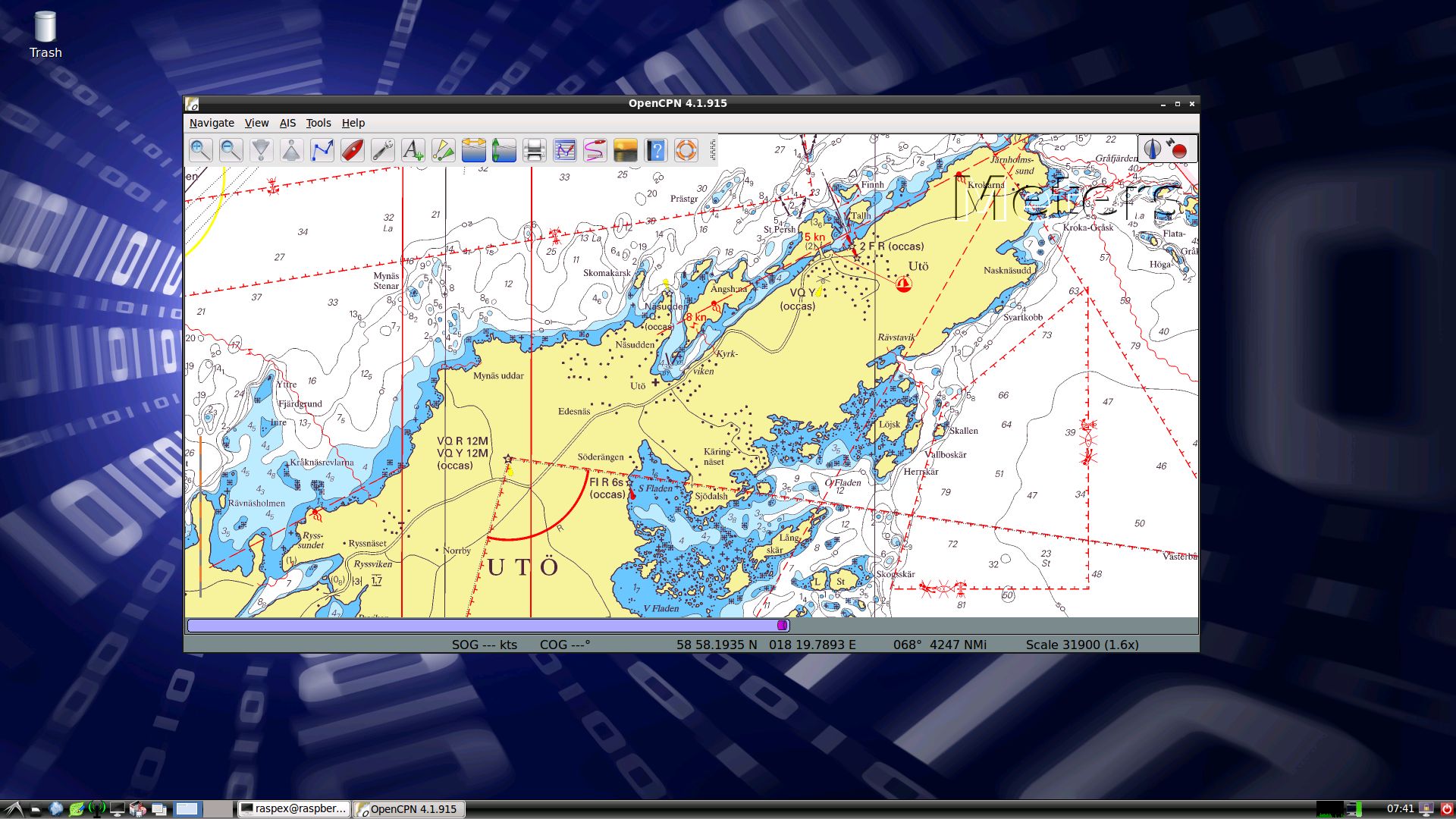
7. OpenCPN Stockholm Archipelago (old version of OpenCPN)

READ MORE…

Read about my Android-x86 Systems – 10, Pie, Oreo, Nougat, Marshmallow, Lollipop and KitKat at
andex.exton.net – latest is AndEX 10 (with GAPPS) and AndEX Pie 9.0 (also with GAPPS)!
and

about my Android 11, 10, Pie, Oreo, Nougat, Marshmallow and Lollipop versions for Raspberry Pi 4 and 3/2 at
raspex.exton.se
– latest is RaspAnd 11 (without GAPPS) and RaspAnd Oreo 8.1 (with GAPPS)!

RaspEX Rpi4 based on Ubuntu 20.04 “Focal Fossa” with LXDE, kernel 5.4.83-exton-v7l+, Raspotify, RealVNC, PuTTy, Samba and Bluetooth – Build 210101

NEWS 210101 about RaspEX with LXDE based on Ubuntu 20.04 Focal Fossa.
I have upgraded the whole system and replaced the old kernel 4.19.108-exton-v7l+ with kernel 5.4.83-exton-v7l+. RaspEX Build 210101 is a Linux ARM system for Raspberry Pi 4 with 2GB/4GB/8GB RAM and Raspberry Pi 3 Model B+, Raspberry Pi 3 Model B or Raspberry Pi 2 Model B. It is based on Debian, Ubuntu 20.04 and Linaro (Open Source software for ARM SoCs). Both Firefox and Midori Private Browser are pre-installed. I have also installed Samba and RealVNC so you can connect to your Windows computers in your Home Network and/or control RaspEX on your Raspberry Pi 4 from your Windows computers with VNC Viewer and/or PuTTY (Telnet and SSH client). Furthermore some extra Network Tools, SMTube (YouTube browser which allows to browse, search and play YouTube videos), PulseAudio for better sound in YouTube and RaspotifyRaspotify is a Spotify Connect client for Raspbian on the Raspberry Pi that just works. Study all installed packages in RaspEX Build 210101.

NOTE: Build 201227 is ONLY for Raspberry Pi 4 Model B with 2GB/4GB/8GB RAM. My new RaspEX Build from 210101 is also for Raspberry Pi 3 Model B+, Raspberry Pi 3 Model B or Raspberry Pi 2 Model B.

Kernels
Kernel 5.4.83-exton-v7l+ (for Rpi 4) and 5.4.83-exton-v7+ (for Rpi 3/2) are used in Build 210101.

SCREENSHOTS
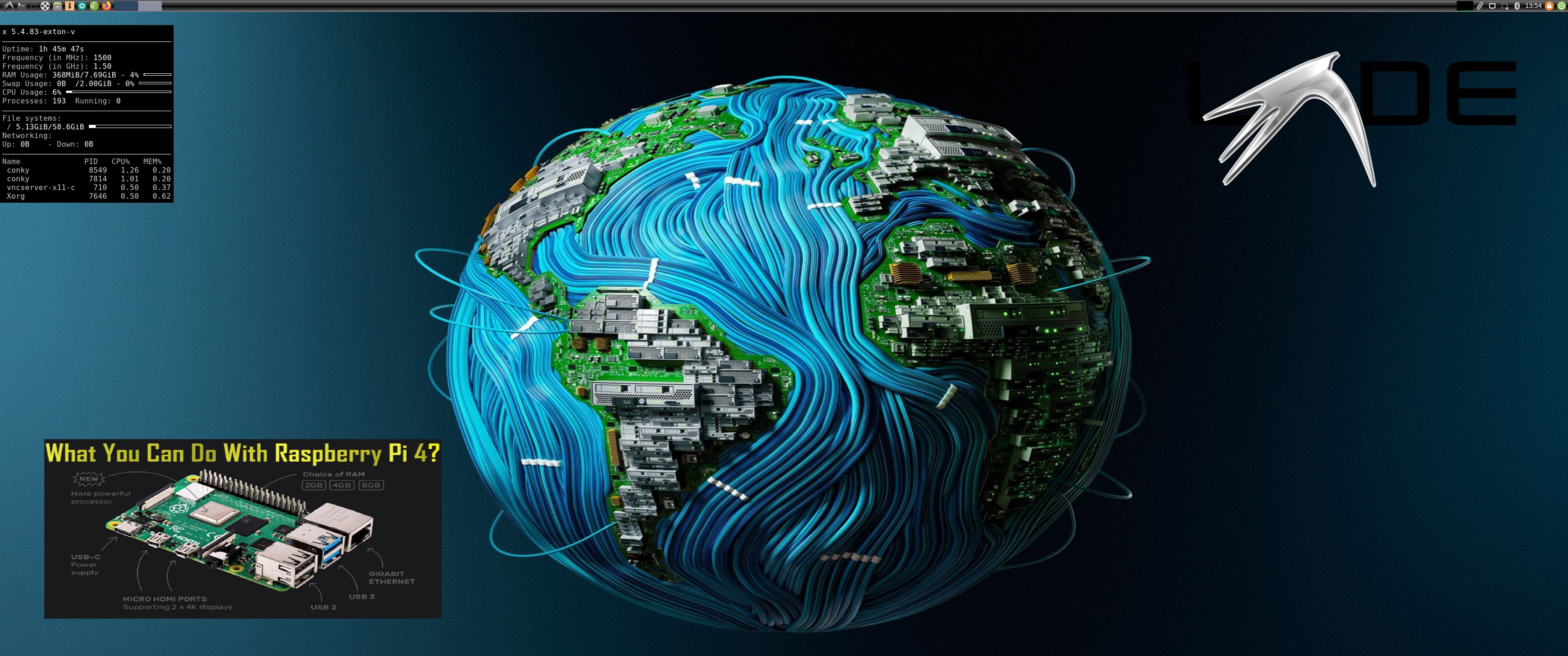
Screenshot 1 – raspex’s Desktop 210101
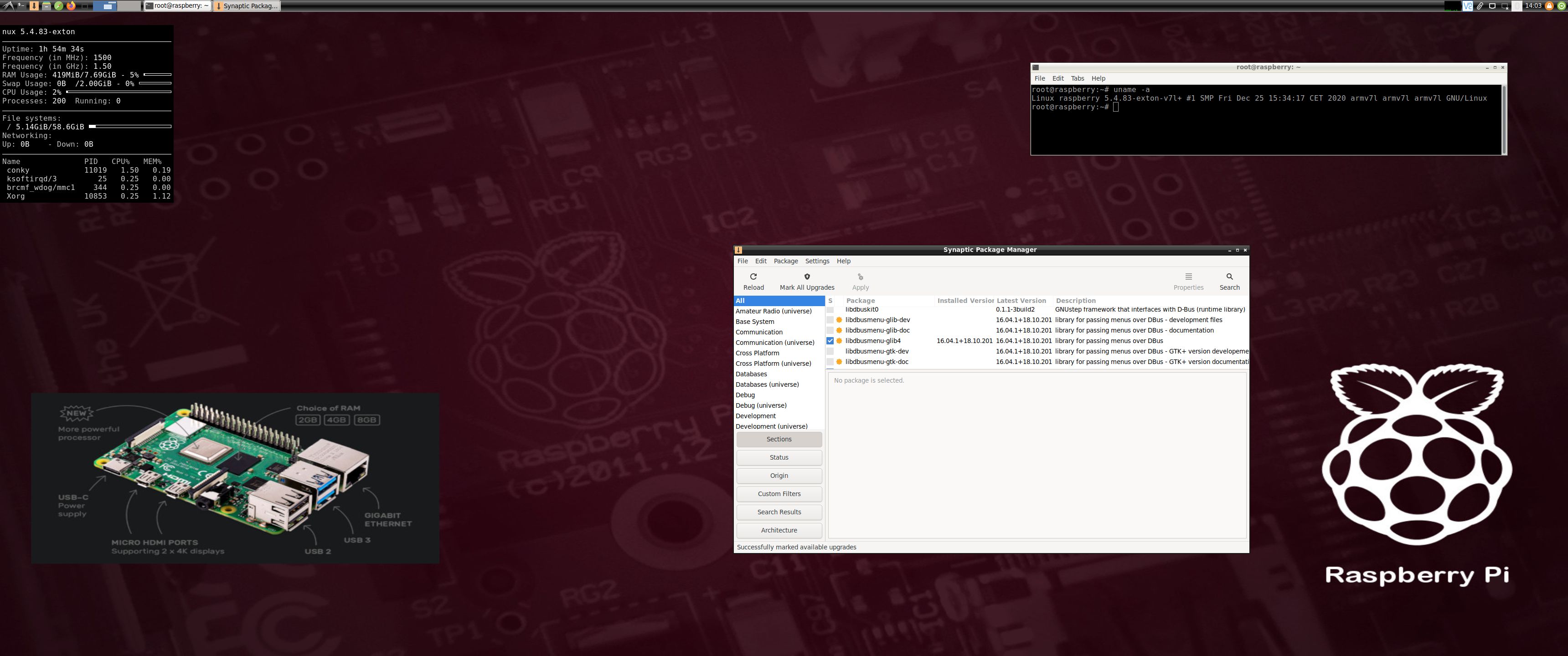
Screenshot 2 – root’s Desktop 210101
Screenshot 3 – running YouTube in Firefox
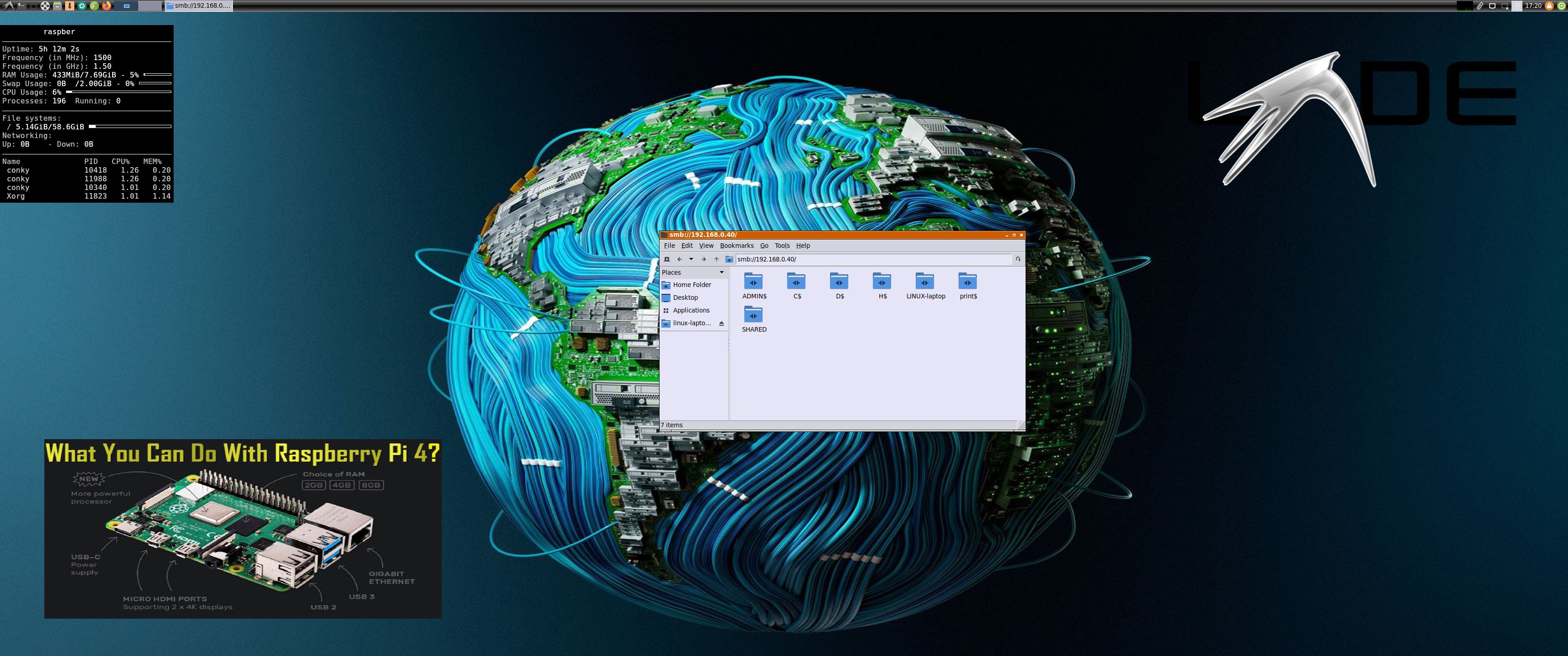
Screenshot 4 –
RaspEX connected to Windows via Samba

READ MORE….

Read about my Android-x86 Systems – 10, Pie, Oreo, Nougat, Marshmallow, Lollipop and KitKat at
andex.exton.net – latest is AndEX 10 (with GAPPS) and AndEX Pie 9.0 (also with GAPPS)!
and

about my Android 11, 10, Pie, Oreo, Nougat, Marshmallow and Lollipop versions for Raspberry Pi 3/2 at
raspex.exton.se
– latest is RaspAnd 11 (without GAPPS) and RaspAnd Oreo 8.1 (with GAPPS)!