What is ExTiX?
Previous versions of ExTiX were based on KNOPPIX/Debian. Version 7.0 of ExTiX was based on the Swiss Linux System paldo. Version 8 of ExTiX is based on Debian Sid. This version of ExTiX comes in two flavors. One of 690 MB with LXDE ” the Lightweight X11 Desktop Environment” (and Xfce4, Fluxbox, Awesome, Blackbox, Openbox and Lwm) and one of 1200 MB with KDE 4.5.3 – “a powerful graphical desktop environment”.
ExTiX 8 is thus based on Debian Sid and nothing else. I e there is no elements of Ubuntu or Linux Mint (or any other Linux System). ExTiX therefore differs from for example Linux Mint Debian Edition (LMDE) and DebEX-LMDE. Language support: English and Swedish. Default locale/language is English.
NEWS
This new version 8 of ExTiX Linux Live CD/DVD includes the 2.6.32-5 kernel by default, LXDE/KDE, AbiWord/OpenOffice, all development tools, GIMP, Skype (Free Internet Telephony), all win32-codecs, Vlc, GParted, Iceweasel (Firefox), Icedove (Thunderbird) and Synaptic Package Manager. UnionFS stacks your ExTiX ramdisk on top of the read-only filesystem on the CD/DVD, the effect being that you can install, and otherwise modify all of the files on the running system as though they were all writeable. The standard LXDE/KDE and System language is English. You can, however, easily change language and keyboard layout to Swedish after upstart of the system from the CD/DVD.
ExTiX 8 KDE is hosted by the Swedish Linux Society.
ExTiX 8 LXDE is hosted by Sourceforge.net – Fast, secure and free downloads from the largest Open Source applications and software directory.
md5sum för ExTiX 8 LXDE
md5sum för ExTiX 8 KDE
System Requirements
Intel-compatible CPU (i486 or better), 512 MB of RAM, a bootable DVD drive (IDE/ATAPI, Firewire, USB or SCSI), a standard SVGA-compatible graphics card, and a standard serial or PS/2 mouse, or IMPS/2-compatible USB Mouse.
How do I run ExTiX?
In order to start the CD/DVD, first adjust the boot list in the BIOS Setup of your computer to boot from CD/DVD (before the hard drive). Put the DVD in and restart the computer. You run ExTiX as root (superadmin) or as user. Root’s and user’s password is stocksund. ExTiX can also be installed to hard disk. Please use the start alternative Install ExTiX to harddisk and Debian Installer will start. The program is very easy to use. Be sure to have one install partition of about 6 GB ready in advance though. You can also first test to run ExTiX 8 KDE and ExTiX 8 LXDE live and then start Live-Installer. Please read this INSTRUKTION first. If you want to install ExTiX 8 KDE on a USB-stick of at least 4 GB be sure to install GRUB in /dev/sdb. (On the USB-stick).
How do I install and remove programs?
ExTiX/Debian uses Apt/Synaptic. The most important commands are apt-get update and apt-get install program-name. You can read about package management with Apt HERE. Apt/Synaptic works extremely well. You can also install programs in ExTiX from source using the commands 1) ./configure –prefix=/usr 2) make 3) make install.
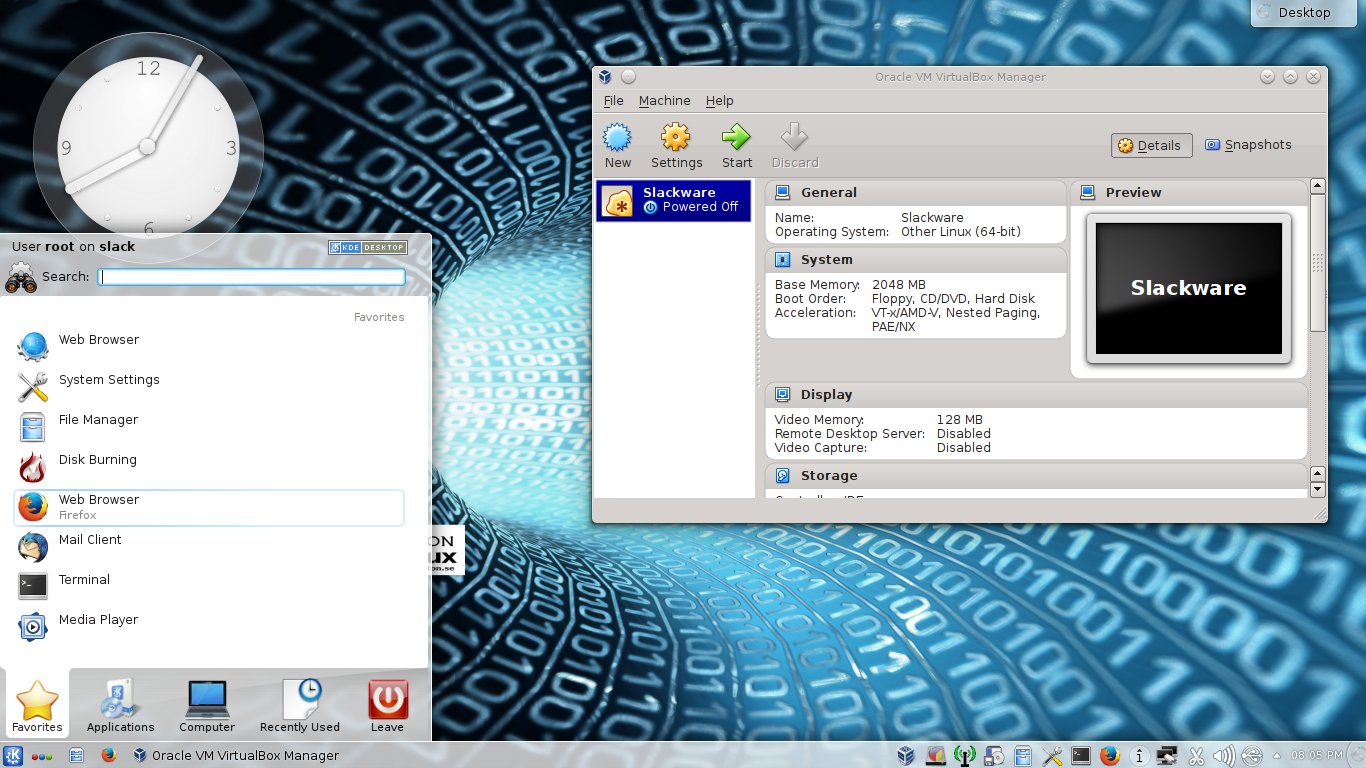
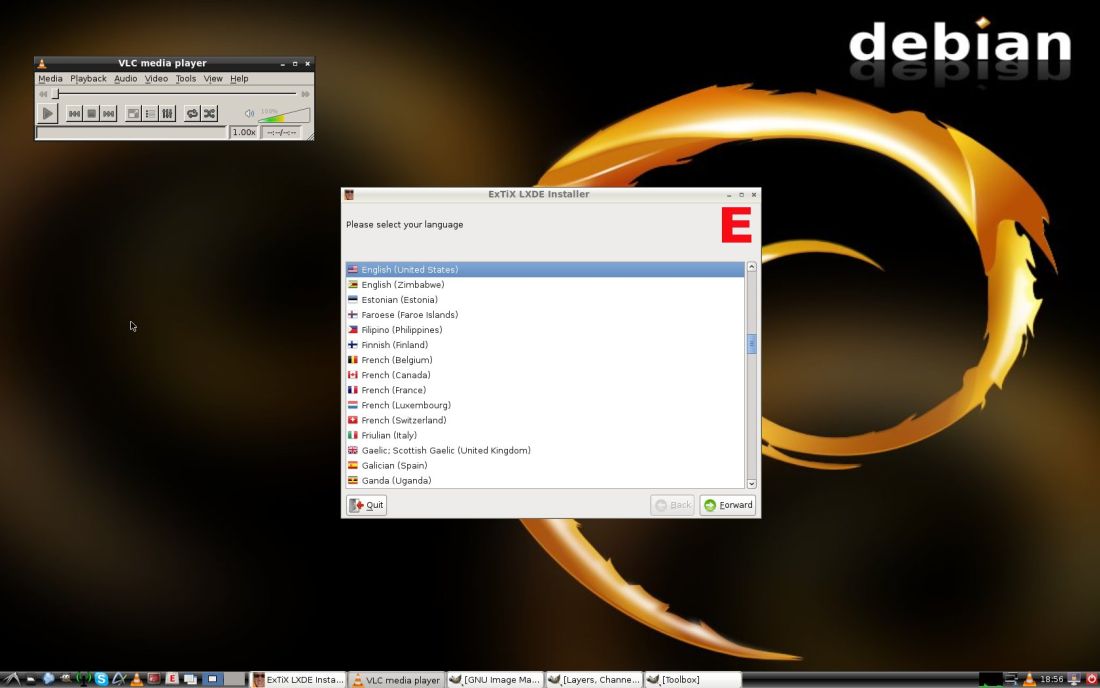
See this screenshot of ExTiX LXDE Desktop.
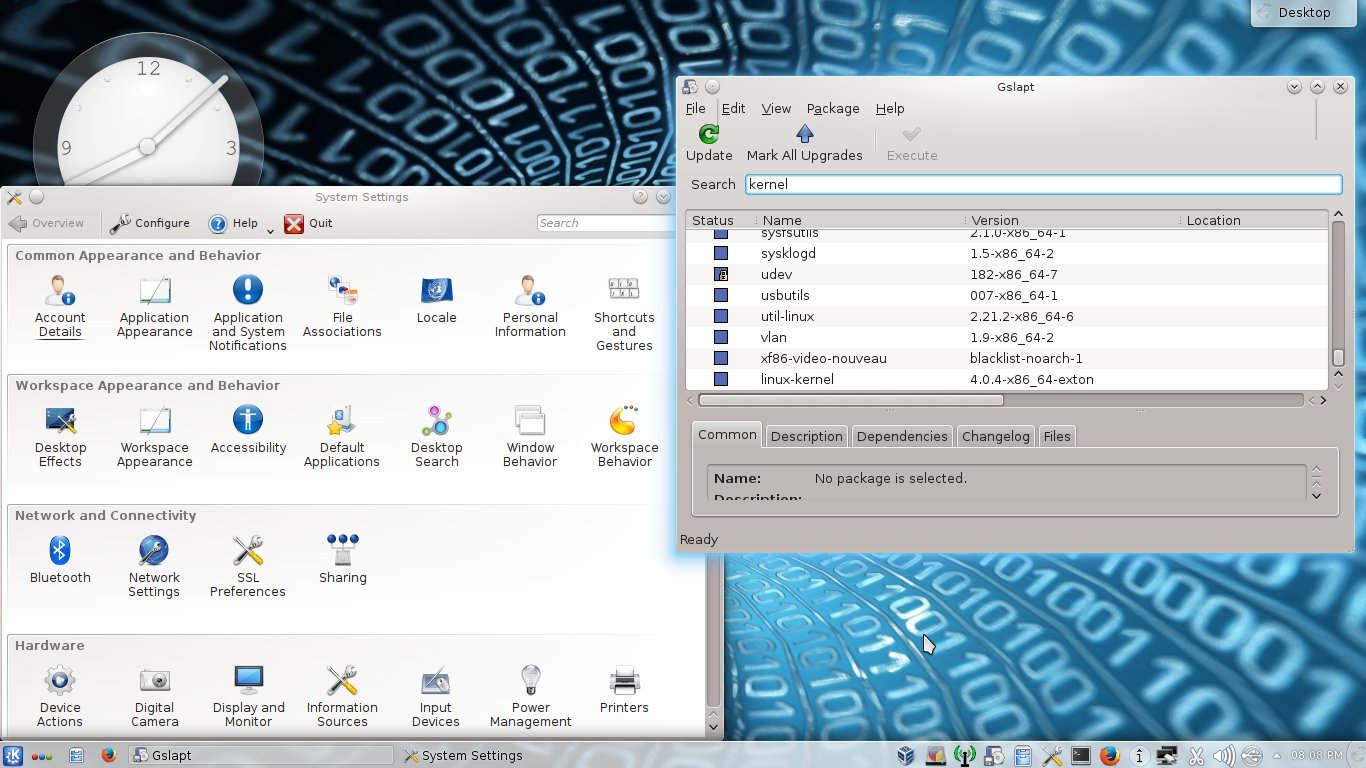
See this screenshot of ExTiX 8 KDE Desktop.
Other considerations
DISCLAIMER: This is experimental software. Use at your own risk. Under no circumstances may extix.se or exton.net be held liable for damage to hardware or software, lost data or other damage either direct or indirect caused by using this software. In some countries, cryptographic software may be subject to import/export restrictions or subject to software patents. This software may not be used or disseminated in those countries. otherwise, it is subject to the usual rules of the gpl license. If you do not wish to abide by these rules, you may not use or disseminate this software.
CD/DVD-label for ExTiX
DOWNLOAD
ExTiX 8 LXDE
ExTiX 8 KDE
www.extix.se

 A new version of SlackEX is out today (150612). I have now included Nvidia’s Graphic driver 346.72 and Google Chrome (for watching Netflix movies).
 Exton's International Blog