 WHAT’S NEW IN VERSION 170105?
NOTE: Version 170105 replaces version 161016.
1. ExLight is now based on Ubuntu 16.10 (alias Yakkety Yak) and Debian Jessie/Stretch.
2. I have upgraded the Desktop environment Enlightenment (Beauty at your fingertips) to version 0.20.99.0 (from 0.19.12).
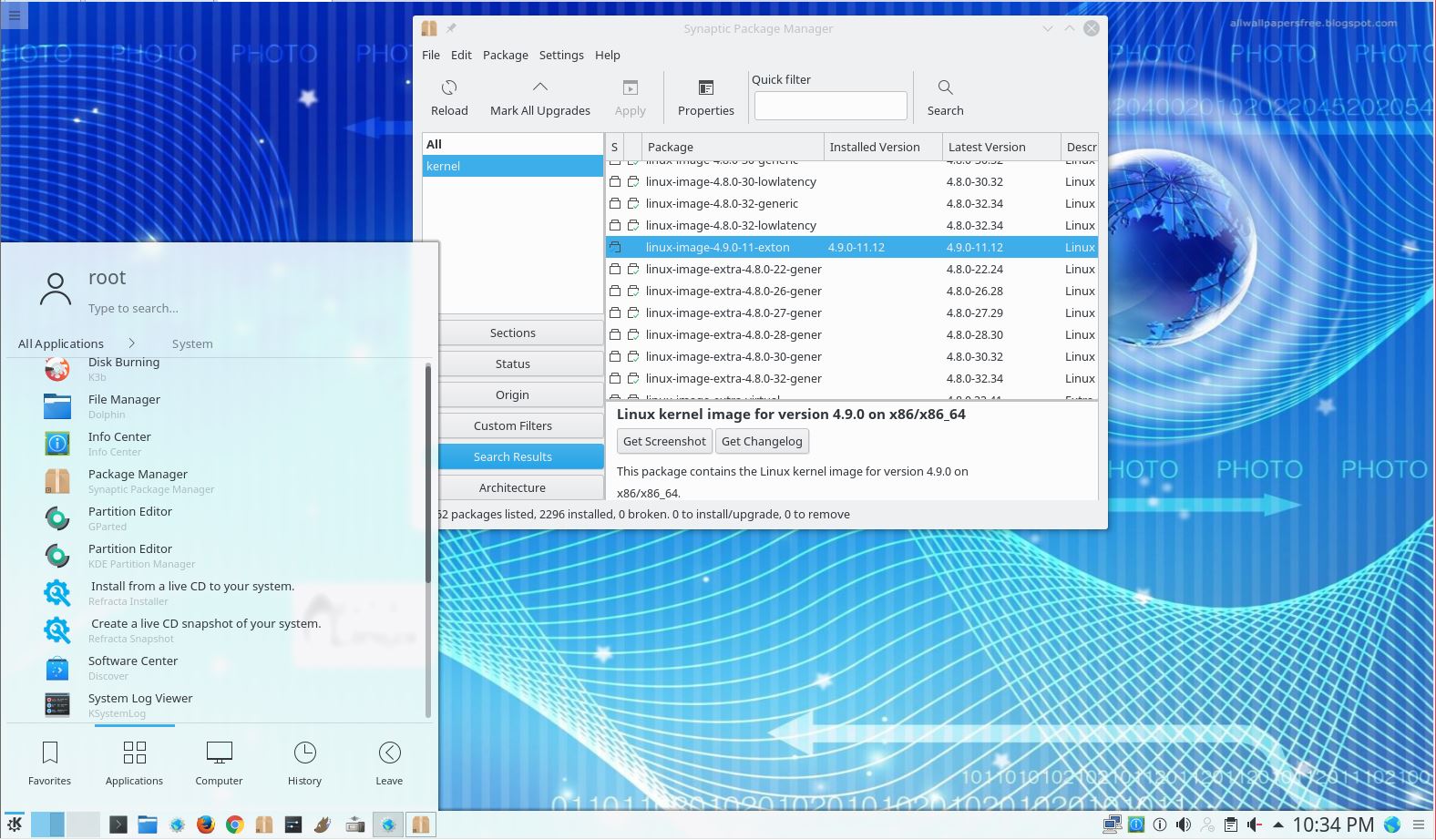
3. I have replaced kernel 4.8.0-21-exton with my special kernel 4.9.0-11-exton corresponding Kernel.org’s stable kernel 4.9. If you want to use “my” kernel in another Ubuntu/Debian system you can download it.
4. ExLight’s ISO file is now a ISO-hybrid, which means that it can very easily be transferred (copied) to a USB pen drive. You can then even run ExLight from the USB stick and save all your system changes on the stick. I.e. you will enjoy persistence!
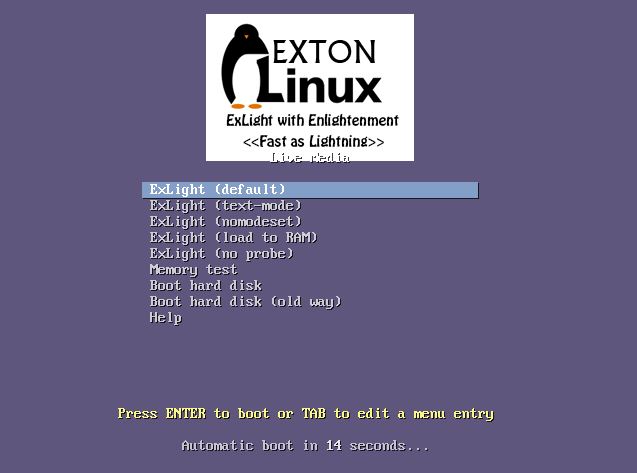
5. Another big improvement is that ExLight can run from RAM. Use Boot alternative 4 (load to RAM). When the system has booted up you can remove the disc (DVD) or USB stick. You’ll need at least 2 GB RAM to run ExLight that way.
6. The installation program Ubiquity (Ubuntu’s live installer) has been replaced with Refracta Installer. Very simple to use! A new user (your user) will be created during the installation process. The reason for the replacement is that Ubiquity is a bit too complicated and that the program crashes once in a while.
7. I have installed Nvidia’s proprietary graphics driver 375.26.
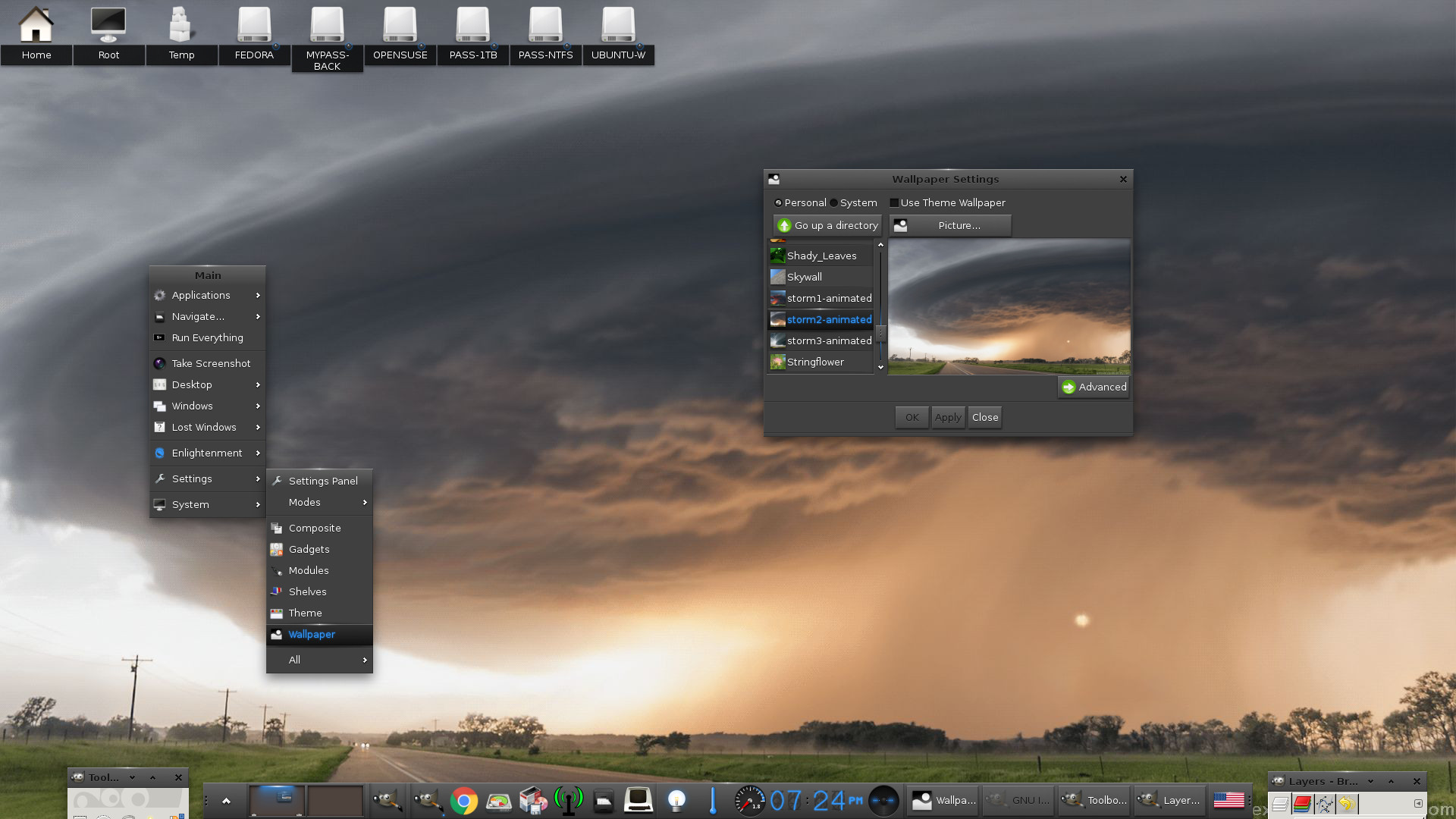
8. I have added seven animated wallpapers.
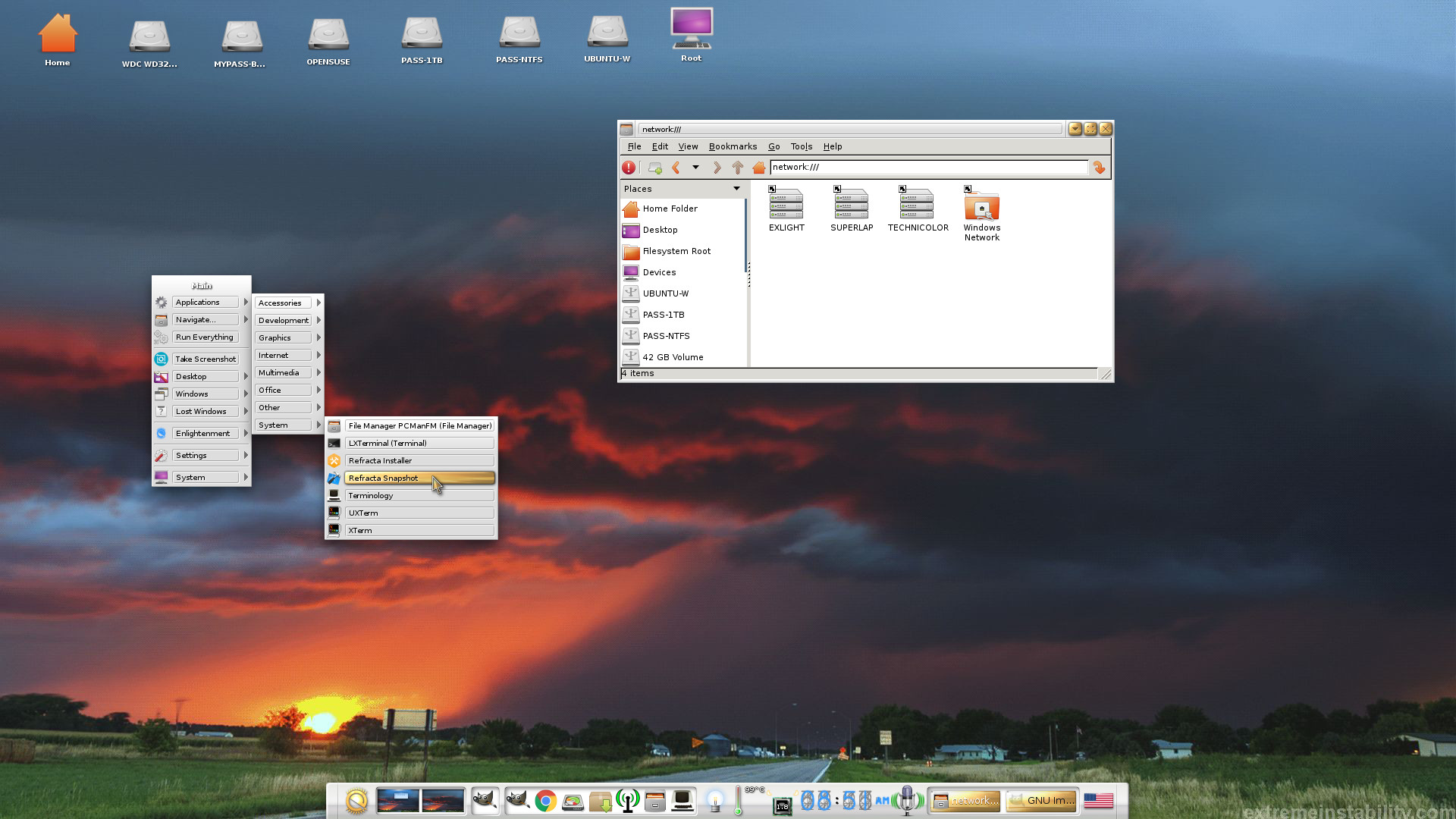
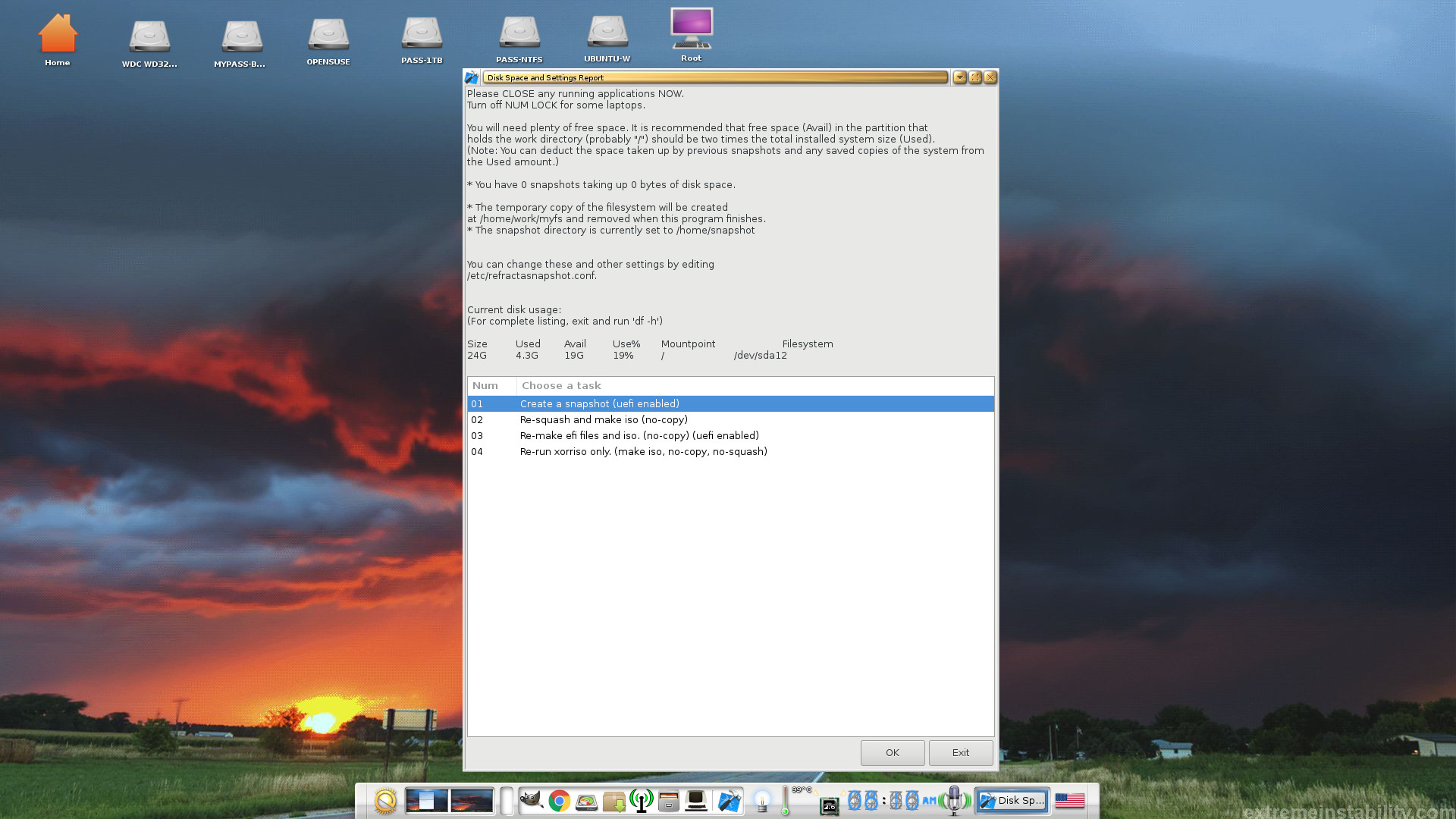
9. MOST IMPORTANT: I’ve added Refracta Snapshot, which make it possible for you to create your own live installable Ubuntu system. I mean change everything to your liking, fire up Refracta Snapshot and wait 3 – 5 min until your new ISO is ready!
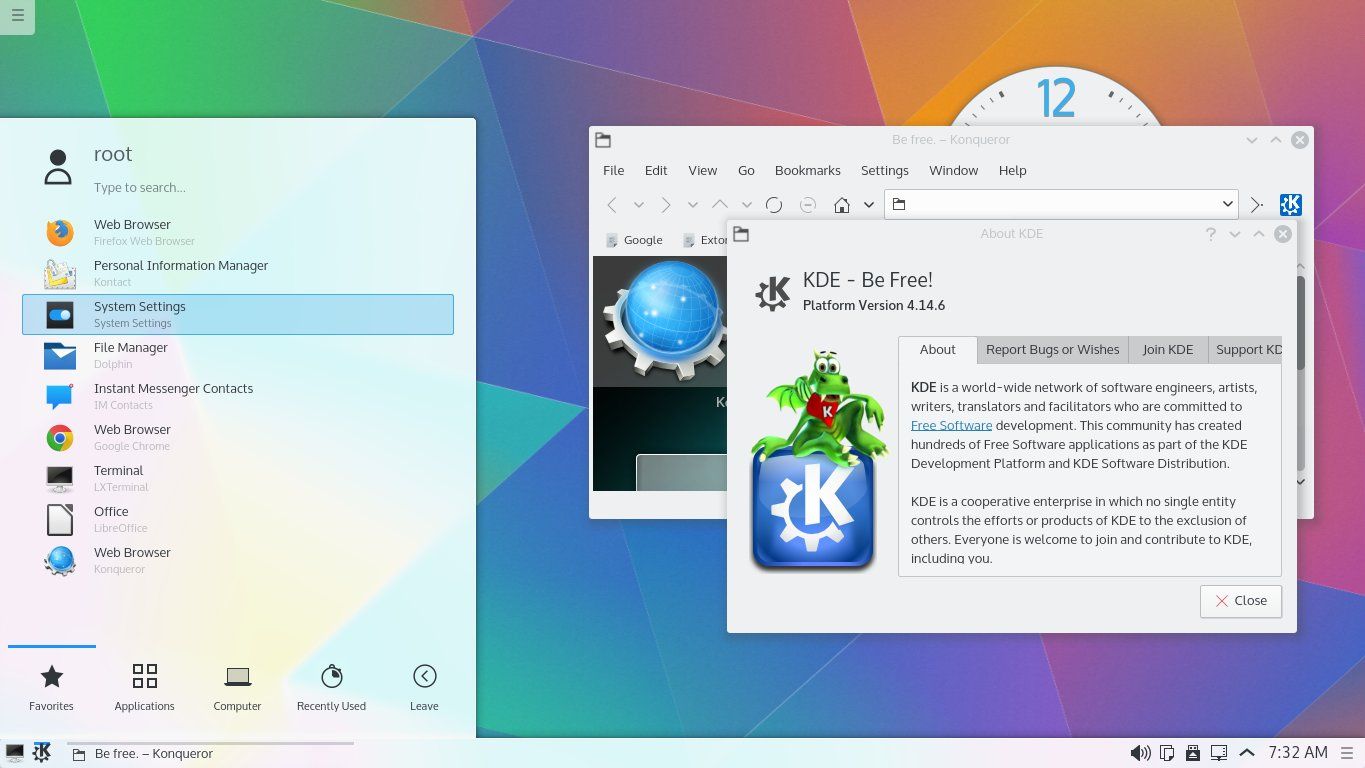
What’s new in kernel 4.9?
 Installed packages
The Desktop Environment is Enlightenment 0.20.99.0 (Beauty at your fingertips). Kernel 4.9.0-11-exton is used. (Kernel.org‘s stable kernel 4.9). Program content: Refracta Tools, Libre Office, Synaptic, GParted, SMPlayer (an alternative to Vlc), Wicd, PCManFM, Google Chrome (for watching Netflix movies) and Gimp. Furthermore compilation tools so that you can install programs from source. I have also included Nvidia’s proprietary graphics driver 375.26. It has support for the following GPUs (among others): Quadro M3000 SE, GeForce 10, GeForce 900, GeForce 800A, GeForce 800M, GeForce 700, Quadro Series, GeForce GTX 970M and GeForce GTX 980M. Study the full ExLight program LIST. All packages have been updated to the latest available version as at January 5, 2017.
Some cool things to do in ExLight Linux…
Screenshots
ExLight – running Refracta Snapshot
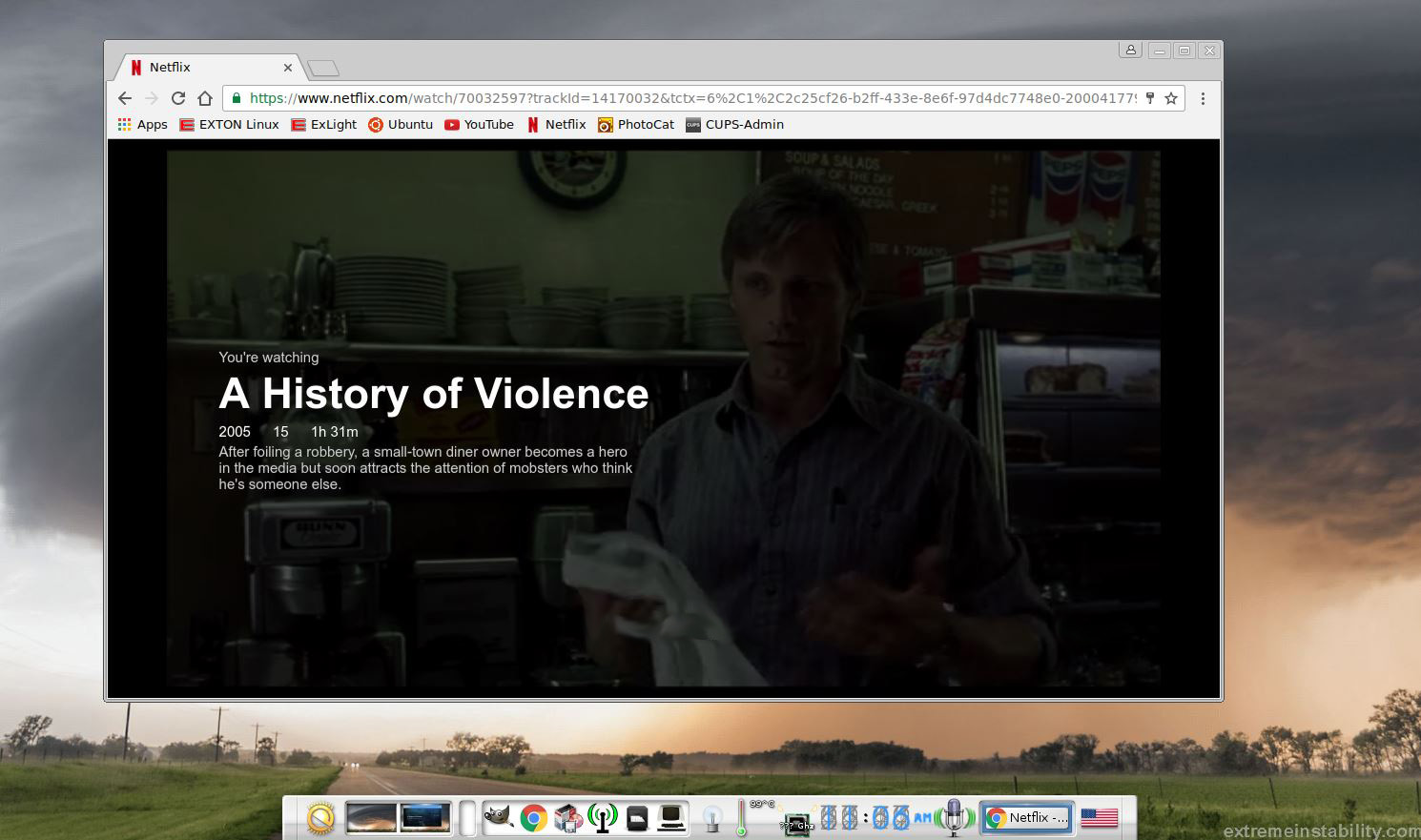
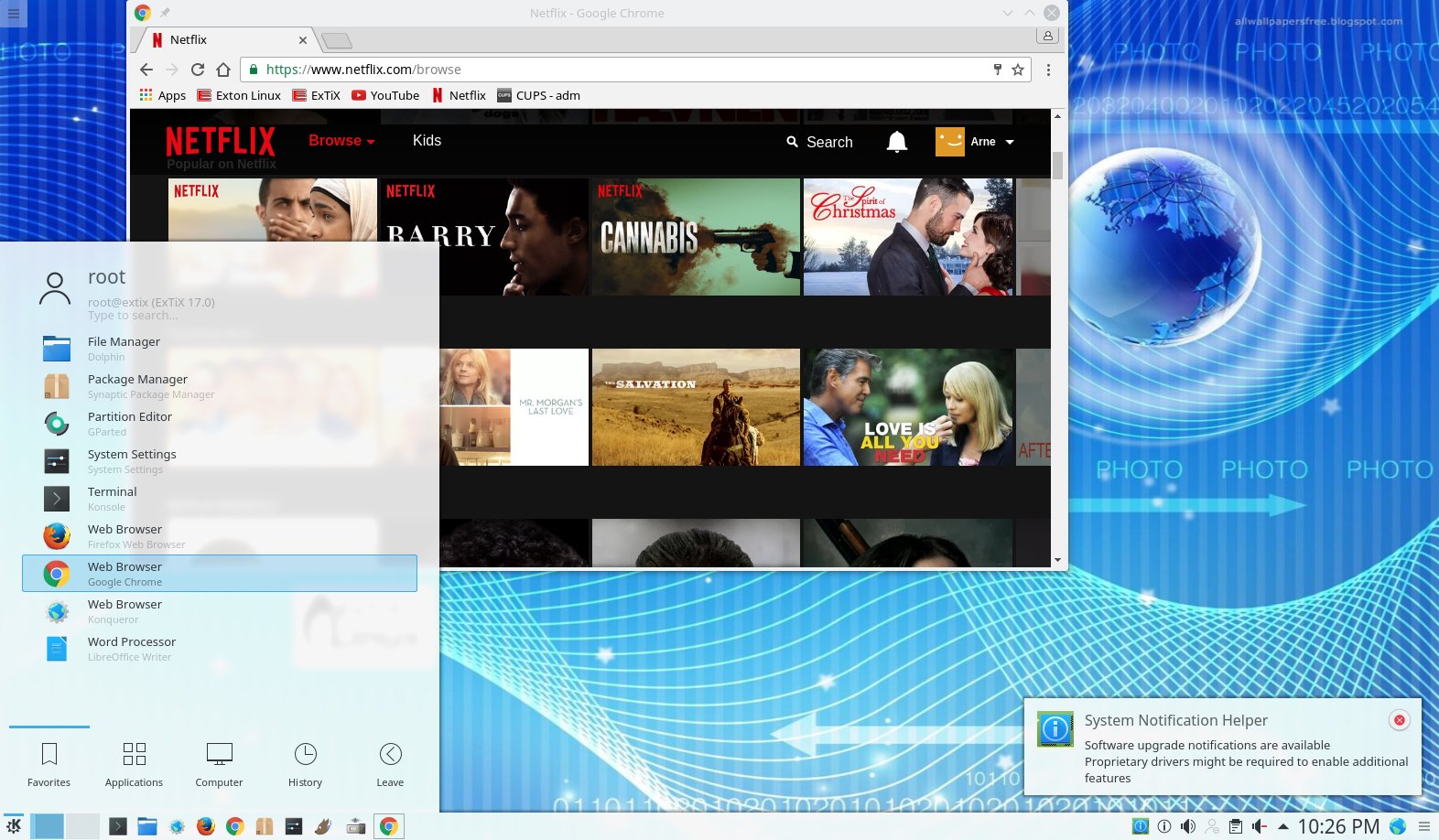
ExLight running Google Chrome with Netflix
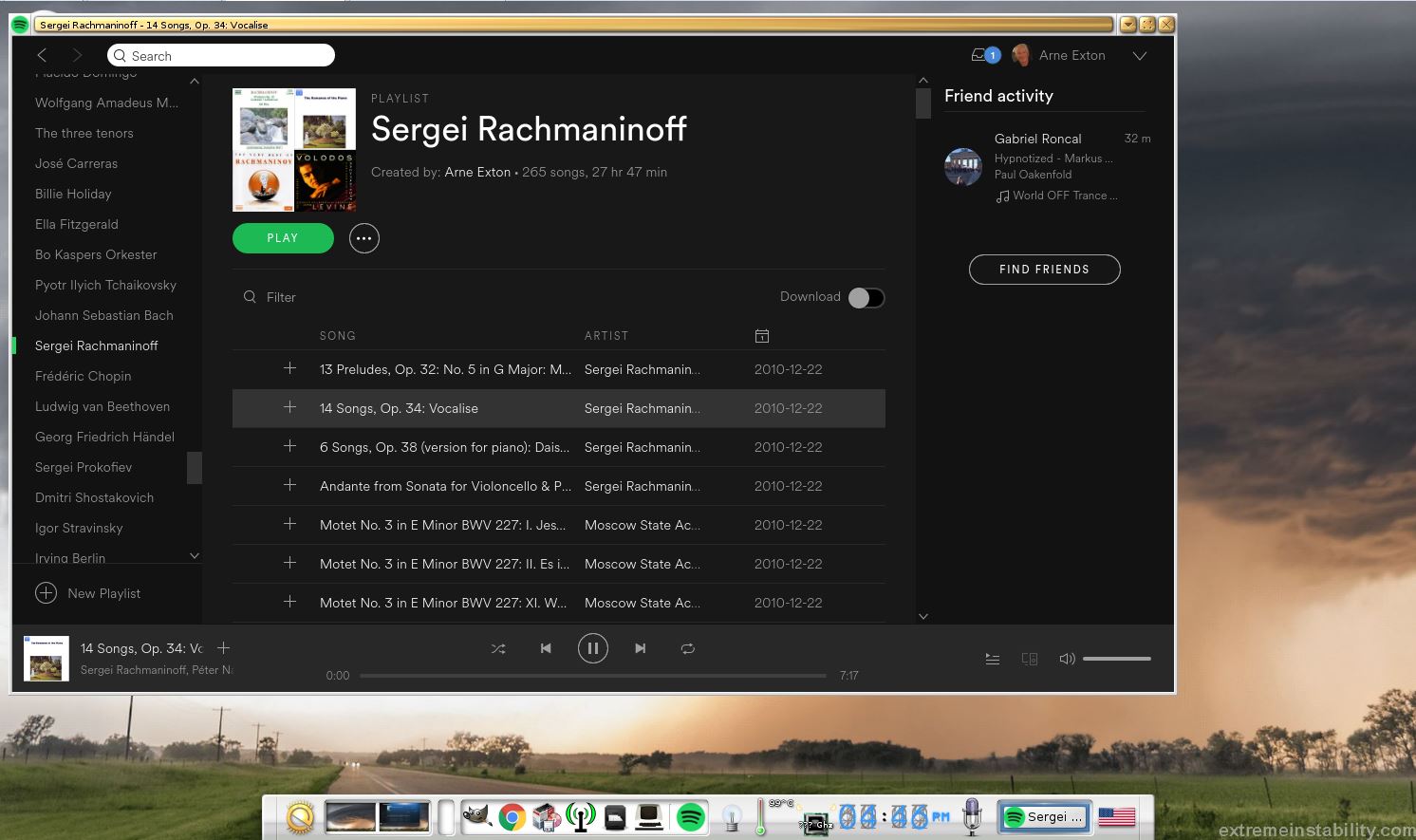
ExLight running Spotify
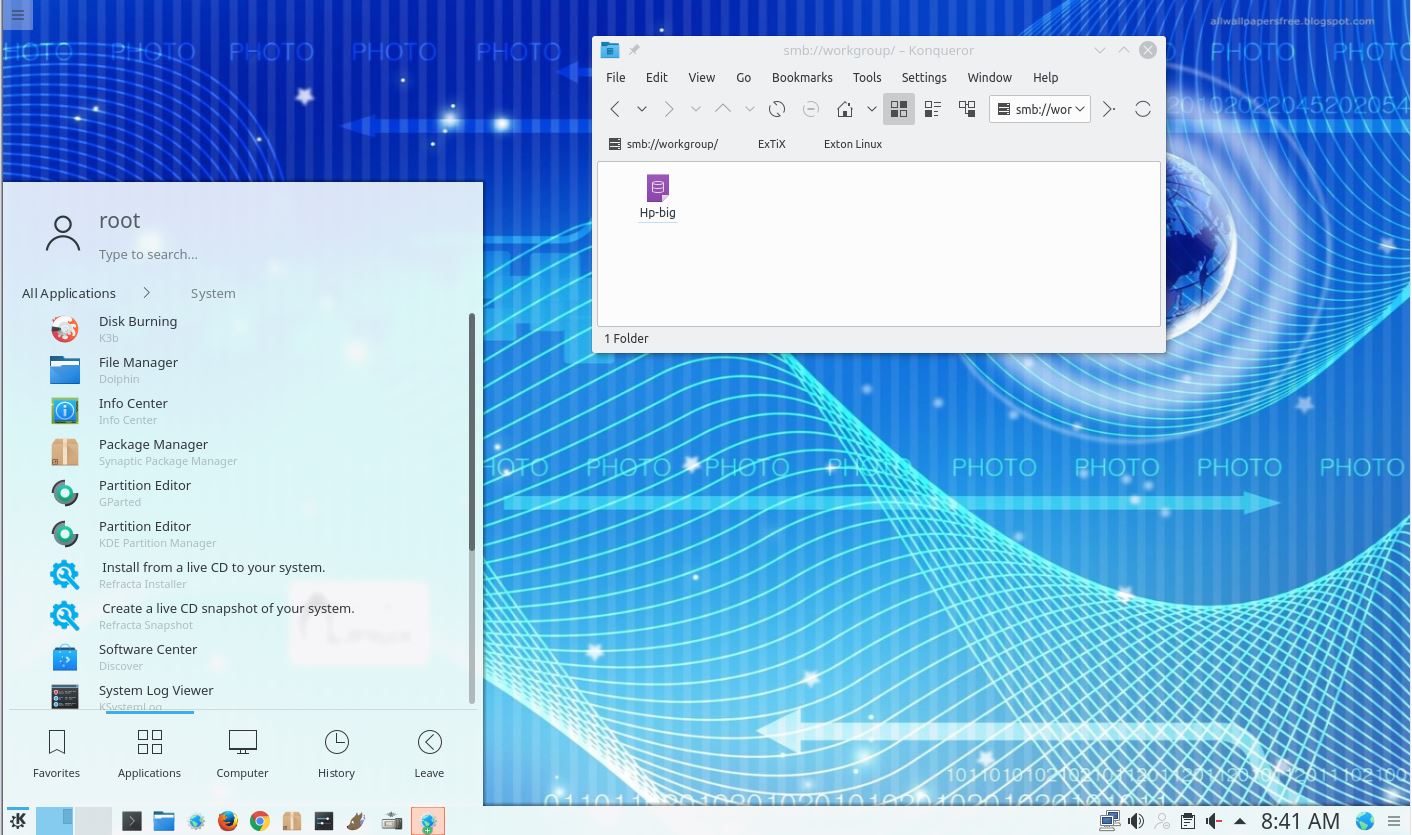
ExLight running Samba
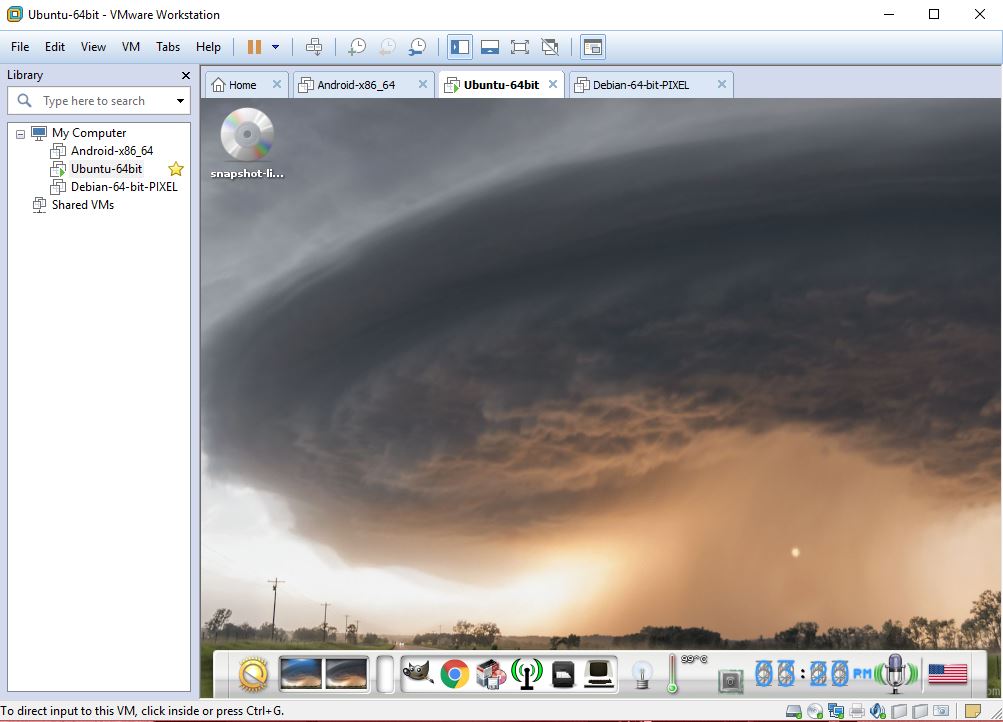
ExLight running in VMware
Other Exton Linux Systems you may like
All Exton Linux Systems
Exton Systems for the Raspberry Pi computer
Exton Android Systems for PC

 Exton's International Blog