I have made a new version of ExTiX – The Ultimate Linux System. I call it ExTiX 16.5 LXQt for the Intel Compute Stick. Build 161203 is only for Intel Compute Sticks. I.e. you can’t run the system on other computers. Build 161203 uses “my” kernel 4.8.0-26-exton-IntelAtom with special patches, which I have Linuxium to thank for.
NOTE 161203
Build 161119 – my first for the Intel Compute Stick – has been replaced by Build 161203. Some errors in the first build have been corrected. Occasionally crashes of Ubiquity when running the previous version of ExTiX (from 161119) was the main reason for the new release. I.e. in Build 161203 Ubiquity (and everything else) will work as expected.
ABOUT ExTiX for Intel Compute Sticks
ExTiX 16.5 LXQt 64 bit for the Intel Compute Stick is based on Debian 9 Stretch and Ubuntu 16.10 Yakkety Yak. The original system includes the Desktop Environment Unity (Ubuntu). After removing Unity I have installed LXQt 0.10.0. LXQt is the Qt port and the upcoming version of LXDE, the Lightweight Desktop Environment. It is the product of the merge between the LXDE-Qt and the Razor-qt projects: A lightweight, modular, blazing-fast and user-friendly desktop environment.
The system language is ENGLISH.
NEWS ABOUT ExTiX 16.5 build 161203 with LXQt Desktop environment
1. ExTiX LXQt is based on Ubuntu 16.10 Yakkety Yak. LXQt 0.10.0 is used as Desktop environment. All packages have been updated to the latest version by 161203. Kernel 4.8.0-26-exton-IntelAtom is used. You can download it if you want to use it in another Ubuntu system which can run on the Intel Compute Stick.
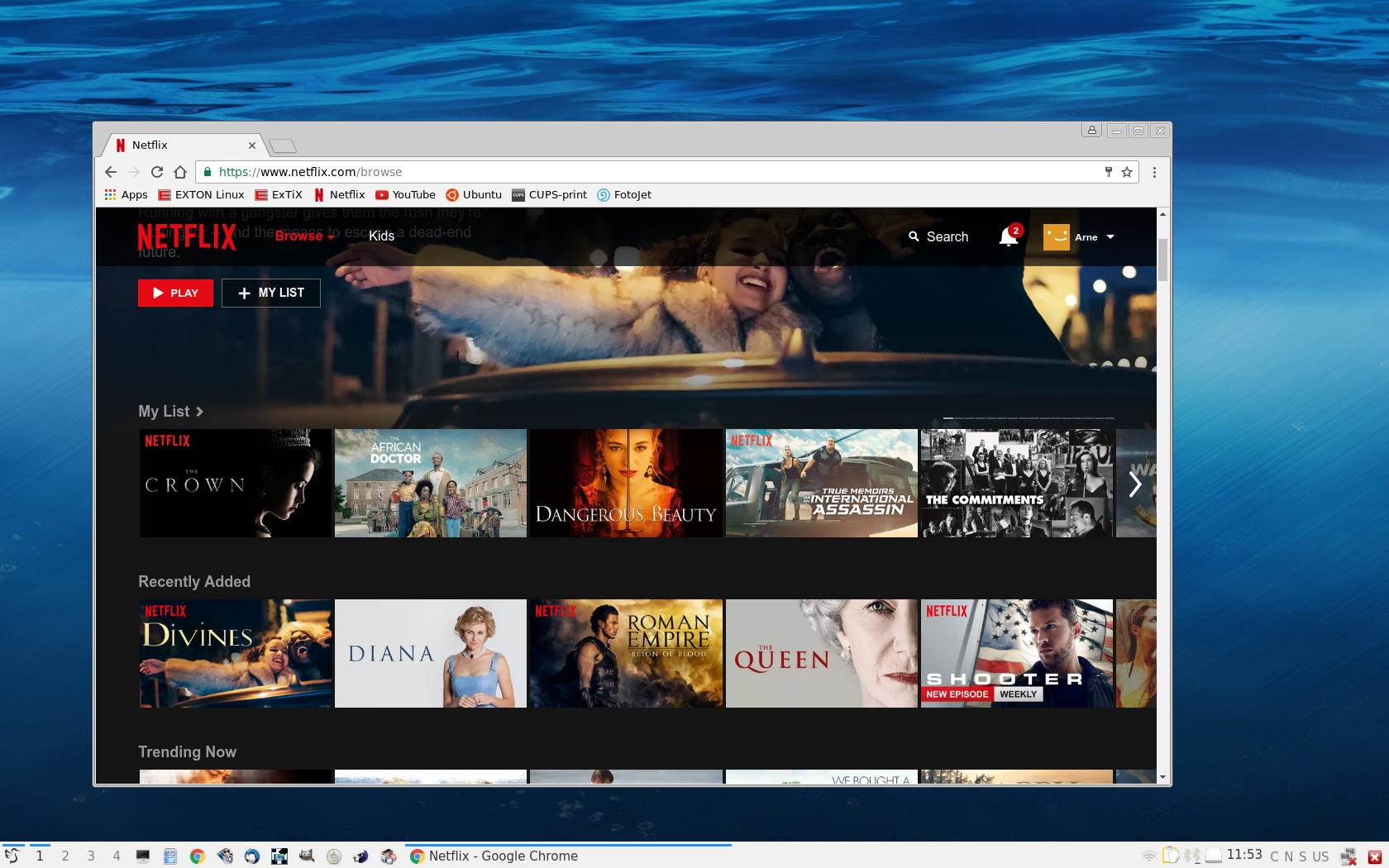
2. Google Chrome is used as Web Browser, which makes it possible to watch Netflix movies. It is not possible in Firefox (in Linux).
3. I have also installed BlueGriffon Web Editor. BlueGriffon is a new WYSIWYG content editor for the World Wide Web. Powered by Gecko, the rendering engine of Firefox, it’s a modern and robust solution to edit Web pages in conformance to the latest Web Standards. Only to be compared with Dreamweaver. (In my opinion).
4. Other included important/useful packages are: LibreOffice, Thunderbird, GParted, SMPlayer, GCC and other compilation tools so that you can install packages from source. Furthermore “all” multimedia codecs. Everything the average Linux user could wish for I would say.
SCREENSHOTS
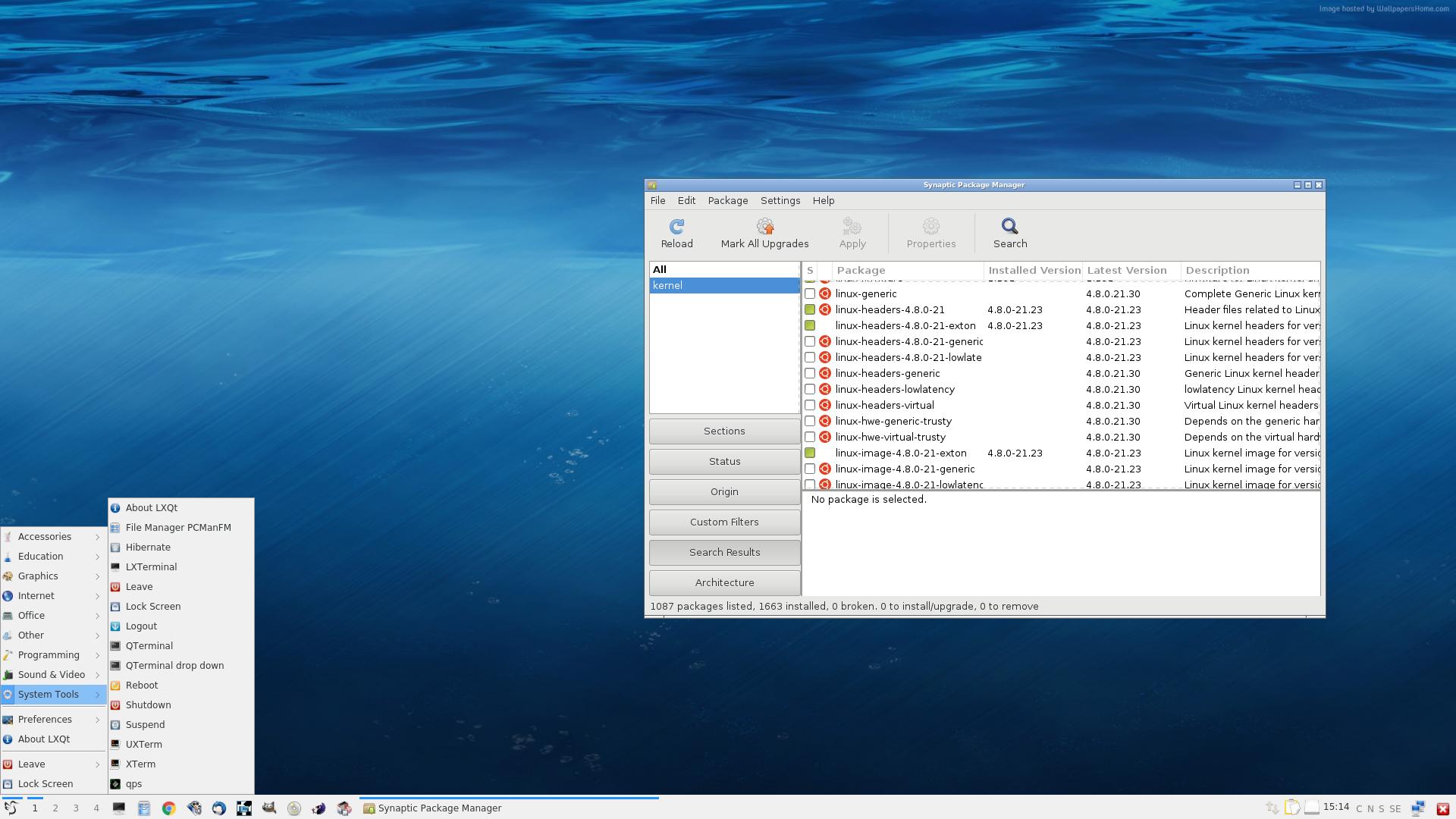
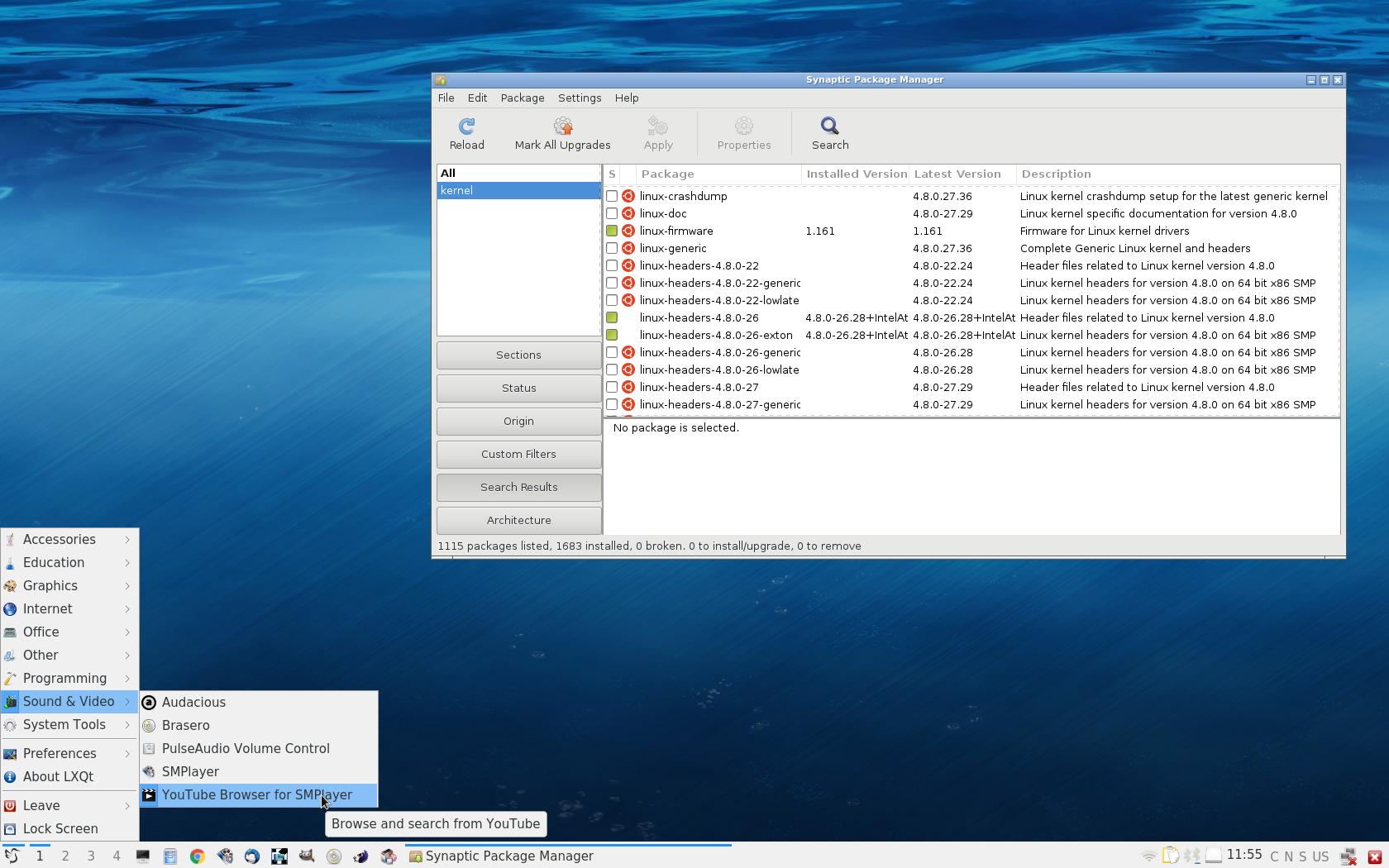
Screenshot of ExTiX 16.5 Desktop – LXQt 0.10.0
Google Chrome with Netflix running
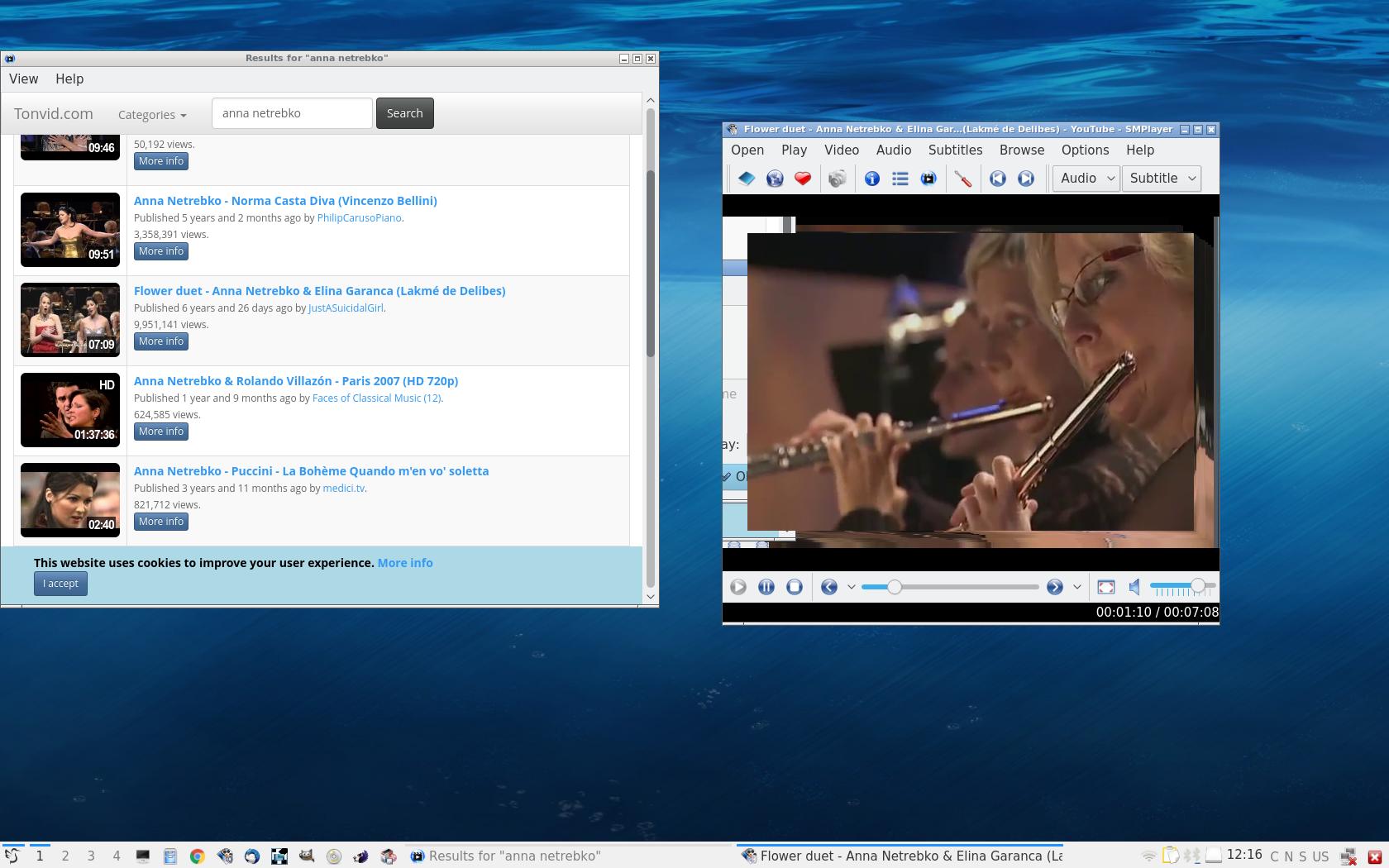
SMTube running
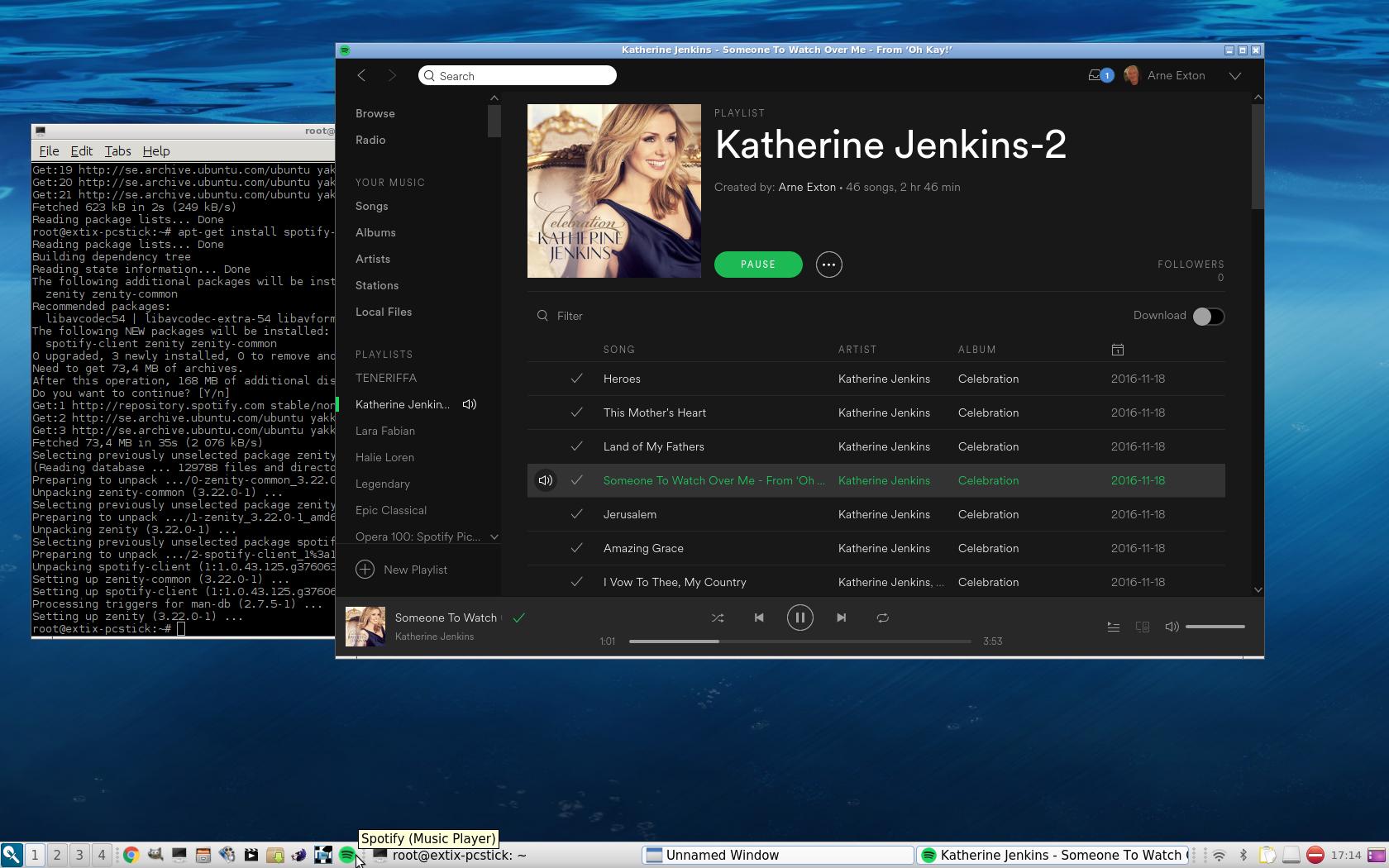
Spotify running
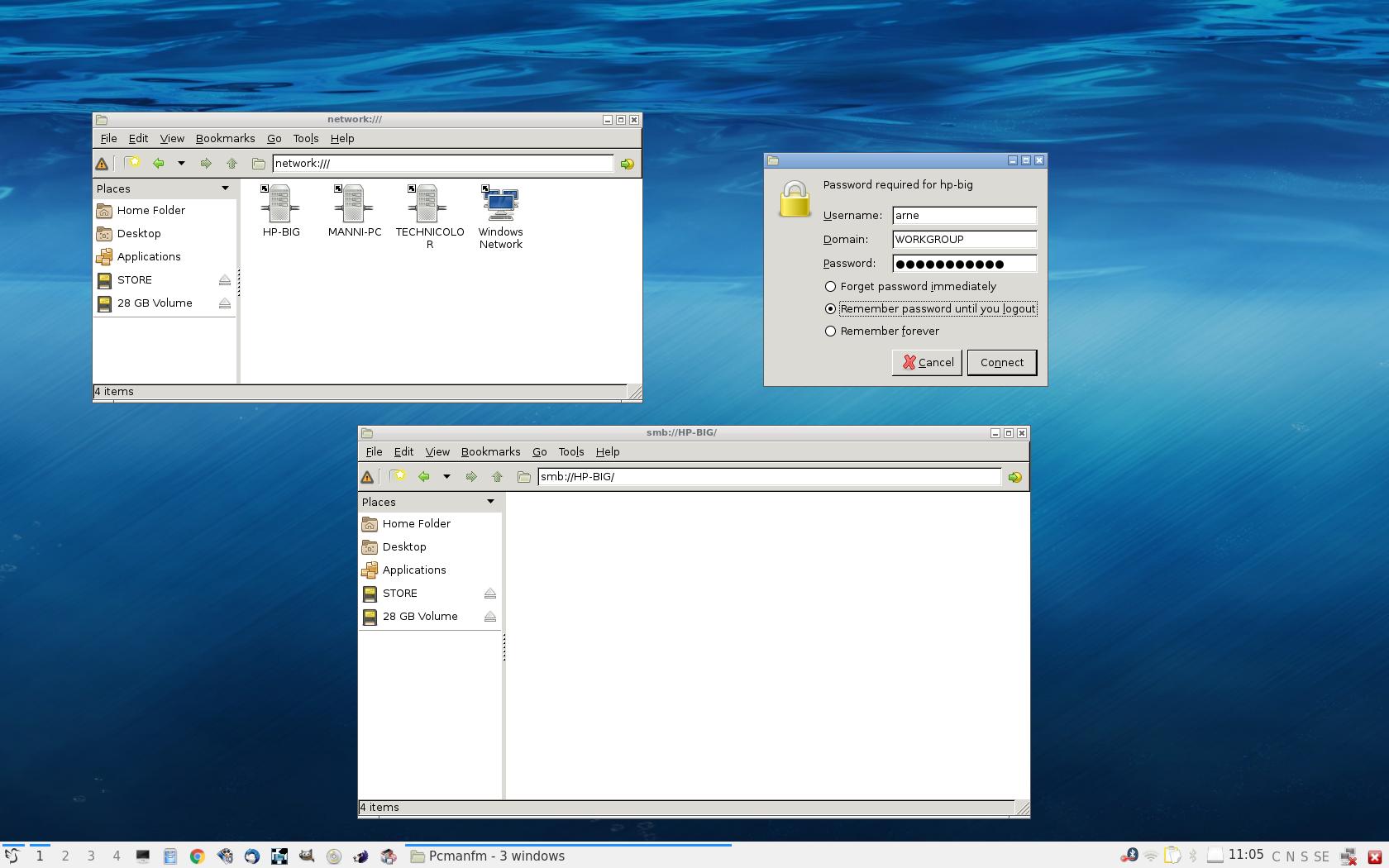
Reaching Windows computers with Samba

 Exton's International Blog