LFS EXTON – a live installable Linux system built from Linux From Scratch (which can run on ALL computers) with kernel 6.0.6-amd64-exton ::: Build 250315

LFS EXTON Linux live DVD/USB is built using Linux From Scratch 10.1/11.2 and Beyond Linux From Scratch 10.1/11.2 (BLFS).

IMPORTANT NOTE 250315
I’ve decided to abandon the LFS EXTON project. Version 250315 and 221103 of LFS EXTON is based on Linux From Scratch 10.1/11.2. The newest version of Linux From Scratch is version 12.3. It is therefore not possible to upgrade LFS EXTON anymore. Not without a lot of struggle anyhow. And I don’t feel like starting from scratch (again). Too time consuming. Anyone is welcome to take over my project though. You can change everything to your liking and the create a new ISO using Refracta Snapshot, which is working very well in Build 250315. See my main site about LFS EXTON and download a HOWTO about how to use Refracta Snapshot. You’ll find the just mentioned instruction also in /root in Build 250315.

OLD AND NEW NEWS 221103/250315
A new version of LFS EXTON is ready! The first version is from 210706. Most important news re. the new version:
1. LFS EXTON Build 250315/221103 runs on ALL computers. I. e. new and old ones. UEFI or non-UEFI computers. (Build 210706 was not compatible with some newer computers).
2. Build 250315/221103 uses the latest (by 221103) kernel 6.0.6, released 221029.
The kernel is named 6.0.6-amd64-exton-rt14.
3. I have upgraded some essential packages. Most important Firefox.
NOTE: Firefox will always be upgraded automatically to the latest version.
4. I have installed two new packages: Gnu Emacs (“At its core is an interpreter for Emacs Lisp, a dialect of the Lisp programming language with extensions to support text editing”) and MPlayer (a movie player).
NOTE about MPlayer: To be able to play videos (and not just hear sound) you’ll have to install AAlib. Very easy to install. Just follow the instructions. NOTE: Already done in Build 250315.
5. You can download the kernel-sources for LFS EXTON from SourceForge.net – linux-source-6.0.zip. Can be used if you want to install (for example) NVIDIA Graphics Drivers. Unpack and place the sources in /usr/src.

SCREENSHOTS
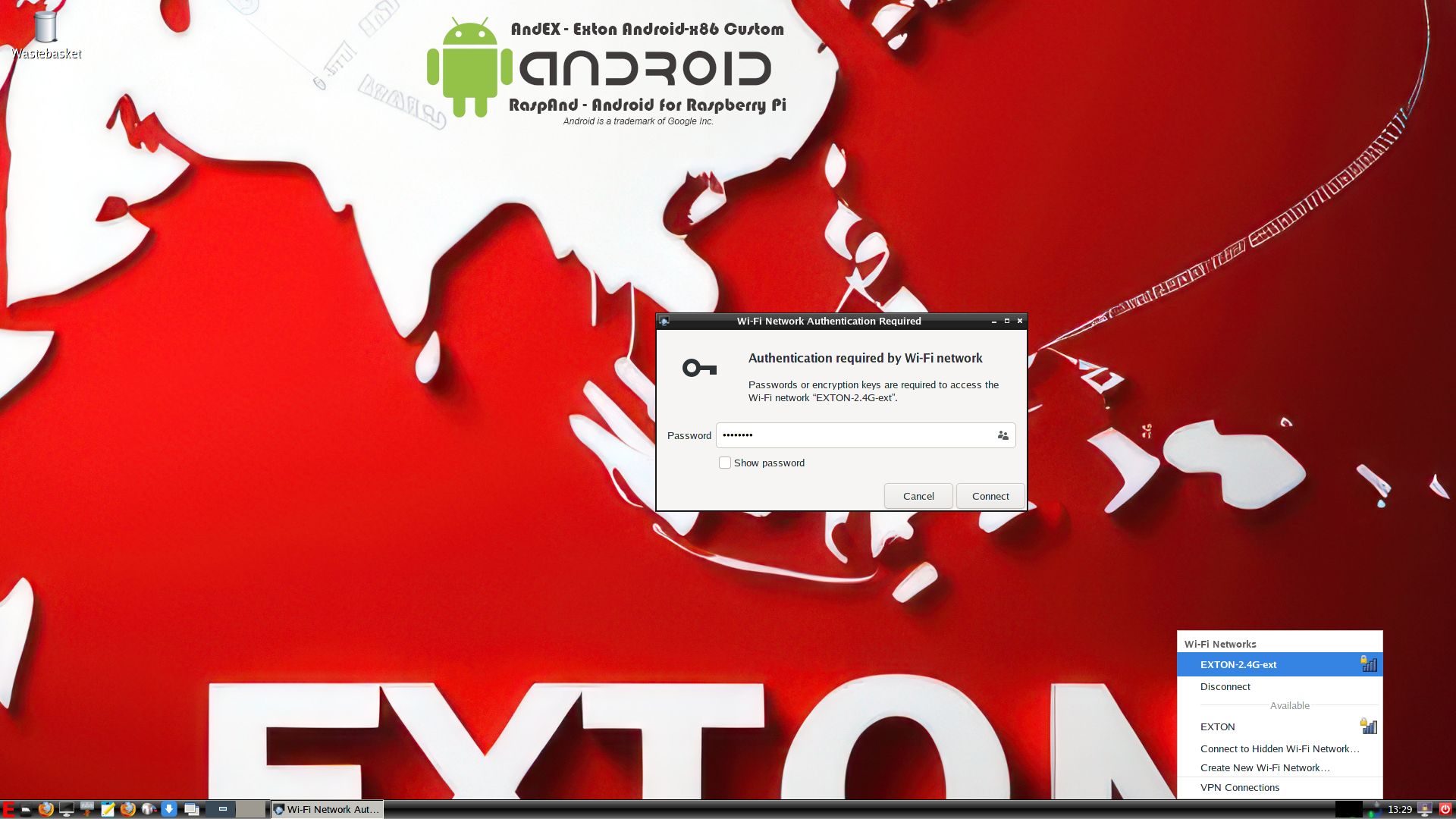
1. A WiFi connection
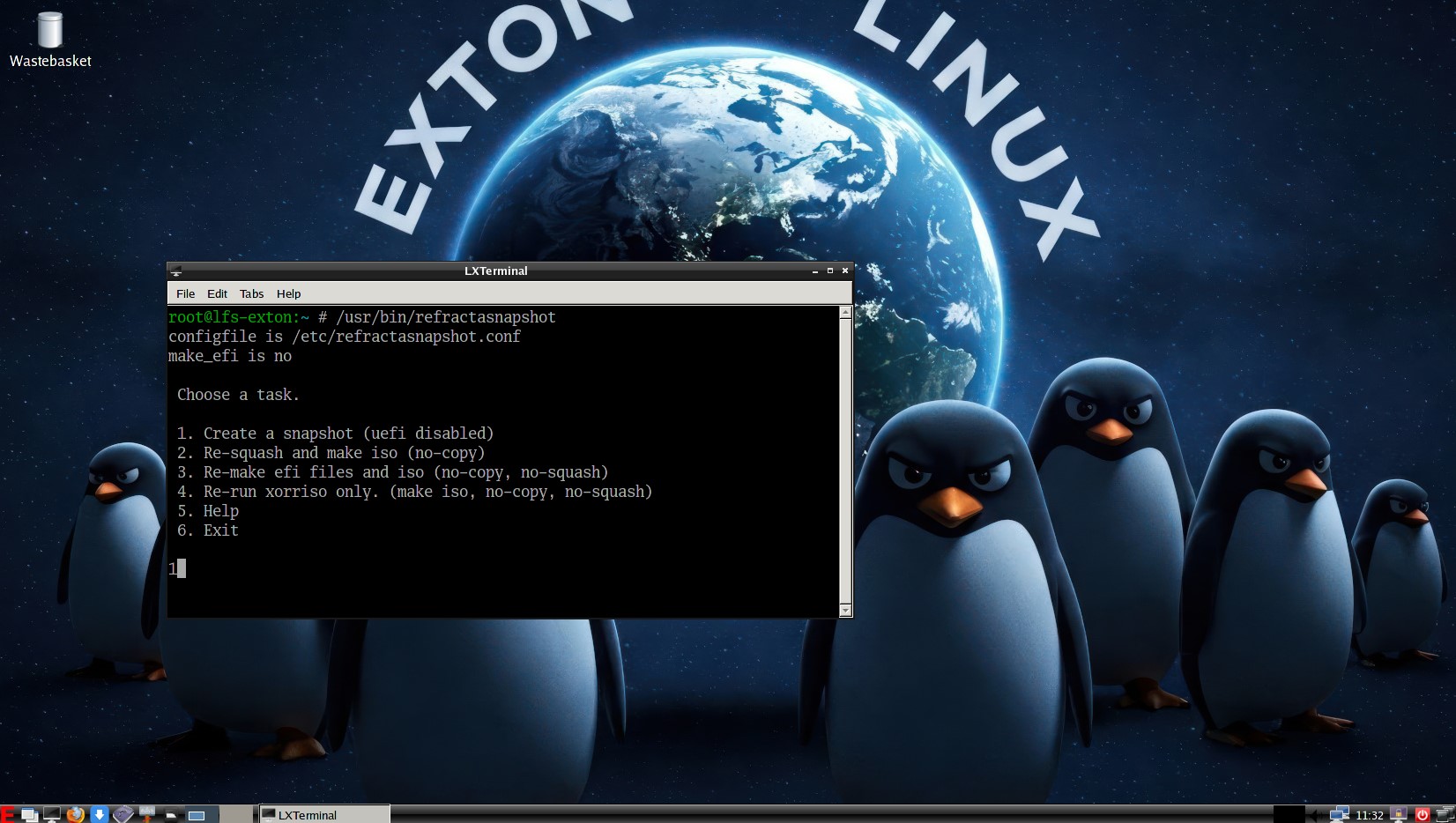
2. Starting Refracta Snapshot
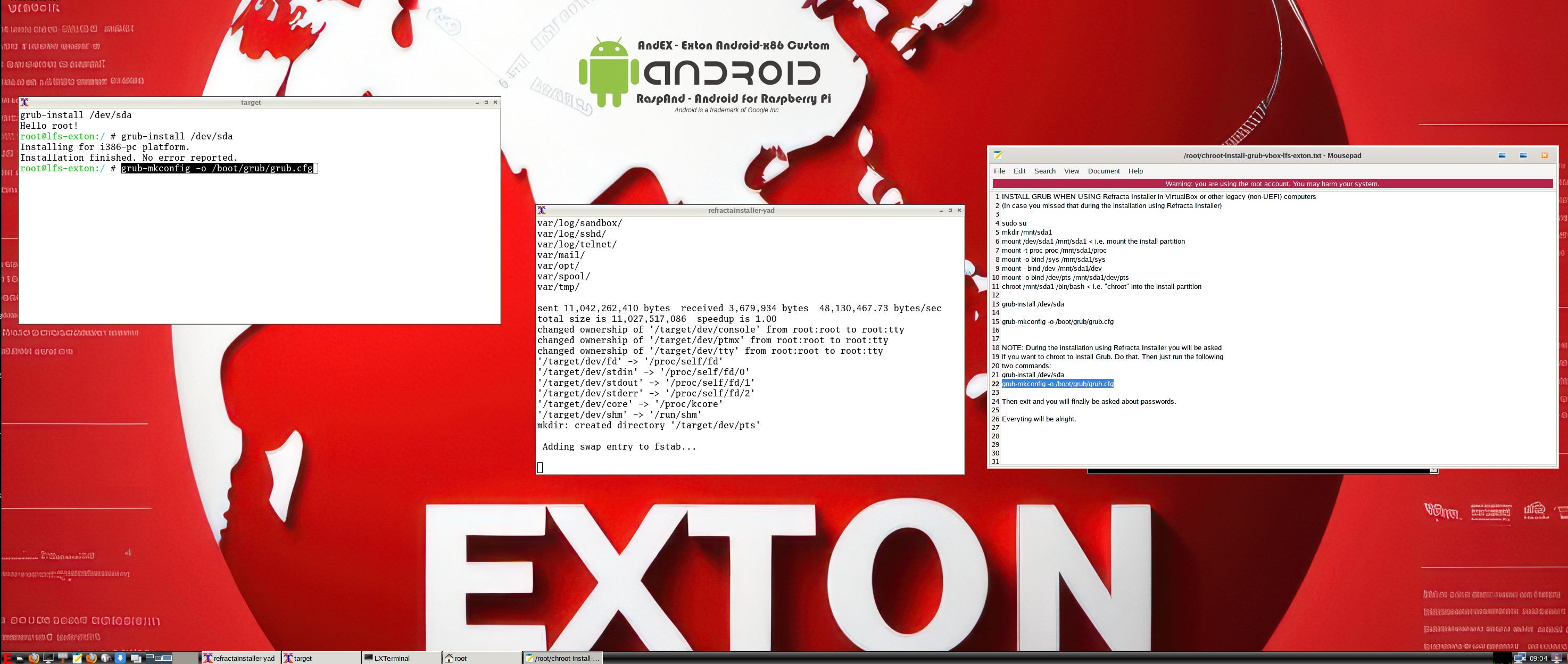
3. Refracta Installer is running
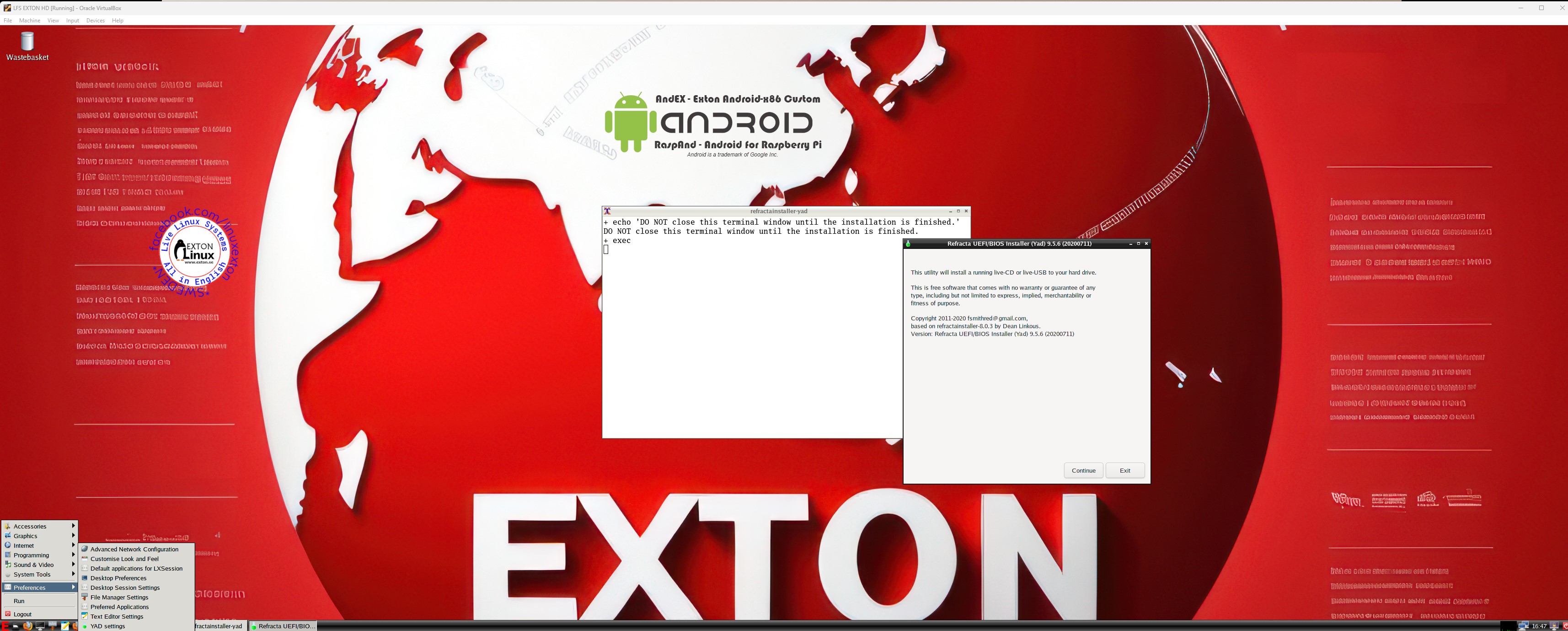
4. Running in full screen in VirtualBox in Windows

READ MORE…

Read about my Android-x86 Systems – 11, 10, Pie, Oreo, Nougat, Marshmallow, Lollipop and KitKat at andex.exton.net – latest is AndEX 11 (with GAPPS), AndEX 10 (with GAPPS) and AndEX Pie 9.0 (also with GAPPS)!
and
about my Android 15, 14, 13, 12, 11, 10, Pie, Oreo, Nougat, Marshmallow and Lollipop versions for Raspberry Pi 5, Pi 4 and  Pi 3/2 at raspex.exton.se – latest is RaspAnd 15 (with GAPPS), RaspAnd 14 (also with GAPPS), 13 and 12 (without GAPPS), RaspAnd 11 (with GAPPS) and RaspAnd Oreo 8.1 (also with GAPPS)!



Follow me on Facebook…

Exton|Defender Super Rescue System (SRS) – Build 170909 – based on Fedora 26 with Cinnamon 3.4.6 and kernel 4.12.9

Description
Exton|Defender SRS is a Linux system available as a Live DVD (based on Fedora 26, 64bit – version 170909) for administrating or repairing your system and data after a crash. Exton|Defender aims to provide an easy way to carry out admin tasks on your computer, such as creating and editing the hard disk partitions. It comes with a lot of Linux software such as system tools and basic tools (editors, Midnight Commander, network tools). Exton|Defender can, however, also be used as a normal Linux Desktop System. It requires no hard drive installation, but can easily be installed to hard drive if you want. Desktop environment: Cinnamon 3.4.6.

System Tools included
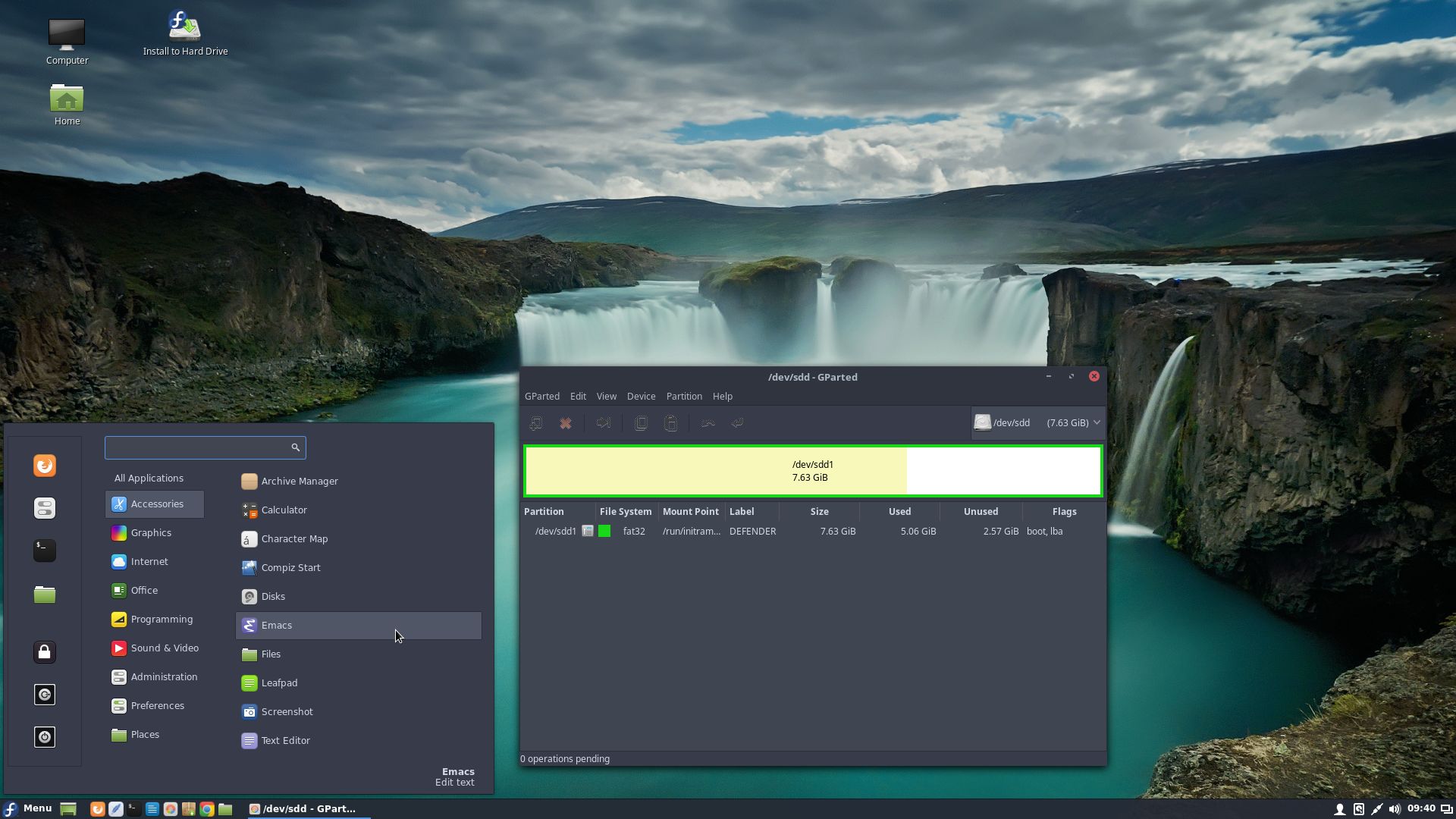
NTFS-3g, GParted, PartImage, Shred, Sfdisk (util-linux-ng), Rsync, Ddrescue, FSArchiver, TestDisk and Midnight Commander. Other programs (among many others): LibreOffice (in fc26), NetworkManager, Firefox, Thunderbird, Samba, Java (JDK 1.8.0) and Java Runtime Environment (JRE), Emacs, Safecopy, kernel headers and many compilation tools. See a complete LIST of all installed packages 170909. (Fedora version 170909).

NEWS 170909 re. Exton|Defender fc26 (Fedora 26)
I’ve made a new version of Exton|Defender 64 bit. Now based on Fedora 26, released 161122. It uses Cinnamon 3.4.6 and kernel 4.12.9.

About Fedora
Please read this overview.

Feedback
Fedora 26 is at least as “good” as Ubuntu 17.04/Linux Mint 18.2 and/or OpenSUSE 42.2. (In my opinion). Tell me what you think of Exton|Defender SRS in combination with the Cinnamon Desktop. Did you find the included Rescue System Tools useful?

SCREENSHOTS
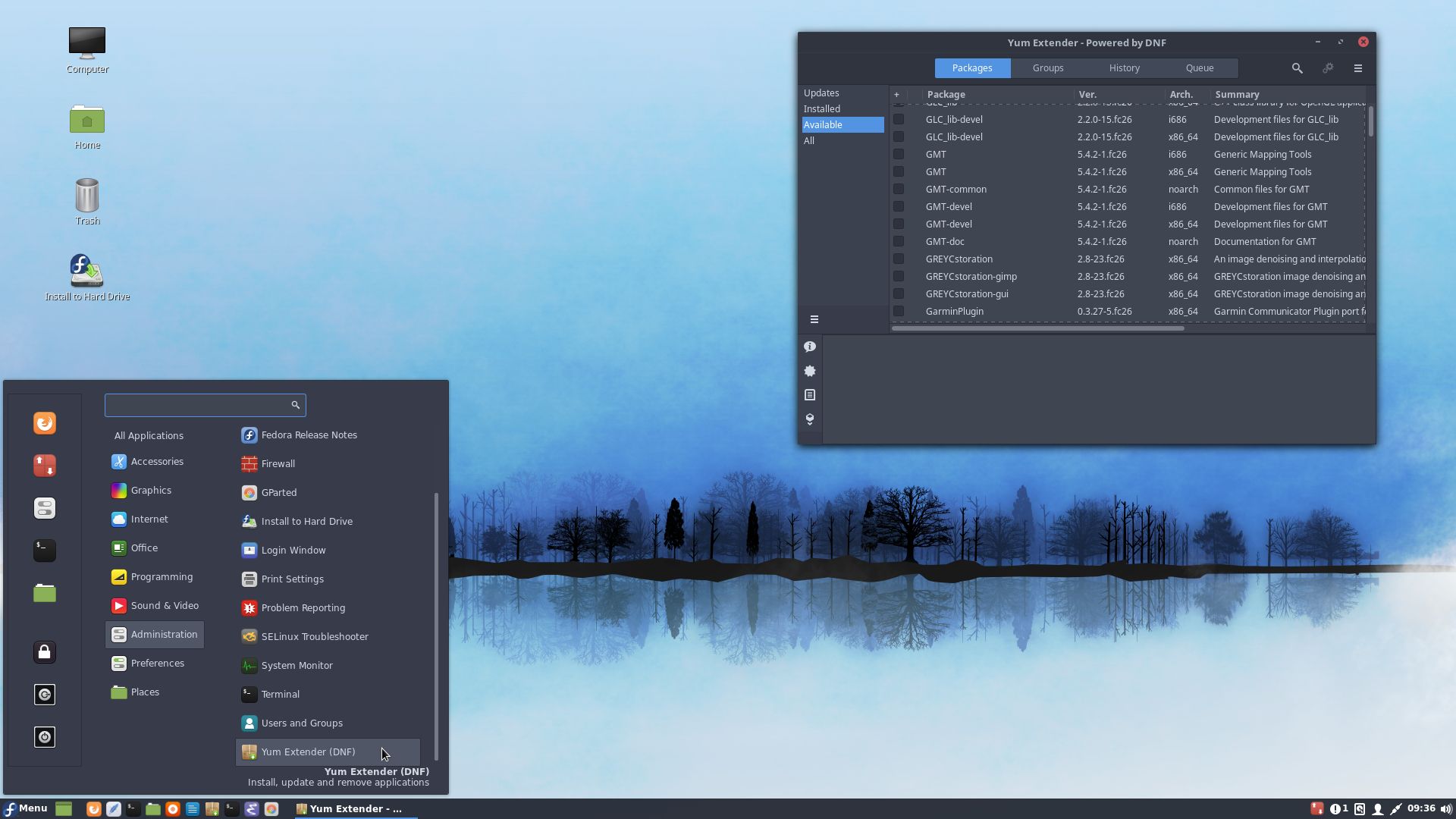
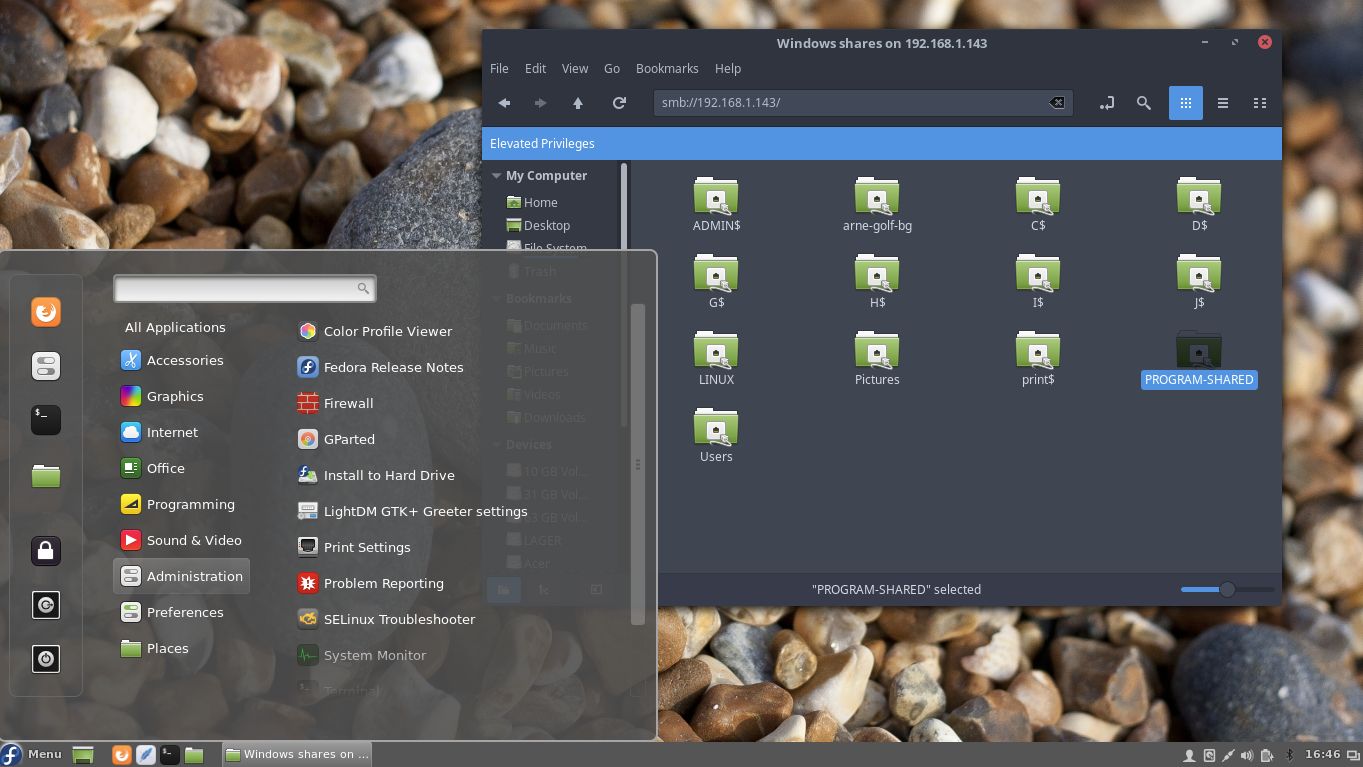
1. Exton|Defender´s Cinnamon 3.4.6 Desktop
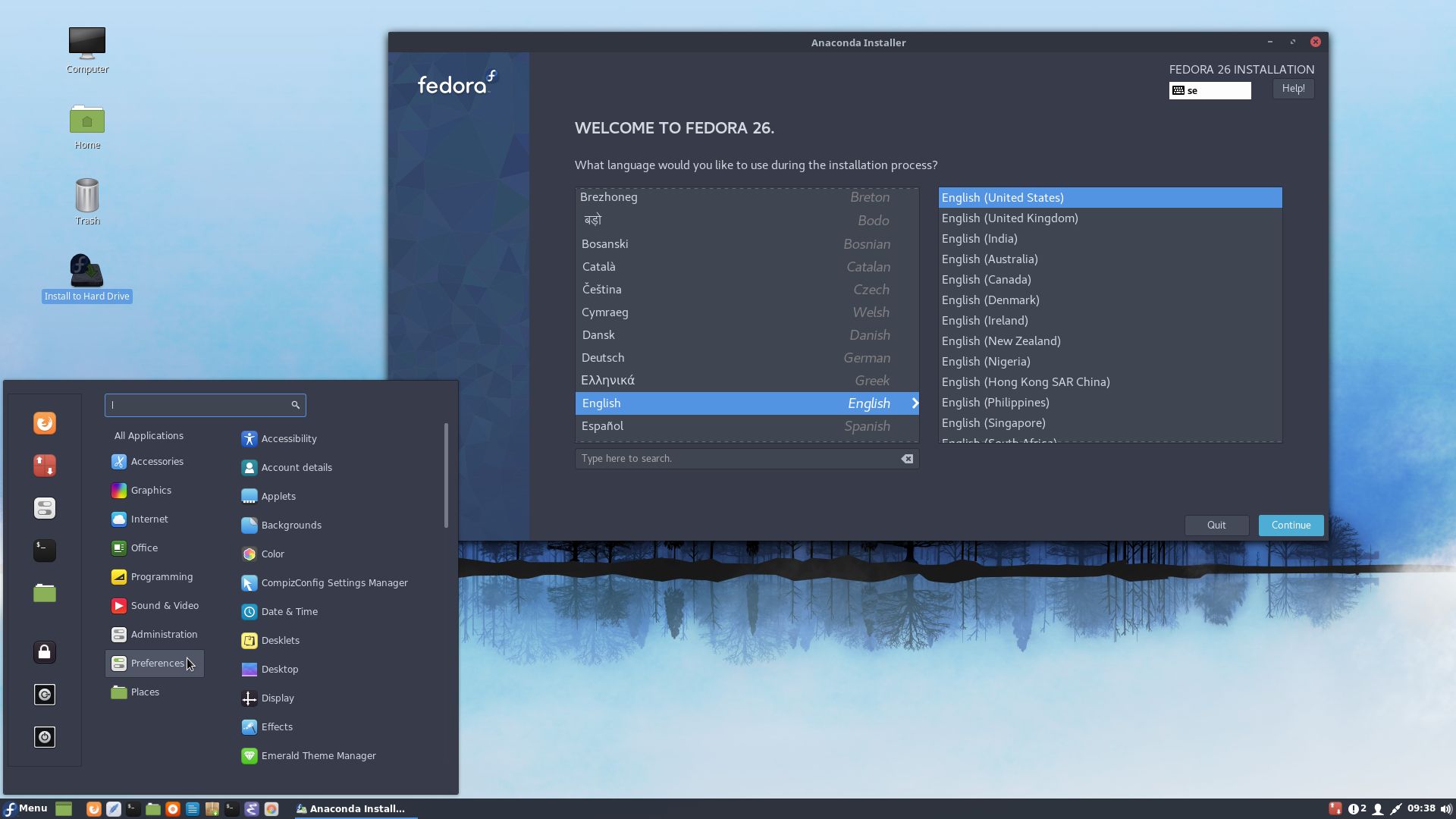
2. Anaconda is running (the install program)
3. Google Chrome with Netflix running
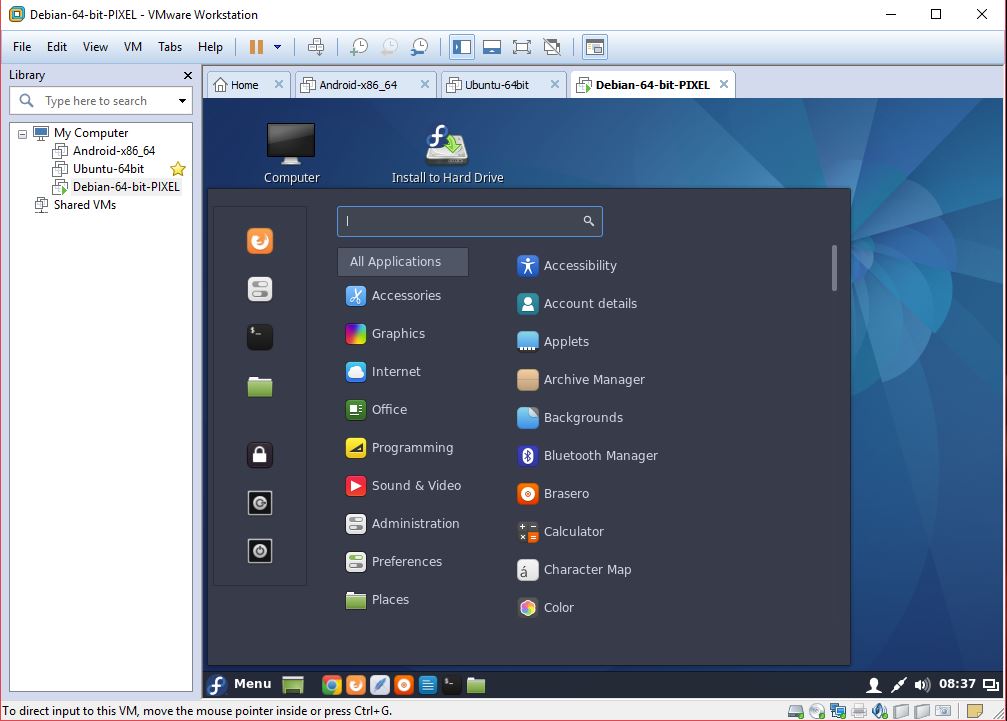
4. Exton|Defender running in VMware
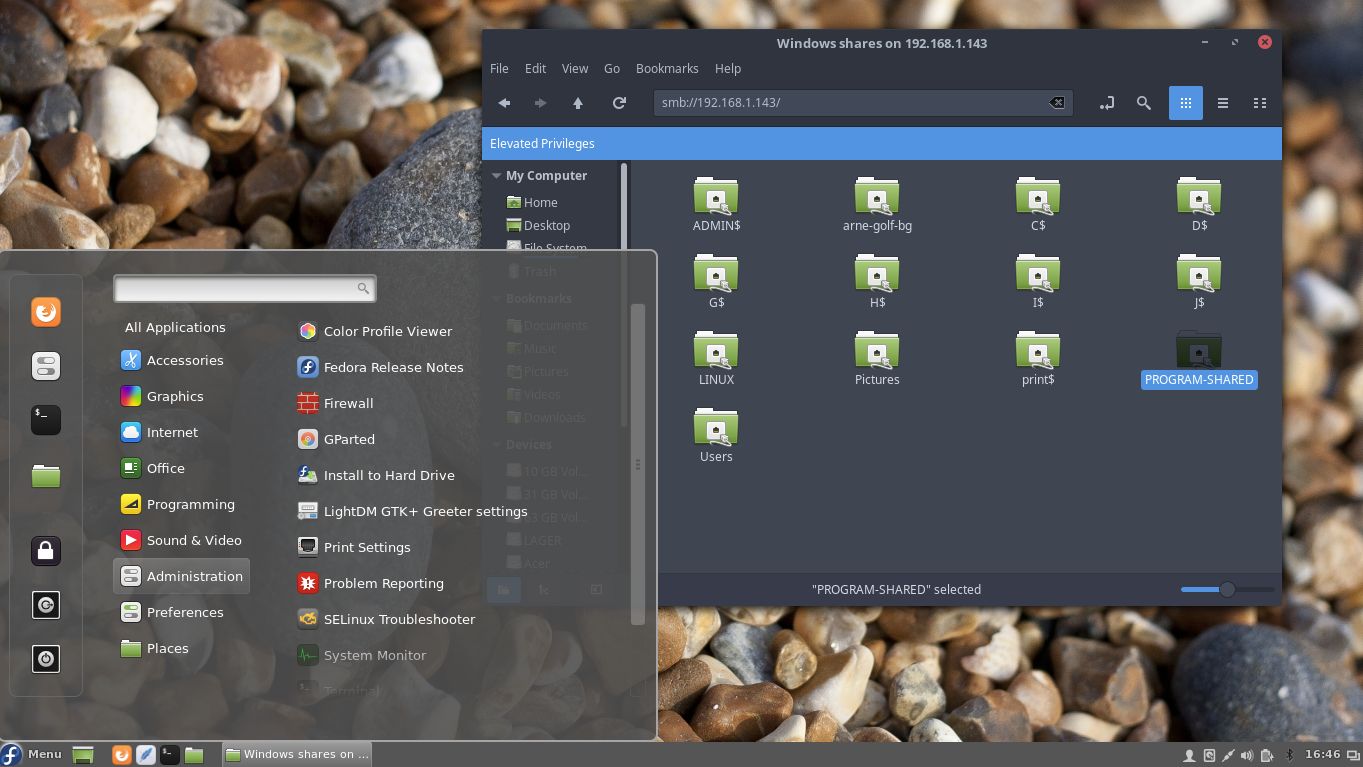
5. Exton|Defender using Samba

READ MORE….

Exton|Defender fc25 (Fedora 25) Super Rescue System with Cinnamon 3.2.8 and kernel 4.9.9

Description
Exton|Defender SRS is a Linux system available as a Live DVD (based on Fedora 25, 64bit – version 170218 and on Mageia 5, 32bit – version 150701) for administrating or repairing your system and data after a crash. Exton|Defender aims to provide an easy way to carry out admin tasks on your computer, such as creating and editing the hard disk partitions. It comes with a lot of Linux software such as system tools and basic tools (editors, Midnight Commander, network tools). Exton|Defender can, however, also be used as a normal Linux Desktop System. It requires no hard drive installation, but can easily be installed to hard drive if you want. Desktop environments: Cinnamon 3.2.8 in version 170218 (Fedora 25) and Cinnamon 2.4.5 in version 150701 (Mageia 5).

System Tools included
NTFS-3g, GParted, PartImage, Shred, Sfdisk (util-linux-ng), Rsync, Ddrescue, FSArchiver, TestDisk and Midnight Commander. Other programs (among many others): Google Chrome (in both versions) for watching Netflix movies, LibreOffice (in fc25), NetworkManager, Firefox, Thunderbird, Gimp, Samba, Java (JDK 7u9) and Java Runtime Environment (JRE), Emacs, Safecopy, kernel headers (Mageia 5 and Fedora 25) and many compilation tools. See a complete LIST of all installed packages 170218 (Fedora version) and 150701 (Mageia version).

NEWS 170218 re. Exton|Defender fc25 (Fedora 25)
I’ve made a new version of Exton|Defender 64 bit. Now based on Fedora 25, released 161122. It uses Cinnamon 3.2.8 and kernel 4.9.9. (Second latest stable kernel as of 170218).

VirtualBox and VMware
Exton|Defender fc25 runs very well in VirtualBox and VMware. Both live and installed to a virtual hard drive. Screenshots: Exton|Defender fc25 running in VirtualBox and VMware.

INSTALL Exton|Defender – FC25 (version 170218) on a USB stick of at least 4 GB
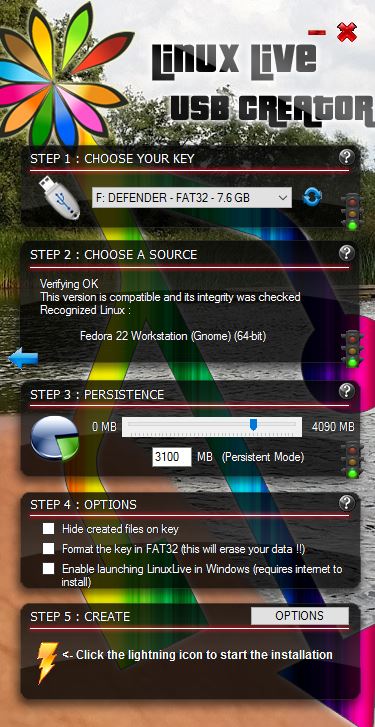
Use LinuxLive USB Creator (LiLi) in Windows. Works very good. All system changes are PERSISTENT. Be sure to choose “Recognized Linux: Fedora 22 Workstation (Gnome) 64-bit”. Watch this screenshot. You can also use Etcher. No persistence though. Watch this screenshot.

INSTALL Exton|Defender – FC25 (version 170218) to hard drive

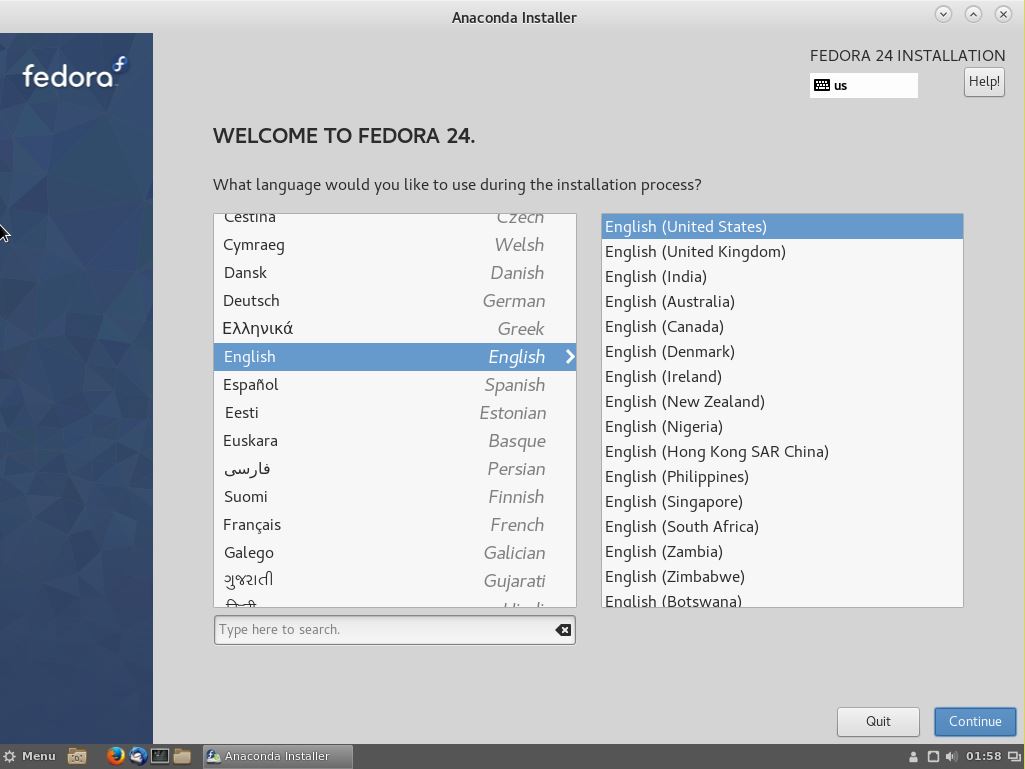
Just use Anaconda (Fedora’s installer). Please read this INSTRUCTION. You can (if you want) use Grub2 as boot loader. Watch this screenshot when Anaconda has started (in fc24).

SCREENSHOTS
Exton|Defender´s Cinnamon 3.2.8 Desktop
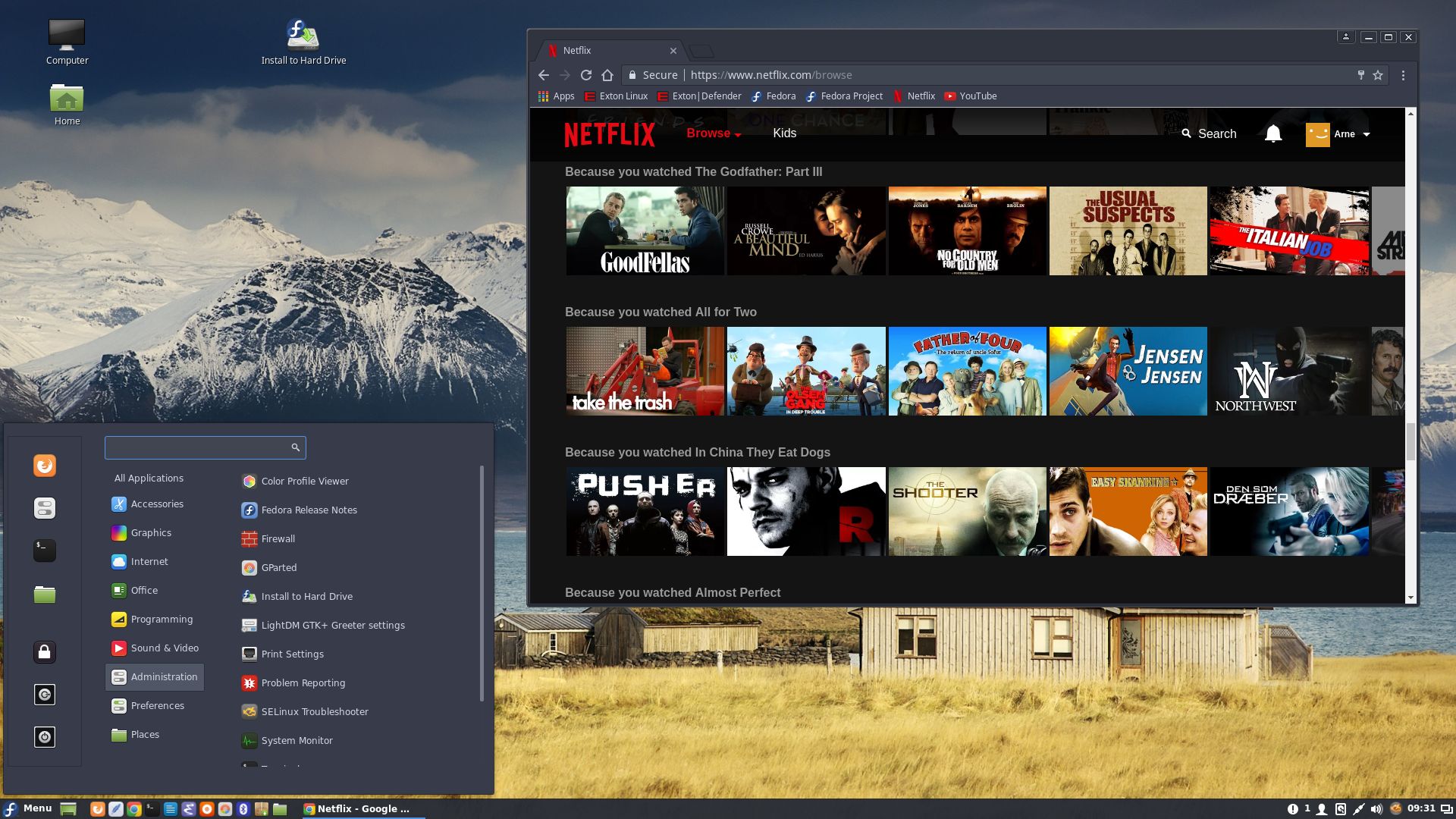
Netflix is running in Google Chrome
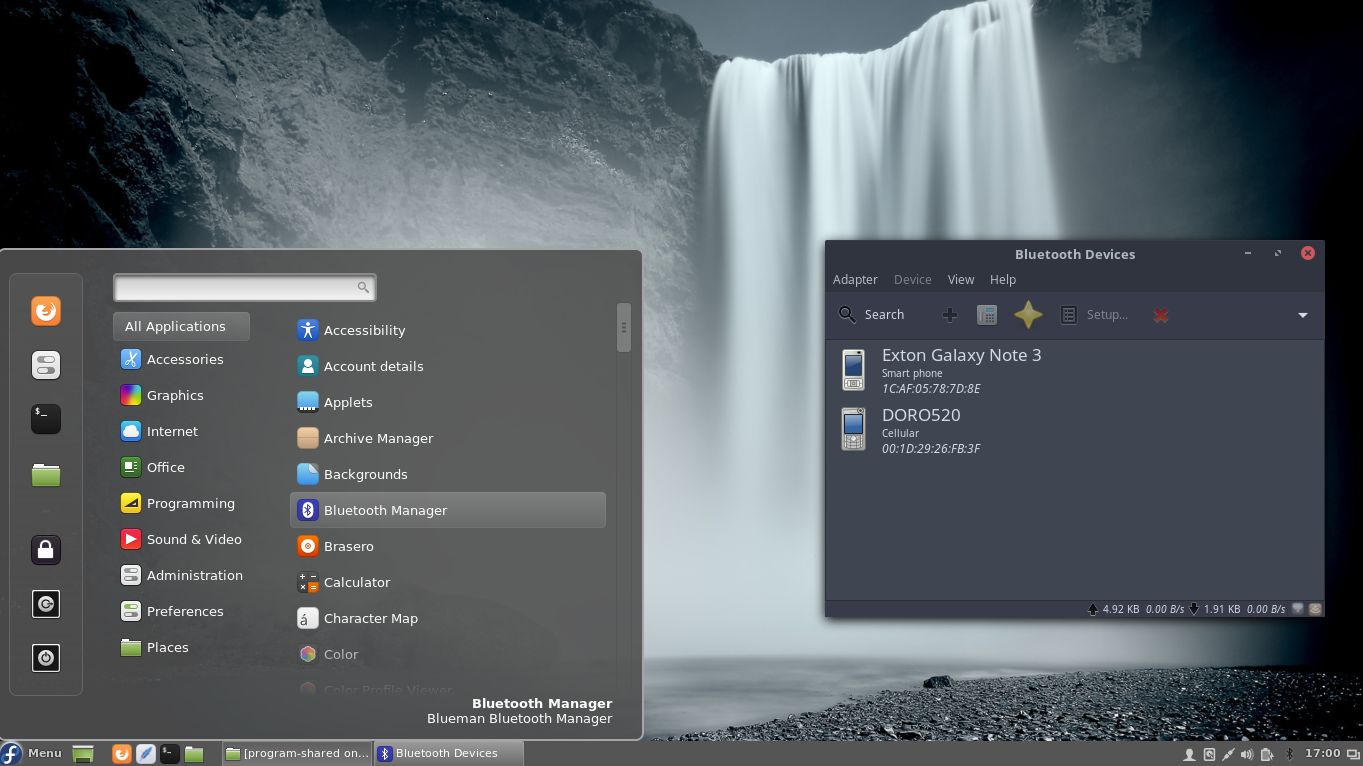
Bluetooth Manager is running
Samba is running

READ MORE…

exGENT 64 bit (Gentoo) with Xfce4 and Lxqt using kernel 3.17.4-gentoo-exton

exGENTNEWS 20141130
I’ve made yet a new version (20141130) of exGENT Live DVD. Now with Xfce4 and Lxqt (The next generation of the Lightweight Desktop Environment). It is for the 64 bit architecture. I call it exGENT 2015 Xfce4 Live DVD. It replaces version 20140212 of exGENT with Gnome. Version 141130 of exGENT uses kernel 3.17.4. (Latest stable kernel). The ISO file is of 1630 MB due to the fact that this version has a lot of packages preinstalled. Among them four different Web Browsers: Firefox, Opera, Chromium and Seamonkey. Despite this exGENT version 141130 runs surprisingly fast from DVD or USB. Faster than most other Linux live systems. All installed packages in exGENT have been updated to the latest available version by 141130.

Porthole
You can (if you like) use Porthole Package Manager, which is preinstalled in exGENT version 141130. Porthole is a front-end for Portage, the Gentoo Package management system. It allows you to browse through available software packages and install them easy as pie. You can for example install the LXDE Desktop Environment. It will look like this.

Who is exGENT/Gentoo for?
Experienced Linux users or those who really want to learn Linux.

Quick install to hard drive
exGENT can be installed to hard drive in 3 – 10 min. (Depending on computer type). This means that all of you who might hesitate to perform a normal Gentoo installation – which can take up to a couple of days – now have the chance to get this great Linux system (Gentoo) installed on your computers very easy.

See a screenshot of the Xfce4 and Lxqt Desktops.

READ MORE…

Exton|Defender mga (Mageia) – 32 bit – build 140403

My third version of Exton|Defender is a remaster of Mageia 4, released 140201. Mageia has been the third most popular Linux system in the world for LOGOsome time now (according to Distrowatch.com).

My changes of Mageia 4
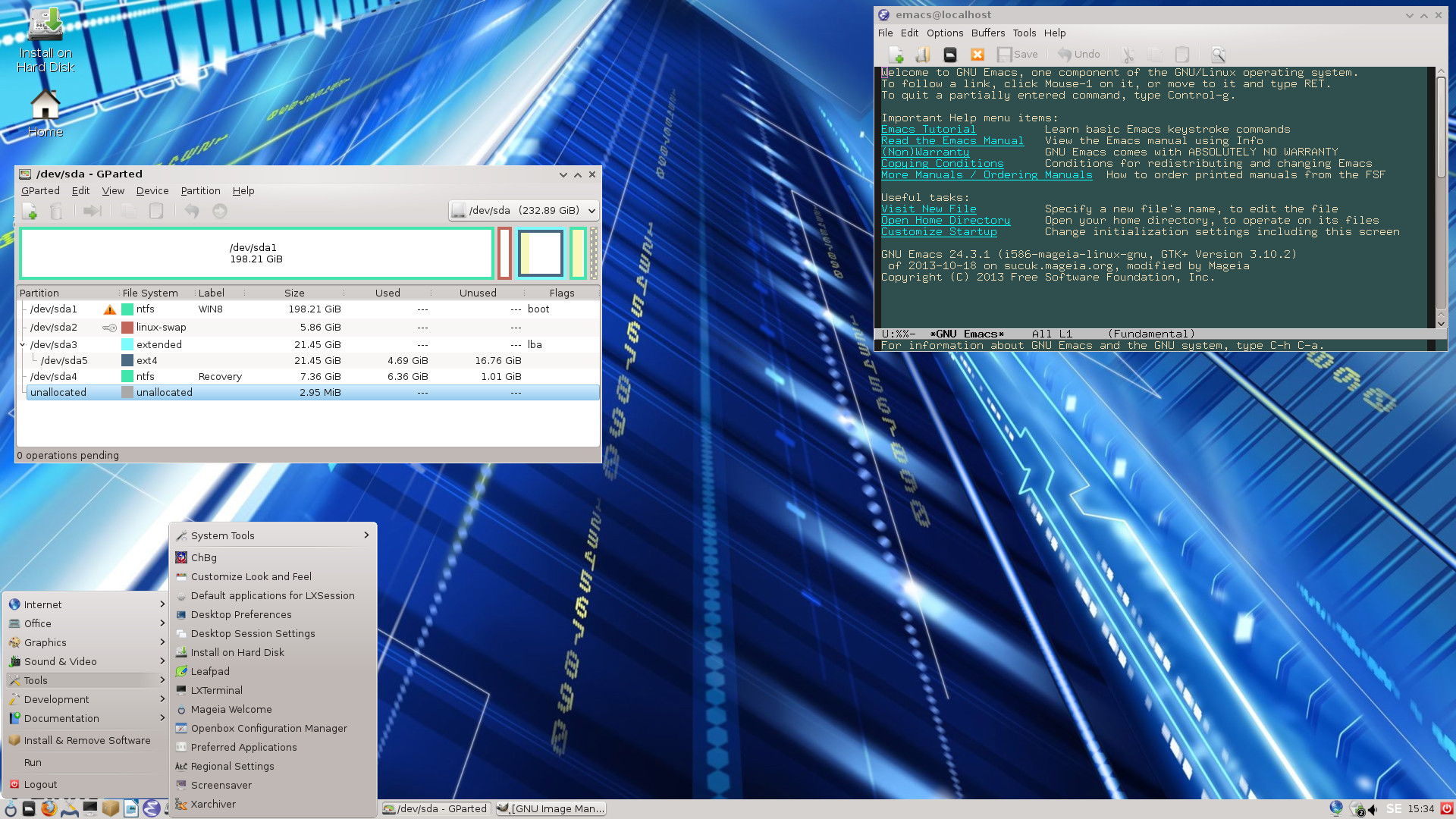
I have removed the KDE Desktop environment and installed LXDE instead. KDE is a bit slow when running Mageia live. (I.e. from CD/USB). Furthermore I have installed the following rescue and repairing tools: NTFS-3g, GParted 0.16.2, PartImage 0.6.9, Sfdisk (util-linux-ng 2.21.2), Rsync 3.1.0, Ddrescue 1.17, FSArchiver 0.6.17, TestDisk 6.14 and Midnight Commander 4.8.11. Other programs (among many others): LibreOffice 4.1.5, NetworkManager, Firefox, Thunderbird, Gimp, Java (JDK) and Java Runtime Environment (JRE), Emacs 24.3, Safecopy 1.7, kernel headers and many compilation tools. Study the full list of installed packages. The system language is ENGLISH.

Who is Exton|Defender mga 32 bit LXDE for?

Exton|Defender aims to provide an easy way to carry out admin tasks on your computer, such as creating and editing the hard disk partitions. There is also no official live Mageia 4 ISO with LXDE for downloading. (Only with KDE and Gnome). Exton|Defender can also be useful for people with older 32 bit computers who like to run an eminent Linux system (Mageia) live with some speed.

See this screenshot of the LXDE Desktop in Exton|Defender mga

READ MORE…