ExLight 64 bit Linux with Enlightenment 0.20, kernel 4.13.0-16-exton and Refracta Tools (create your own Ubuntu live installable system)

WHAT’S NEW IN VERSION 171112?
NOTE: Version 171112 replaces version 170105.

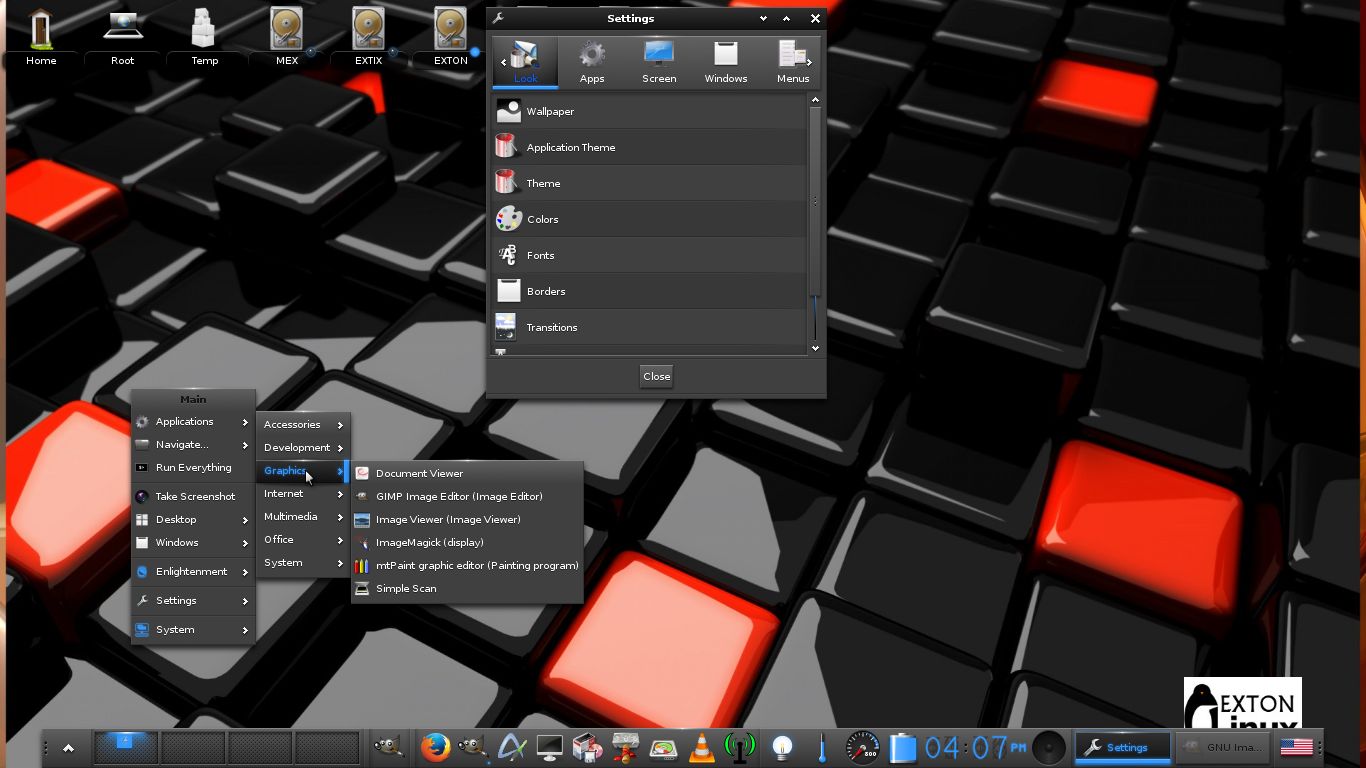
1. ExLight is now based on Ubuntu 17.10 (alias Artful Aardvark) and Debian Buster/Stretch.
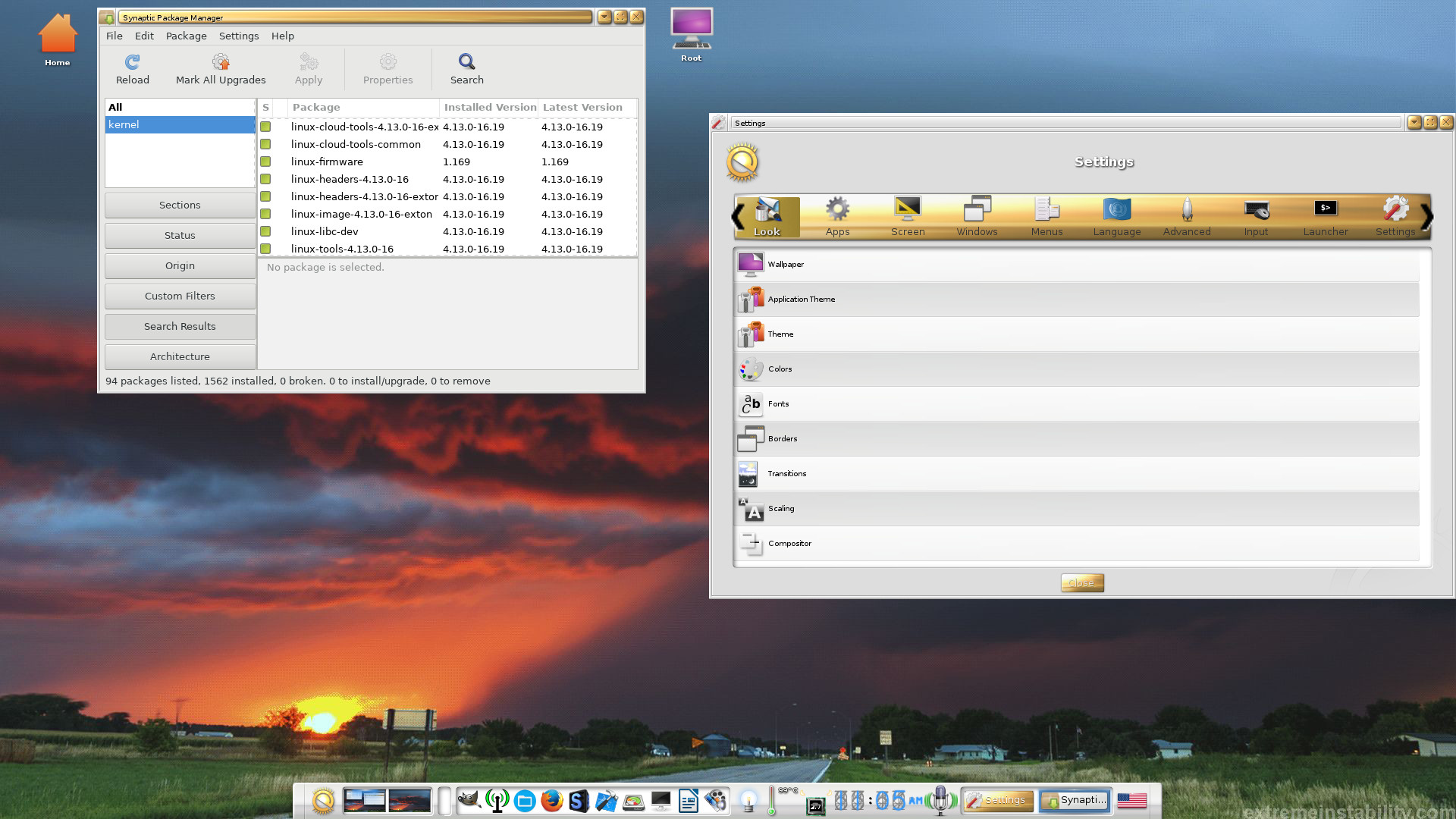
2. I have upgraded the Desktop environment Enlightenment (Beauty at your fingertips) to version 0.20.99.0 (from 0.19.12).
3. I have replaced kernel 4.9.0-11-exton with my special kernel 4.13.0-16-exton corresponding Kernel.org’s stable kernel 4.13.4.
4. ExLight’s ISO file is now a ISO-hybrid, which means that it can very easily be transferred (copied) to a USB pen drive. You can then even run ExLight from the USB stick and save all your system changes on the stick. I.e. you will enjoy persistence!
5. Another big improvement is that ExLight can run from RAM. Use Boot alternative 4 (load to RAM). When the system has booted up you can remove the disc (DVD) or USB stick. You’ll need at least 2 GB RAM to run ExLight that way.
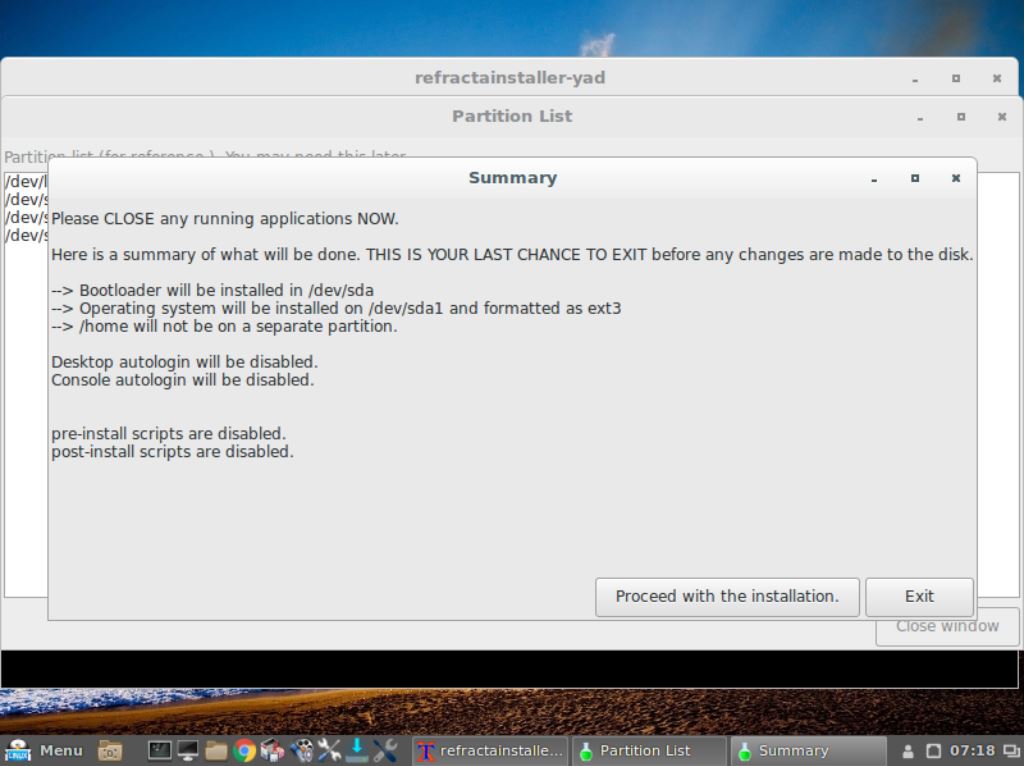
6. The installation program Ubiquity (Ubuntu’s live installer) has been replaced with Refracta Installer. Very simple to use! A new user (your user) will be created during the installation process. The reason for the replacement is that Ubiquity is a bit too complicated and that the program crashes once in a while.
7. I have installed Nvidia’s proprietary graphics driver 384.98.
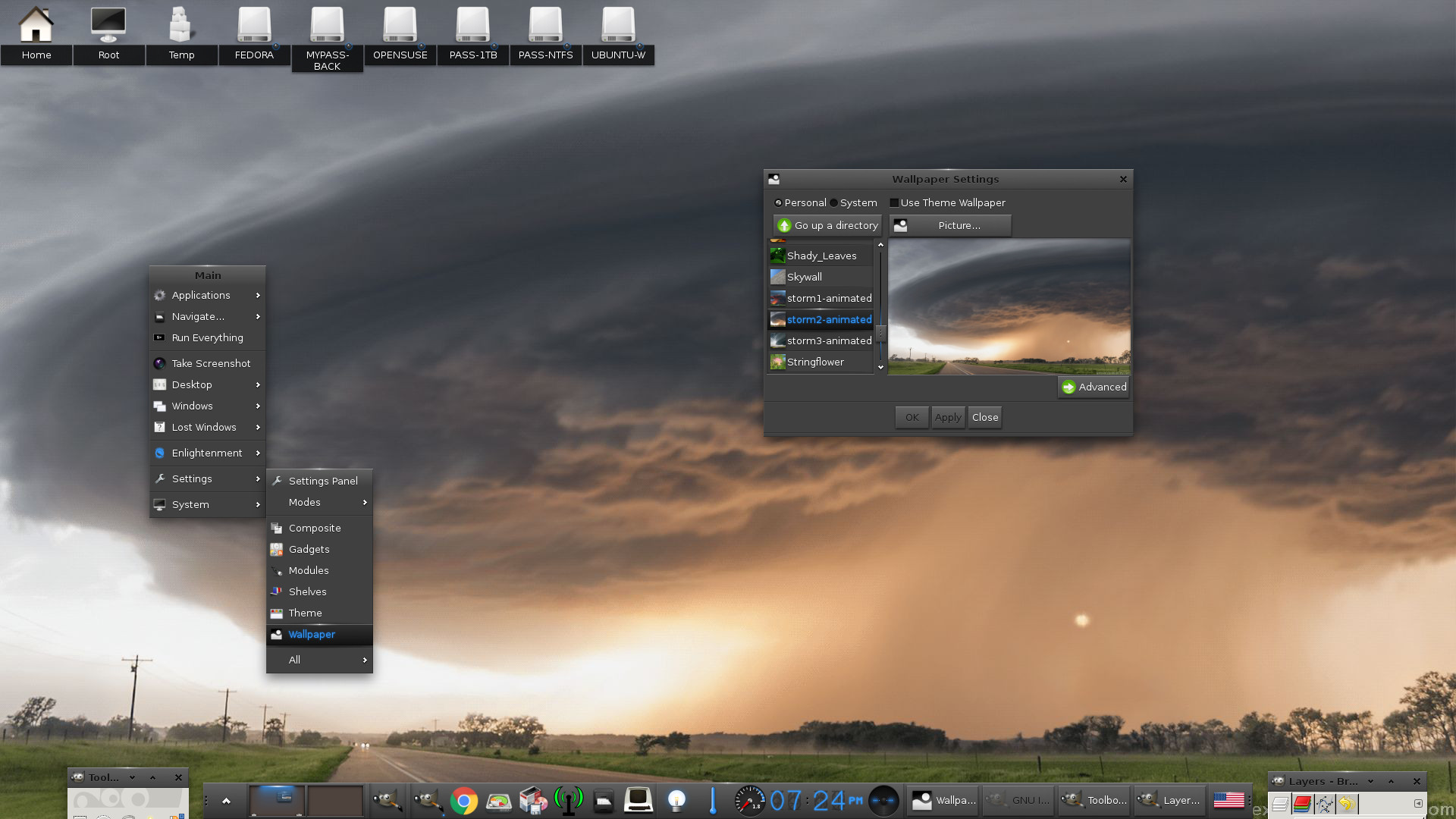
8. I have added seven animated wallpapers.
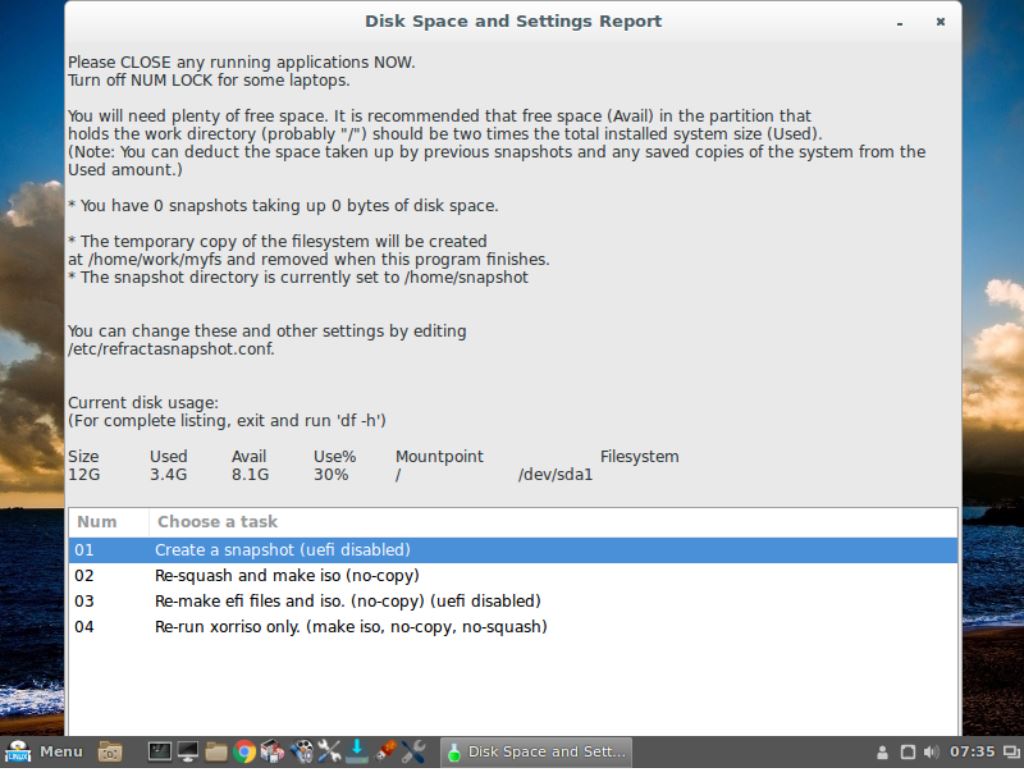
9. MOST IMPORTANT: I’ve added Refracta Snapshot, which make it possible for you to create your own live installable Ubuntu system. I mean change everything to your liking, fire up Refracta Snapshot and wait 3 – 5 min until your new ISO is ready!

What’s new in kernel 4.13?

Some cool things to do in ExLight Linux…

Screenshots
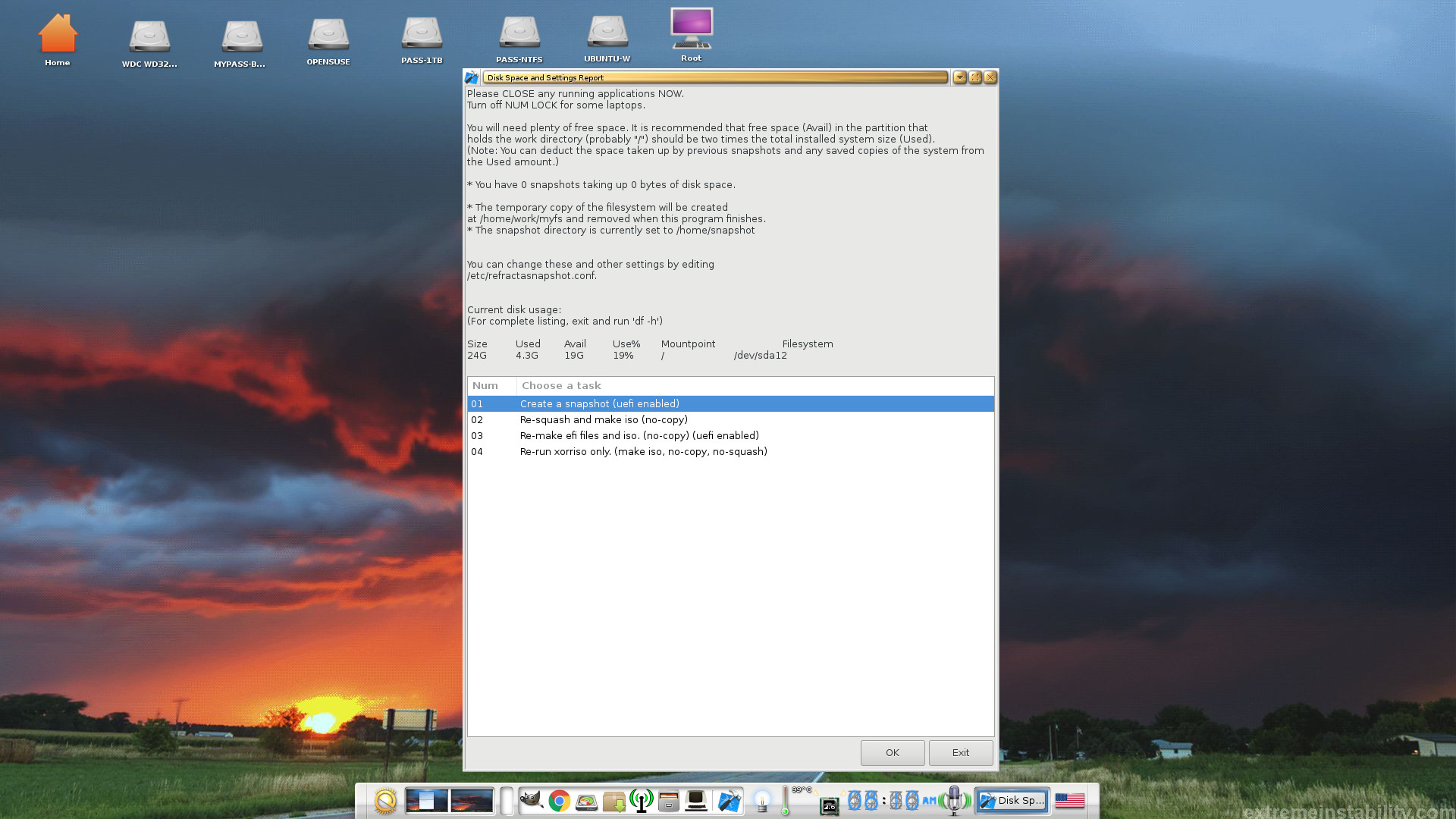
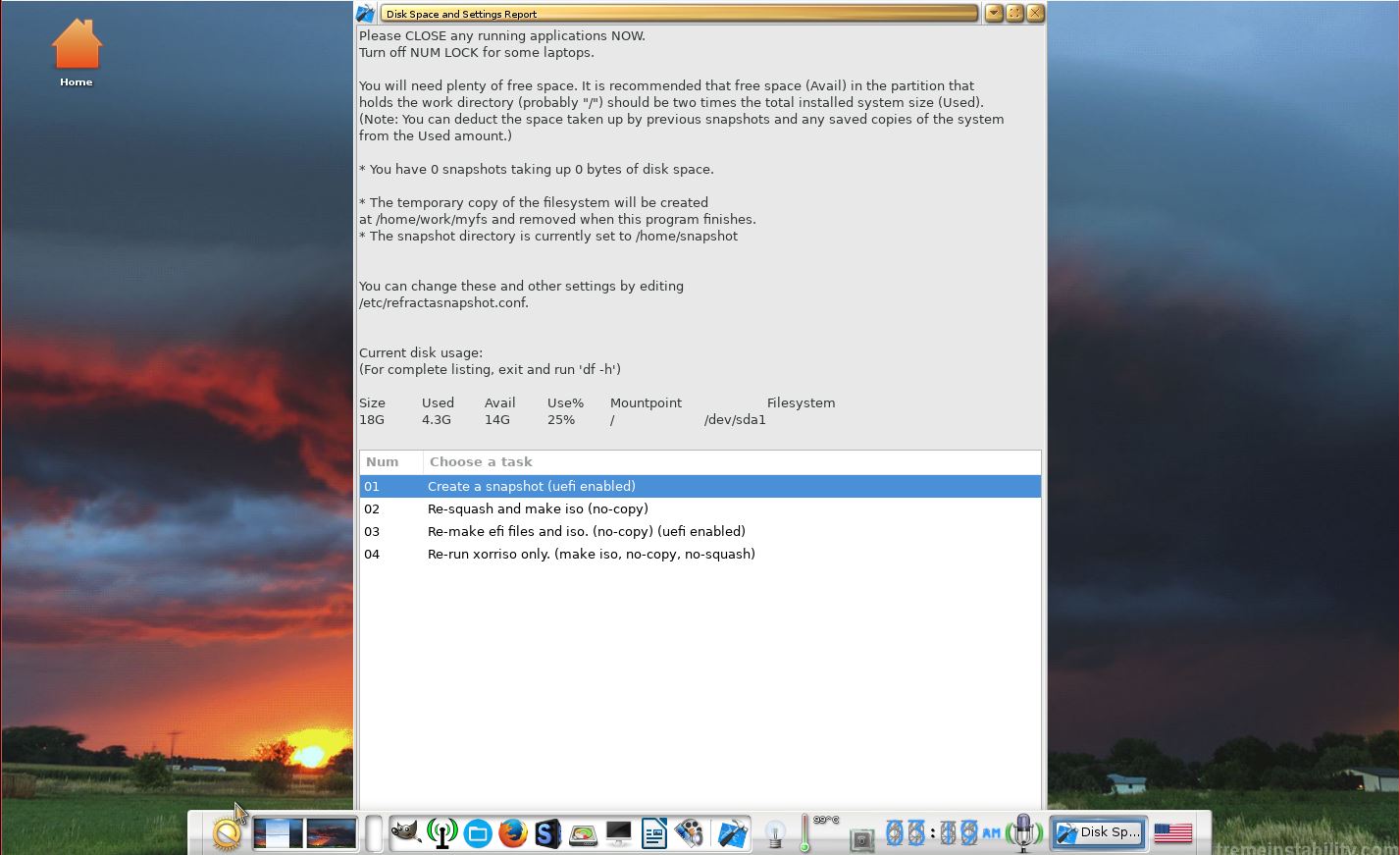
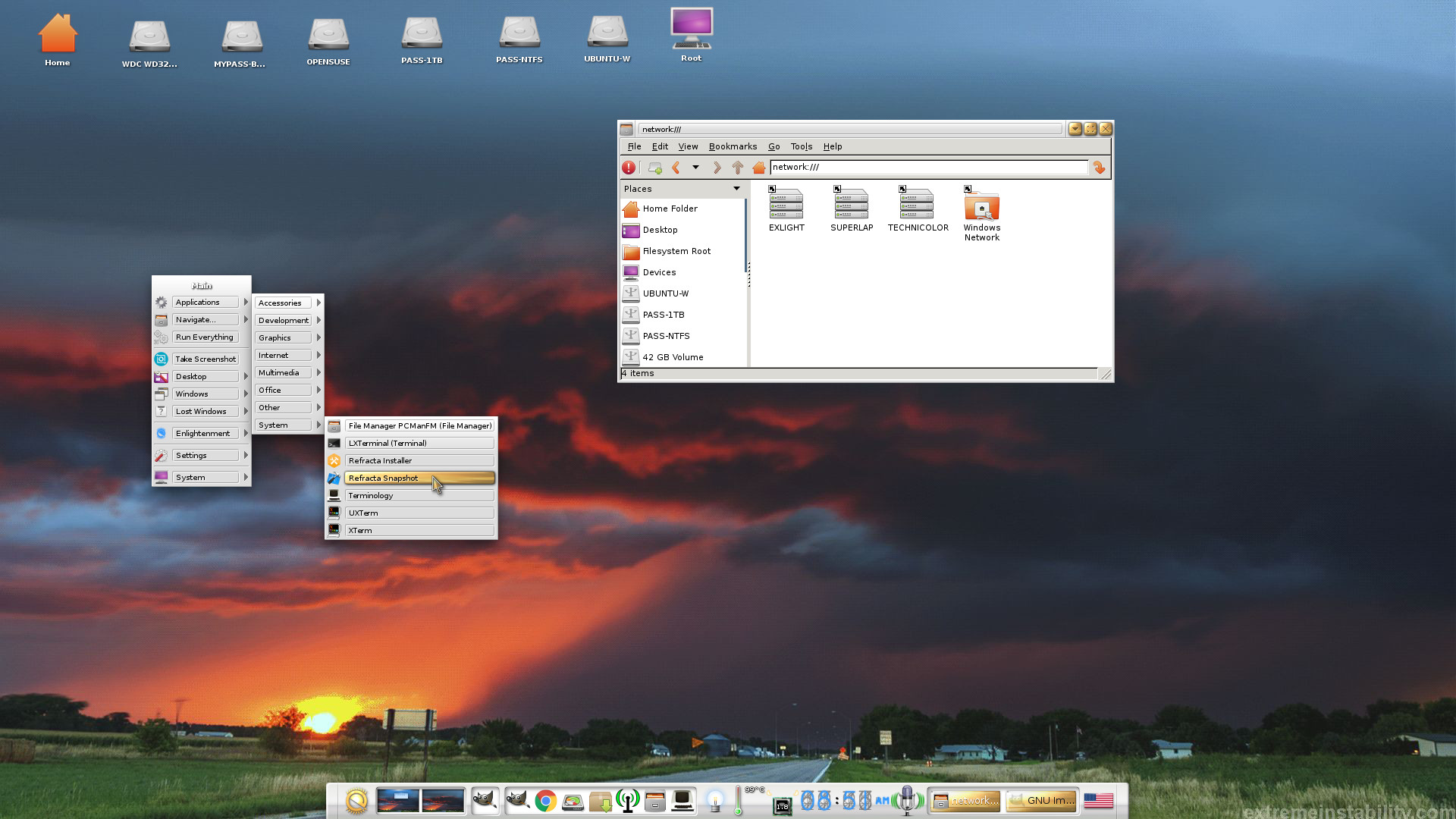
ExLight – running Refracta Snapshot
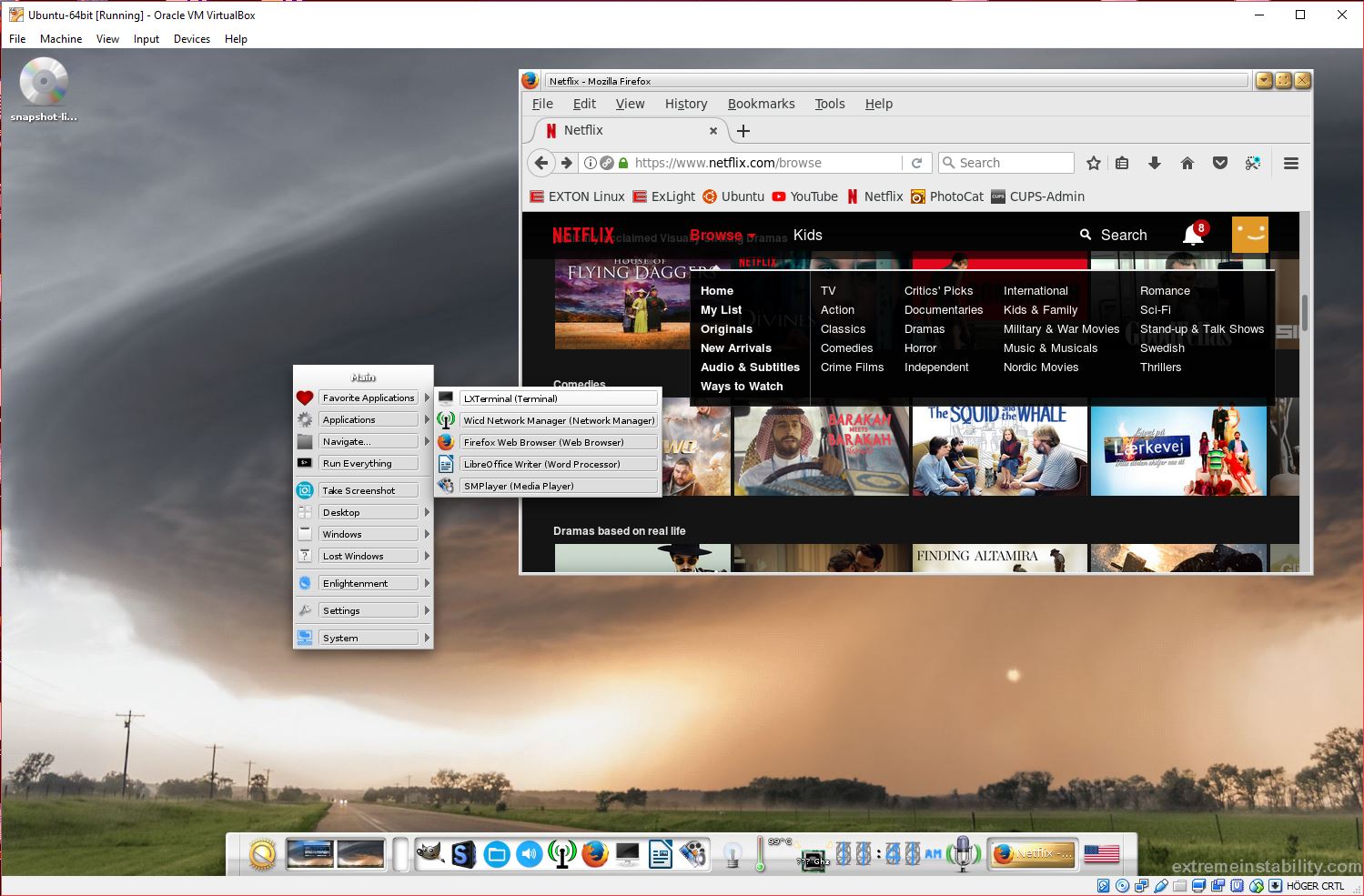
ExLight running in VirtualBox
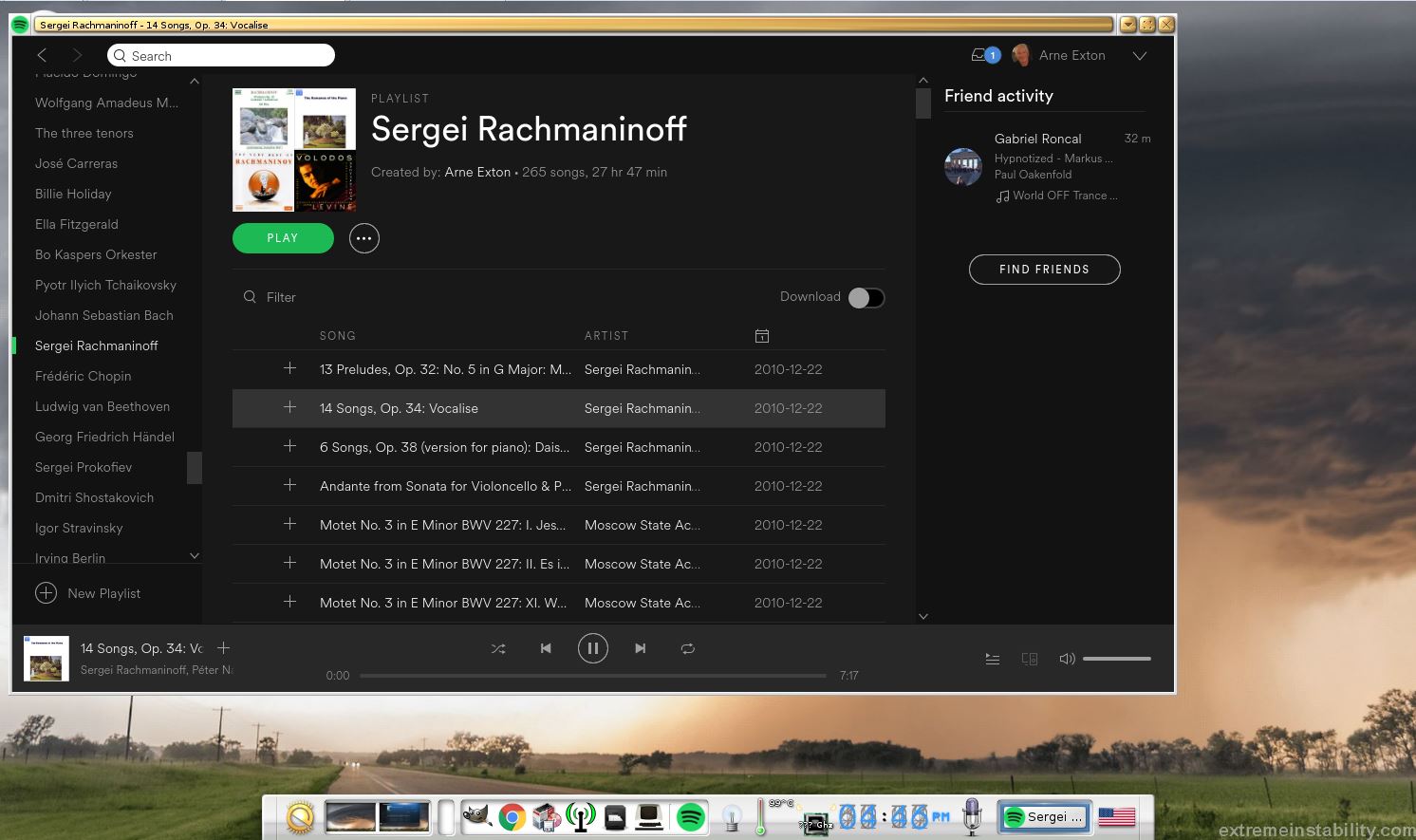
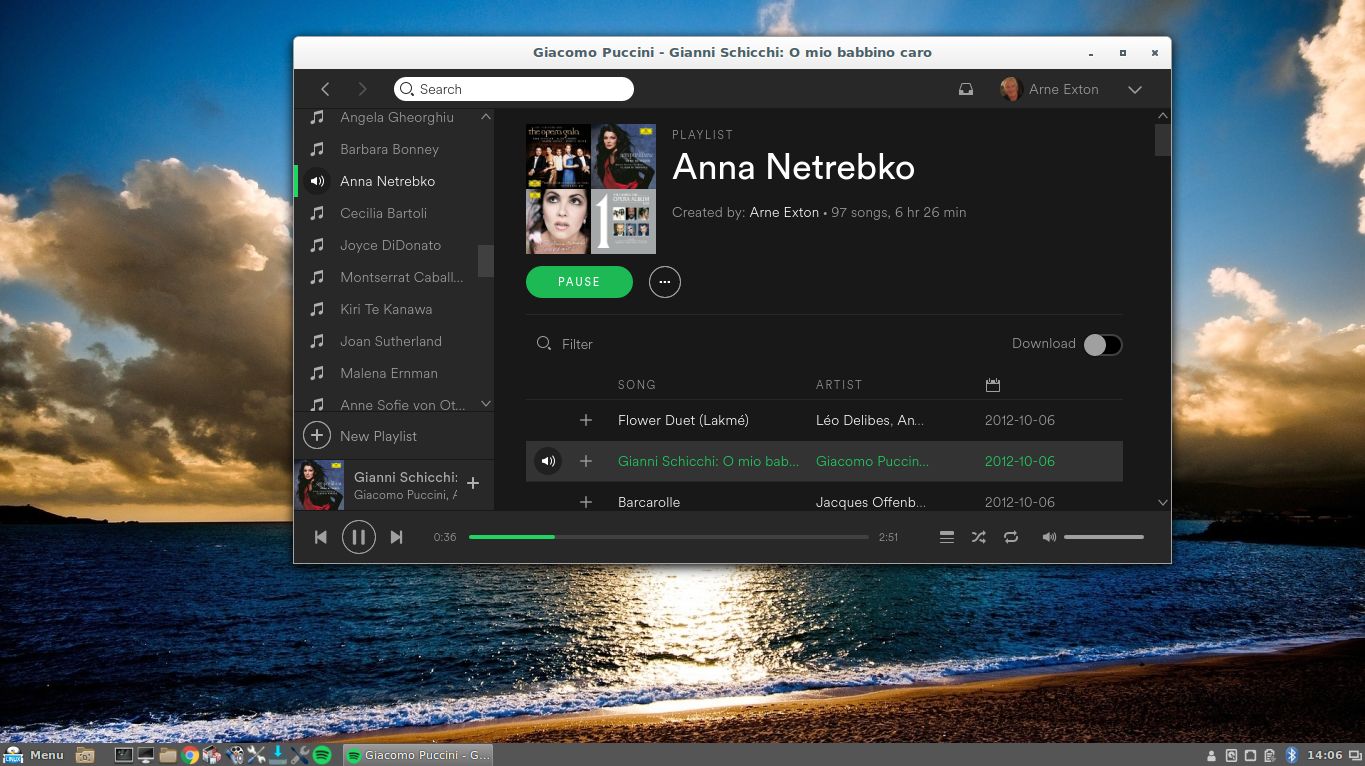
ExLight running Spotify
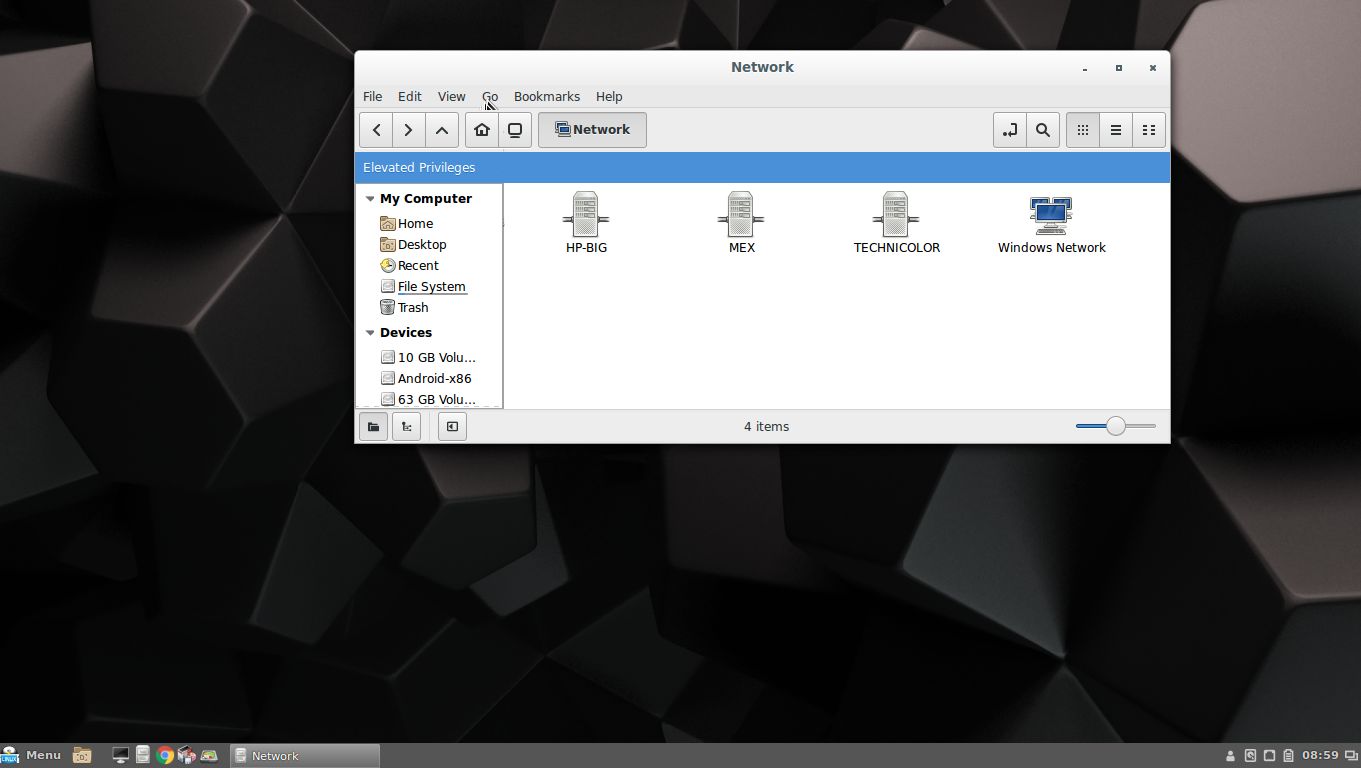
ExLight running Samba
ExLight running in VMware

READ MORE…

Read about my Android-x86 Systems – Nougat, Marshmallow, Lollipop and KitKat at

andex.exton.net – latest is AndEX Nougat!

and about my Nougat, Marshmallow and Lollipop versions for Raspberry Pi 3/2 at
raspex.exton.se – latest is RaspAnd Nougat!

MeX 64 bit Linux based on Ubuntu 16.04.2 with Cinnamon 3.2.8 and kernel 4.10.8 – Build 170501

NEWS/CHANGES 170501 in MeX
Mex Linux is no longer based on Linux Mint. MeX Build 170501 is based only on Debian 8.7 and Ubuntu 16.04.2. I have replaced the original kernel with “my” special kernel 4.10.0-19-exton (4.10.8). All packages in MeX Linux have been upgraded to the latest version by 170501. This version of MeX uses Cinnamon 3.2.8. Linux Mint 18.1 also uses Cinnamon 3.2.8 as Desktop environment.

MORE MeX NEWS 170501
1. The MeX ISO is now a ISO-hybrid, which means that it can very easily be transferred (copied) to a USB pen drive.
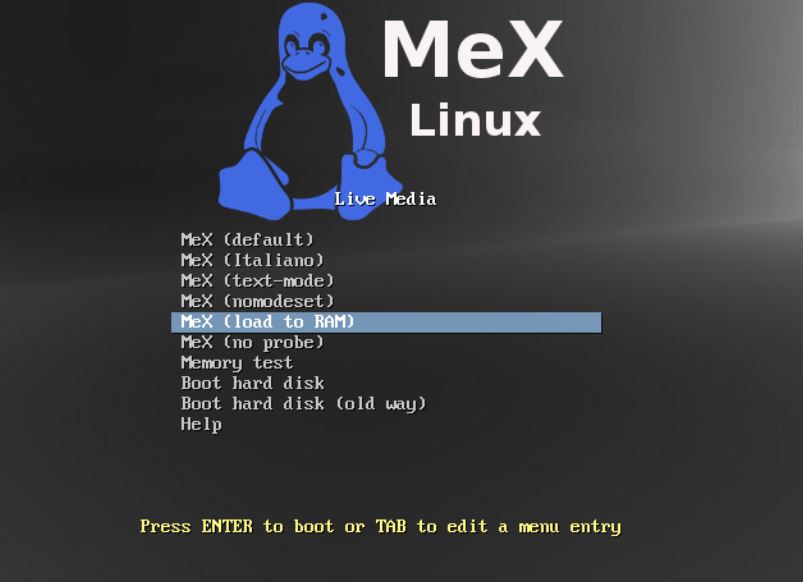
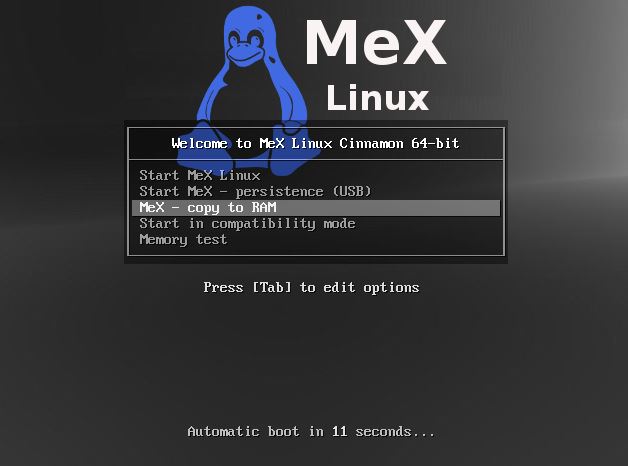
2. Another big improvement is that MeX now can run from RAM. Use Boot alternative 5 (load to RAM). When the system has booted up you can eject the disc (DVD)/USB stick. You’ll need at least 2 GB RAM to run MeX that way. The ISO file is of only 980 MB so MeX will run superfast from RAM!
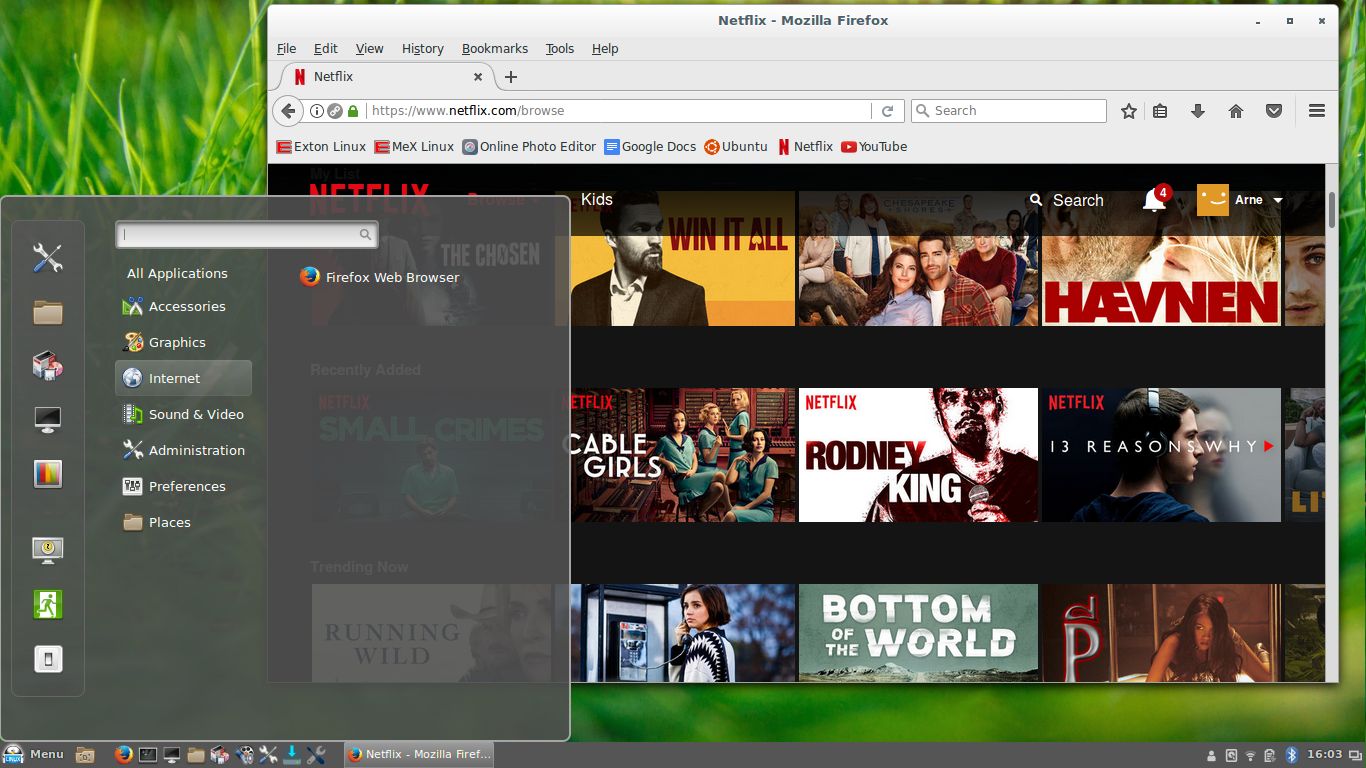
3. I have replaced Google Chrome with Firefox. Google Chrome is no longer needed to be able to run Netflix in Linux.
4. The best thing with this new MeX build – Create your own installable Ubuntu 16.04.2 Live DVD with Refracta tools (pre-installed)! The whole “remasterprocess” is so simple that a 10 year old child can do it.

WHY NOT Ubuntu 17.04?
Ubuntu 16.04.2 LTS (Long Term Support) is supported by Ubuntu until April 2021. Ubuntu 16.10 is supported until July 2017 and Ubuntu 17.04 until January 2018.

Important about Refracta
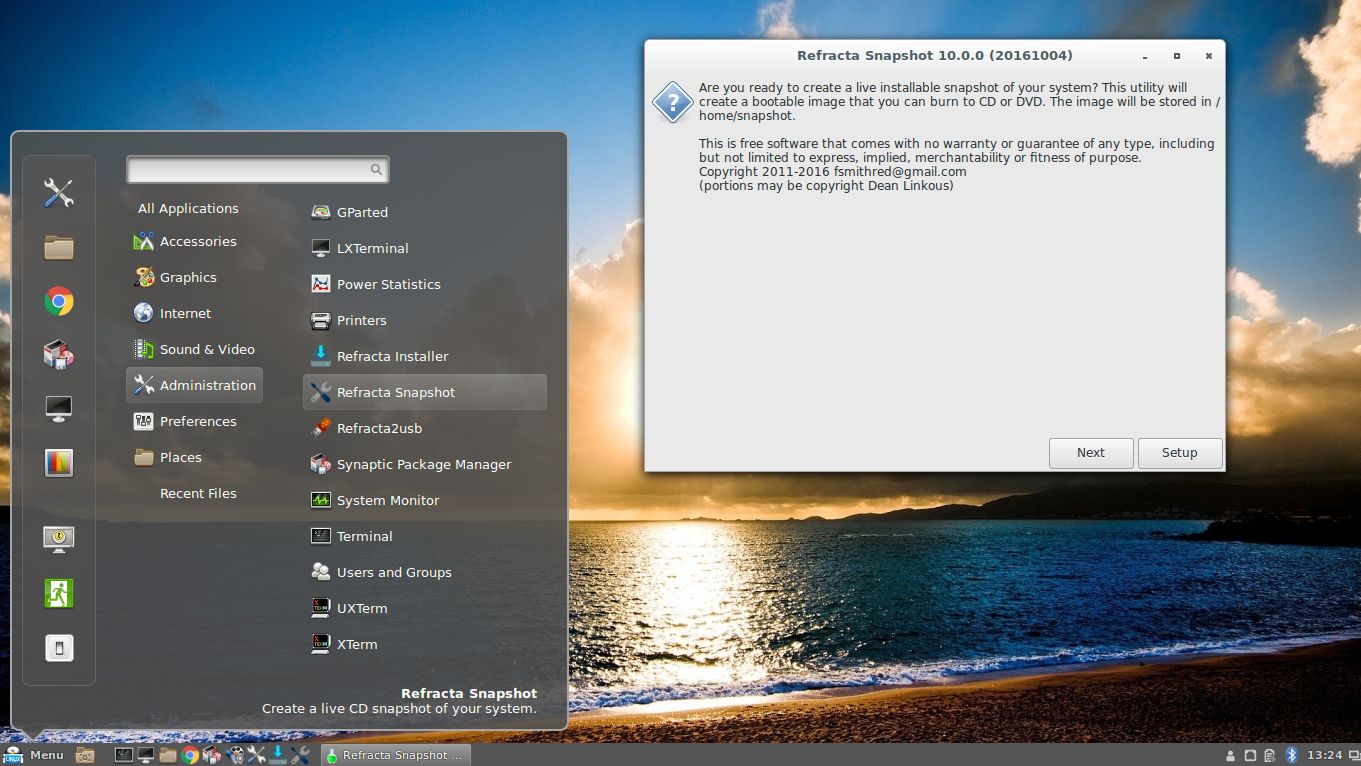
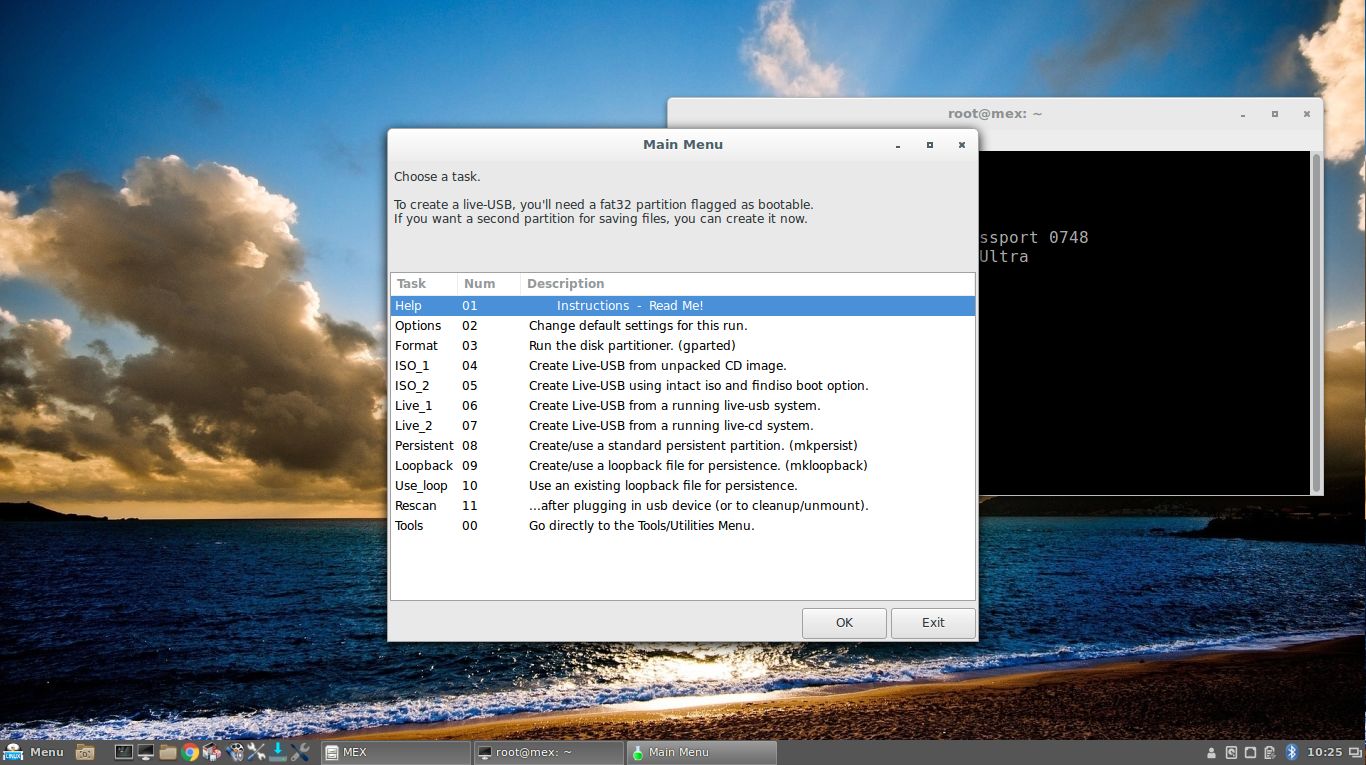
You can use the Refracta tools (pre-installed in MeX Build 170501) to create your own installable Ubuntu Live DVD once you have installed MeX to hard drive. I mean change everything and then create a whole new Ubuntu 16.04.2 live system. When you start Refracta it will look like this. You don’t even have to install MeX to hard drive before you can use the Refracta tools. If you have plenty of RAM you can create a new (your own!) Ubuntu system while running MeX from DVD or a USB stick. Please note that the whole Refracta process (creating your new ISO) will only take 5 – 10 min! You can then install VirtualBox in MeX so you can test run your own created new Ubuntu ISO. Or do it in Windows. Btw: You can do the whole thing in VirtualBox. I mean install MeX in VirtualBox, change everything, create a new Ubuntu 16.04.2 system using Refracta tools and transfer your new ISO to your server with FileZilla (sudo apt-get install filezilla).

Screenshots
Screenshot 1 – Refracta tools running
Screenshot 2 – Spotify running (install Spotify with sudo apt-get install spotify-client)
Screenshot 3 – Cinnamon 3.2.8 Desktop with Samba
Screenshot 4 – Cinnamon 3.2.8 Desktop with Refracta2USB running
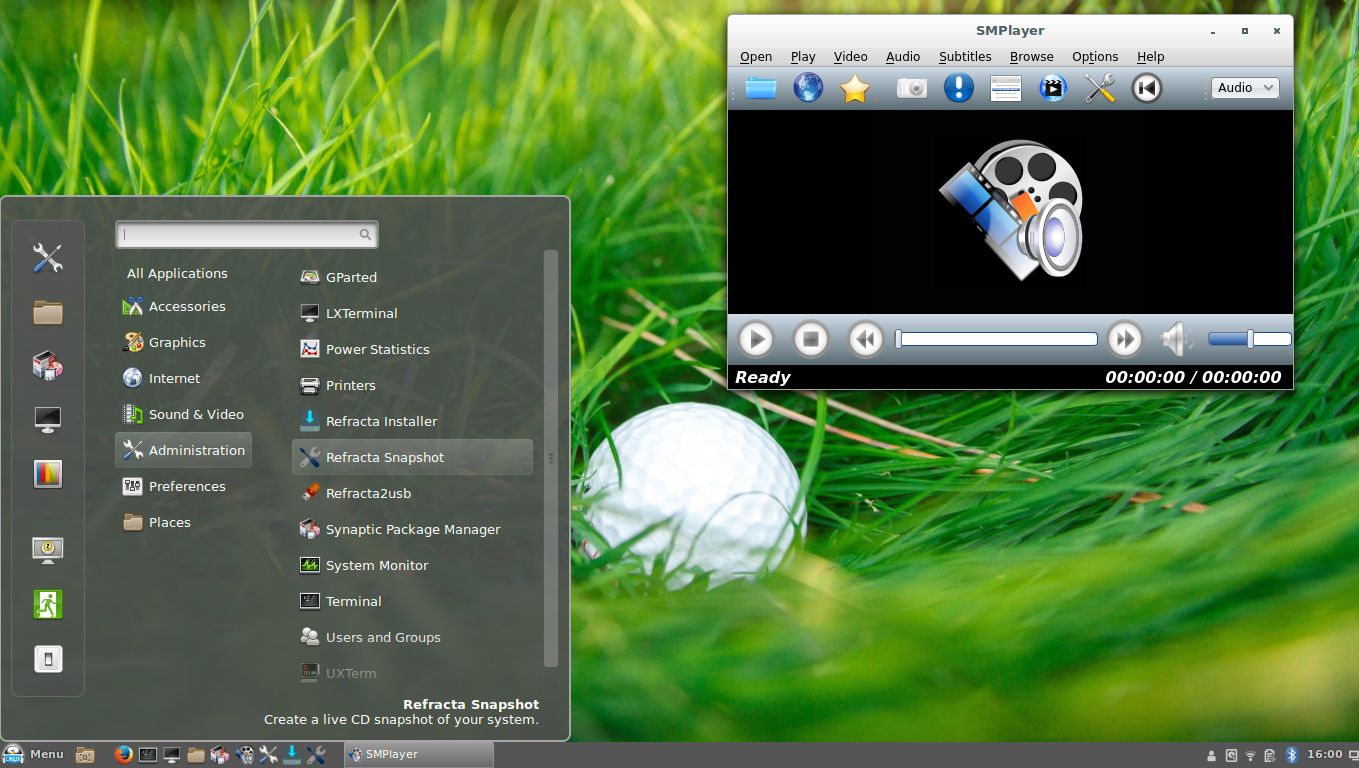
Screenshot 5 – Cinnamon 3.2.8 Desktop with SMPlayer running
Screenshot 6 – Firefox with Netflix running
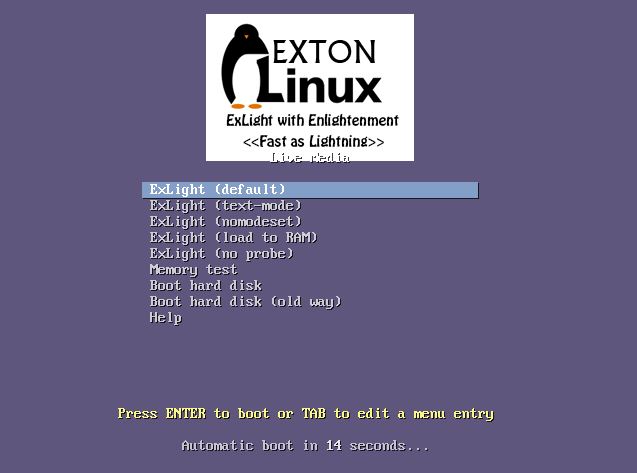
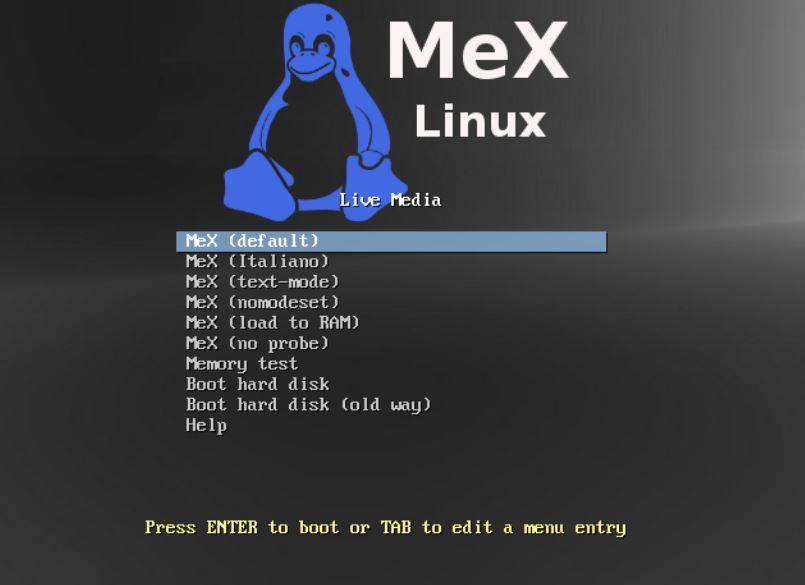
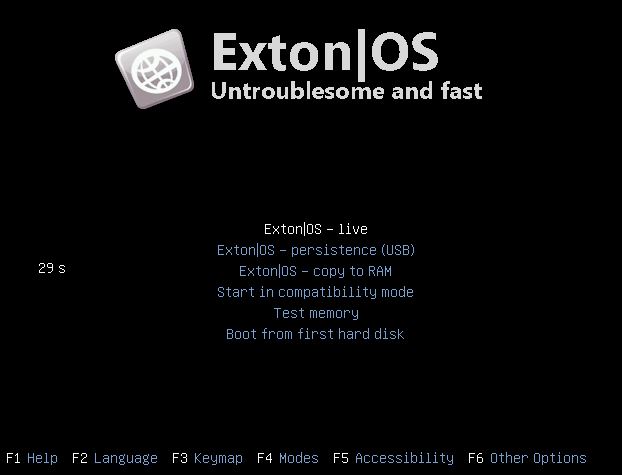
Screenshot 7 – Boot screen live
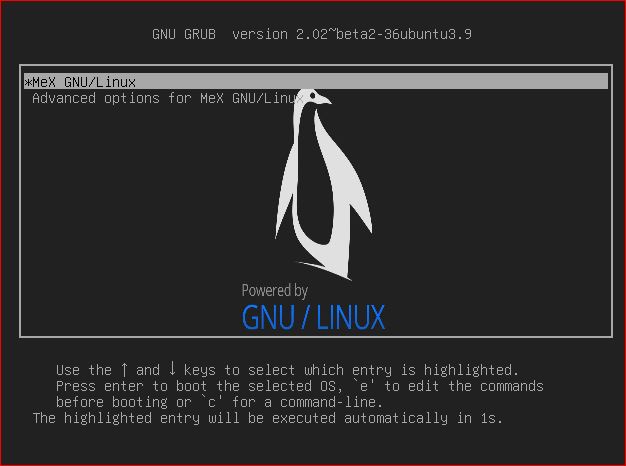
Screenshot 8 – Boot screen Grub

READ MORE…

Exton|OS Light Build 161021 :: Based on Ubuntu 16.10 with kernel 4.8.0-25-exton (4.8.1)

exton-os-logo-worldNEWS 161021 about Exton|OS Light Live DVD – ISO file of 970 MB
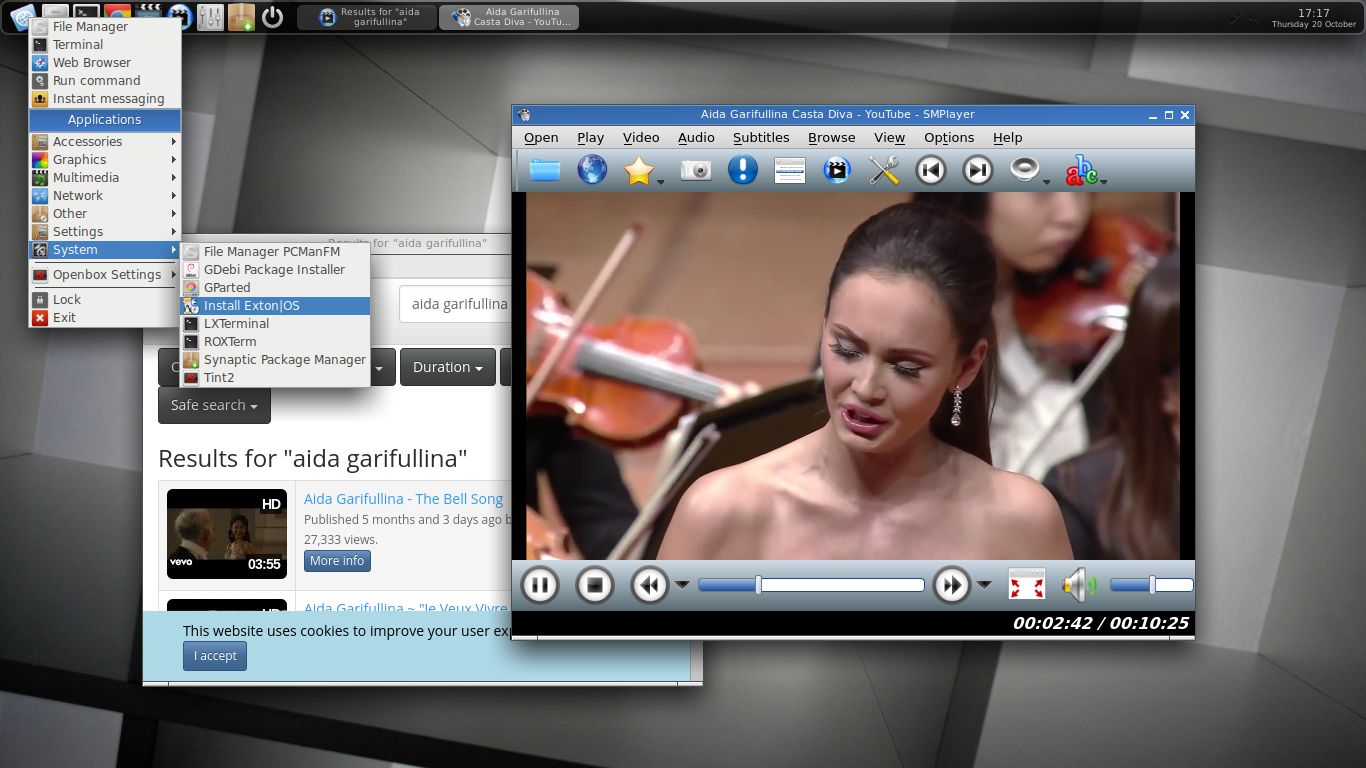
I’ve made a new extra version of Exton|OS based on Ubuntu 16.10 (alias Yakkety Yak) 64 bit with only a minimum of packages pre-installed. Among them a terminal emulator (LXTerminal), a Web Browser (Google Chrome – so you can run Netflix), SMPlayer, SMTube (YouTube browser which allows to browse, search and play YouTube videos), PCManFM (file manager), NetworkManager, GParted (Partition Editor), Samba (so you can reach your Windows computers), Audacious (a small and fast audio player which supports lots of formats) and Synaptic (Package Manager). I give you the pleasure of installing all extra packages you need after a hard disk installation of Exton|OS Light. Use Synaptic for that. You can of course also install new packages while running the system live (from DVD/USB stick), but nothing will be saved after a reboot. Unless you have followed my USB Install Instruction (under B) or used UNetbootin) and used Boot alternative 2 – Persistent when you have used UNetbootin. If you have plenty of RAM you can even install big programs (such as LibreOffice) while running the system live even from DVD. Exton|OS Light’s Window manager Openbox guarantees lightness and elegance.

Packages

All installed packages in Exton|OS Light have been updated to the latest available version as at October 21, 2016. Study the full package list.

Used KERNEL
My special kernel 4.8.0-25-exton, equivalent to Kernel.org’s kernel 4.8.1. You can download “my” kernel if you want to use it in another Ubuntu/Debian system.

SCREENSHOTS
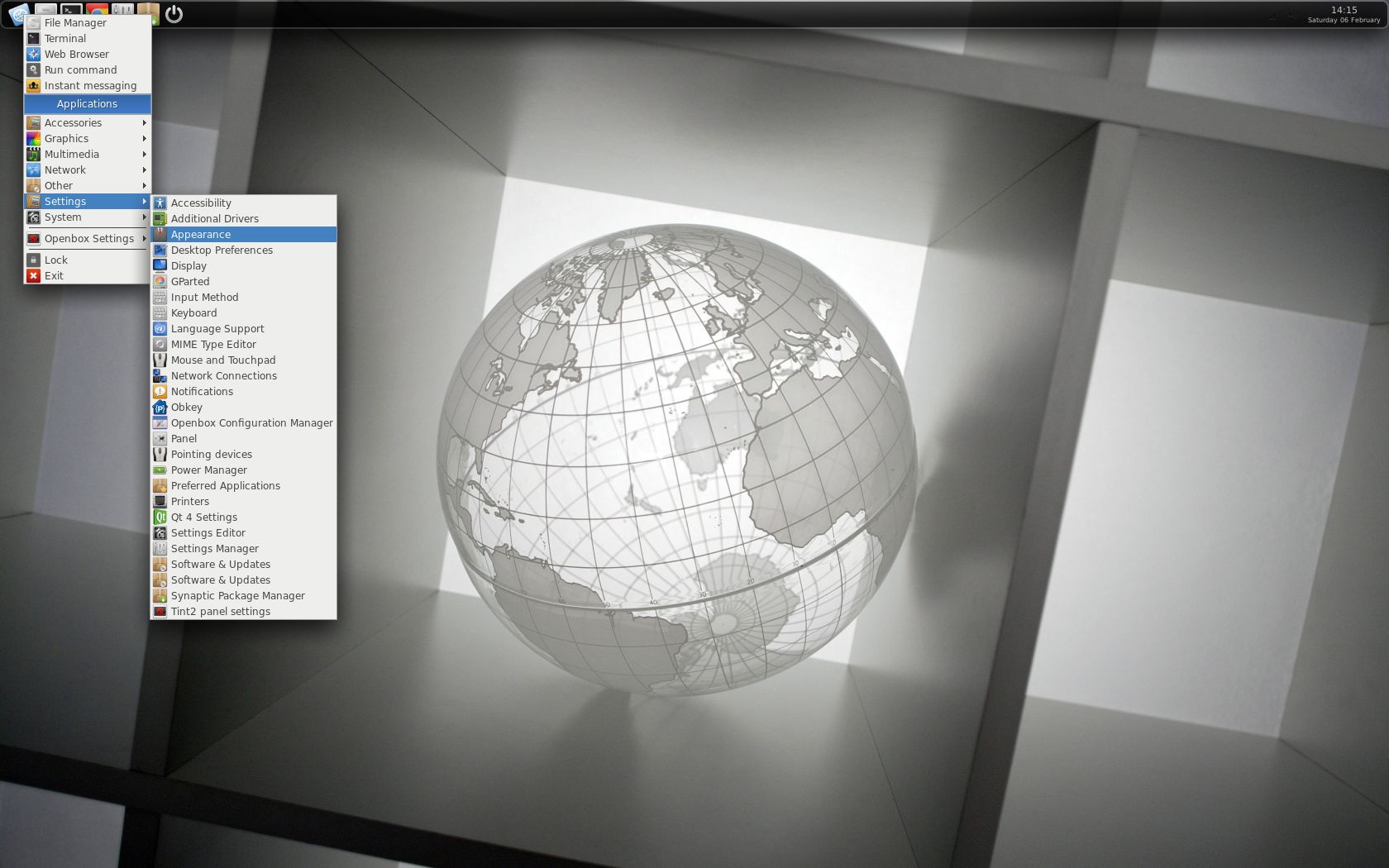
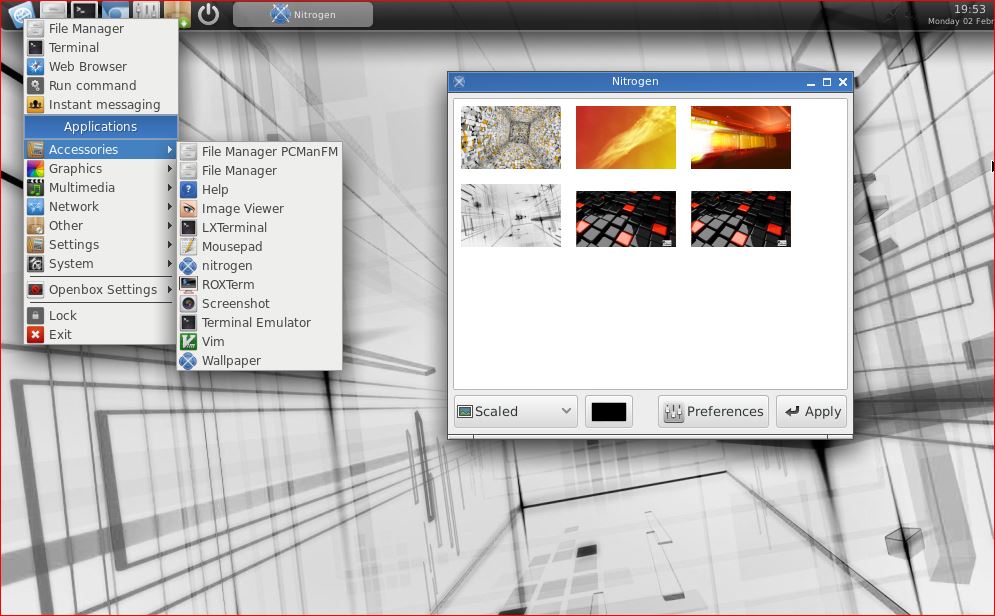
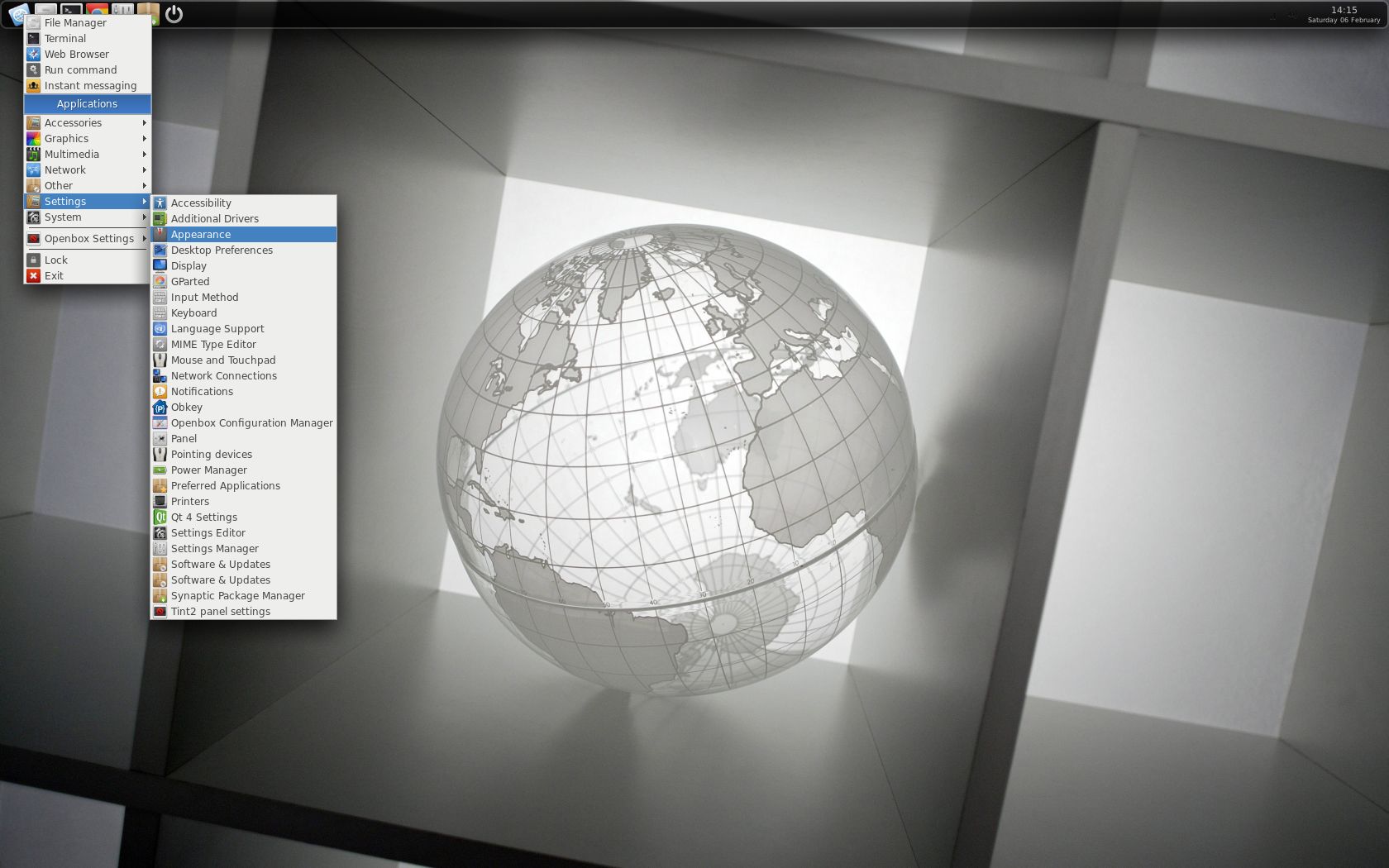
See a screenshot of Exton|OS Light’s Openbox Desktop
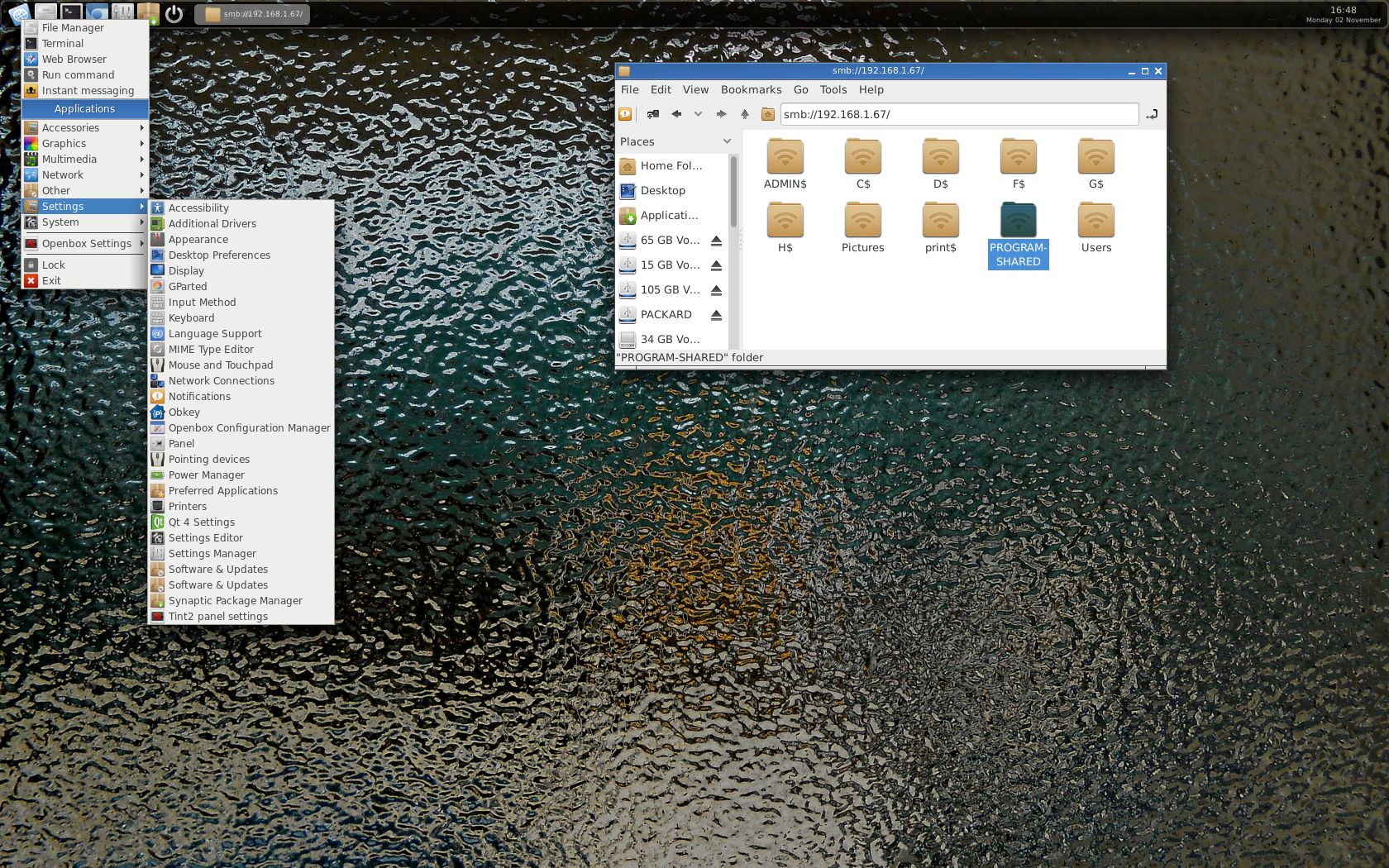
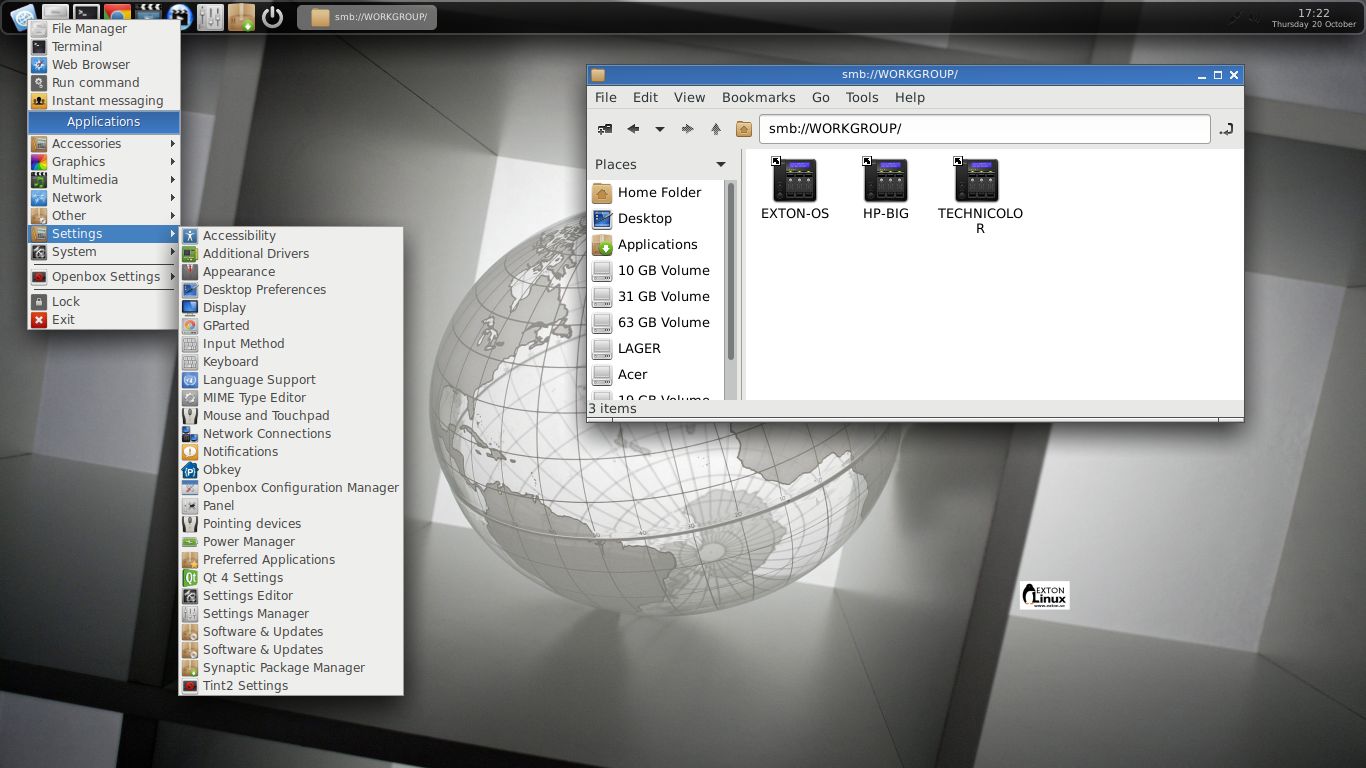
See a screenshot of Exton|OS Light’s Openbox Desktop when Samba is used
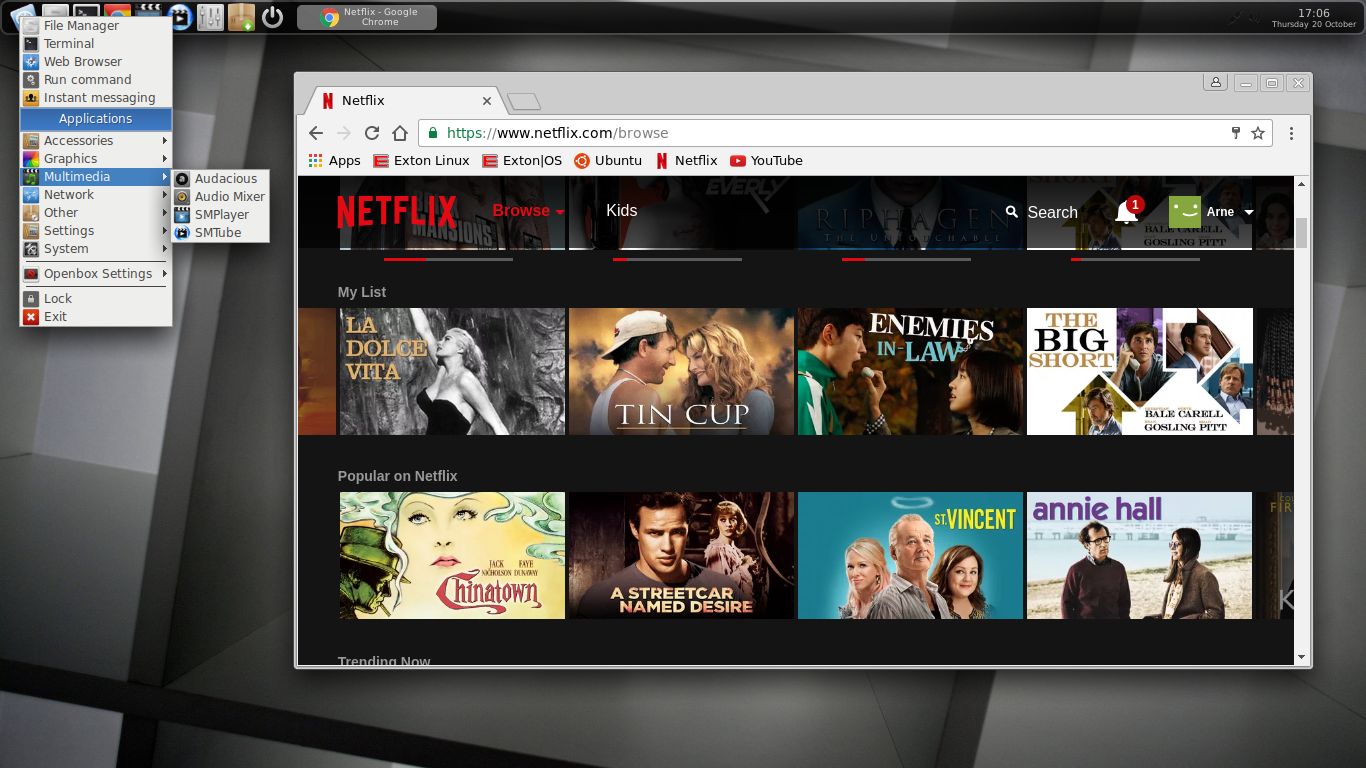
See a screenshot when Google Chrome with Netflix is running
See a screenshot when Spotify is running – (install Spotify with: sudo apt-get install spotify-client)

READ MORE…


Exton|OS Light Build 160728 :: Based on Ubuntu 16.04.1 LTS with kernel 4.6.0-9-exton (4.6.4)

exton-os-logo-worldNEWS 160728 about Exton|OS Light Live DVD – ISO file of 885 MB
I’ve made a new extra version of Exton|OS based on Ubuntu 16.04.1 (alias Xenial Xerus) 64 bit with only a minimum of packages pre-installed. Among them a terminal emulator (LXTerminal), a Web Browser (Google Chrome – so you can run Netflix), PCManFM (file manager), NetworkManager, GParted (Partition Editor), Samba (so you can reach your Windows computers) and Synaptic (Package Manager). I give you the pleasure of installing all extra packages you need after a hard disk installation of Exton|OS Light. Use Synaptic for that. You can of course also install new packages while running the system live (from DVD/USB stick), but nothing will be saved after a reboot. Unless you have followed my USB Install Instruction (under B) or used UNetbootin) and used Boot alternative 2 – Persistent when you have used UNetbootin. If you have plenty of RAM you can even install big programs (such as LibreOffice) while running the system live even from DVD. Exton|OS Light’s Window manager Openbox guarantees lightness and elegance.

Replacement
This version of Exton|OS Light from 160728 replaces version 160207 of Exton|OS Light. Exton|OS Light is now based on Debian Stretch/Sid and Ubuntu 16.04.1 (released 160721).

About
Exton|OS Light Live CD is based on Ubuntu 16.04.1 Xenial Xerus 64 bit and Debian Stretch/Sid. Exton|OS Light’s ISO file (of 885 MB!) is a ISO-hybrid, which means that it can very easily be transferred (copied) to an USB pen drive. You can then even run Exton|OS from the USB stick and save all your system changes on the stick. I.e. you will enjoy persistence! Read my USB INSTRUCTION under B).

Packages
All installed packages in Exton|OS Light have been updated to the latest available version as at July 28, 2016. Study the full package list.

Used KERNEL
My special kernel 4.6.0-9-exton, equivalent to Kernel.org’s kernel 4.6.4. You can download “my” kernel if you want to use it in another Ubuntu/Debian system.

Log in to Openbox
When the system has booted up you will end up in X (Openbox) as the ordinary user live. You can log out from Openbox and back again as root (“Other”) if you want. The password for root is root. When logged in as live you can become root with sudo su. There is no password for live when running the system live. (I.e. from CD or USB).

How to change wallpaper
Exton|OS Light and Openbox uses Nitrogen Wallpaper Manager to change desktop background. Open Nitrogen and you will see all wallpapers in /usr/share/backgrounds. Choose the one you want.

Repositories and software management
Exton|OS Light is totally compatible with Ubuntu 16.04.1 Xenial Xerus and therefore uses Ubuntu’s repositories. After a hard drive install of Exton|OS you can go ahead an install any extra software you like and also upgrade the whole system. After running the command apt-get update you should use Synaptic Package Manager.

USB installation
Read my INSTRUCTION. For persistence please read under B) or use UNetbootin.

Hard drive installation
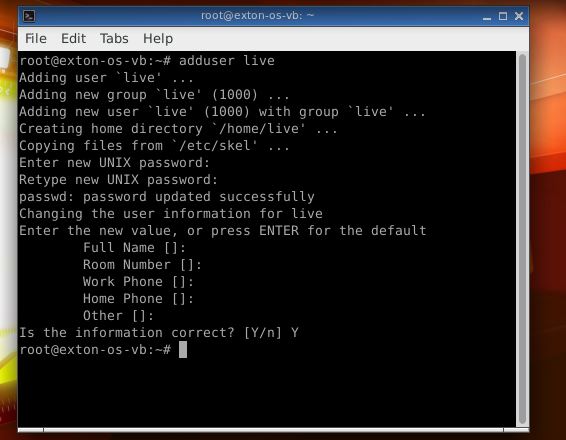
I have replaced Ubuntu’s installation program Ubiquity with Exton|OS Installer, which is a clone of Debian Live Installer. The installation to hard drive is now so simple that a 10 year old child can do it. Watch a SLIDESHOW of the hard drive installation process.Just start the installation program (Exton|OS Installer) from the menu under System and follow the instructions. Note1: When asked create a new normal user. Unfortunately this new user won’t exist when the installation is ready. You’ll have to log in to Openbox as root with the password you gave your created user. Then open up a terminal and run this command: adduser live. (I.e. if you want to run Exton|OS Light as a normal user). Note2: Be sure to name your own created user live (username). If you give your ordinary user any other name the menu in Openbox after a hard drive installation won’t work. It is sort of a “bug”. Sorry about that. Note3: The password you create for your user during the hard drive installation will be root’s new password.

Runs from RAM
Another great thing is that Exton|OS Light can run from RAM. Use Boot alternative 3 (Copy to RAM). When the system has booted up you can remove the disc (DVD) or USB stick. You’ll need at least 2 GB RAM to run Exton|OS Light that way. Since the system is relatively small (ISO file of 885 MB) Exton|OS Light will run really fast from RAM. Super fast I would say!

See a screenshot of Exton|OS Light’s Openbox Desktop
See a screenshot of Exton|OS Light’s Openbox Desktop when Samba is used
See a screenshot when Google Chrome with Netflix is running

DOWNLOAD
Exton|OS Light Live DVD can be downloaded from SourceForge.netFast, secure and free downloads from the largest Open Source applications and software directory.

The ISO file (exton-os-light-64bit-isohybrid-885mb-160728.iso) can also be downloaded from the Swedish Linux Society server.

md5sum for Exton|OS Light’s ISO file which is of 885 MB.

Other Exton Linux Live CD/DVD’s in English you may like to download…

EXTON Linux

ExLight Linux Live DVD with Enlightenment 0.19 :: now based on Ubuntu 14.10, released October 23, 2014

WHAT’S NEW IN VERSION 141104?
1. ExLight is now based on Ubuntu 14.10 Utopic Unicorn 64 bit, released October 23, 2014).
2. I have upgraded the Desktop environment Enlightenment (Beauty at your fingertips) to version 0.19. Installed from source.
3. I have replaced kernel 3.16.0-5-exton with kernel 3.16.0-21-exton.
4. New software content: AbiWord, Nautilus, SpaceFM, Firefox, Gimp and GParted. Also all necessary additions in order to install programs from source. Study the full program LIST. All programs have been updated to the latest available version as at November 4, 2014.

READ MORE…

A new version of ExTiX Light 14.1.2 64 bit is ready!

ExTiXNews about ExTiX Light 14.1.2 64 bit build 140815
I’ve made a new version of the lighter version of ExTiX. It uses Razor-qt as Desktop Environment, Slim as Login Manager and kernel 3.16.0-7-exton, equivalent to Kernel.org’s stable kernel 3.16, released 140803. (Razor-qt is an advanced, easy-to-use, and fast desktop environment based on Qt technologies. It has been tailored for users who value simplicity, speed, and an intuitive interface). My info/instructions also apply to ExTiX Light. I.e. just log in as root (with password root) or extix (with no password) from Slim’s login screen to Razor-qt.

ExTiX 14.1.2 64 bit is based on Debian/Ubuntu 14.04.1 LTS released 140725. The original system includes the Desktop Environment Unity (Ubuntu). After removing Unity I have installed Gnome 3.10 and Gnome Classic 3.10 (in ExTiX 14.1.2, build 140804) respectively Razor-qt 0.5.2 (in ExTiX Light, build 140815). The system language is English in both versions of ExTiX.

Screenshot of the live Desktop in ExTiX Light with Razor-qt 0.5.2

DOWNLOAD
The ISO files (extix14.1.2-64bit-light-razorqt-usb-persistent-1210mb-140815.iso and extix-14.1.2-64bit-isoh-persistent-1450mb-140804.iso) can be downloaded from the Swedish Linux Society’s server.

ExTiX 14.1.2 64bit Gnome and ExTiX Light 64bit (with Razor-qt) can also be downloaded from SourceForge.net – Fast, secure and free downloads from the largest Open Source applications and software directory.

A third download location for ExTiX is Softpedia.comthe encyclopedia of free software downloads!

md5sum for ExTiX Light ISO which is of 1210 MB.
md5sum
 for ExTiX 14.1.2 Gnome ISO which is of 1450 MB.

READ MORE…

ExLight Linux Live DVD with Enlightenment 0.19 :: now based on Ubuntu 14.04.1, released July 25, 2014

WHAT’S NEW IN VERSION 140812?
1. ExLight is now based on Ubuntu 14.04.1 LTS Trusty Tahr 64 bit, released July 25, 2014).
2. I have upgraded the Desktop environment Enlightenment (Beauty at your fingertips) to version 0.19. Installed from source.
3. I have replaced kernel 3.13.0-24-exton with kernel 3.16.0-5-exton.
4. ExLight’s ISO file is now a ISO-hybrid, which means that it can very easily be transferred (copied) to a USB pen drive. You can then even run ExLight from the USB stick and save all your system changes on the stick. I.e. you will enjoy persistence! I’ve found two scripts which make the installation to USB very simple. The scripts are quite ingenious. My tests show that they work flawlessly on USB installations of all normal Ubuntu systems. Read my INSTRUCTION how to use the scripts.
5. Another big improvement is that ExLight 14.04.1 can run from RAM. Use Boot alternative 3 (Copy to RAM). When the system has booted up you can remove the disc (DVD) or USB stick. You’ll need at least 2 GB RAM to run ExLight that way.
6. The installation program Ubiquity (live installer) is now working as intended in ExLight version 140812. I.e. a new user (your user) will be created during the installation process.

ABOUT
ExLight 14.04.1 Linux Live DVD is based on Ubuntu 14.04.1 LTS (alias Trusty Tahr, released July 25, 2014). The Desktop Environment is Enlightenment 0.19. (Beauty at your fingertips). Kernel 3.16.0-5-exton is used. (Kernel.org‘s kernel 3.16.0-rc6). Program content: AbiWord, Nautilus, SpaceFM, Firefox, Gimp and GParted. Also all necessary additions in order to install programs from source. Study the full program LIST. All programs have been updated to the latest available version as at August 12, 2014. The system language is English.

See a screenshot of the Enlightenment 0.19 Desktop

READ MORE…

ExTiX with Gnome 3.10 :: Now based on Ubuntu 14.04.1 LTS released 140725

ExTiXExTiX 14.1.2 64 bit is based on Debian/Ubuntu 14.04.1. The original system includes the Desktop Environment Unity (Ubuntu). After removing Unity I have installed Gnome 3.10 and Gnome Classic 3.10 (in ExTiX 14.1.2, build 140804) respectively Razor-qt 0.5.2 (in ExTiX Light, build 140515). The system language is English in both versions of ExTiX.

NEWS about ExTiX 14.1.2 build 140804
All packages have been updated to the latest version by 140804. Vlc (installed from source to make it possible to run it when logged in as root) is in version 2.1.4. Kernel 3.15.0-6-exton has been replaced by kernel 3.16.0-5-exton. (Kernel.org‘s kernel 3.16.0-rc6, released 140718).

What’s so special about ExTiX?
1. The ExTiX ISO (both versions) is now a ISO-hybrid, which means that it can very easily be transferred (copied) to a USB pen drive. You can then even run ExTiX from the USB stick and save all your system changes on the stick. I.e. you will enjoy persistence! I’ve found two scripts which make the installation to USB very simple. My tests show that they work flawlessly on USB installations of all normal Ubuntu systems. Read my INSTRUCTION how to use the scripts.
2. Another big improvement is that ExTiX (both versions) can run from RAM. Use Boot alternative 3 (Copy to RAM). When the system has booted up you can remove the disc (DVD) or USB stick. You’ll need at least 2 GB RAM to run ExTiX that way.
3. ExTiX is now more stable than ever. All packages have been upgraded to the latest version by 140804 respectively 140515.
4. It is now possible to install Nvidia’s proprietary drivers in ExTiX if you want or need it. Please read this instruction.
5. I’ve also installed version 2.1.5 of Vlc (in both versions of ExTiX) from source to make it possible to run Vlc when logged in as root.
6. I’ve replaced kernel 3.15.0-6-exton with kernel 3.16.0-5-exton (Kernel.org‘s kernel 3.16.0-rc6) in ExTiX build 140804.
7. The installation program Ubiquity (live installer) is now working as intended in both versions of ExTiX. I.e. a new user (your user) will be created during the installation process.

READ MORE…

A new extra version of DebEX with KDE 4.13.1 and kernel 3.15.0-6-exton

DebianNEWS 140626
I have made a new extra version of DebEX, wich I call DebEX KDE Live DVD. It’s a pure Debian system. I.e.: There are no Ubuntu or Kubuntu elements involved. DebEX KDE uses KDE 4.13.1 as Desktop environment. (The latest stable version of KDE). Study the full package list.

KERNELS
DebEX Barebone (version 140509) uses kernel 3.14.1-amd64 – latest Debian kernel. DebEX KDE uses kernel 3.15.0-6-exton equivalent to Kernel.org’s stable kernel 3.15.0, released 140610.

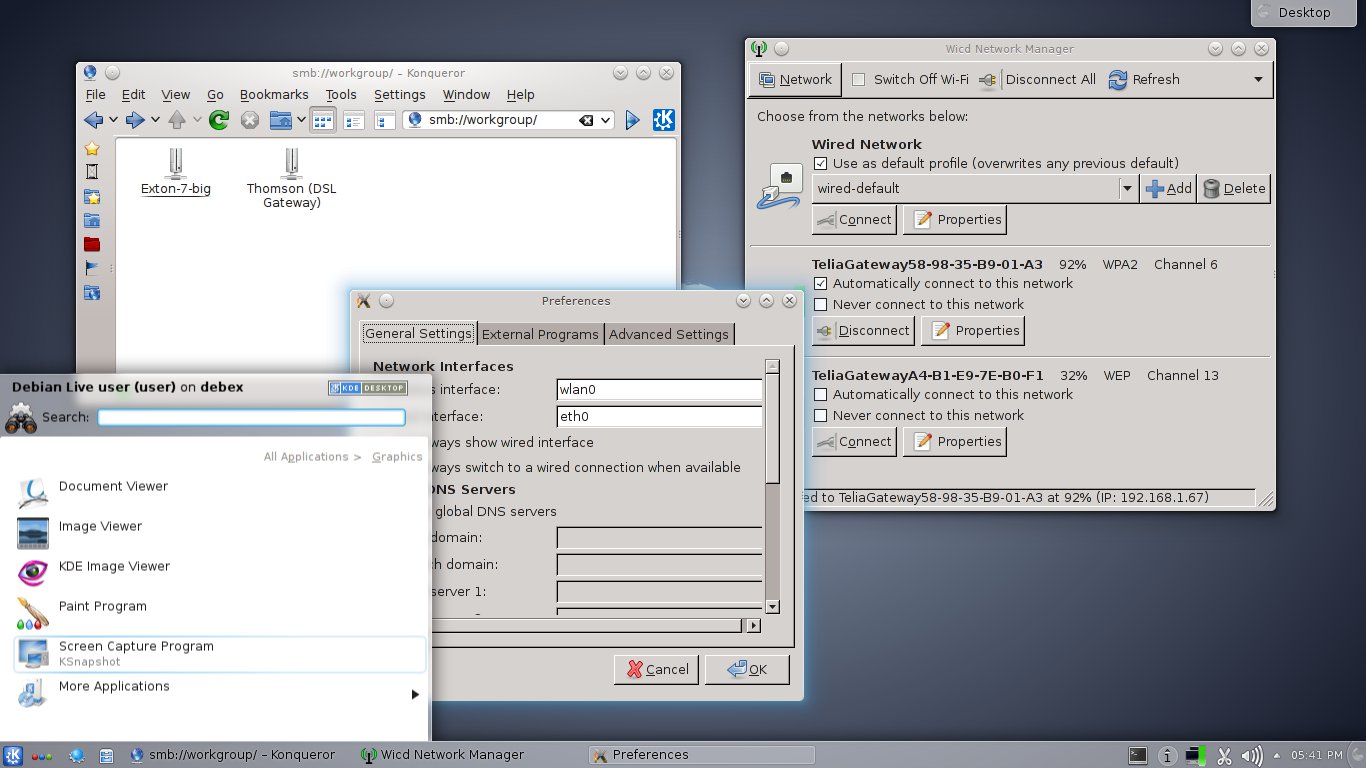
Screenshot of the KDE Desktop

READ MORE…