DebEX Barebone – build 140509 – 64 bit with Xcfe4, Pacapt and kernel 3.14.1-amd64

DebianThe system is a based on Debian Jessie (upcoming Debian 8). There are also certain elements of Debian Sid (unstable). Xfce 4.10.1 is used as Desktop environment. It aims to be fast and low on system resources, while still being visually appealing and user friendly. (…and according to my experience it is much faster than LXDE in Debian).  DebEX Barebone uses the original Debian kernel 3.14.1-amd64 (equivalent to Kernel.org’s latest stable kernel 3.14.2). The system language is English.

NEWS 140509
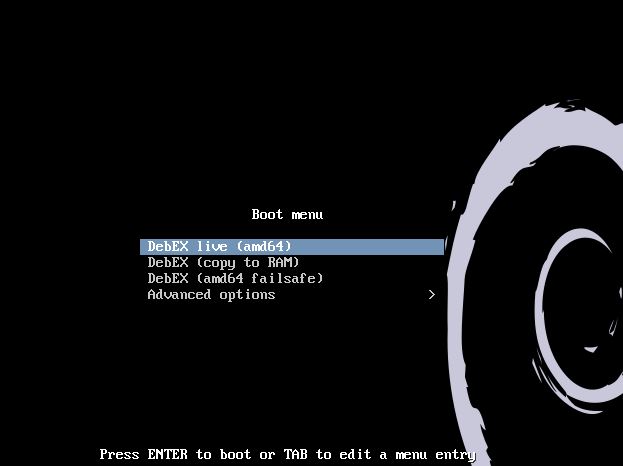
The DebEX Barebone ISO is now a ISO-hybrid, which means that it can very easily be transferred to a USB pen drive. You can then even run DebEX Barebone from the USB stick and save all your system changes on the stick. I.e. you will enjoy persistence! Read this INSTRUCTION. NetworkManager has been removed. It doesn’t go together with Wicd when it comes to configuring wireless networks. I’ve added the applications GParted (partition editor), AbiWord, Icedove (Thunderbird) and AlsaPlayer. Study the full PACKAGE LIST of 140509. The biggest improvement in version 140509 of DebEX Barebone is that DebEX Installer now work flawlessly. Another big improvement is that DebEX Barebone now can run from RAM. Use Boot alternative 3 (Copy to RAM). When the system has booted up you can remove the disc (DVD) or USB stick. You’ll need at least 2 GB RAM to run DebEX from RAM. Furthermore I have installed Pacapt – see below.

Software management
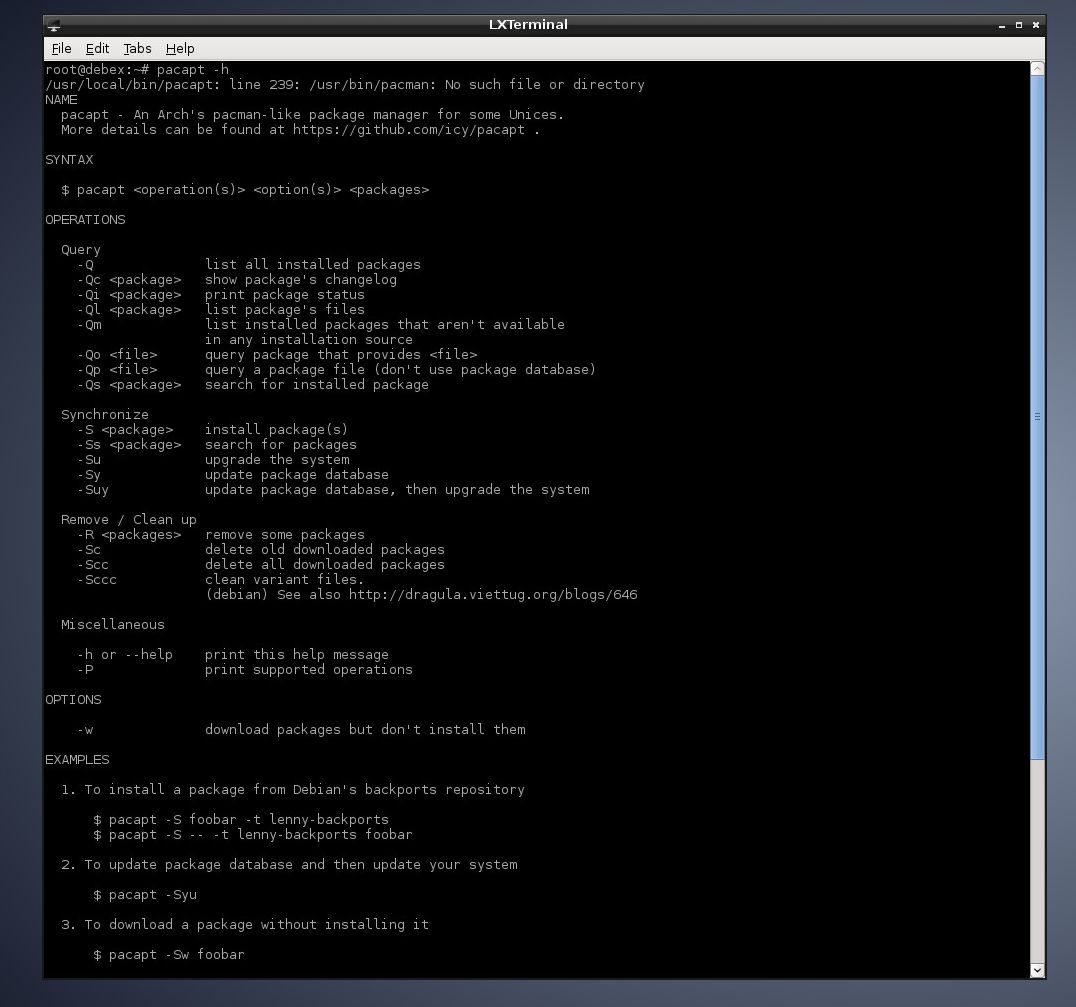
DebEX uses Apt (apt-get) and Synaptic. I have also installed Pacapt (an Arch’s pacman-like package manager). It works extremely well. Available commands: pacapt -h. For example: pacapt -S libreoffice installs LibreOffice.

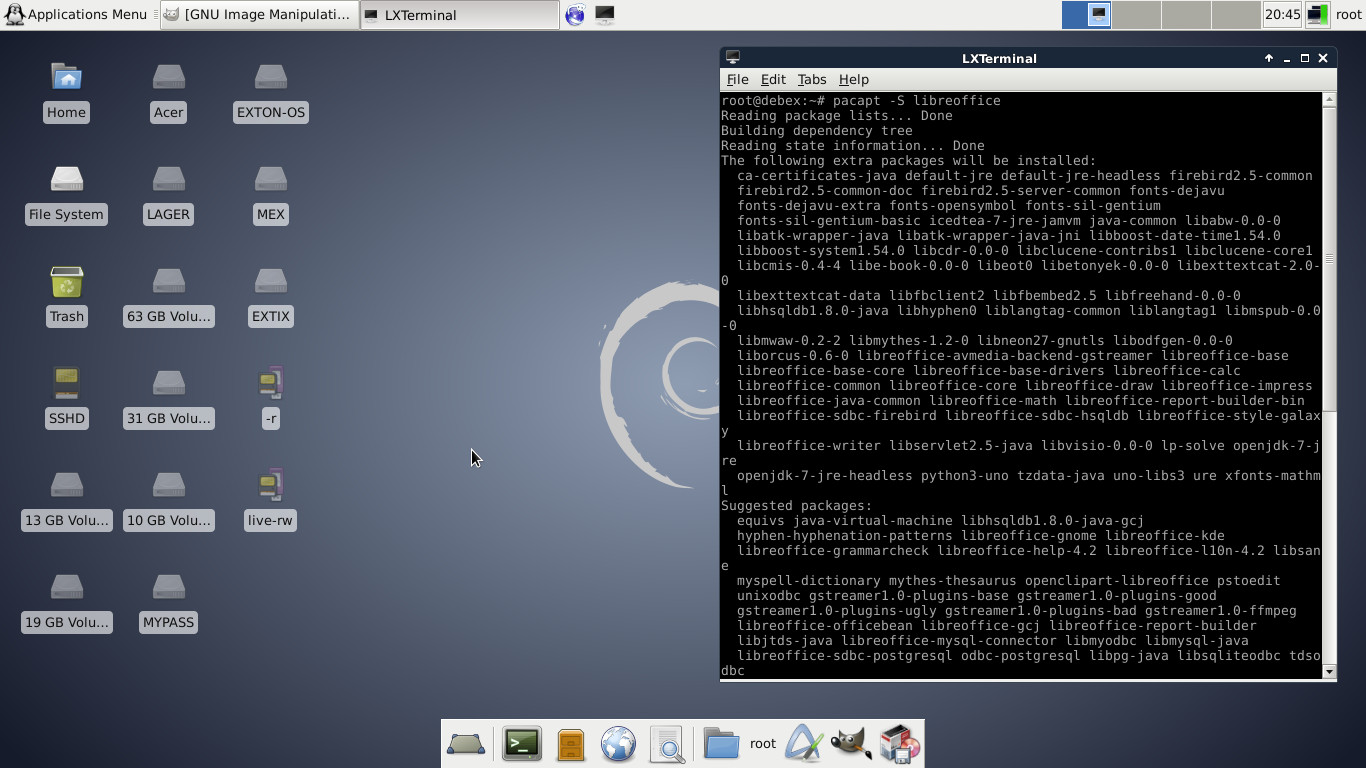
Screenshot of the Xfce4 Desktop

READ MORE…

EXTON-MAN 2014 (Mageia 4) 32 bit Linux live cd with LXDE

SlackwareI’ve made a quick and simple remaster of Mageia 4, released 140201. Mageia has been the third most popular Linux system in the world for some time now (according to Distrowatch.com).

History
Since Mageia (from the beginning) is based on Mandriva, I have decided to call my new remaster EXTON-MAN 2014, in line with my previous remasters of Mandriva, for example EXTON-MAN 2010 from 091123. I have also previously done three remasters of Mageia. Mageia 1 from 111111, Mageia 2 of 120930 and Mageia 3 of 130524. They were called EXTON-MAN 32bit 2011, EXTON-MAN 32bit 2012 respectively EXTON-MAN 64bit 2013 .

My changes of Mageia 4
I have removed the KDE Desktop environment and installed LXDE instead. KDE is a bit slow when running Mageia live. (I.e. from CD/USB). Study the full list of installed packages. The system language is ENGLISH. My previous remasters of Mageia were in Swedish.

Log in to LXDE
When EXTON-MAN has booted up you will end up at Slim‘s login manager. First press F1. It will look like this. Then log in to LXDE as user live or as root. Passwords: live/root.

Installation to hard disk
EXTON-MAN/Mageia can easily be installed to hard disk. Just follow the instructions.

Installation to an USB stick
The EXTON-MAN/Mageia ISO is a ISO-hybrid, which means that it can very easily be transferred (copied) to an USB pen drive. You can use two different commands.

1) cp exton-man-2014-32bit-lxde-664mb-140203.iso /dev/sdc
or
2) dd if=exton-man-2014-32bit-lxde-664mb-140203.iso of=/dev/sdc

Where sdc is the usbkey. Replace by yours (/dev/sdb for example), not sdb1. That’s all! Normally it works with any Linux distribution which include a decent/recent version of syslinux.

USB installations in Windows
Unfortunately it’s not possible to perform an USB installation of Mageia 4/EXTON-MAN 2014 in Windows using any “Live USB System Creator” (including UNetbootin). Believe me, I’ve tried them all!

How do I install new programs?
Please read Mageia’s Wiki Installing and removing software.

Who is EXTON-MAN 2014 32 bit LXDE for?
There is no official live Mageia 4 ISO with LXDE for downloading. (Only with KDE and Gnome). EXTON-MAN 2014 can be useful for people with older 32 bit computers who like to run an eminent Linux system (Mageia) live with some speed. Also of course for all people with computers with low RAM.

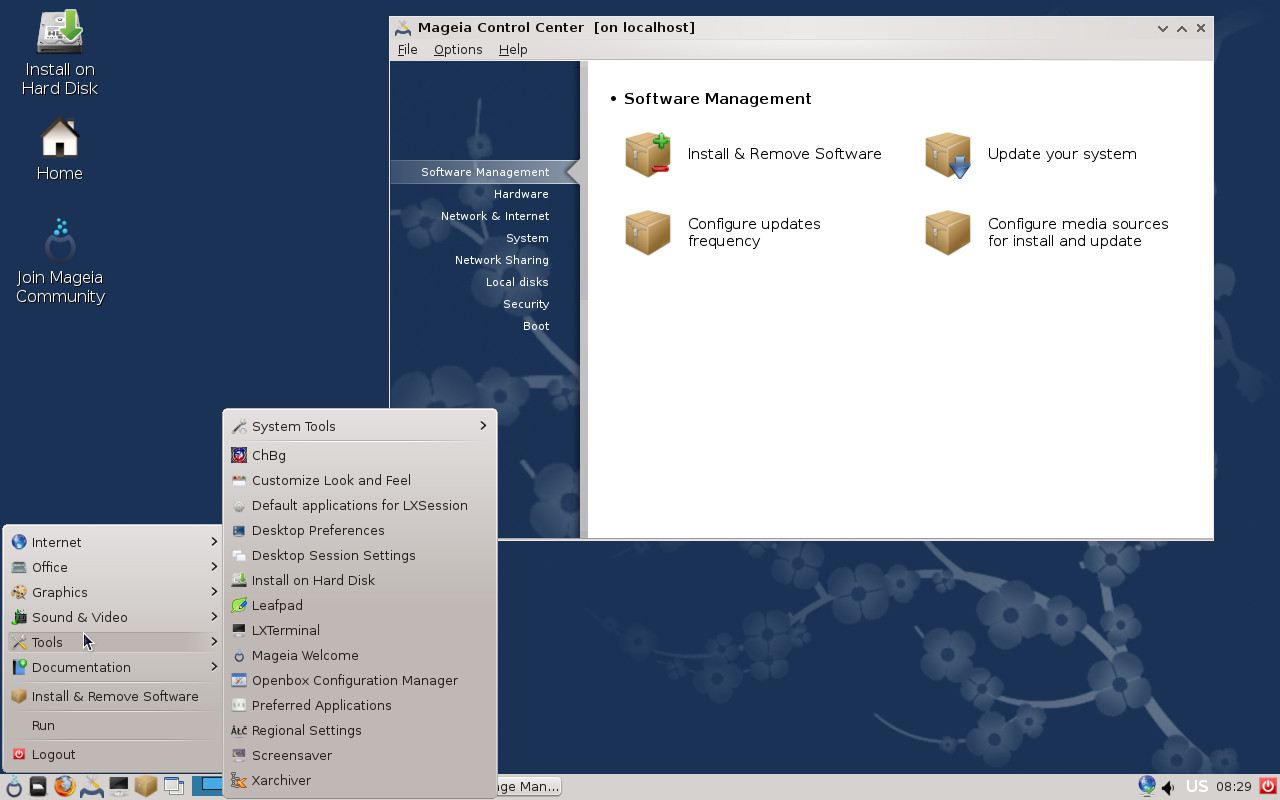
See this screenshot of the LXDE Desktop

DOWNLOAD
The ISO file (exton-man-2014-32bit-lxde-664mb-140203.iso) can be downloaded from the Swedish Linux Society.

md5sum for the ISO file

A new version of DebEX Barebone 64bit “Jessie” is ready!

DebianABOUT
The system is a based on Debian Jessie (upcoming Debian 8).
There are also certain elements of Debian Sid (unstable). LXDE is used as Desktop environment. “The Lightweight X11 Desktop Environment (LXDE) is an extremely fast-performing and energy-saving desktop environment“. DebEX Barebone uses the original Debian kernel 3.2.0-4-amd64. The system language is English.

NEWS 131221
The DebEX Barebone ISO is now a ISO-hybrid, which means that it can very easily be transferred to a USB pen drive. You can then even run DebEX Barebone from the USB stick and save all your system changes on the stick. I.e. you will enjoy persistence! Read this INSTRUCTION. NetworkManager has been removed. It doesn’t go together with Wicd when it comes to configuring wireless networks. I’ve added the applications GParted (partition editor), AbiWord, Icedove (Thunderbird) and AlsaPlayer. Study the full PACKAGE LIST of 131221. The biggest improvement in version 131221 of DebEX Barebone is that Debian Installer and Debian Live Installer now work flawlessly. Another big improvement is that DebEX Barebone now can run from RAM. Use Boot alternative 2 (Copy to RAM). When the system has booted up you can remove the disc (DVD) or USB stick. You’ll need at least 1024 MB RAM to run the system from RAM.

UNIQUE
There is no other live version of Debian Jessie as far as I know. Not as new/fresh as DebEX Barebone anyhow.

KERNEL
DebEX Barebone Jessie uses kernel 3.2.0-4-amd64 to be able to use Debian Live Installer. If you install DebEX Barebone to hard drive you can install kernel 3.11.2-amd64 if you want or need it. You can even install “my” kernel 3.12.0-7-exton, equivalent to Kernel.org‘s kernel 3.12.4.

READ MORE…