LFS EXTON – a live installable Linux system built from Linux From Scratch (which can run on ALL computers) with kernel 6.0.6-amd64-exton ::: Build 221103

LFS EXTON Linux live DVD/USB is built using Linux From Scratch 10.1/11.2 and Beyond Linux From Scratch 10.1/11.2 (BLFS) , which has the latest Linux packages and scripts.

NEWS 221103

A new version of LFS EXTON is ready! The first version is from 210706. Most important news re. the new version:
1. LFS EXTON Build 221103 runs on ALL computers. I. e. new and old ones. UEFI or non-UEFI computers. (Build 210706 was not compatible with some newer computers).
2. Build 221103 uses the latest kernel 6.0.6, released 221029.
The kernel is named 6.0.6-amd64-exton-rt14.
3. I have upgraded some essential packages. Most important Firefox.
4. I have installed two new packages: Gnu Emacs (“At its core is an interpreter for Emacs Lisp, a dialect of the Lisp programming language with extensions to support text editing”) and MPlayer (a movie player).
5. You can download the kernel-sources for LFS EXTON from SourceForge.net – linux-source-6.0.zip. Can be used if you want to install (for example) NVIDIA Graphics Drivers. Unpack and place the sources in /usr/src.

ABOUT Refracta Installer
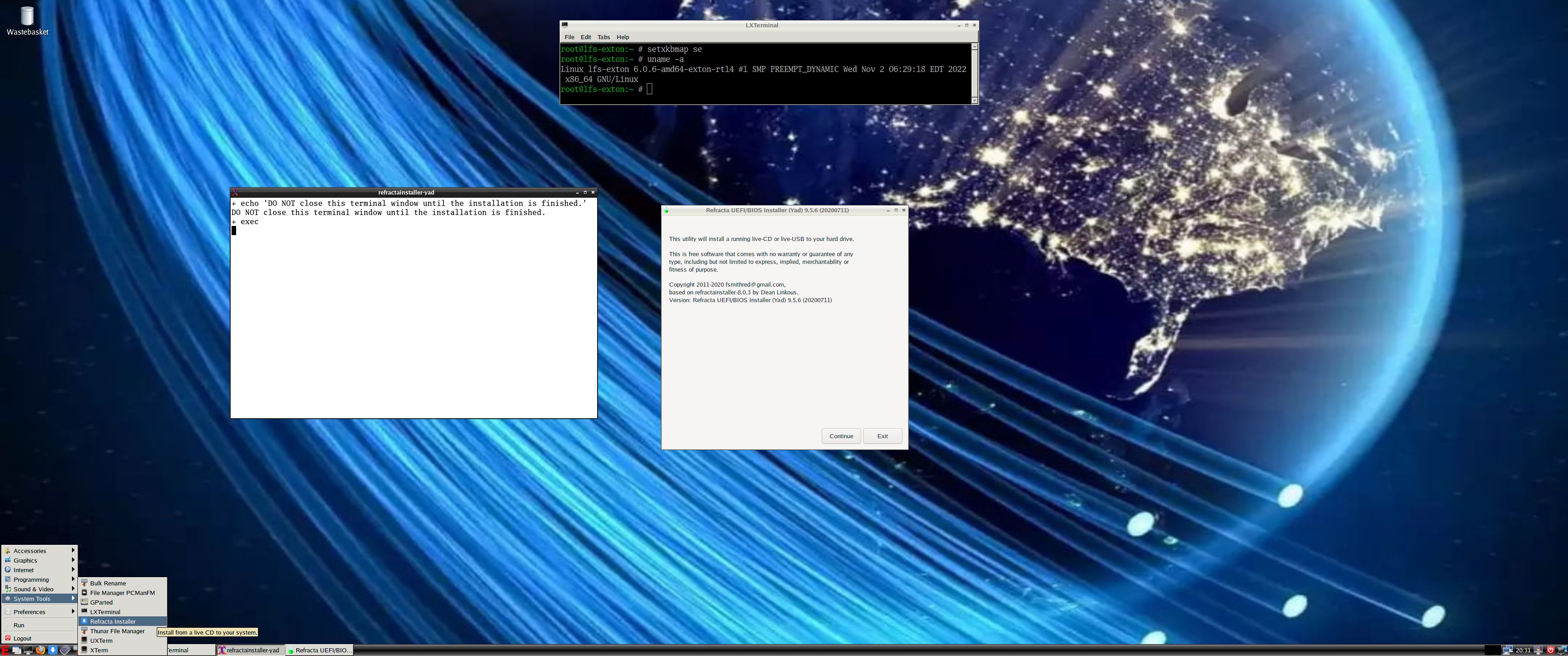
I finally made Refracta Installer to work in LFS EXTON! Now you can install LFS EXTON to hard drive like any other Linux distribution. Just start Refracta Installer from the menu and follow the instructions. Watch this screenshot.
NOTE: You should create the install partition in advance. Use GParted for that.

LXDE and LightDM

LFS EXTON uses LXDE as Desktop environment. LXDE is designed to be user friendly and slim, while keeping the resource usage low. LFS EXTON has all the tools needed for you to go on and install other Desktop environments or whatever you like (after a hard drive installation of LFS EXTON).

Build your own Linux system
You can also just use LFS EXTON Live DVD/USB as build environment when building your own Linux system from scratch.

SCREENSHOTS
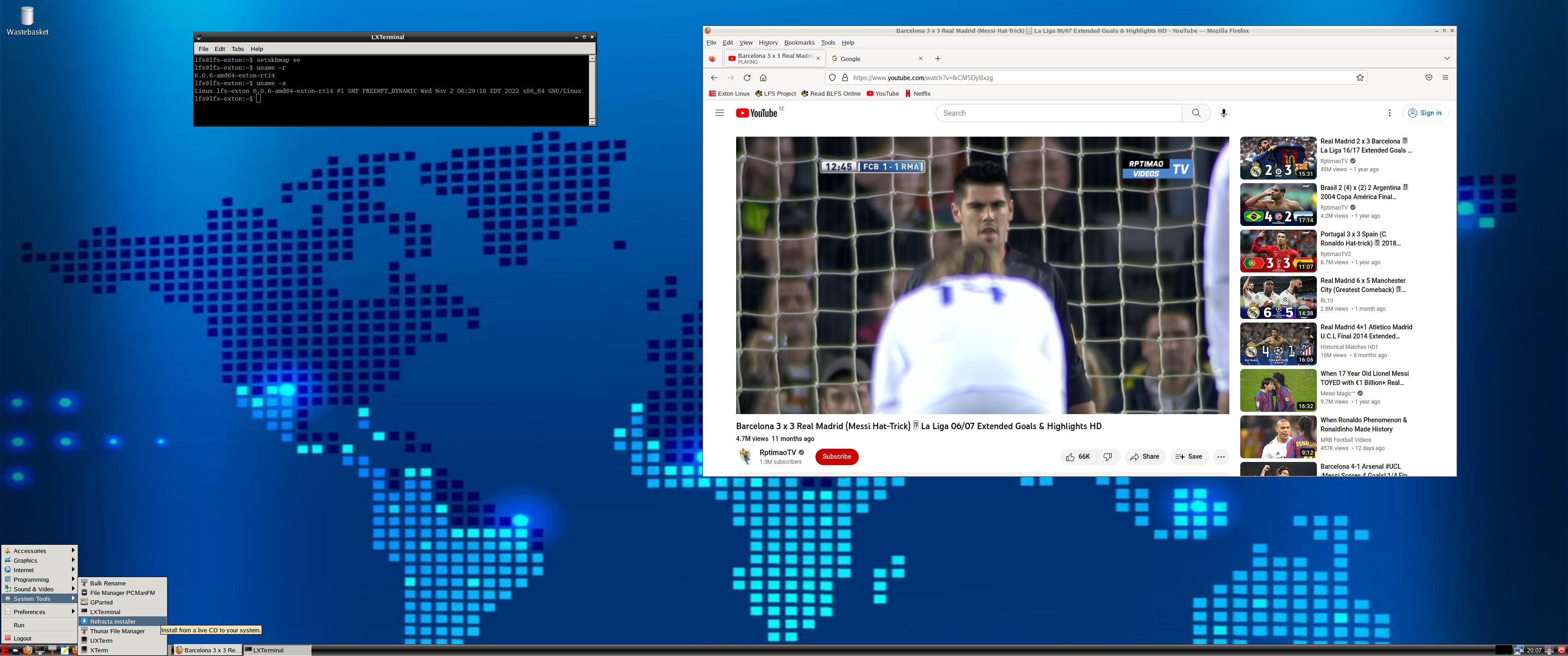
1. The ordinary user lfs Desktop
2. root’s Desktop
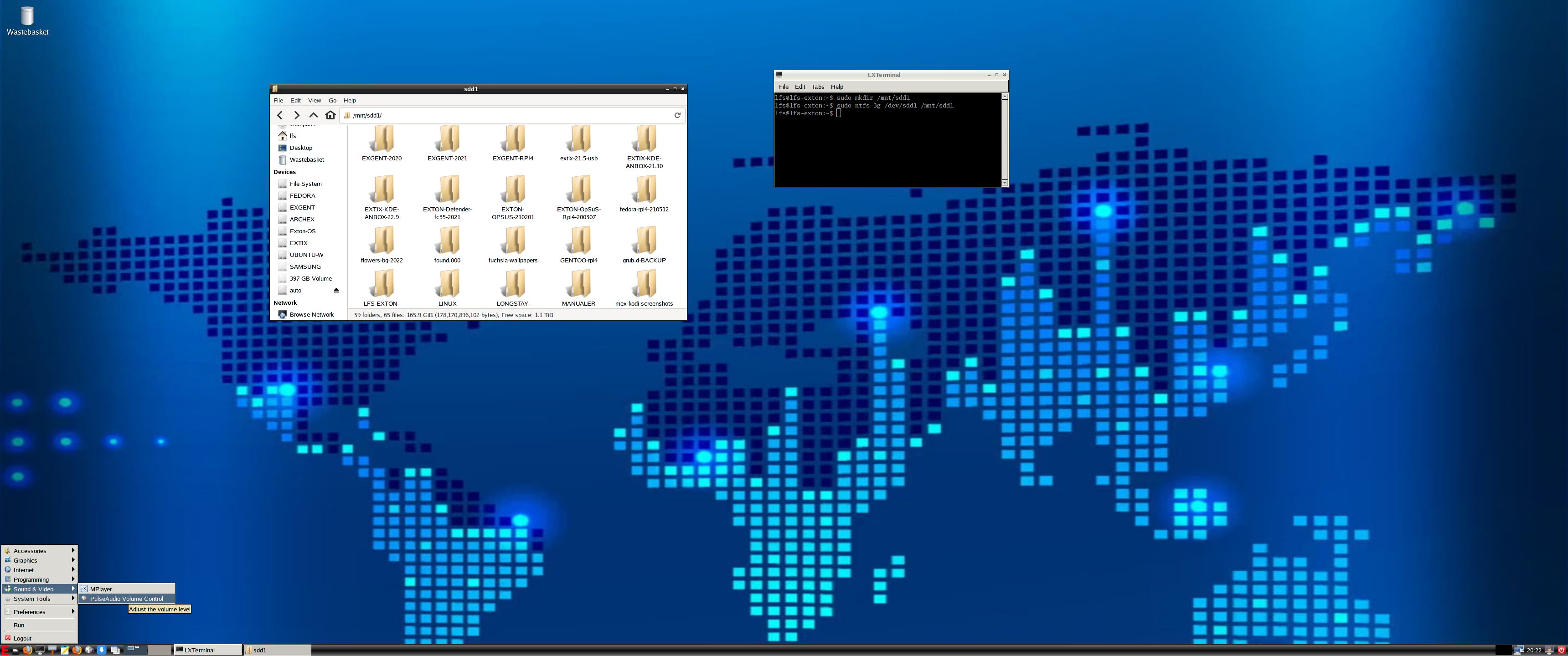
3. showing how to mount NTFS partitions
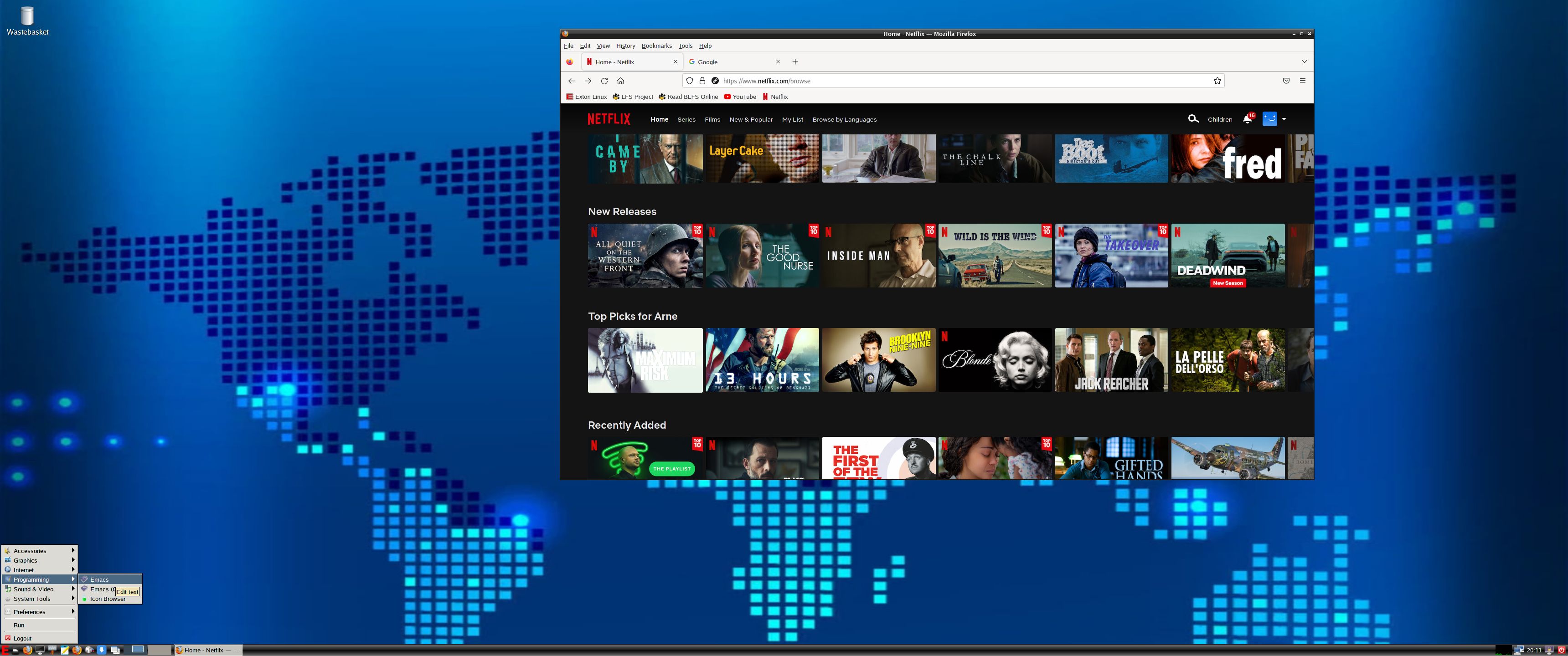
4. Running Netflix in Firefox

READ MORE…

Read about my Android-x86 Systems – 11, 10, Pie, Oreo, Nougat, Marshmallow, Lollipop and KitKat at
andex.exton.net – latest is AndEX 11 (with GAPPS), AndEX 10 (with GAPPS) and AndEX Pie 9.0 (also with GAPPS)!
and
about my Android 12, 11, 10, Pie, Oreo, Nougat, Marshmallow and Lollipop versions for Raspberry Pi 4 and 3/2 at
raspex.exton.se
– latest is RaspAnd 12 (without GAPPS), RaspAnd 11 (with GAPPS) and RaspAnd Oreo 8.1 (also with GAPPS)!

PuppEX Focal64 (Puppy Linux) with kernel 5.9.9 (latest) compatible with Ubuntu 20.04 LTS :: Build 201121

NEWS 201126 ABOUT PuppEX Build 201121 and Nvidia
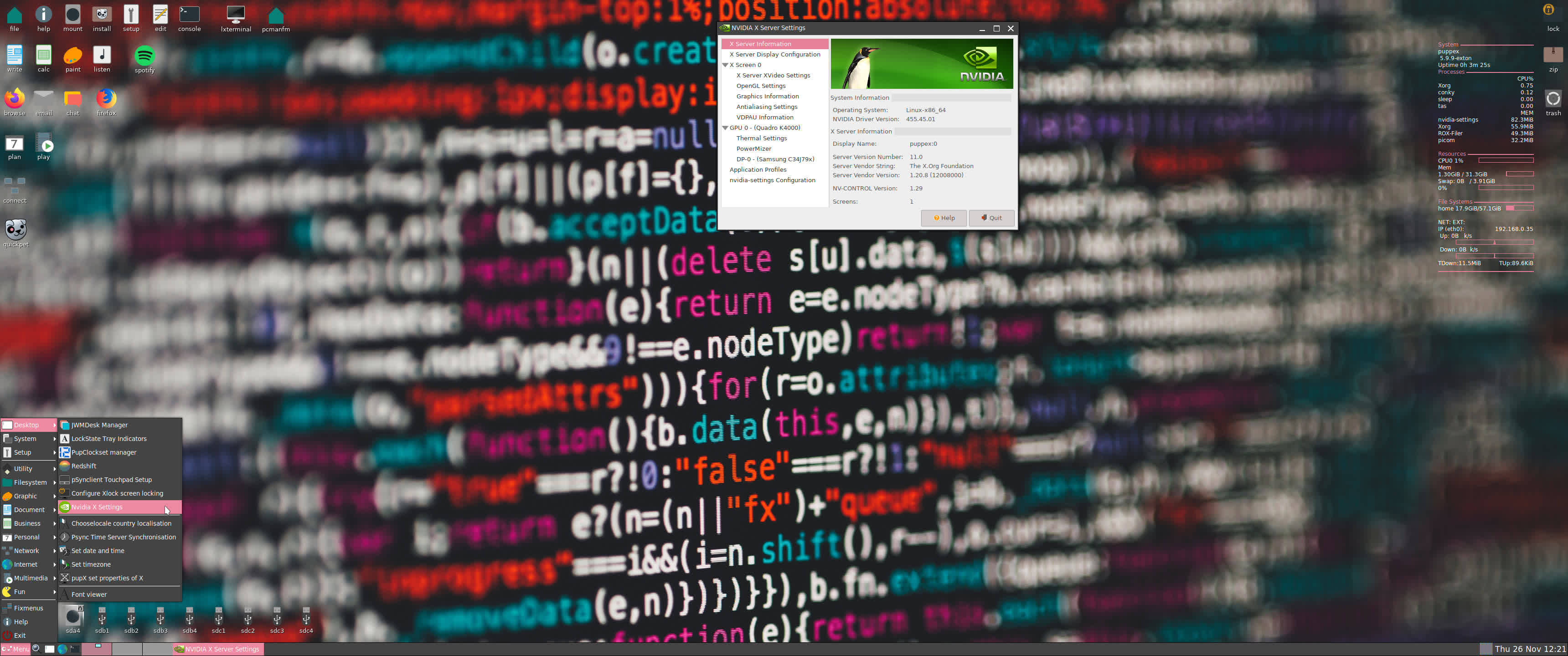
Today I’ve discovered that Nvidia’s Proprietary Graphics Driver can be installed in PuppEX Build 201121 after all! Not version 450.80.02, but version 455.45.01. Watch this screenshot. Read this Article about the Open-Source NVIDIA/Nouveau vs NVIDIA Proprietary Driver. Read about how to install the driver...

ABOUT PuppEX Focal64 Build 201121
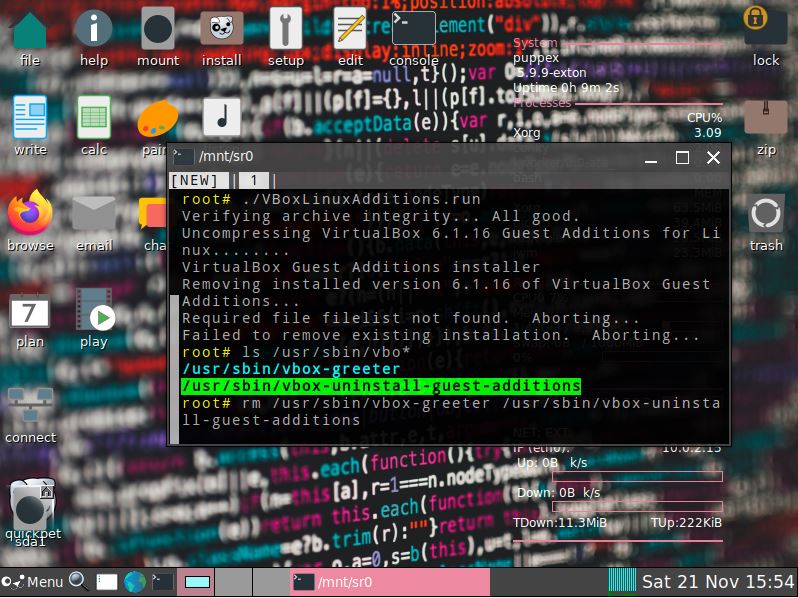
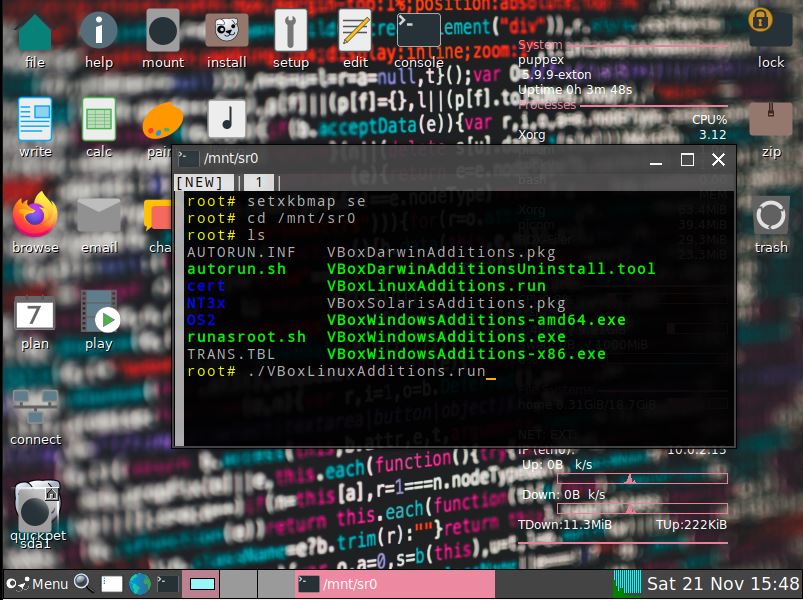
A new PuppEX Focal64 version with kernel 5.9.9 (latest) is ready today. Unfortunately it does not have Nvidia’s Proprietary Graphics driver 450.80.02 installed (as Build 201119 has). I could not find a patch for kernel 5.9. The good news is that this new version has the kernel sources for kernel 5.9.9. This means that VirtualBox Guest Additions can be installed by you. Which also means that you can run PuppEX in full screen in VirtualBox (among other things). Watch this screenshot. When running PuppEX Build 201121 in VirtualBox you shall first save your session. After a reboot you can install the Additions. When doing so you will get an error message saying failed to remove installed version filelist not found. Fix it by running the command rm /usr/sbin/vbox-greeter /usr/sbin/vbox-uninstall-guest-additions. Watch screenshot 1 and screenshot 2.

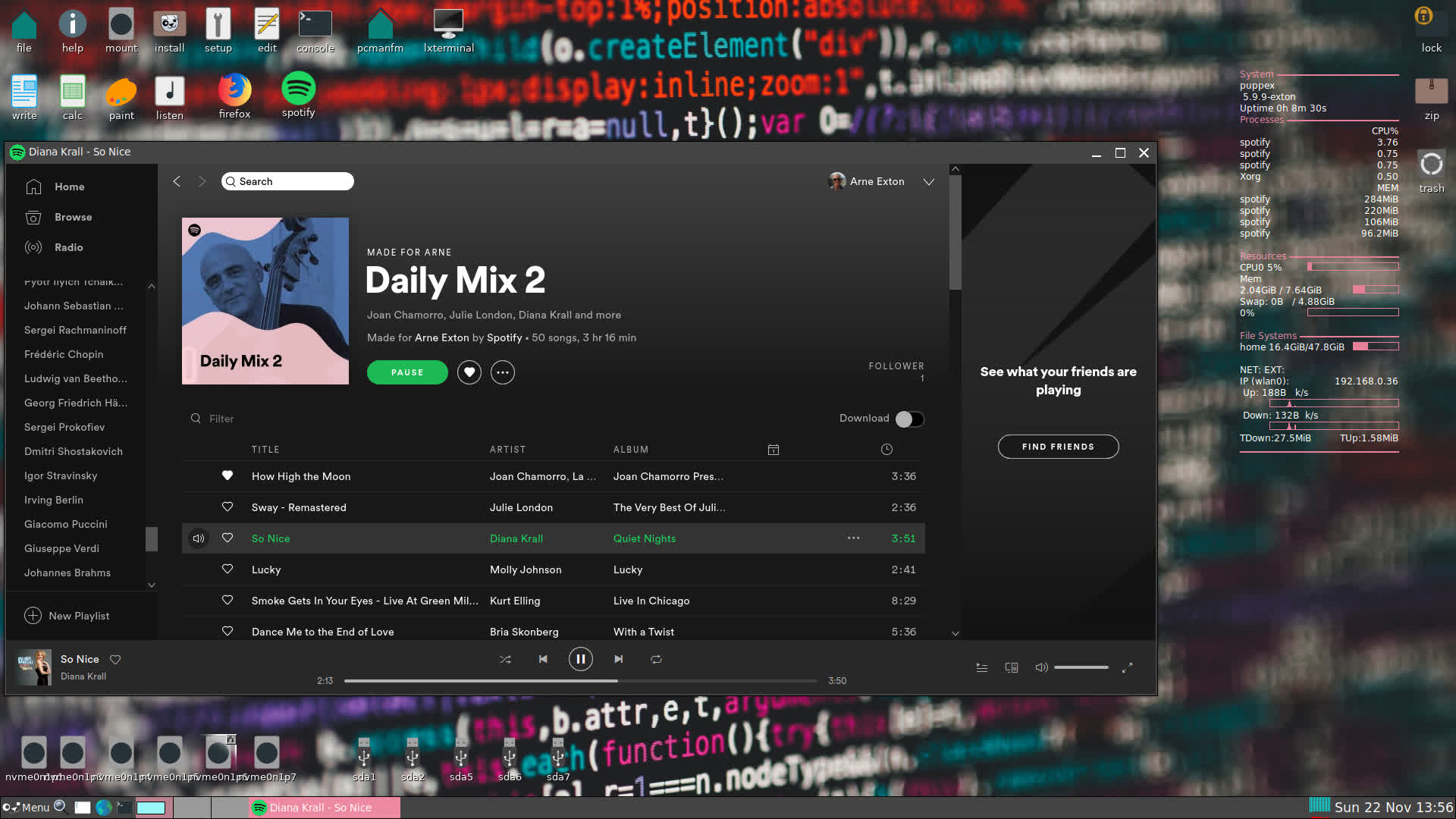
Screenshot: PuppEX Focal64 Build 201121 running Spotify

READ MORE…

Read about my Android-x86 Systems – 10, Pie, Oreo, Nougat, Marshmallow, Lollipop and KitKat at
andex.exton.net – latest is AndEX 10 (with GAPPS) and AndEX Pie 9.0 (also with GAPPS)!
and

about my Android 11, 10, Pie, Oreo, Nougat, Marshmallow and Lollipop versions for Raspberry Pi 3/2 at
raspex.exton.se
– latest is RaspAnd 11 (without GAPPS) and RaspAnd Oreo 8.1 (with GAPPS)!

Yet another 64 bit version of exGENT (Gentoo) live is ready!

GentooI’ve made a third version of exGENT 2013. Now with LXDE and kernel 3.11.1-gentoo-exton. (Kernel.org’s latest!). Version 130926 is for the 64 bit architecture. I’ve kept my two previous versions 20130423 and 20130415 on Sourceforge.net. The old versions are for the 32 bit architecture.

exGENT 64 bit version 130926 is in very good shape. Yesterday I could run the following commands without problems:

#
emerge –ask –update –newuse –deep –with-bdeps=y @world
# emerge –depclean
# revdep-rebuild

Features
The best thing with exGENT 32bit/64bit (Gentoo) Linux Live DVD/CD is the premier autodetection of hardware and the ability to easily install the systems to hard drive and/or usb pen drive. Installed programs: Four Desktop environments (in version 130423): Cinnamon 1.6.7, Gnome 3.6.3, LXDE and Fluxbox 1.3.5. Other programs: Abiword, SMPlayer, GParted, Firefox, Thunderbird and Wicd. Furthermore compilation tools so that you can install programs from source the Gentoo way. See a complete program LIST (version 130926 and version 130423). Three versions of exGENT is available. One for the 64 bit architecture (version 130926) and two for the 32 bit architecture. The system language is English.

The exGENT systems can easily (in about 5 min) be installed to hard drive or/and to a usb pen drive.

Who is exGENT/Gentoo for?
Experienced Linux users or those who really want to learn Linux. (Perhaps also people who are bored with mainstream distributions like Ubuntu).

READ MORE…