PuppEX Slack64 15.0 built using Woof-CE scripts :: 220625

NEWS ABOUT PuppEX Slack64 15.0 220625
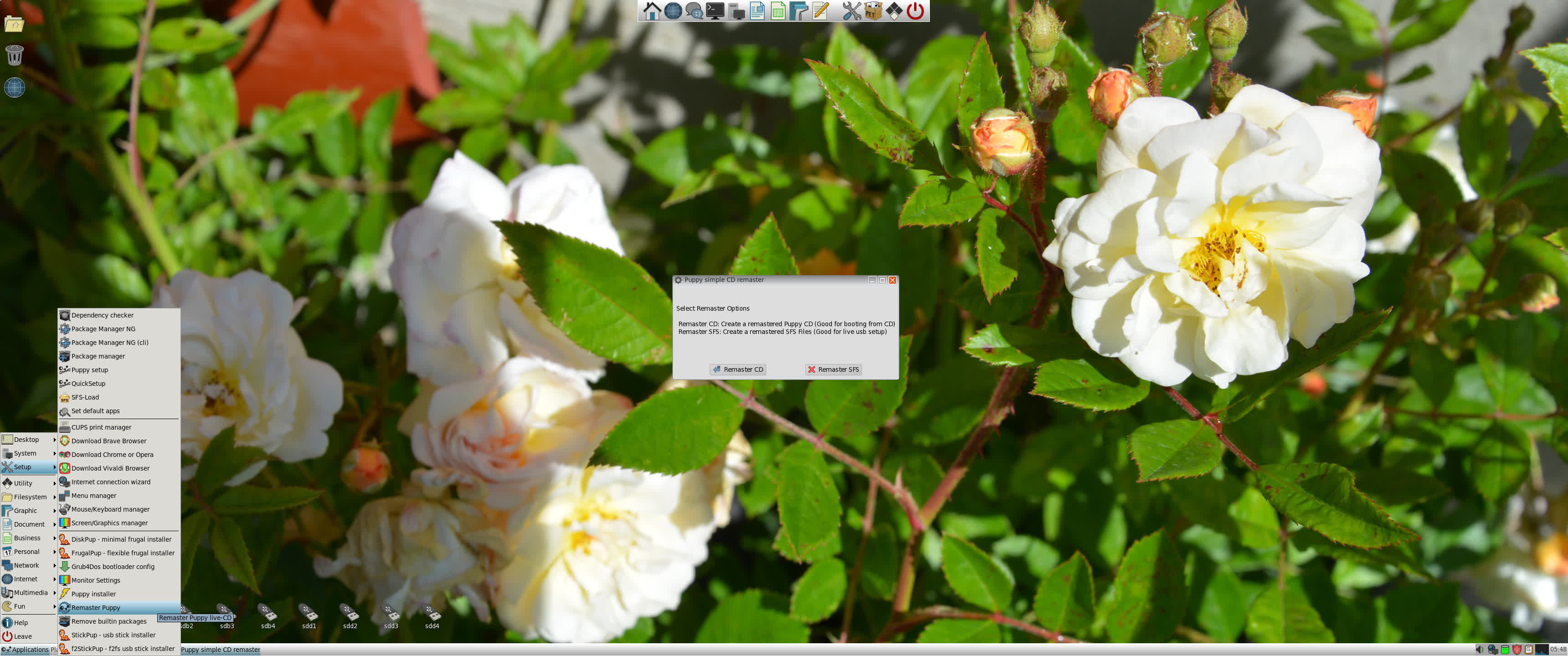
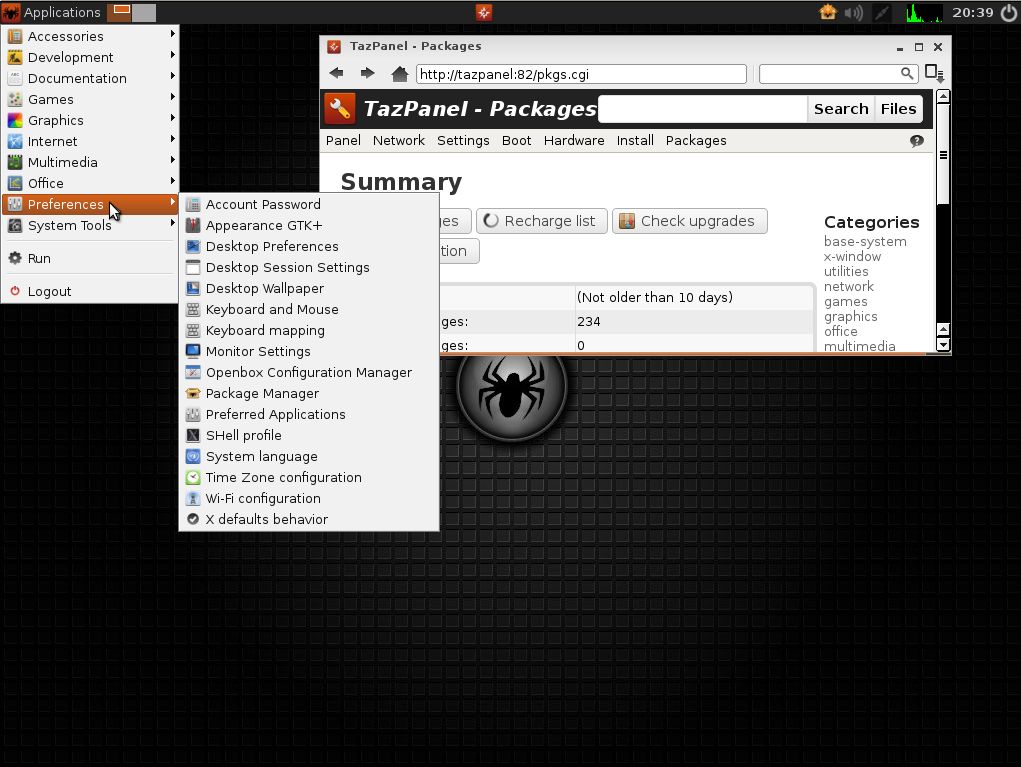
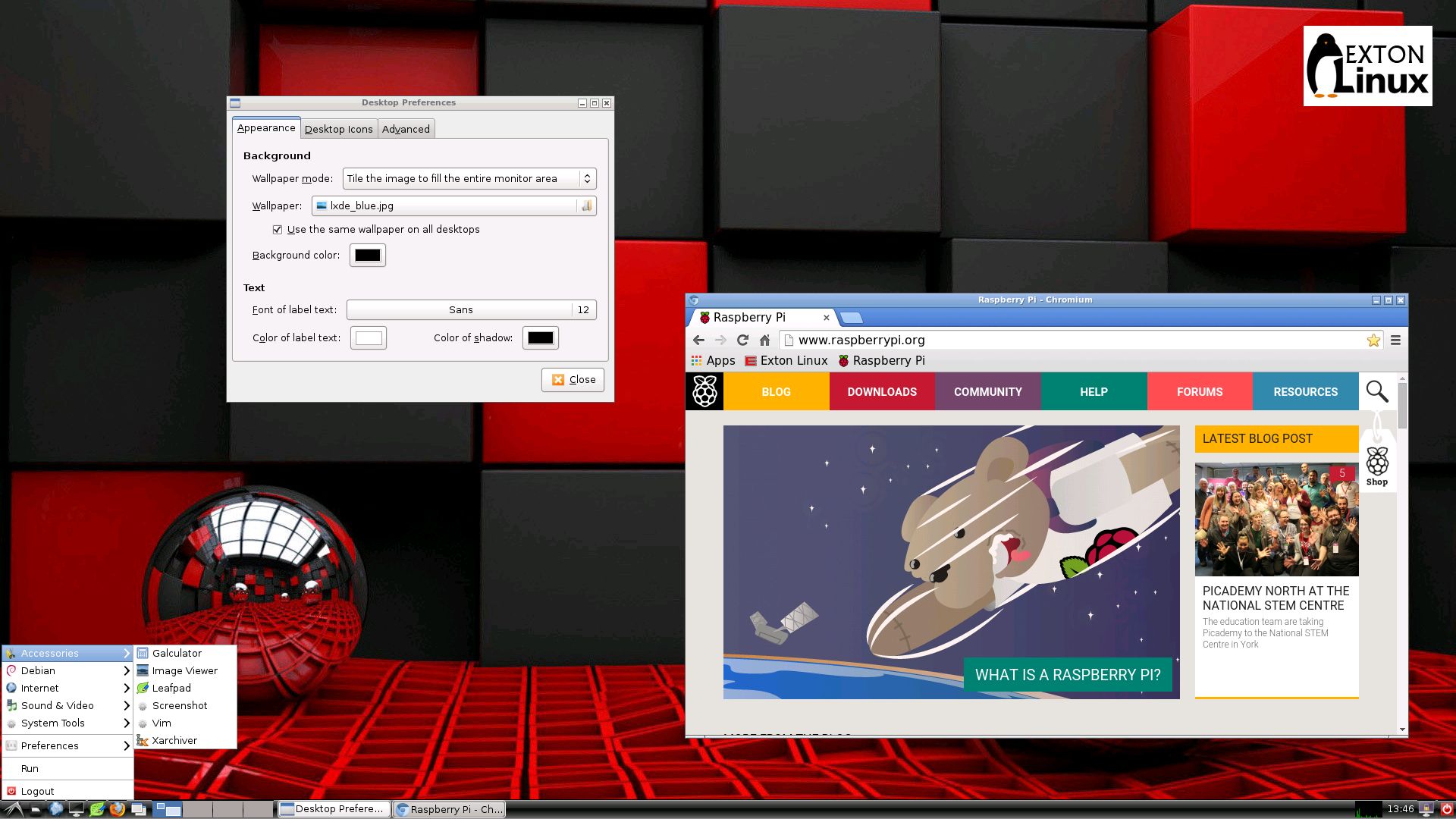
This Puppy Linux derivative is built by me using Puppy Linux Woof-CE Builder. It is compatible with Slackware 15.0 and uses kernel 5.18.6-exton. This Puppy system works very well on UEFI and non-UEFI computers. You can build your own Puppy Linux Slackware 15 compatible system using PuppEX as “groundwork”. Just start the remaster tool (Puppy simple CD remaster) and follow the instructions given by the remaster script. Watch this screenshot.
IMPORTANT NOTE: Use Balena Etcher when installing PuppEX to a USB stick in Windows. Other similar programs (like Rufus or Ventoy) won’t make the USB stick bootable.

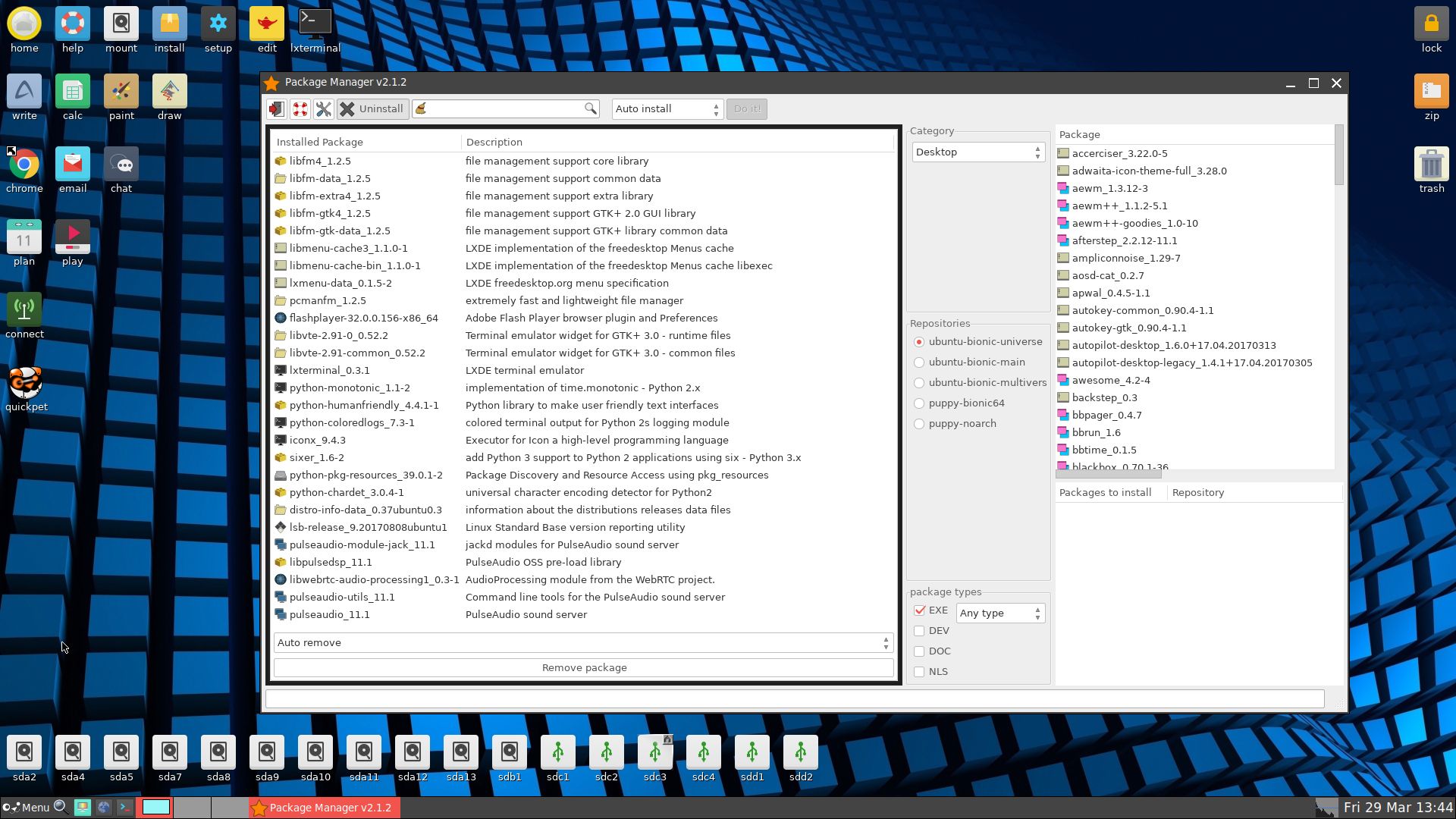
Study ALL installed packages in PuppEX Slack64 – 220625

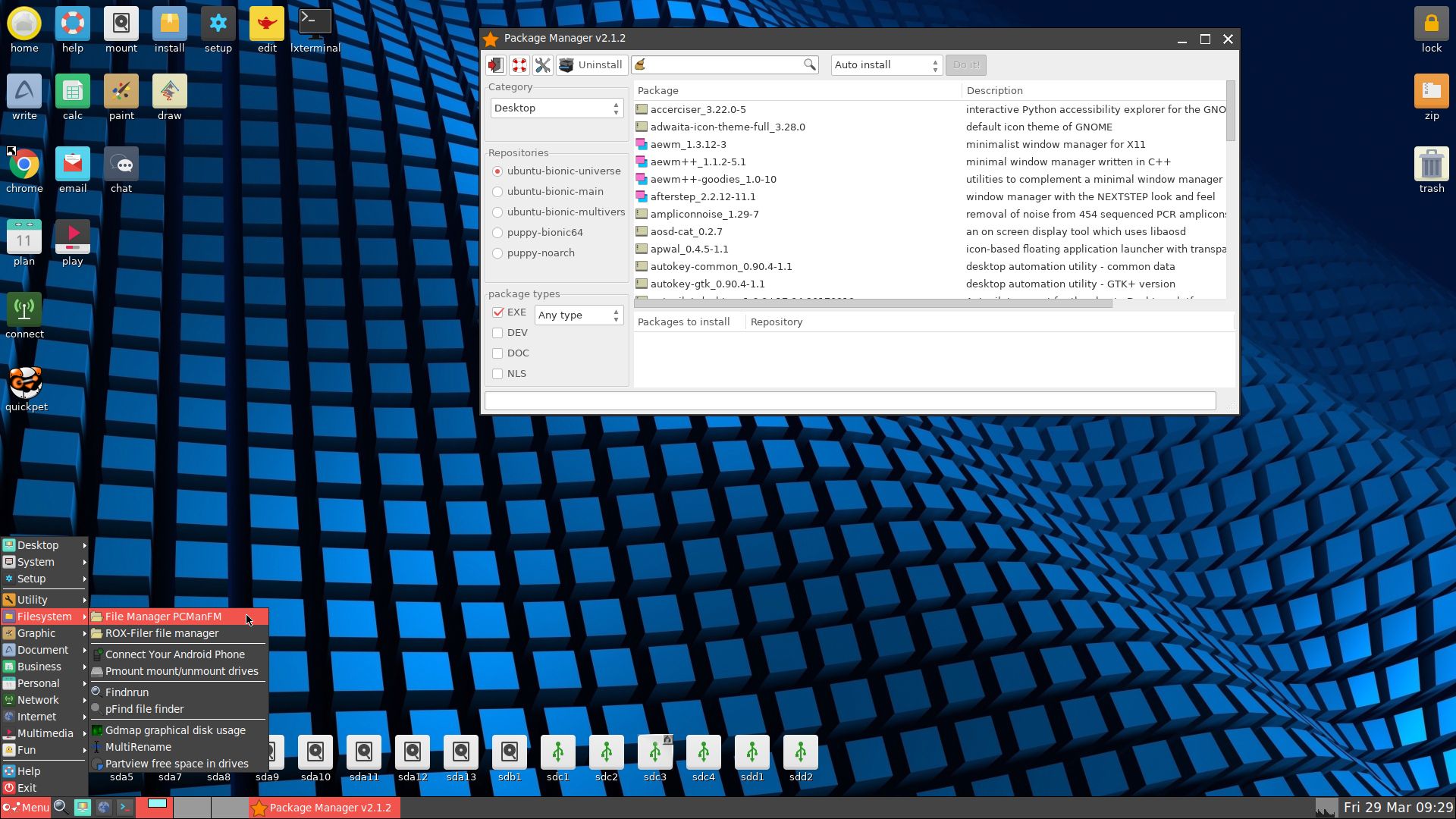
Screenshot of the Desktop
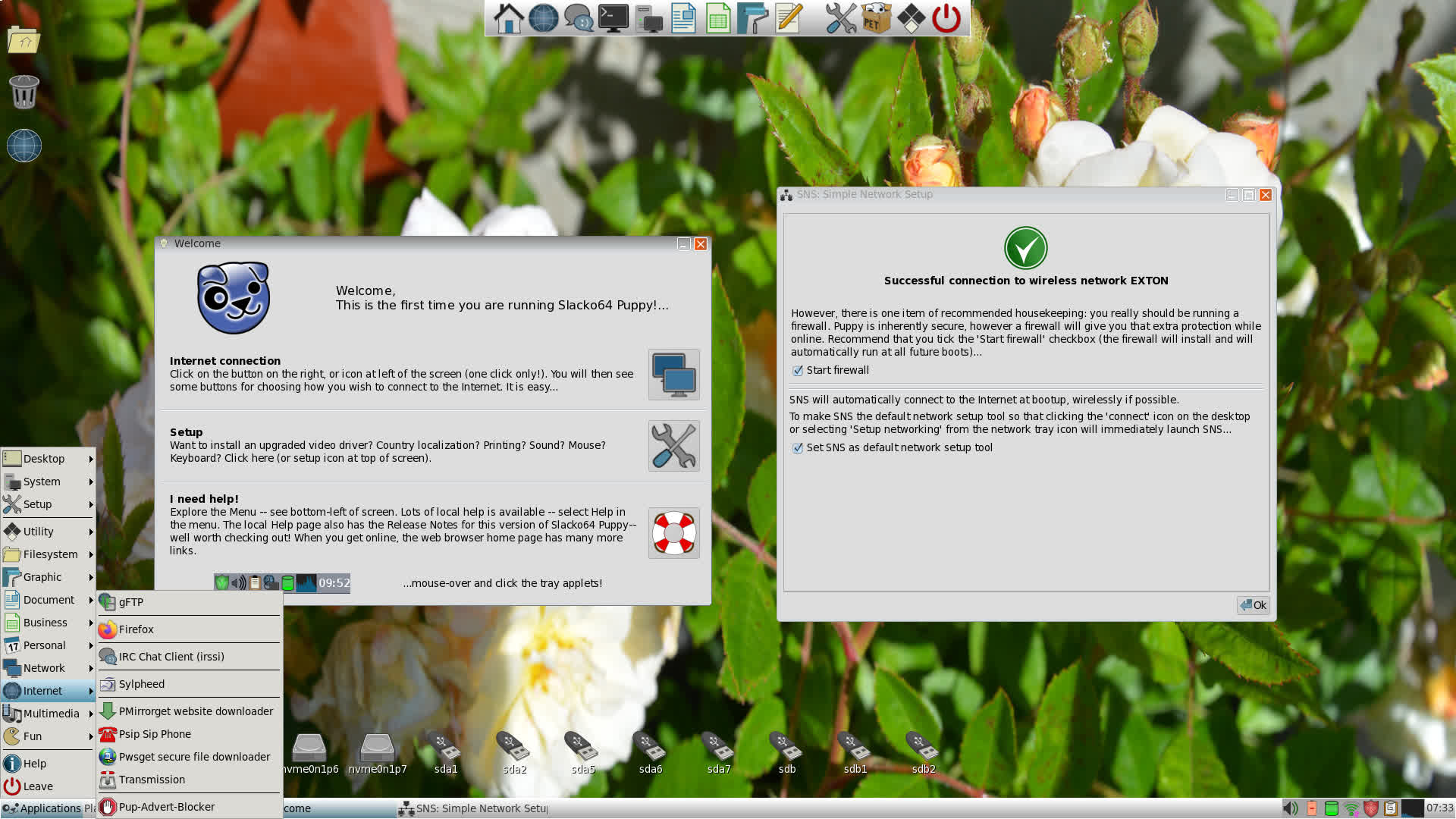
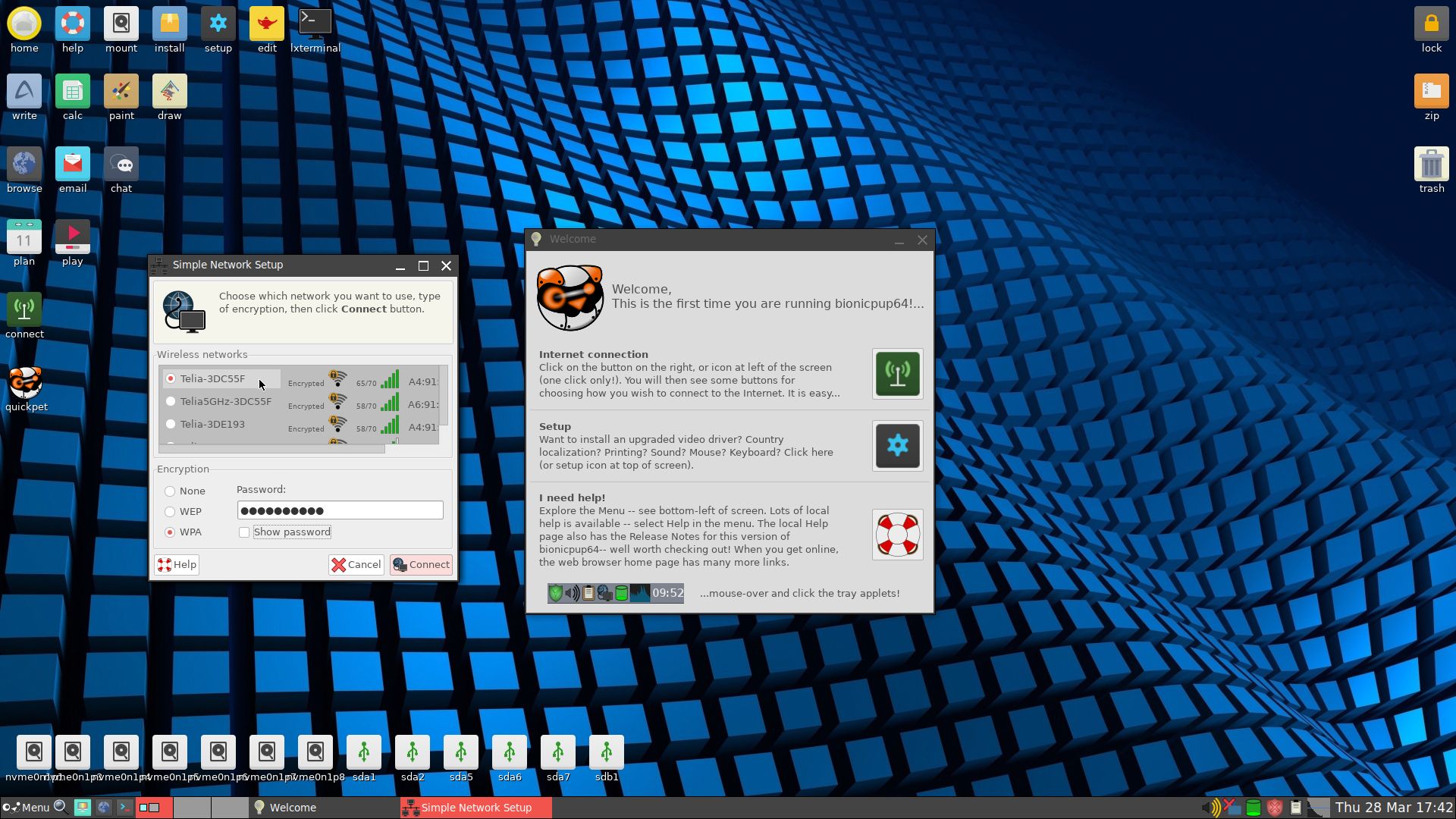
Screenshot showing a WiFi connection

READ MORE…

Read about my Android-x86 Systems – 11; 10, Pie, Oreo, Nougat, Marshmallow, Lollipop and KitKat at
andex.exton.net – latest is AndEX 11 (with GAPPS), AndEX 10 (with GAPPS) and AndEX Pie 9.0 (also with GAPPS)!
and

about my Android 12, 11, 10, Pie, Oreo, Nougat, Marshmallow and Lollipop versions for Raspberry Pi 4 and 3/2 at
raspex.exton.se
– latest is RaspAnd 12 (without GAPPS), RaspAnd 11 (with GAPPS) and RaspAnd Oreo 8.1 (also with GAPPS)!

PuppEX Focal64 (Puppy Linux) with kernel 5.9.9 (latest) compatible with Ubuntu 20.04 LTS :: Build 201121

NEWS 201126 ABOUT PuppEX Build 201121 and Nvidia
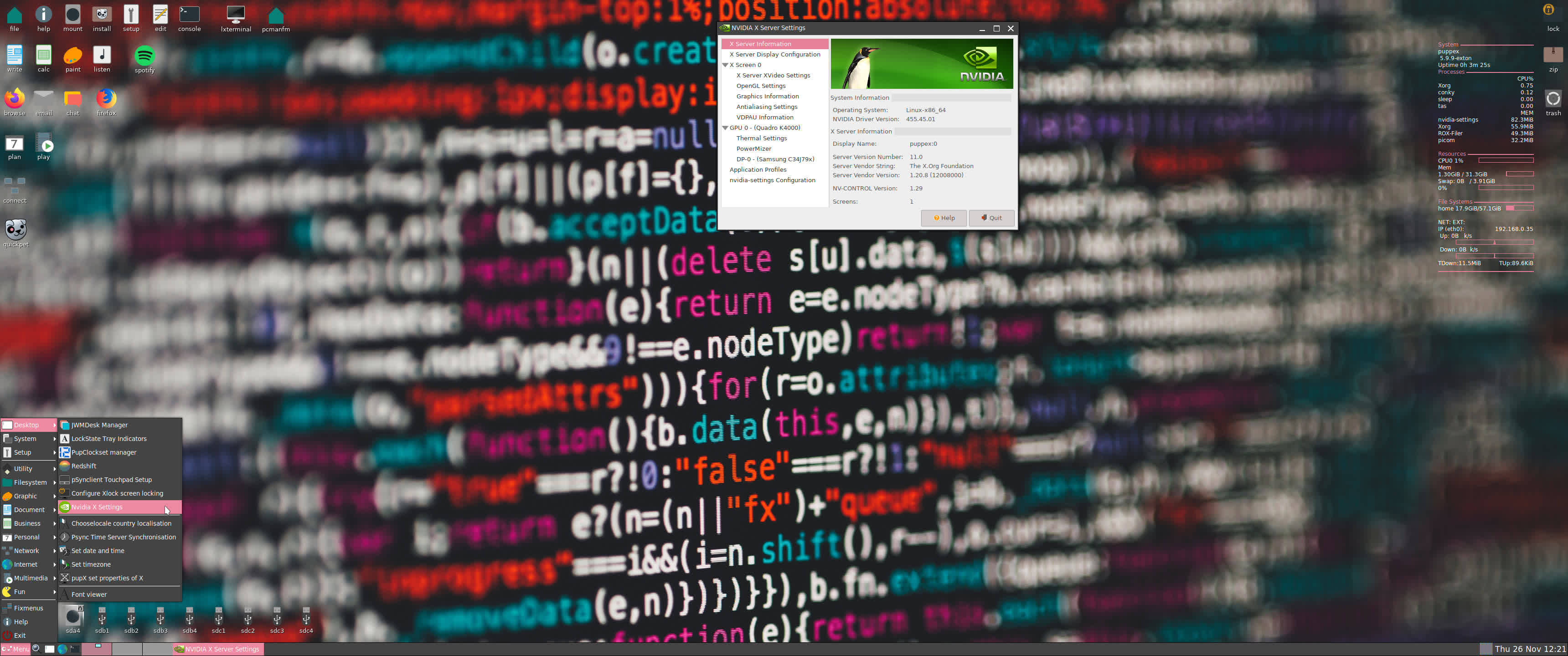
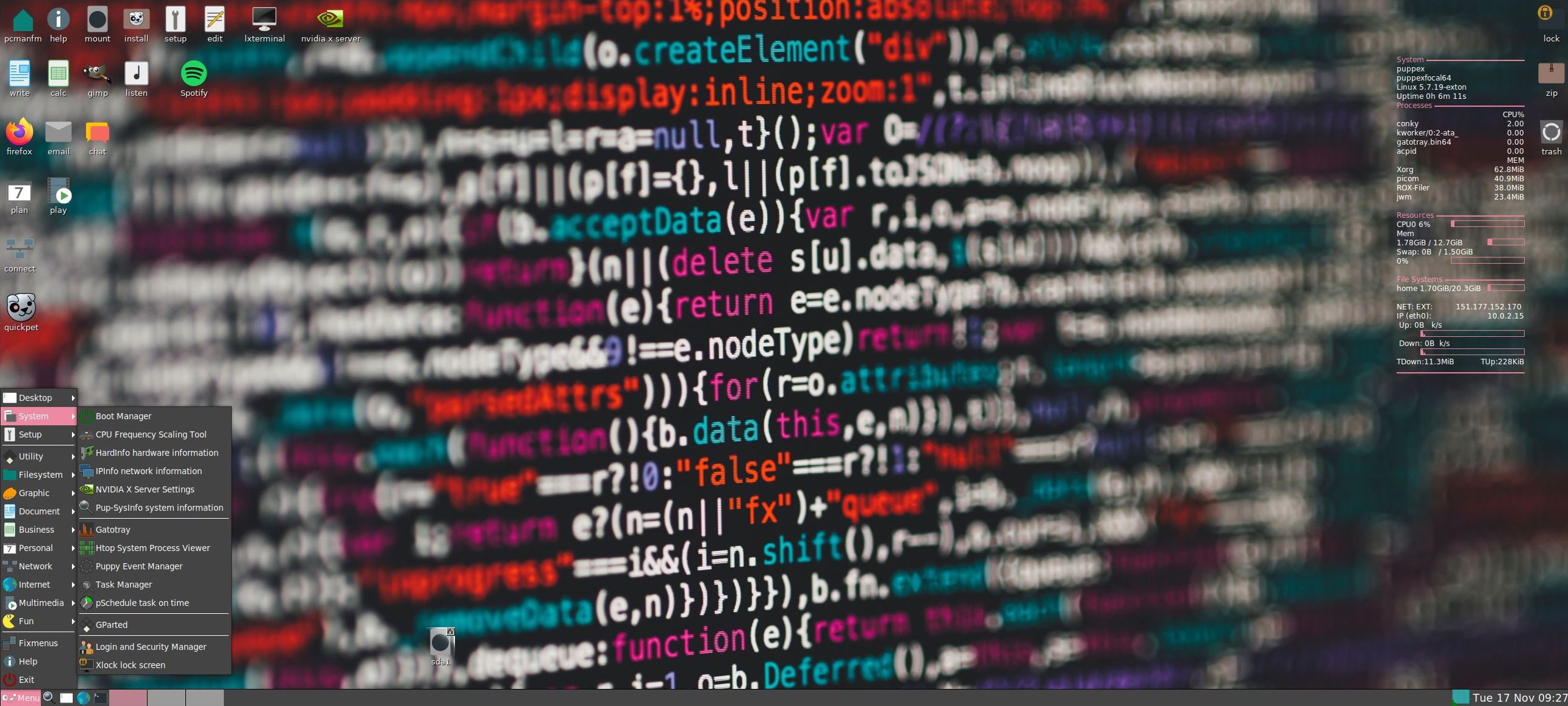
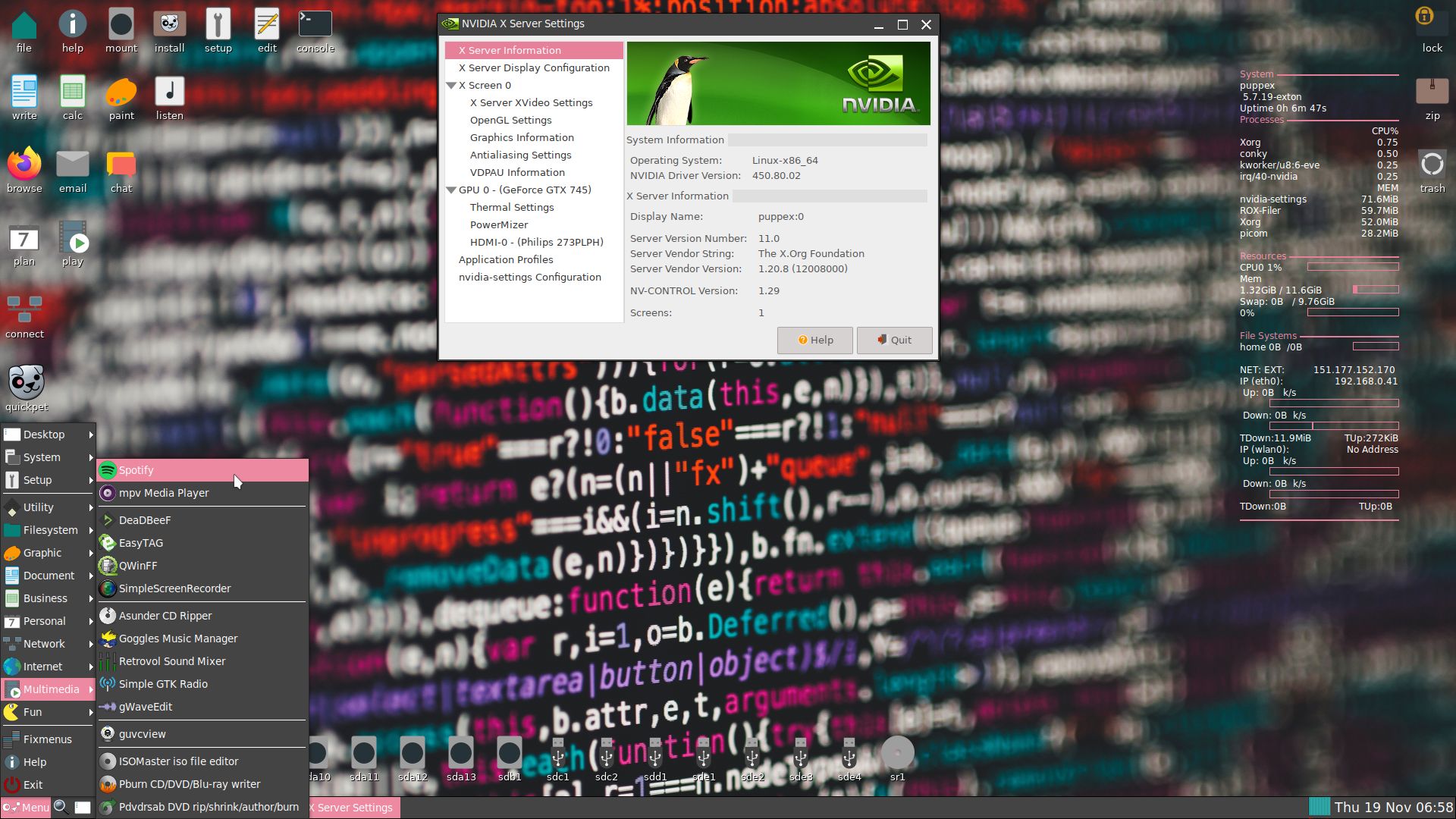
Today I’ve discovered that Nvidia’s Proprietary Graphics Driver can be installed in PuppEX Build 201121 after all! Not version 450.80.02, but version 455.45.01. Watch this screenshot. Read this Article about the Open-Source NVIDIA/Nouveau vs NVIDIA Proprietary Driver. Read about how to install the driver...

ABOUT PuppEX Focal64 Build 201121
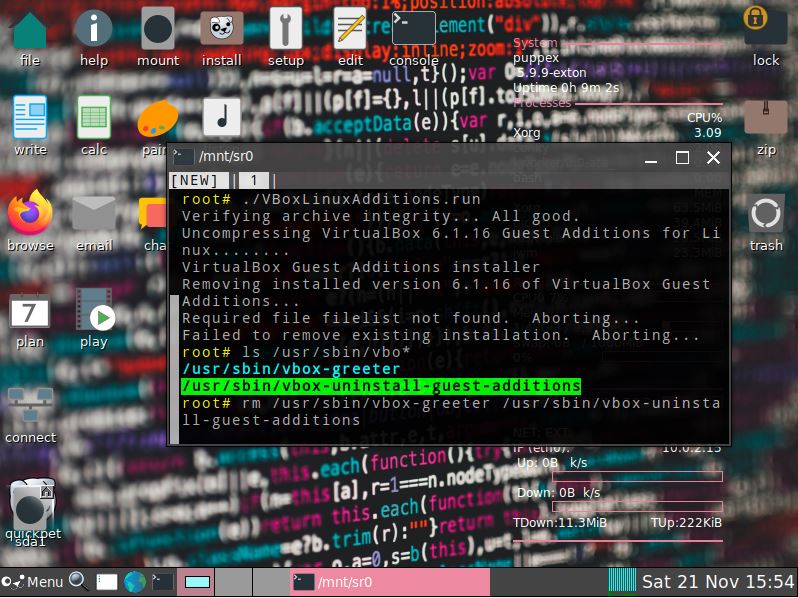
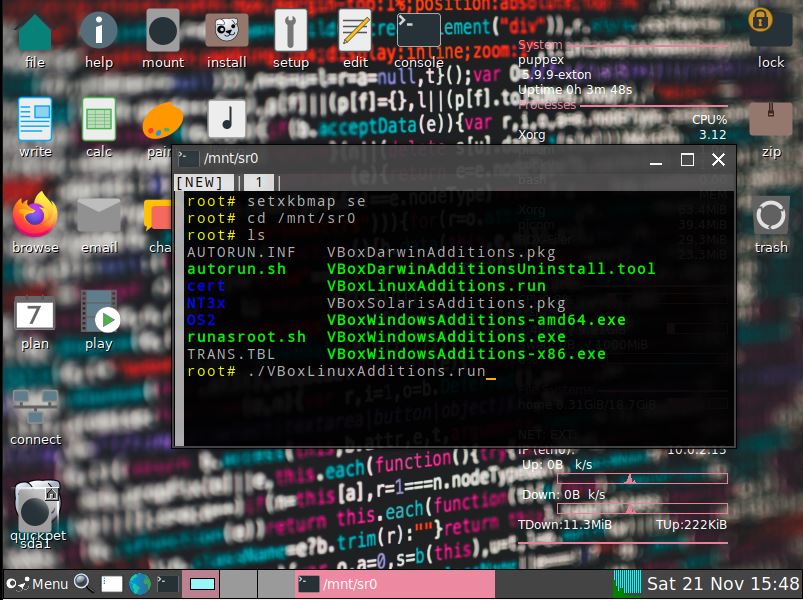
A new PuppEX Focal64 version with kernel 5.9.9 (latest) is ready today. Unfortunately it does not have Nvidia’s Proprietary Graphics driver 450.80.02 installed (as Build 201119 has). I could not find a patch for kernel 5.9. The good news is that this new version has the kernel sources for kernel 5.9.9. This means that VirtualBox Guest Additions can be installed by you. Which also means that you can run PuppEX in full screen in VirtualBox (among other things). Watch this screenshot. When running PuppEX Build 201121 in VirtualBox you shall first save your session. After a reboot you can install the Additions. When doing so you will get an error message saying failed to remove installed version filelist not found. Fix it by running the command rm /usr/sbin/vbox-greeter /usr/sbin/vbox-uninstall-guest-additions. Watch screenshot 1 and screenshot 2.

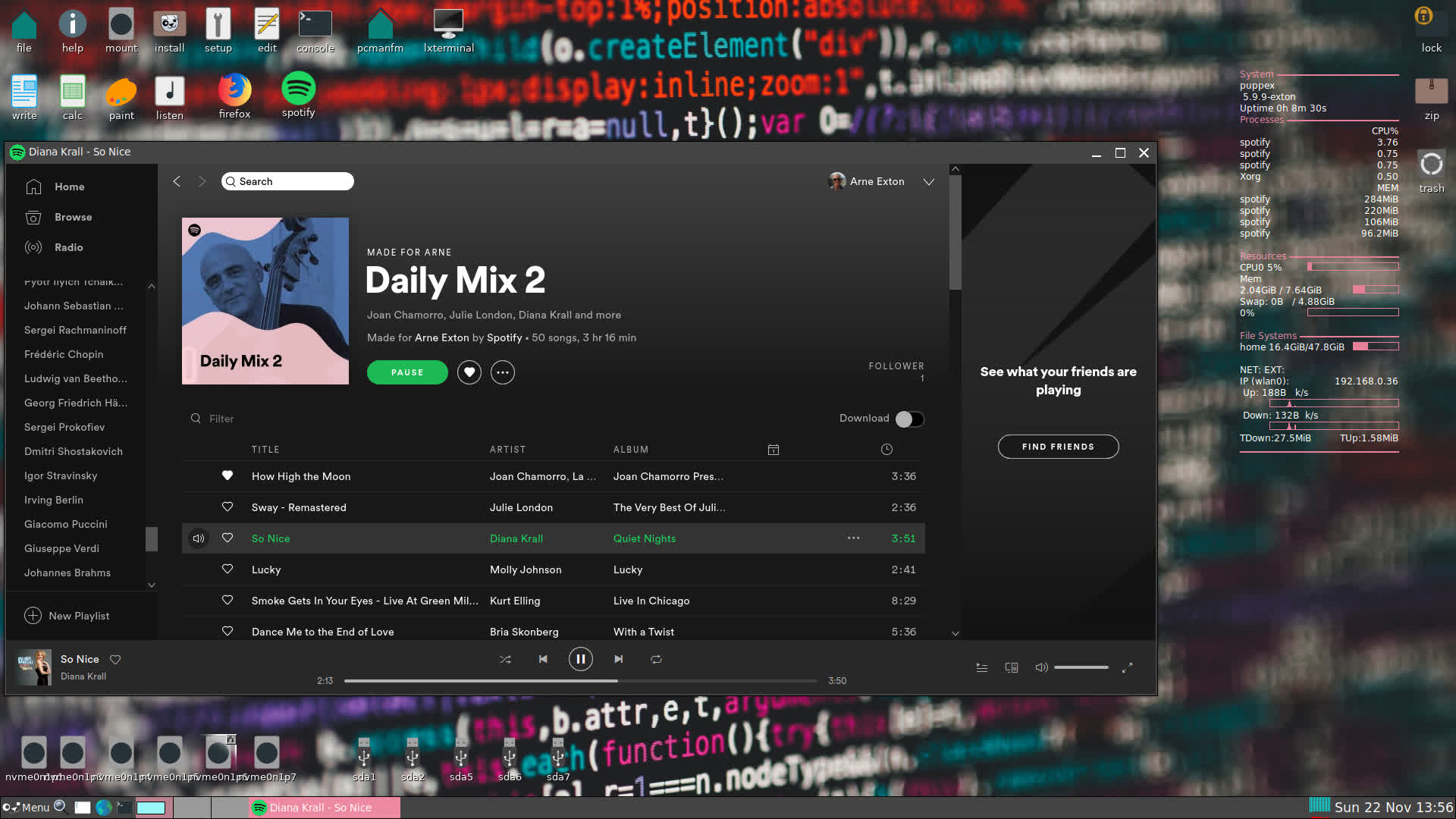
Screenshot: PuppEX Focal64 Build 201121 running Spotify

READ MORE…

Read about my Android-x86 Systems – 10, Pie, Oreo, Nougat, Marshmallow, Lollipop and KitKat at
andex.exton.net – latest is AndEX 10 (with GAPPS) and AndEX Pie 9.0 (also with GAPPS)!
and

about my Android 11, 10, Pie, Oreo, Nougat, Marshmallow and Lollipop versions for Raspberry Pi 3/2 at
raspex.exton.se
– latest is RaspAnd 11 (without GAPPS) and RaspAnd Oreo 8.1 (with GAPPS)!

PuppEX Focal64 (Puppy Linux) compatible with Ubuntu 20.04 LTS :: Build 201119

ABOUT PuppEX Focal Build 201119
My newest Puppy derivative is built from Puppy Linux 9.5 FossaPup64. I have added Firefox (for Netflix), Spotify, PCManFM, LXterminal and many development tools. I have also compiled a new kernel – 5.7.19-exton. Furthermore I have installed Nvidia’s Proprietary Graphics driver 450.80.02. The Nvidia driver will be used if your computer/card is “good/modern” enough. If not automatically just open up a terminal and run the command nvidia-xconfig. Then restart X.

PuppEX Focal64 is compatible with Ubuntu 20.04 (Focal Fossa) LTS, which means that Ubuntu packages for Ubuntu 20.04 can be installed and used in PuppEX. The PuppEX Focal64 ISO is of 1020 MB.

Performance
Puppy Fossapup64 original is of only 409 MB. PuppEX Focal64 is despite this still running as fast as the original, which means it runs very, very fast compared to most other Linux systems. (Puppy/PuppEX runs from RAM).

Study ALL installed packages in PuppEX Focal64

SCREENSHOTS
Screenshot of PuppEX Focal’s Desktop
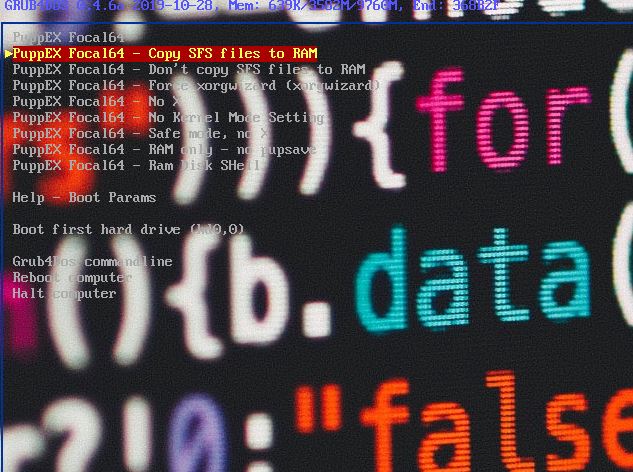
Screenshot showing the live boot screen
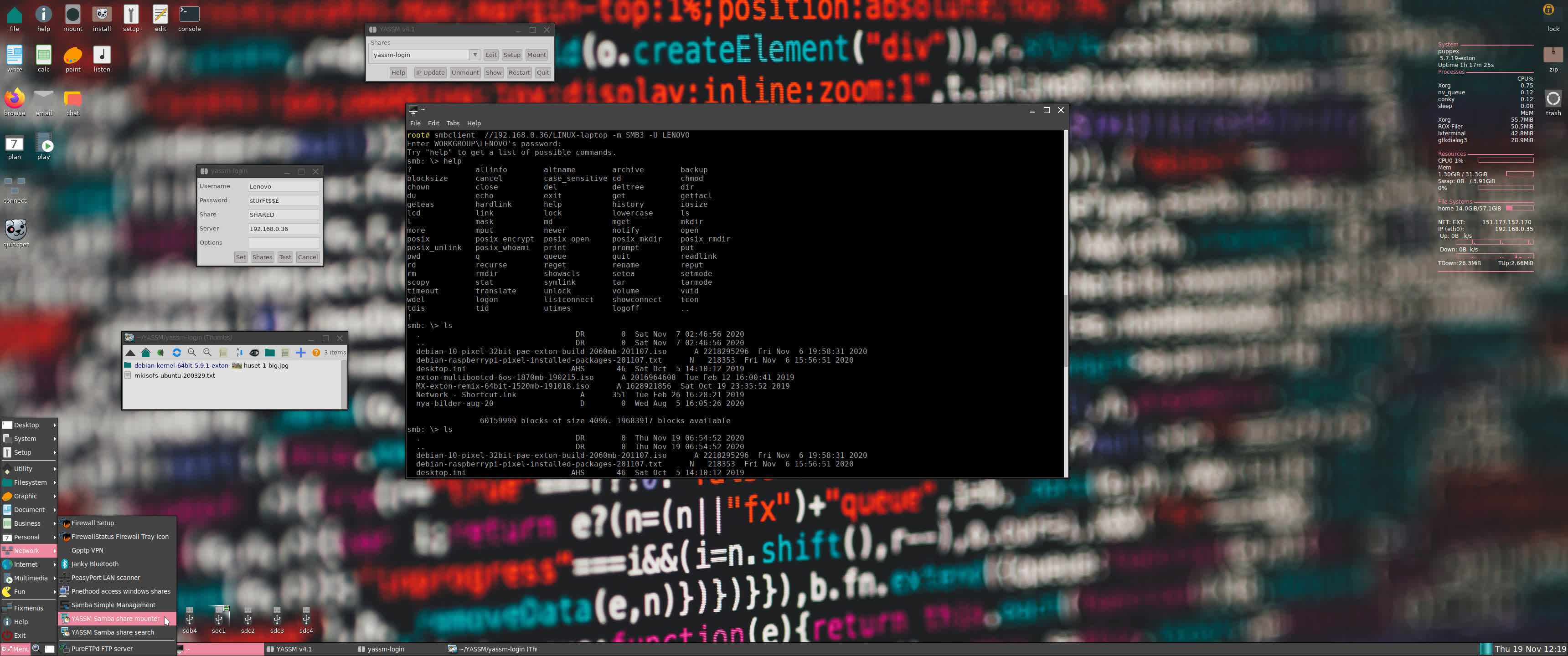
Screenshot showing a Samba connection
Screenshot showing a Wifi connection

Your first PuppEX Focal64 Desktop after boot (if you have an Nvidia card)

READ MORE…

Read about my Android-x86 Systems – 10, Pie, Oreo, Nougat, Marshmallow, Lollipop and KitKat at
andex.exton.net – latest is AndEX 10 (with GAPPS) and AndEX Pie 9.0 (also with GAPPS)!
and

about my Android 11, 10, Pie, Oreo, Nougat, Marshmallow and Lollipop versions for Raspberry Pi 3/2 at
raspex.exton.se
– latest is RaspAnd 11 (without GAPPS) and RaspAnd Oreo 8.1 (with GAPPS)!

PuppEX Bionic 64 bit, uefi, compatible with Ubuntu 18.04 :: Build 190330

NEWS 190331
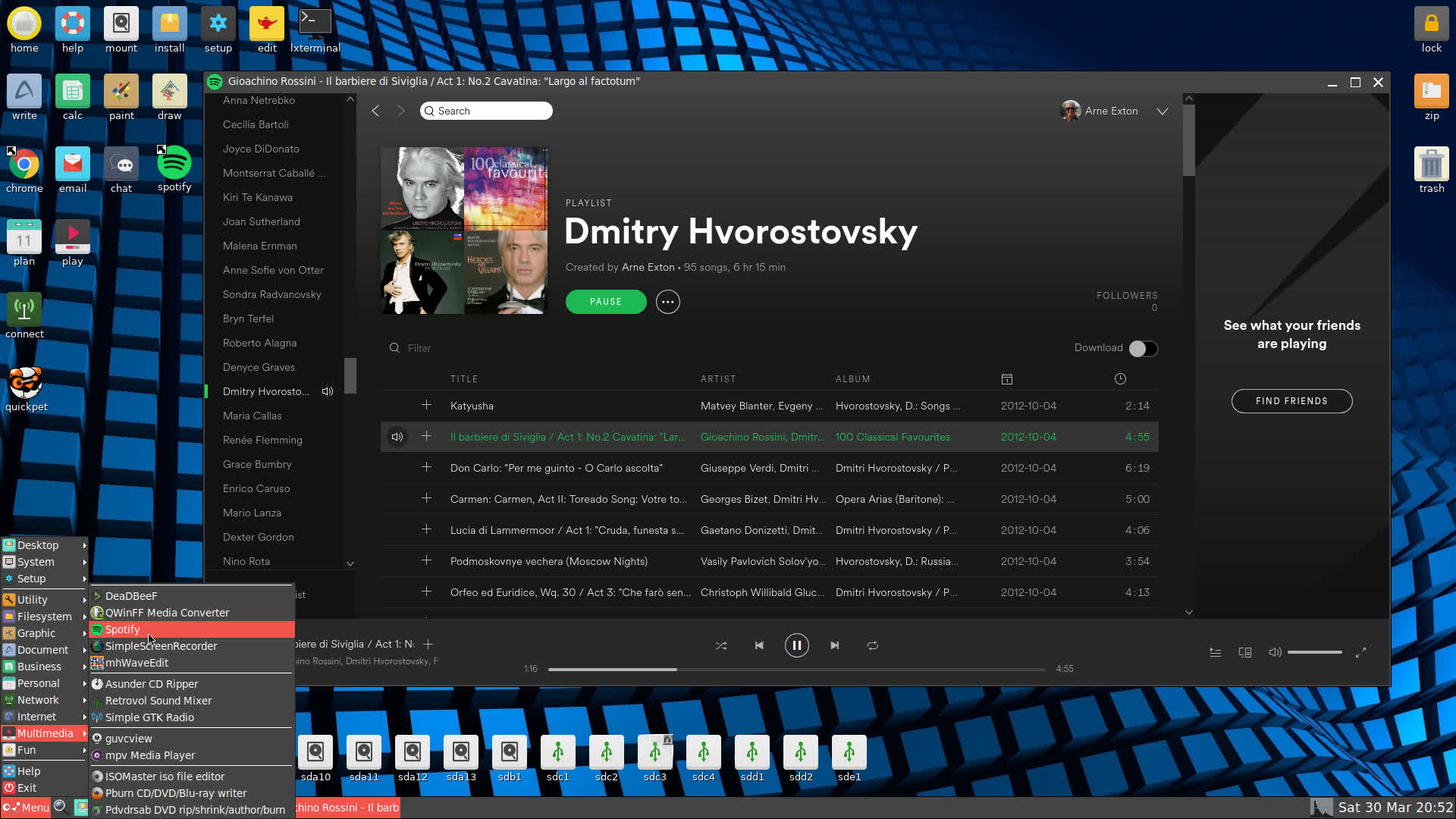
Yesterday I released my first version of PuppEX Bionic64. After that I have discovered a way to install and run Spotify in PuppEX. So now you can run YouTube, Netflix and Spotify in the new PuppEX version of 190331. What more can one wish for?

ABOUT PuppEX Bionic Build 190330
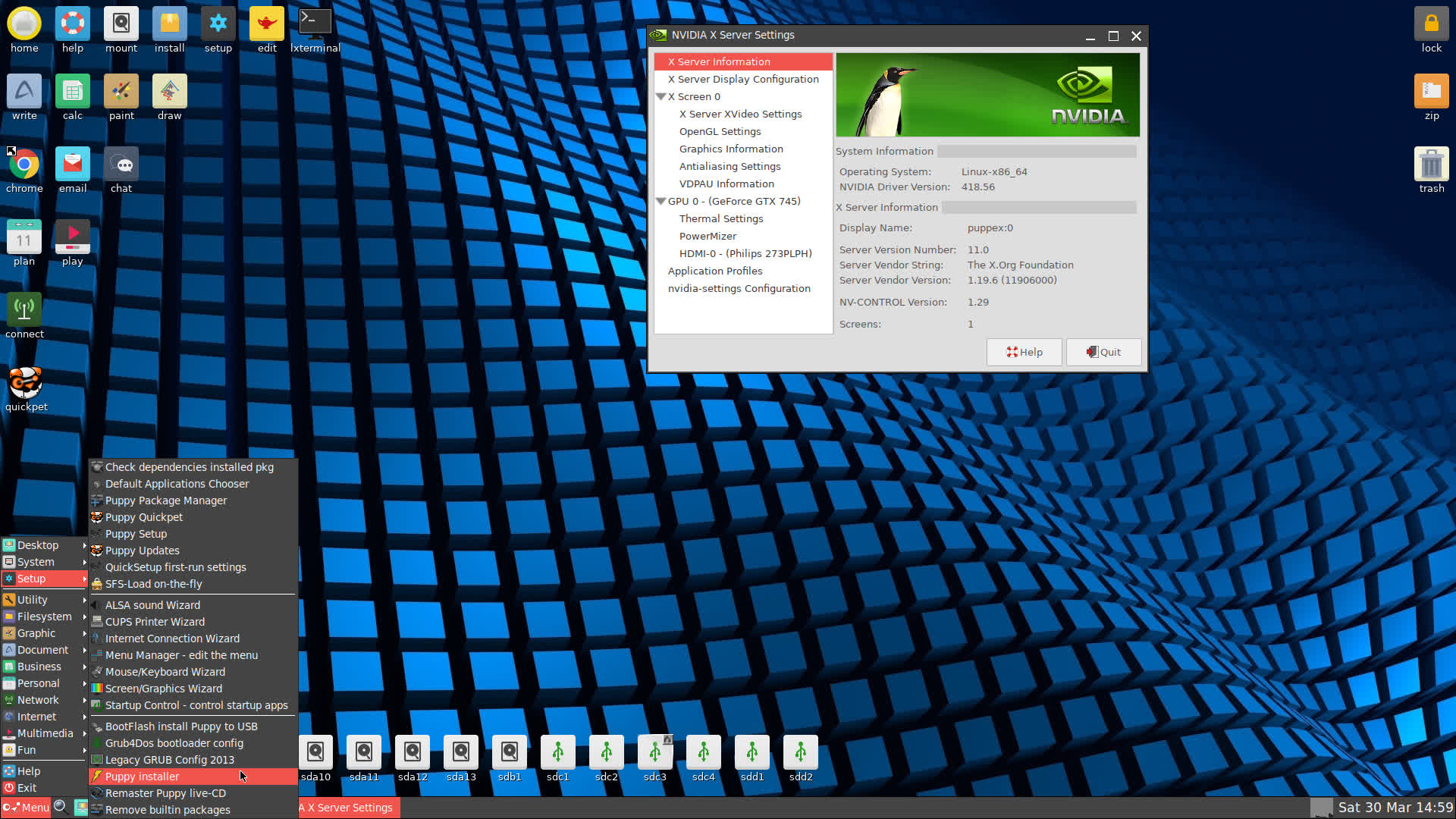
My newest Puppy derivative is built from Puppy Linux 8.0 BionicPup 64 bit. I have added Google Chrome (for Netflix), PCManFM, LXTerminal and many development tools. I have also compiled a new kernel – 5.0.5-puppex. Kernel 5.0.5 is the latest stable kernel available from Kernel.org as of 190330. Furthermore I have installed Nvidia’s Proprietary Graphics driver 418.56. The Nvidia driver will be used if your computer/card is “good/modern” enough. If not automatically just open up a terminal and run the command nvidia-xconfig. Then restart X. Note: Firefox can’t be used in Puppy Linux. You won’t have sound.

PuppEX Bionic64 is compatible with Ubuntu 18.04, which means that Ubuntu packages for Ubuntu 18.04 can be installed and used in PuppEX. The PuppEX Bionic ISO is of 827 MB.

Performance
Puppy Bionic64 original is of only 354 MB. PuppEX Bionic64 is despite this still running as fast as the original, which means it runs very, very fast compared to most other Linux systems. (Puppy/PuppEX runs from RAM).

Study ALL installed packages in PuppEX Bionic64

SCREENSHOTS
PuppEX Bionic’s Desktop
Showing all main extra packages
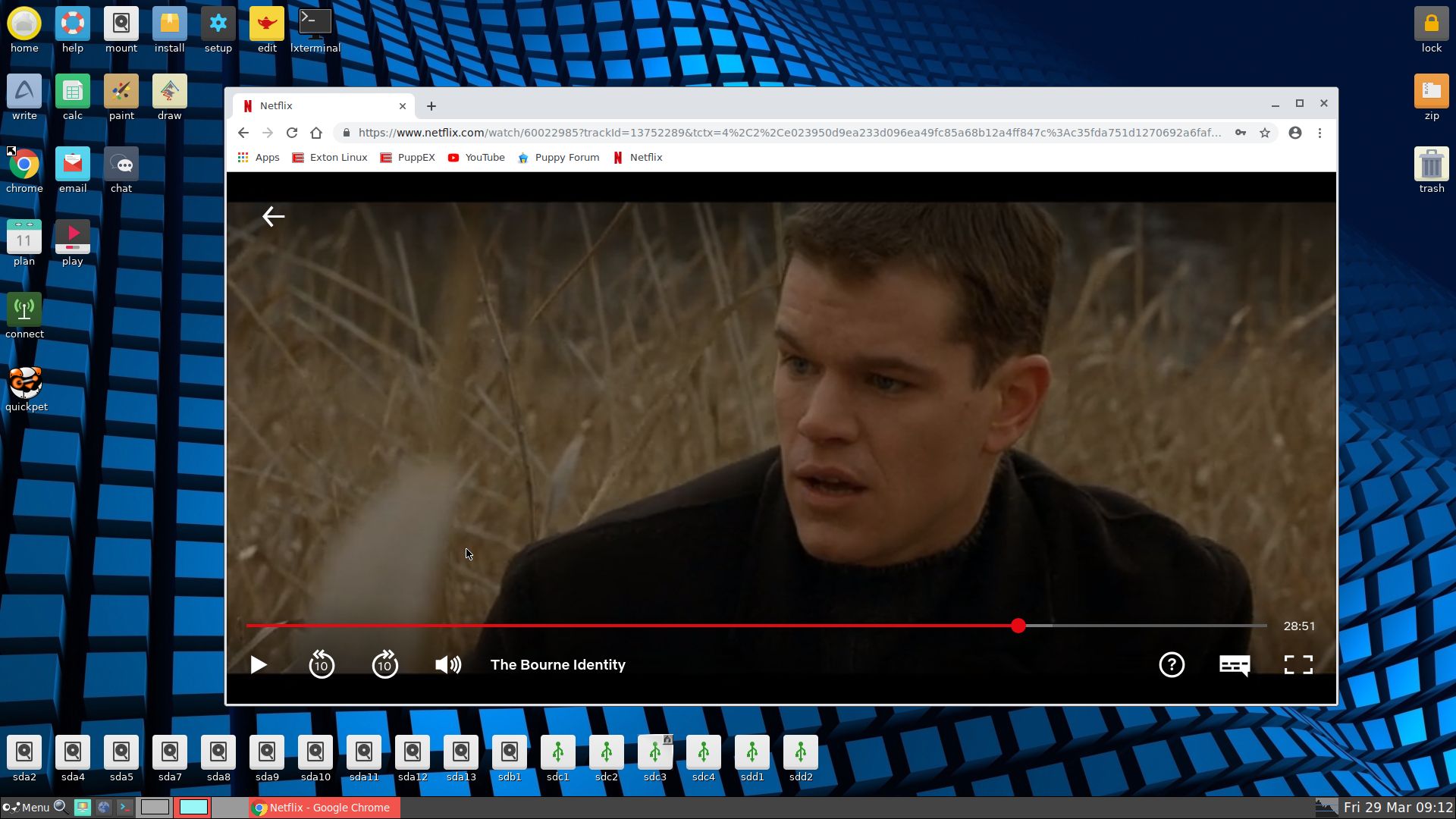
Showing when Netflix is running
Showing a Wifi connection
Showing Nvidia settings
Spotify is running in PuppEX Build 190331

READ MORE…

Read about my Android-x86 Systems – Pie, Oreo, Nougat, Marshmallow, Lollipop and KitKat at

andex.exton.net – latest is AndEX Pie 9.0 (without GAPPS) and AndEX Oreo 8.1 (with GAPPS)!

and about my Pie, Oreo, Nougat, Marshmallow and Lollipop versions for Raspberry Pi 3/2 at
raspex.exton.se – latest is RaspAnd Pie 9.0 (without GAPPS) and RaspAnd Oreo 8.1 (with GAPPS)!

EXTON MultiBootCD | version 160928 with six new mini Linux OS

exton-multibootcd-boot-smallLatest News about EXTON Linux MultiBootCD 6-OS
28.9.2016

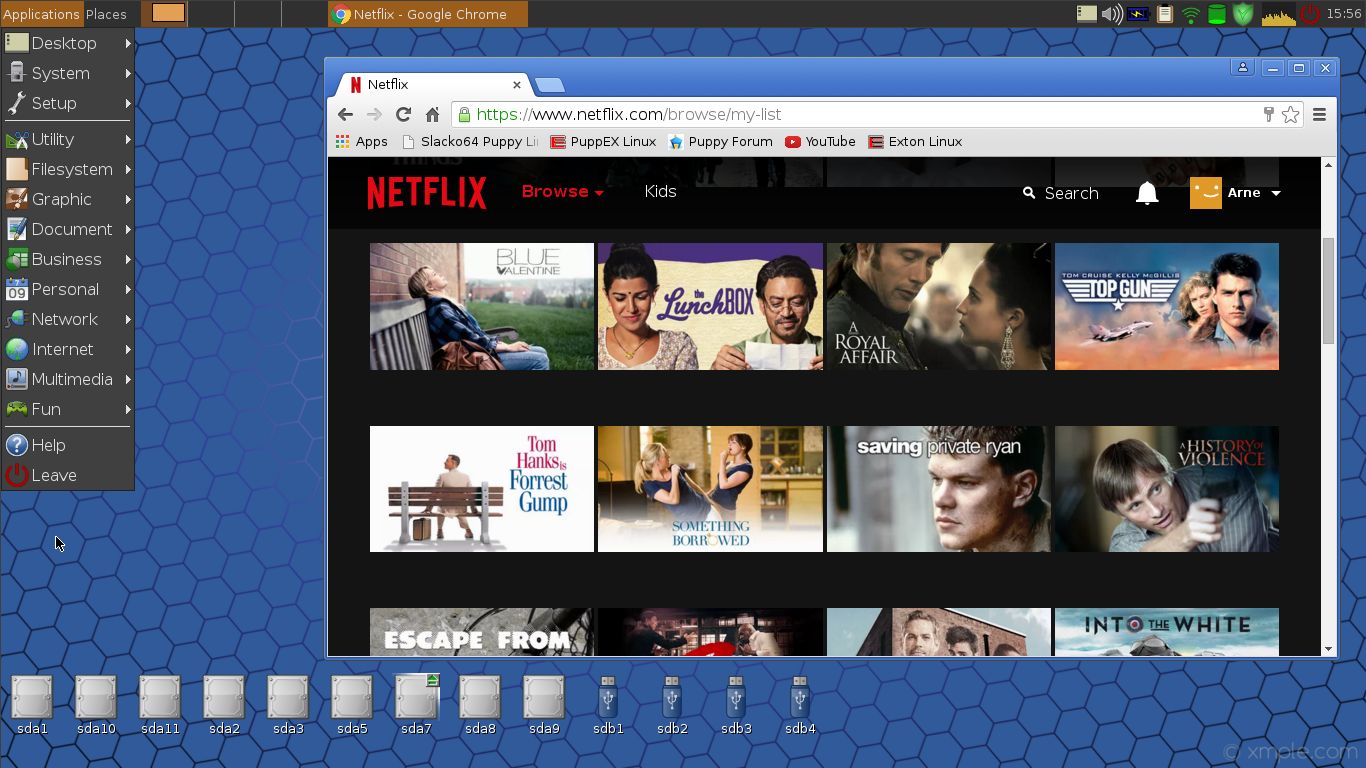
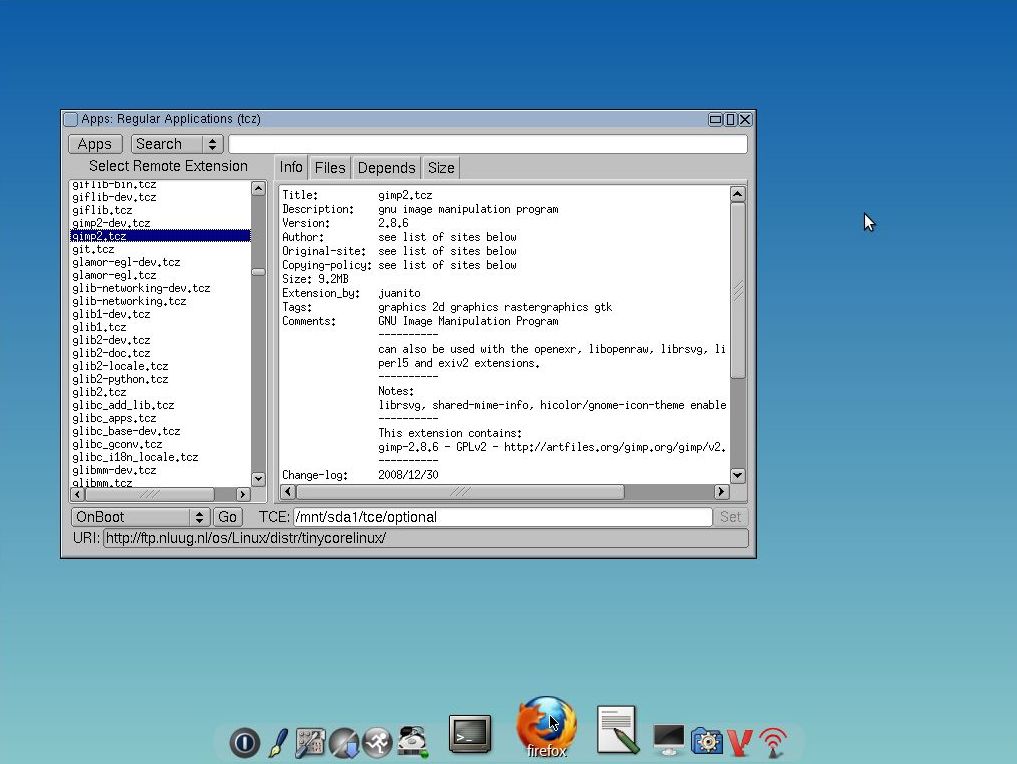
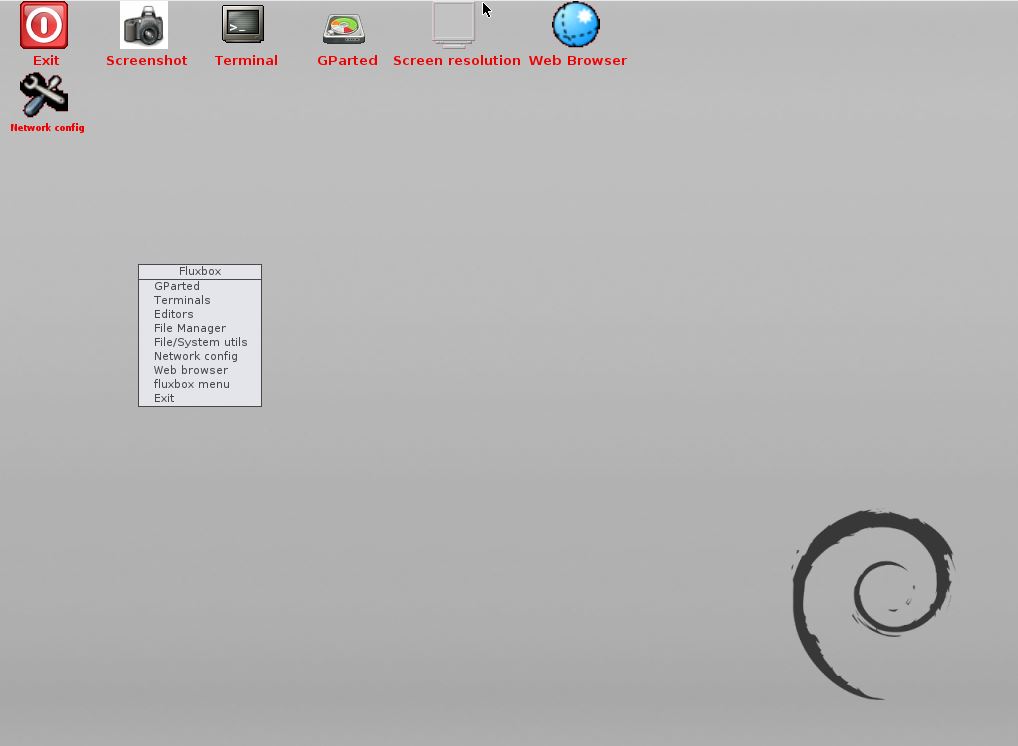
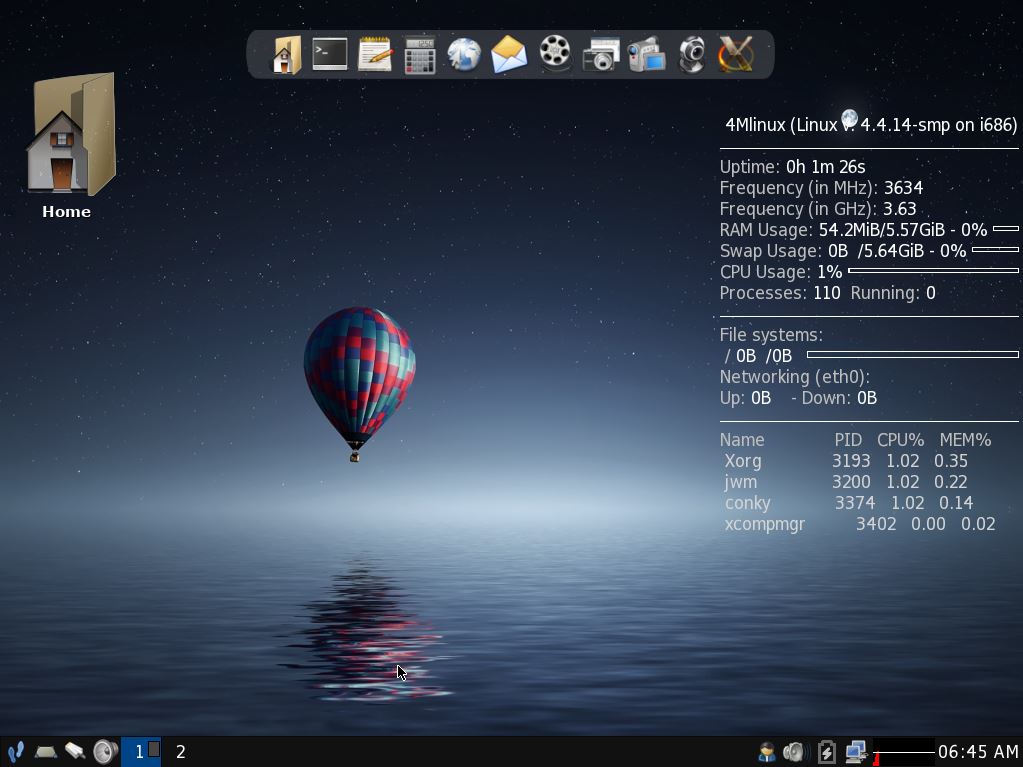
A new version of EXTON Linux MultibootCD 6-OS is ready. Changes: New (latest) versions of Porteus, GParted, Puppy Linux (PuppEX Slack64), 4MLinux, SliTaz and Tiny Core. Note about VirtualBox: All systems but Porteus can run in VirtualBox. Why Porteus won’t run I don’t know.

What’s the point of running EXTON Linux MultiBootCD 6-OS?
Anyone who is slightly interested in Linux and want to see how far the development of the most famous mini Linux systems have reached should try it. Easy then to test the current systems on the CD (DVD) live to find out which one suits you (and your computer) best.

Screenshots – see below…


Porteus
Porteus
PuppEX
PuppEX
Tiny Core
Tiny Core
GParted
GParted Live
4MLinux4MLinux SliTaz
SliTaz

READ MORE…

New versions of PuppEX based on Puppy Linux

puppy-linux-logo-smallNew versions of PuppEX based on Puppy Linux

PuppEX Slack64/Xenial Linux Live CD 64/32bit » version 160823/160822 based on Puppy Slacko64/LxPup with kernel 4.7.2-x8_64-puppex/4.7.1-x86-pae-puppex.

READ MORE…

PuppEX Xenial 32 bit Linux Live CD :: Build 160822

puppy-linux-logo-smallMy newest Puppy derivative is built from LxPup with the LXDE Desktop environment. I have added Google Chrome (for Netflix), Gimp, VLC, Emacs and some development tools. If you want more you can download and load (Menu >> Setup >> SFS-Load-on-the-fly) devx_PuppEX_2016.sfs. I have compiled a new kernel – 4.7.1-x86-pae-puppex. Kernel 4.7.1 is the second lastest stable kernel available from Kernel.org as of 160822. PAE (Physical Address Extension) increases the physical memory addressable by the system from 4 GB to 64 GB. PuppEX Xenial is compatible with Ubuntu 16.04, which means that Ubuntu packages for Ubuntu 16.04 can be installed and used in PuppEX. The PuppEX Xenial ISO is of 585 MB.

The PuppEX system is superfast since it runs from RAM.

Study ALL installed packages in PuppEX Xenial…

Screenshot of the PuppEX Desktop

READ MORE…

PuppEX (Puppy Slacko64) Live DVD with kernel 4.3.0-x86_64-puppex

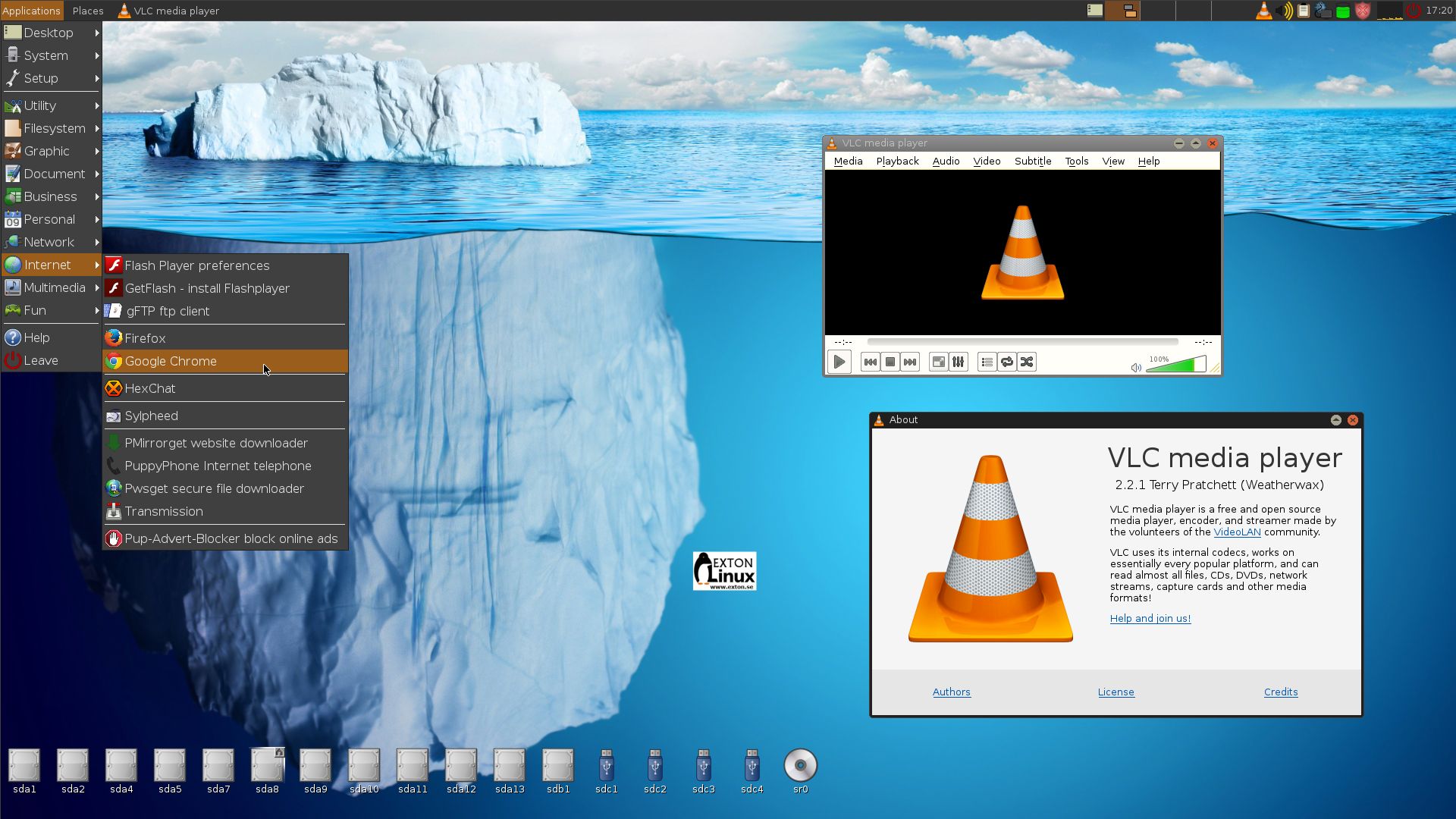
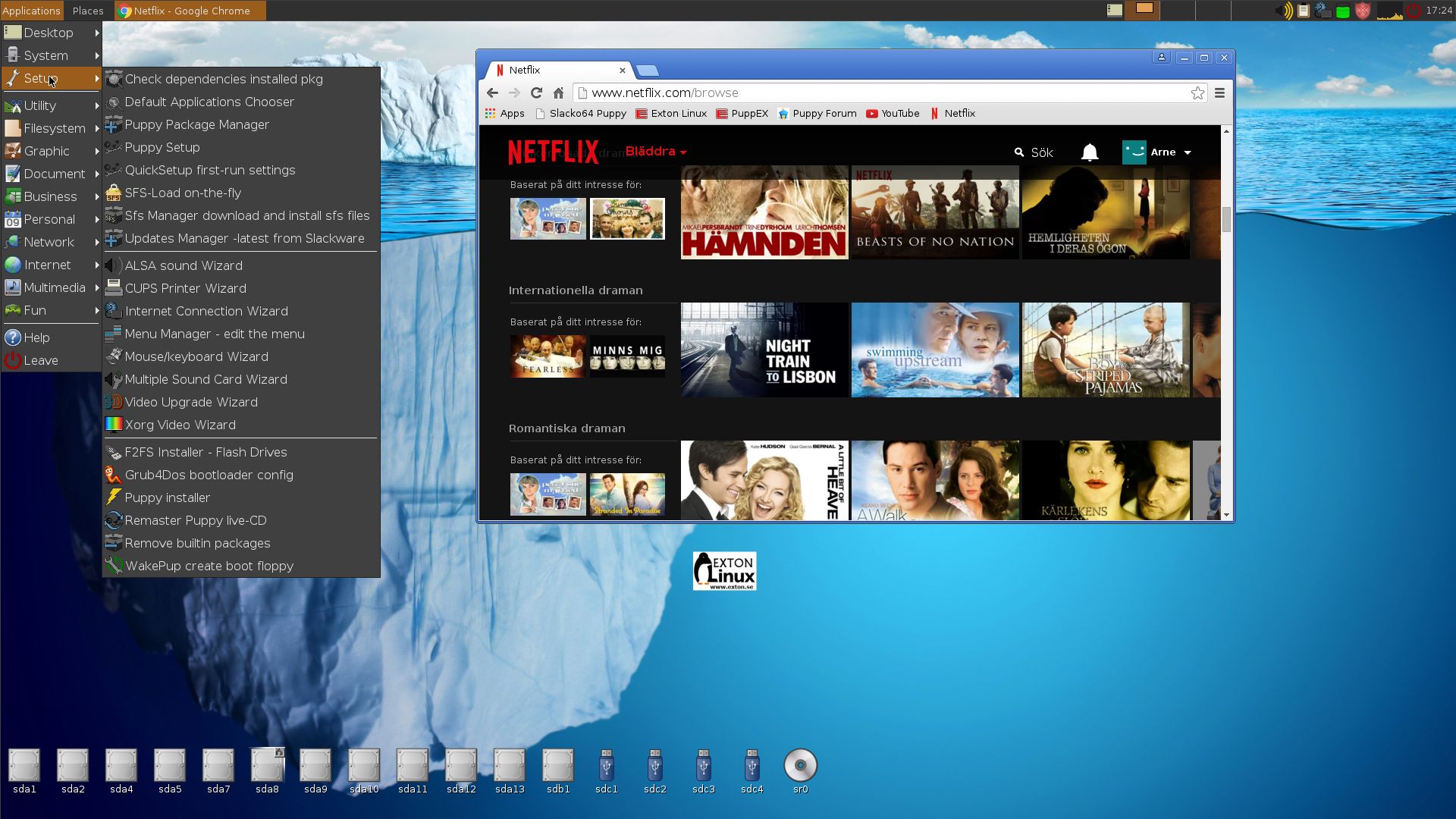
PuppEX Slacko 64 bit is a remaster of Puppy Linux Slacko64 6.3.0, released on November 16, 2015. Kernel 4.3.0-x86_64-puppex is used. Kernel 4.3 is the latest available stable kernel from Kernel.org as of 151130. PuppEX uses the original Puppy Slacko64 Desktop. I have added PCManFM and LXTerminal. They are more useful than ROX-Filer respectively RXVT, I think. The ISO file is on the whole 766 MB, which is due to me including also NVIDIA Graphics driver 352.63, Gimp, Vlc Media Player 2.2.1 installed from source (so you can run it as root), Google Chrome 46.0.2490.86 (for Netflix), Adobe Flash and compiling tools. Puppy Slacko original is of only 234 MB. PuppEX is despite this still running as fast as the original, which means it runs very, very fast compared to most other Linux systems. (Puppy/PuppEX runs from RAM).

Compatible with Slackware 14.1
The beauty of Puppy Slacko64 is that programs that are available for Slackware 14.1 also can be easily installed and run in Puppy Slacko64 (and thus also in PuppEX).

MOST IMPORTANT CHANGES
I’ve changed kernel from 4.1.11 to 4.3.0-x86_64-puppex and installed NVIDIA Graphics driver 352.63. The Nvidia driver will be used if your computer/card is “modern” enough. I’ve also added Vlc and Google Chrome (just as I said to make it possible to watch Netflix movies).

Study ALL installed packages in PuppEX

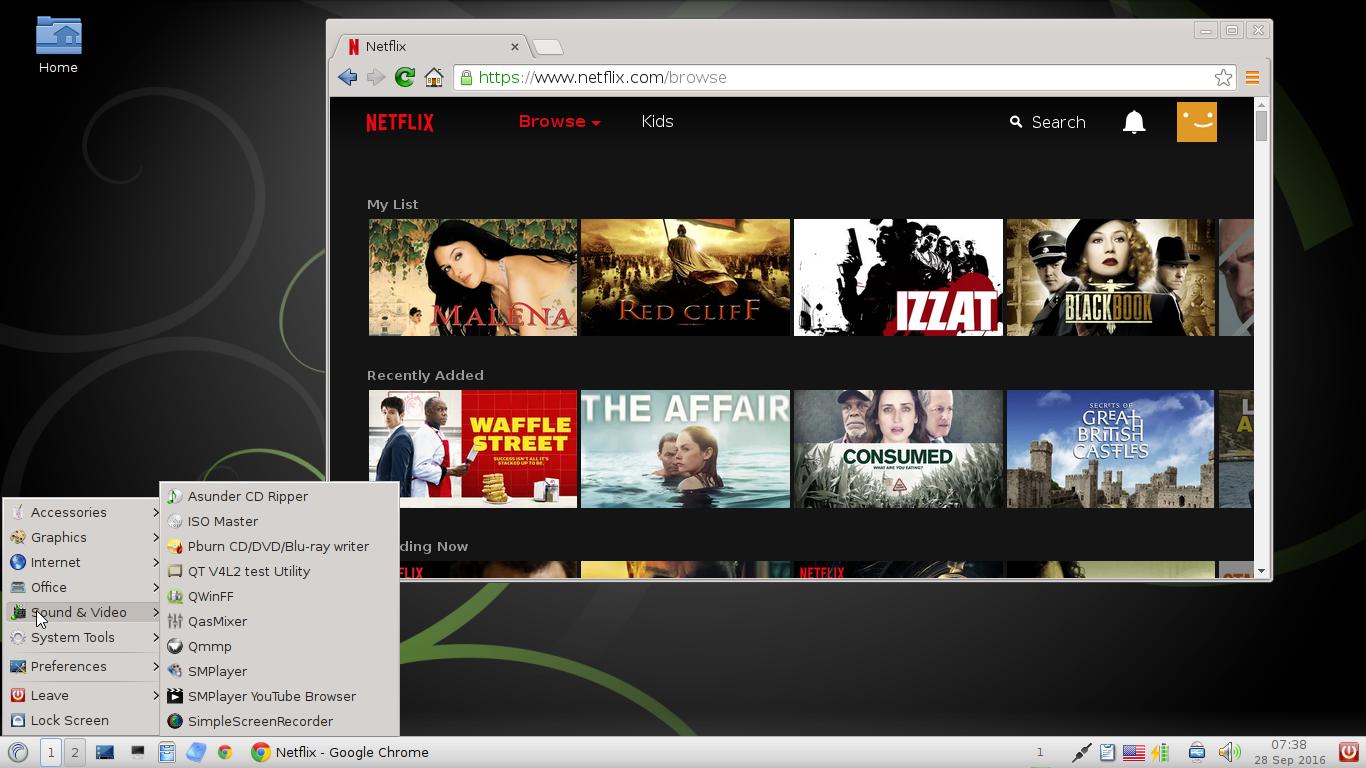
See a screenshot of the Desktop and one when Google Chrome with Netflix is running

READ MORE…

PuppEX Tahr (Puppy Linux) with kernel 4.0.1-PAE-puppex

puppy-linux-logo-smallNEWS 150501
PuppEX Tahr build 150501 uses a PAE enabled kernel – 4.0.1-PAE-puppex. (Kernel 4.0.1 was released 150429). With PAE compiled into the kernel PuppEX can address up to 64GB of RAM. Google Chrome is included. Just to make it possible to watch Netflix movies. I’ve also added Tahrpup’s Service Pack 6.0.2. NVIDIA Graphics driver 346.59 is installed.

Compatible with Ubuntu 14.04 LTS
The beauty of Puppy Tahr 6.0 is that programs that are available for Ubuntu 14.04 LTS also can be easily installed and run in Puppy Tahr (and thus also in PuppEX).

READ MORE…

ALL Exton Linux distributions

linux-logo-exton-black2-white-bgI tend to occasionally publish a list of my present Linux projects. I think it was about two years ago since I did it the last time. Anyway here it is.

All Exton Linux Live CD’s/DVD’s in English 2015

All Exton Linux distributions are hosted by The Swedish Linux Society. Fifteen (15) exton distributions can also be downloaded from SourceForge.netFast, secure and free downloads from the largest Open Source applications and software directory and/or from Softpedia.comthe encyclopedia of free software downloads!

Exton|OS 64bit Linux Live DVD/CD » version 150211, 150202 and 141122 based on Ubuntu 14.10/15.04 and Debian Jessie with Mate 1.8.1/Openbox 3.5.2/Fluxbox and kernel 3.19.0-5-exton, 3.18.0-10-exton respectively 3.16.0-21-exton » DOWNLOAD
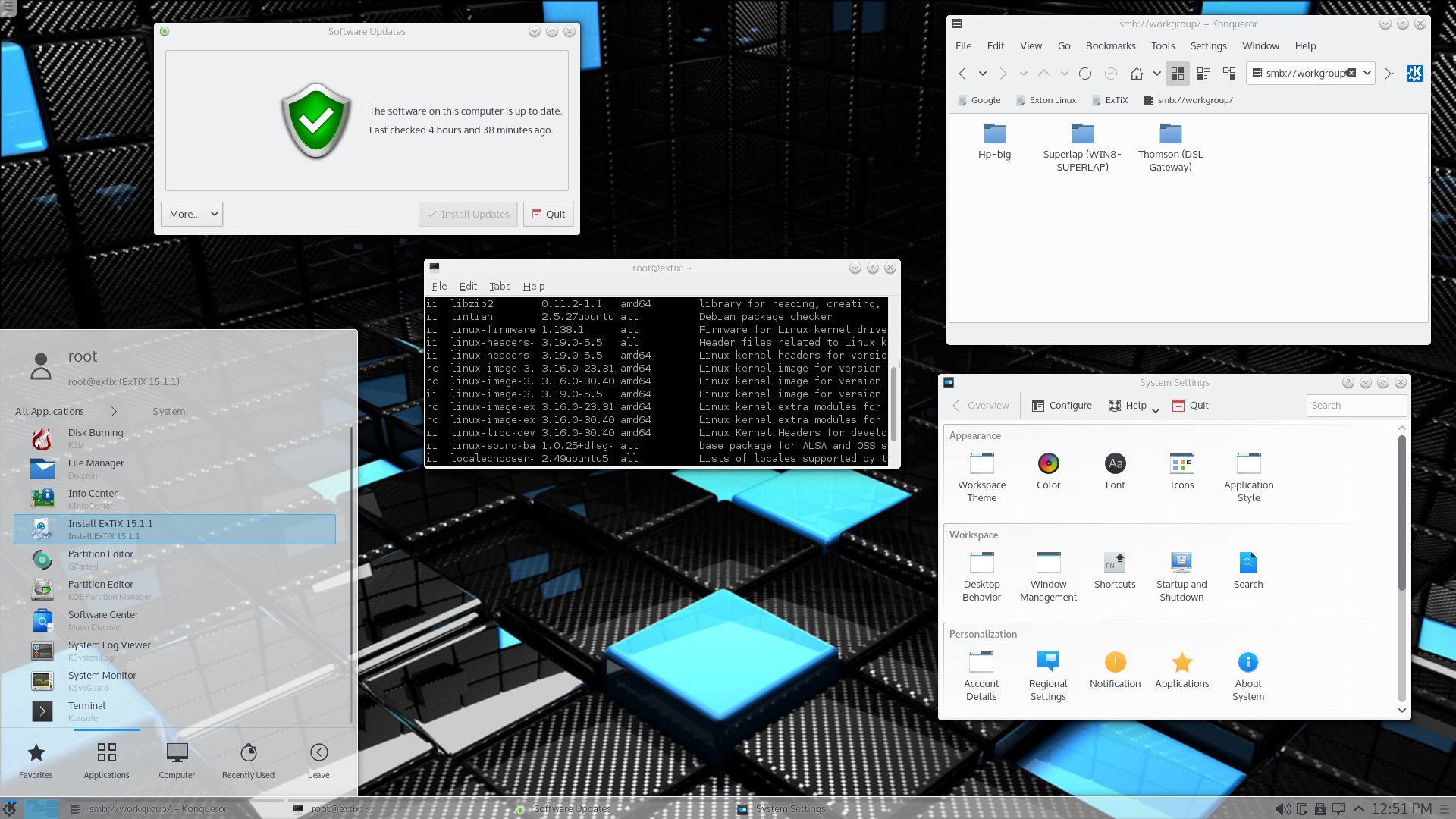
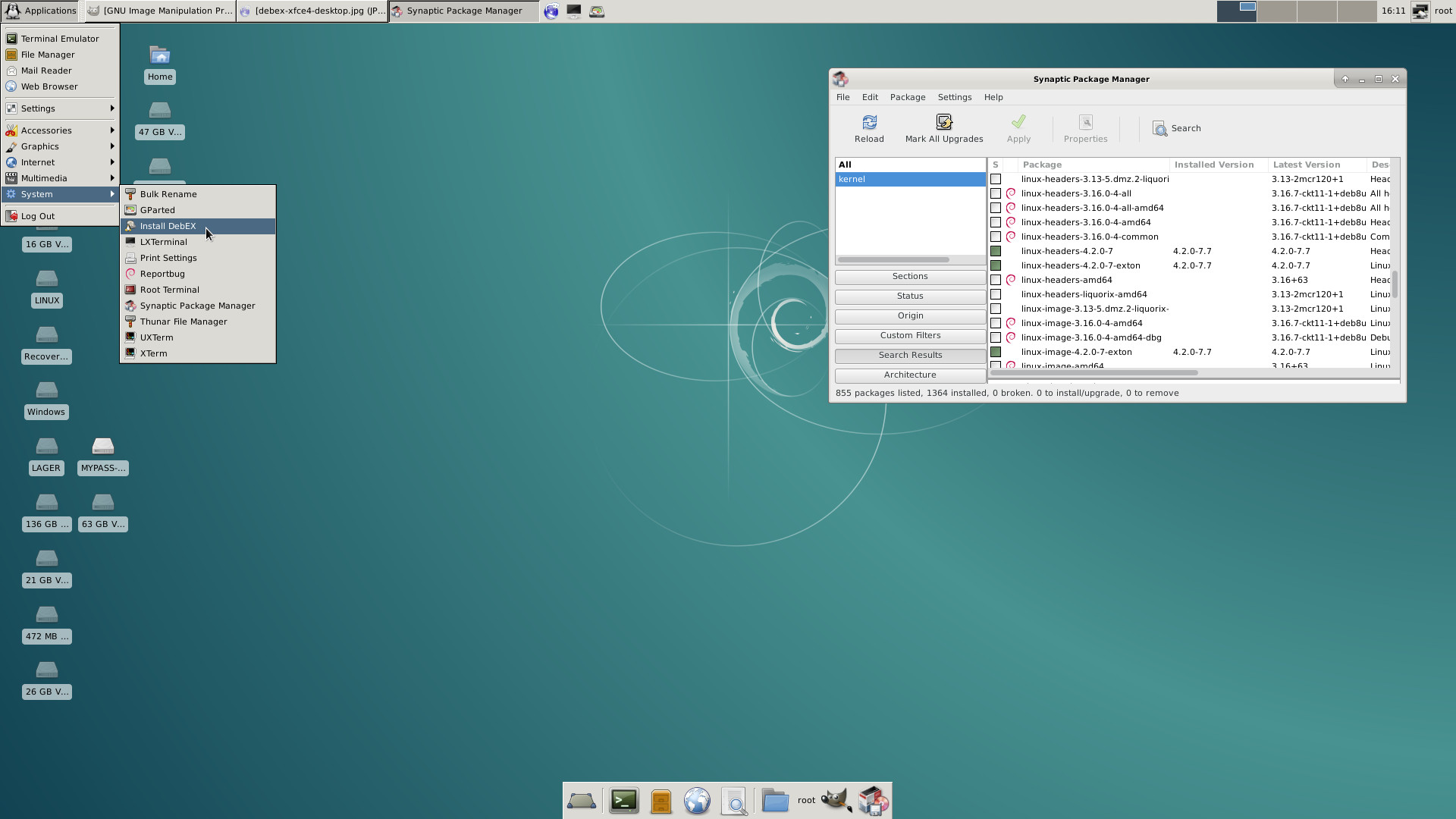
Screenshot of  Exton|OS’s Desktop (Mate), Exton|OS’s Light Desktop (Openbox) and Exton|OS Internet Kiosk Desktop (Fluxbox)

ExTiX 15.1.1 64bit » version 150221 and 150205 based on Debian Jessie/Ubuntu 14.10 with KDE/LXQt and kernel 3.19.0-5-exton/3.18.0-10-exton » DOWNLOAD
Screenshot of ExTiX 15.1.1 Desktop – LXQt 0.8.0
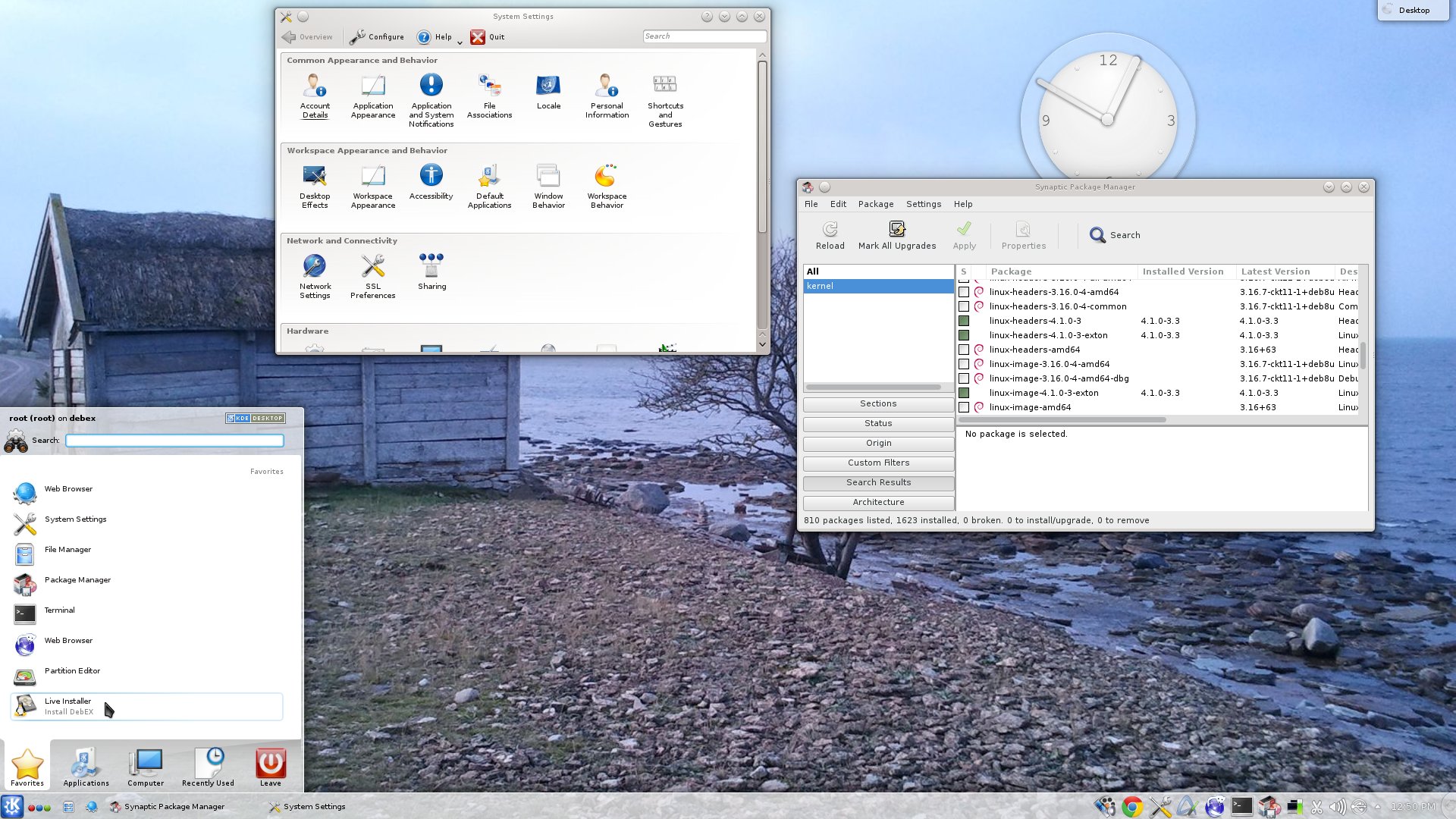
Screenshot of ExTiX 15.1.1 Desktop – KDE 4.14.4

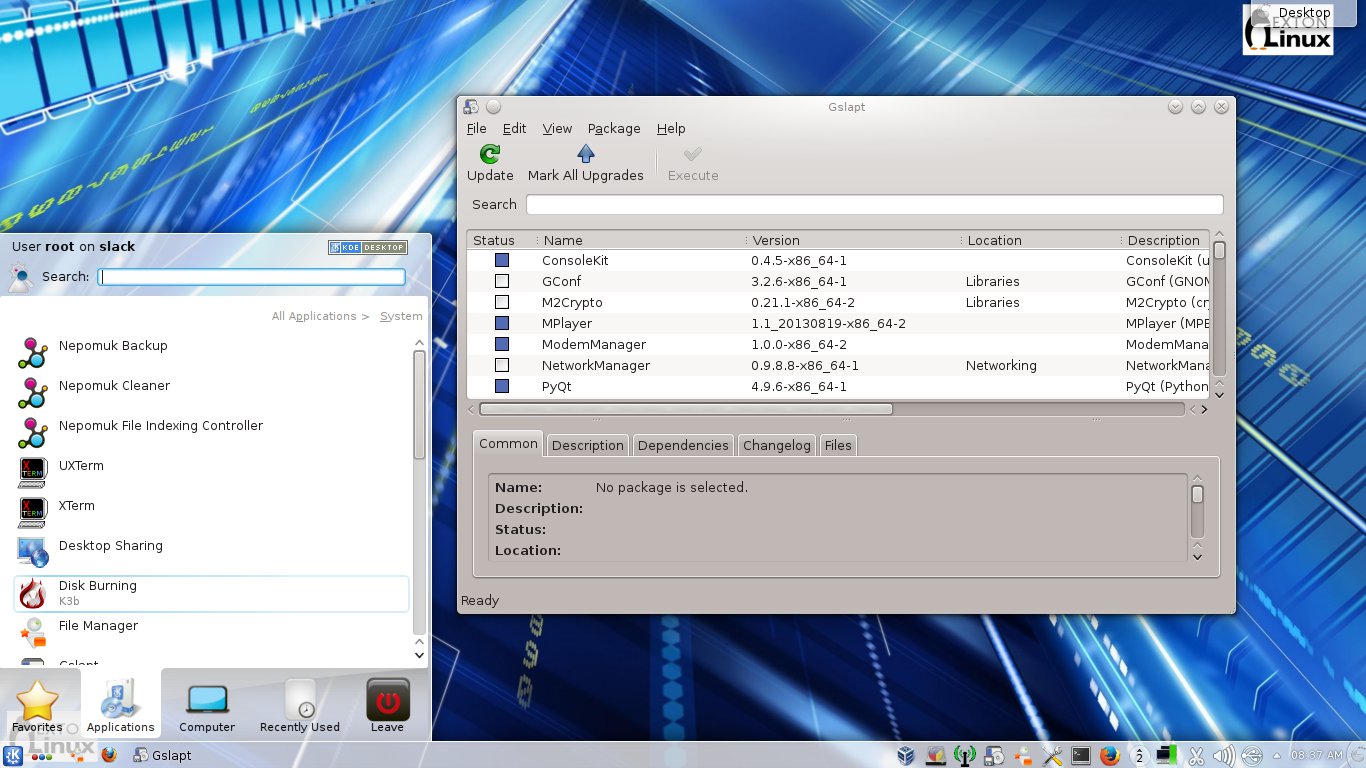
SlackEX 14.1 64bit Linux Live DVD » version 141220 based on Slackware 14.1 with KDE 4.10.5 and kernel 3.18.1-x86_64-exton » DOWNLOAD
Screenshot of SlackEX’s Desktop

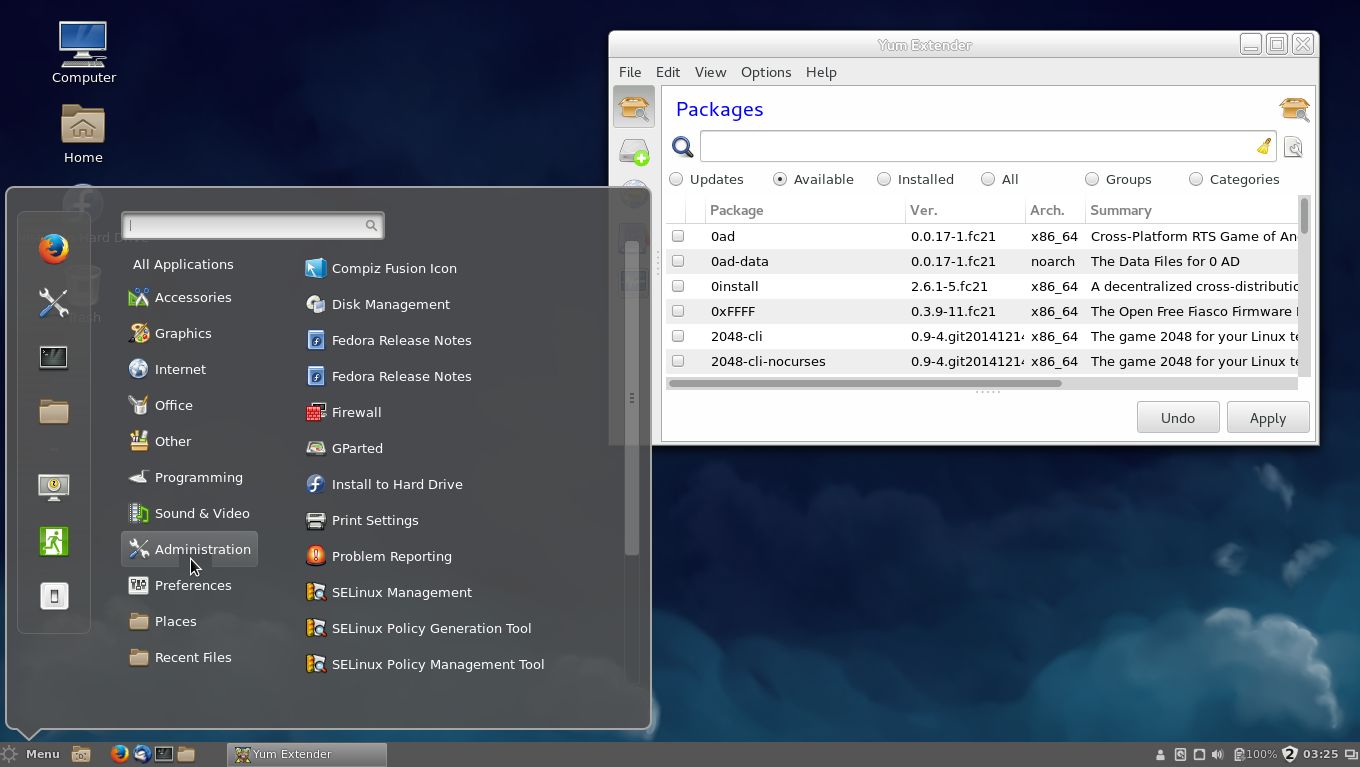
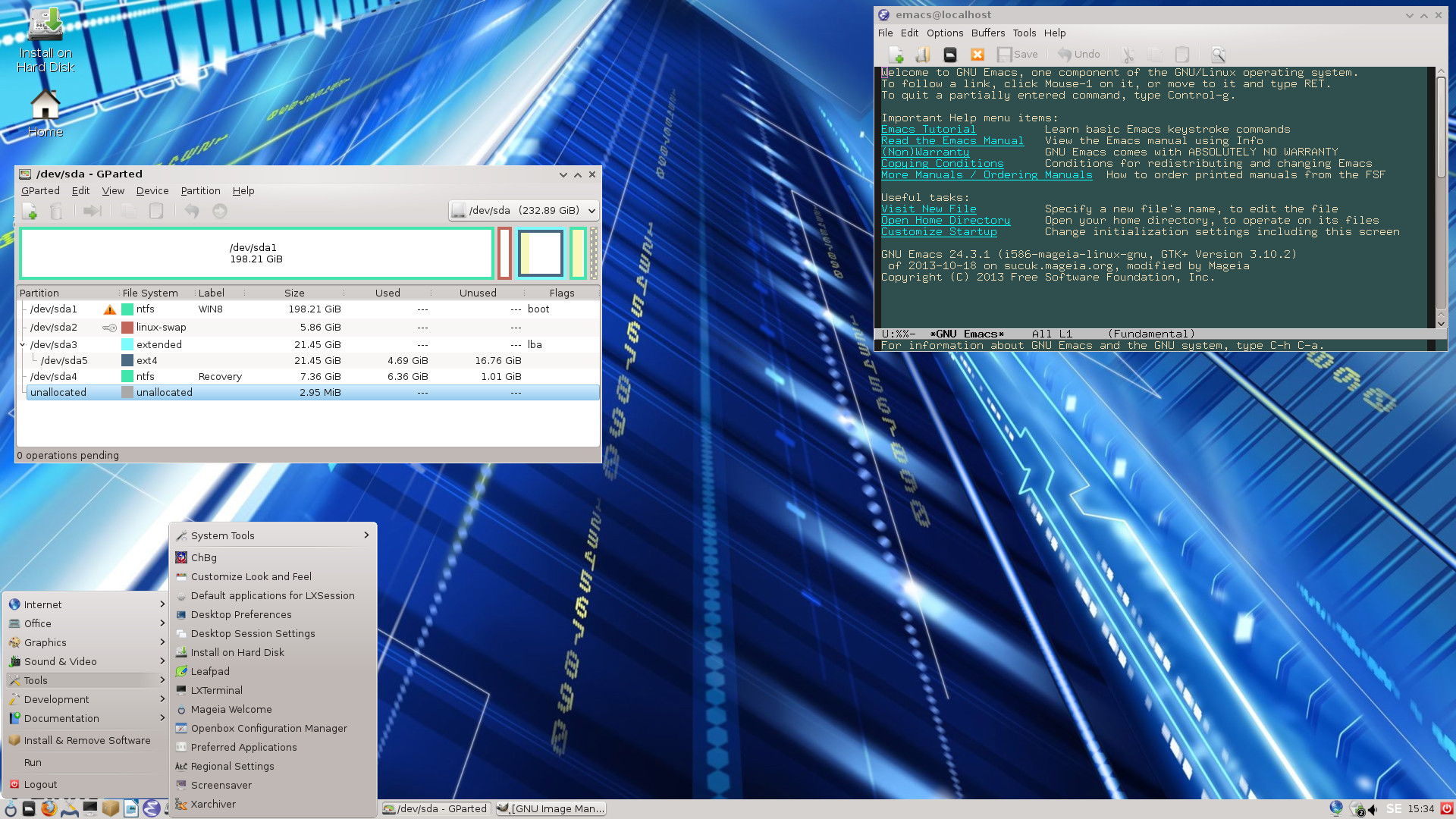
Exton|Defender Linux Super Rescue System version 150108 – 64 bit – based on Fedora 21 with Cinnamon 2.4.5 and version 140403 – 32bit – based on Mageia 4 with LXDE » DOWNLOAD
Screenshot of Exton|Defenders FC21 Cinnamon Desktop and Exton|Defender’s MGA LXDE Desktop

EXTON MultiBootCD 6-OS » version 150131 with six (6) different mini Linux Systems » DOWNLOAD
Screenshot of the boot screen

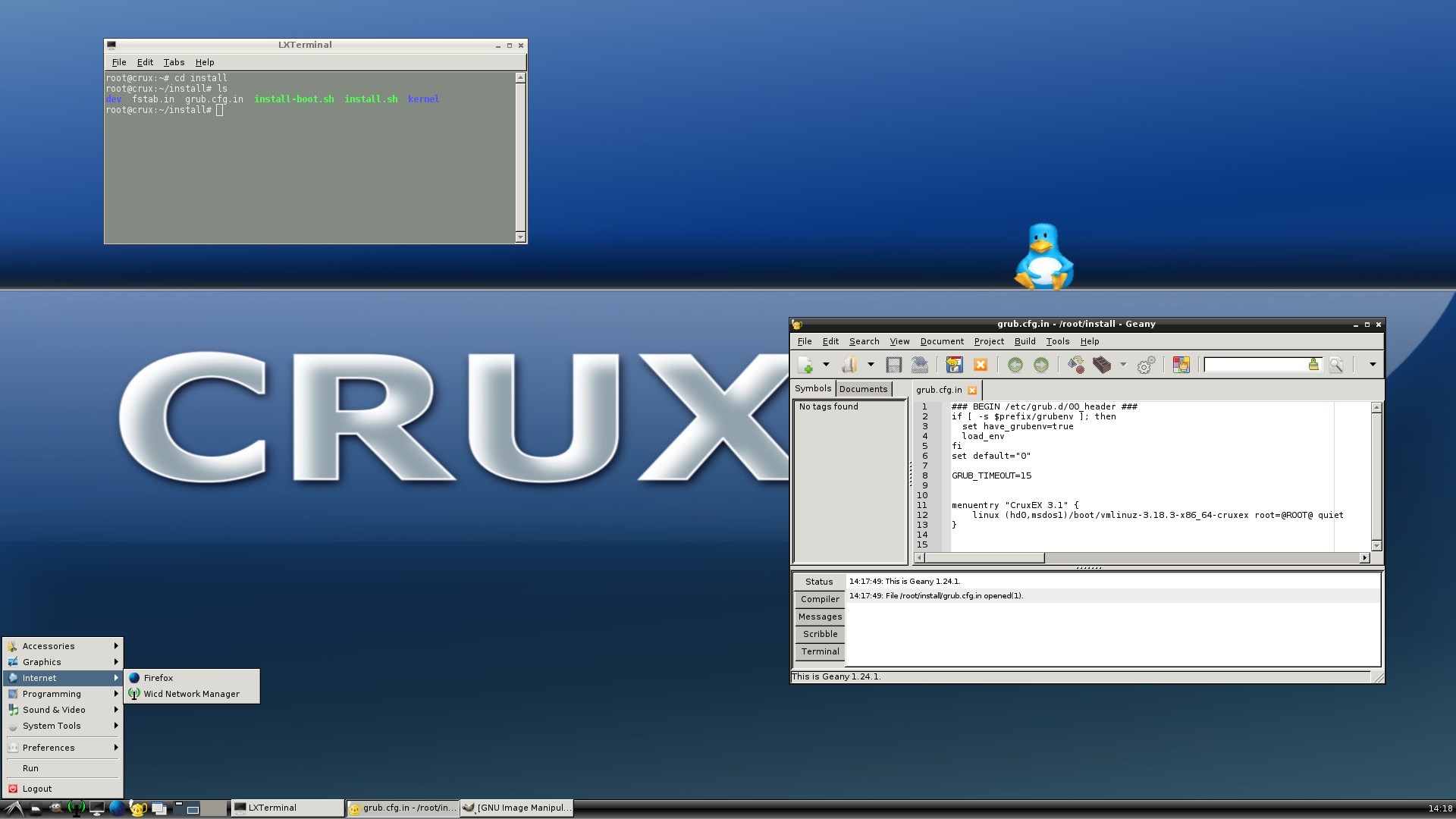
CruxEX 3.1 64bit 2015 Linux Live CD/USB » version 150119 based on CRUX 3.1 with LXDE and kernel 3.18.3-x86_64-cruxex » DOWNLOAD
Screenshot of CruxEX’s Desktop

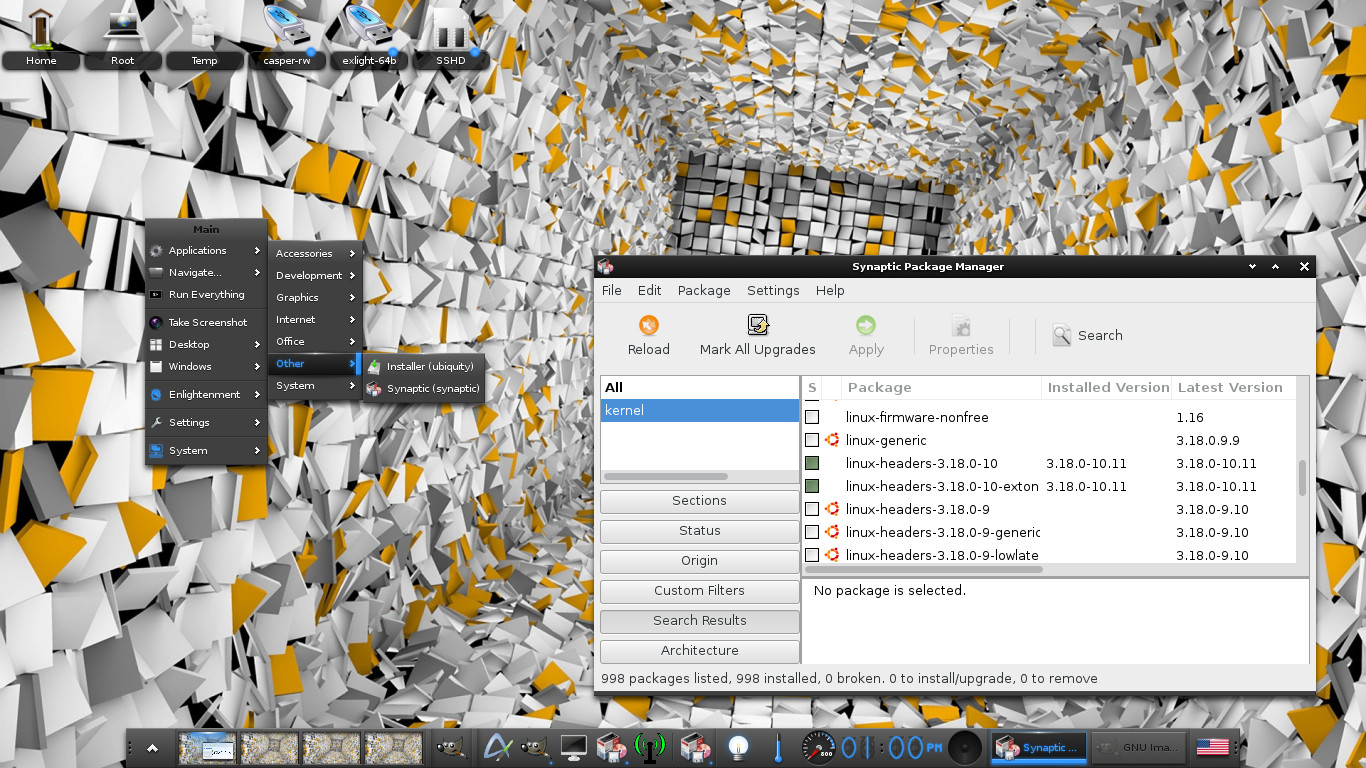
ExLight Live DVD 64bit » version 150126 based on Ubuntu and Debian with Enlightenment 0.19.1 and kernel 3.18.0-10-exton » DOWNLOAD
Screenshot of ExLight’s Desktop

ArchEX 2014 Dual boot 64bit/32bit Linux Live DVD » version 141031 based on Arch Linux with kernel 3.17.1-1-ARCH and LXDE » DOWNLOAD
Screenshot of ArchEX’s Desktop

exGENT Linux Live DVD 64bit/32bit » version 141130 and 141205 based on Gentoo with Xfce4 respectively LXDE and genkernel 3.17.4-gentoo-exton/3.16.5-gentoo-exton » DOWNLOAD
Screenshots of the Xfce4, Lxqt and LXDE Desktops

MeX 64bit Linux » version 150214 based on Linux Mint 17.1 Rebecca with Cinnamon 2.4 and kernel 3.19.0-5-exton
» DOWNLOAD
Screenshot of the Cinnamon Desktop

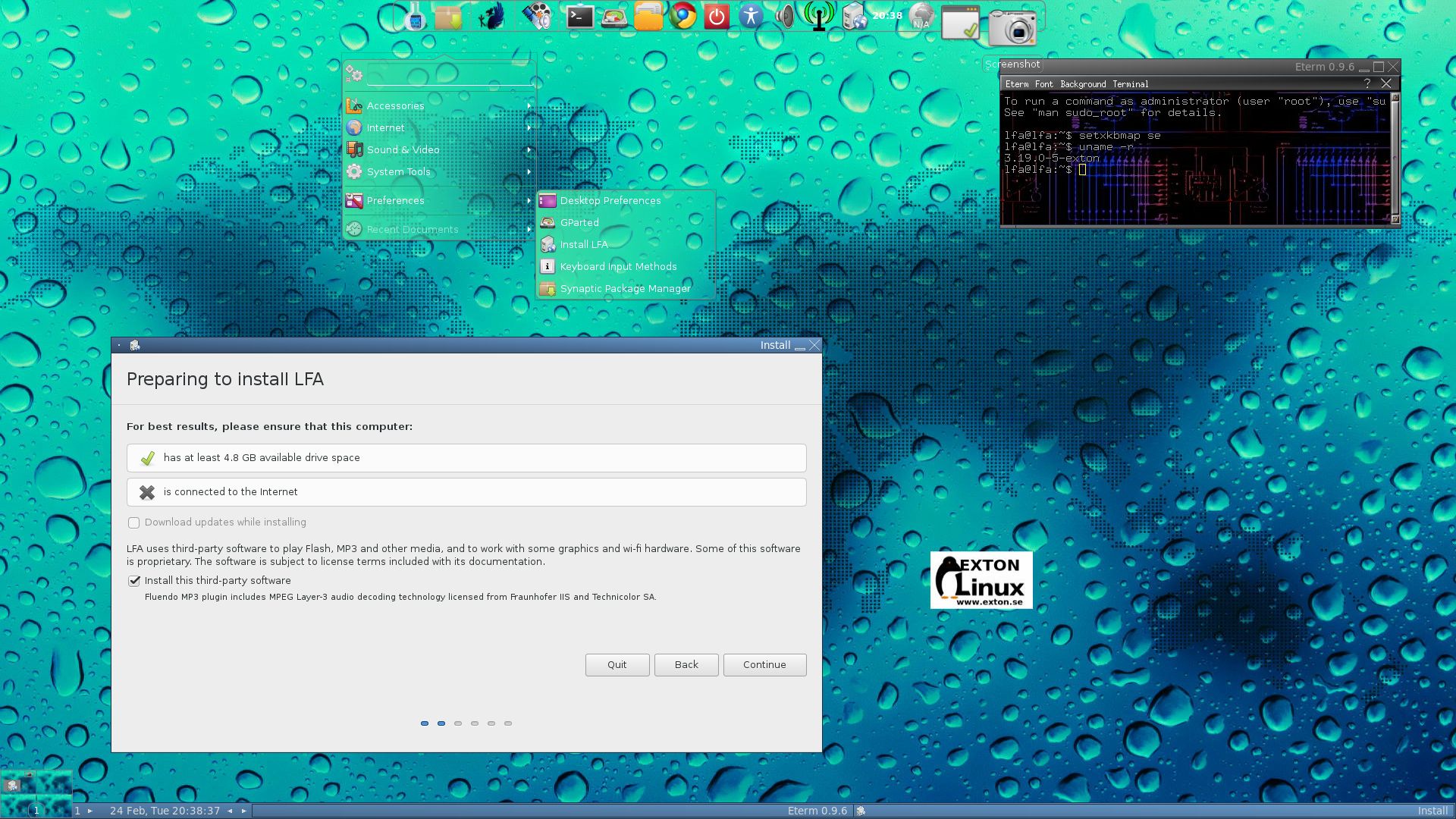
LFA (Linux for all) 64bit DVD » version 150225 based on Ubuntu 15.04 and Debian Jessie with Fluxbox combined with Cairo-Dock and kernel 3.19.0-5-exton » DOWNLOAD
Screenshot of LFA’s Desktop

PuppEX Tahr 32bit Linux Live CD » version 150309 based on Puppy Linux Tahr 6.0 with kernel 3.19.1-PAE-puppex » DOWNLOAD
Screenshot of PuppEX Desktop

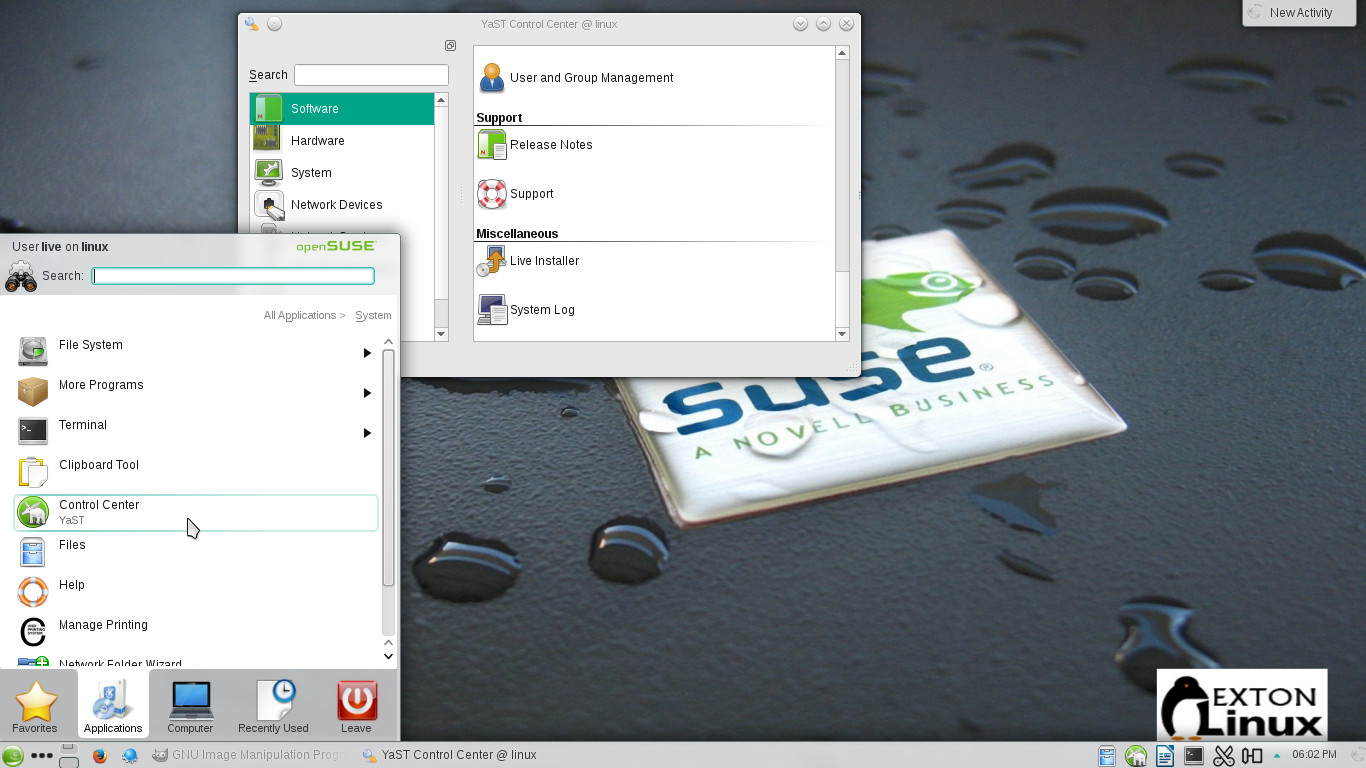
EXTON OpSuS 13.2 KDE Linux live USB » version 150217 based on openSUSE 13.2 with KDE 4.14.4 Desktop environment. Coming as an IMAGE file for direct installation on a USB pen drive» DOWNLOAD
Screenshot of EXTON OpSuS’s KDE Desktop

DebEX Barebone/Gnome/KDE 64bit Live DVD » version 150114, 150122 and 150219 based on Debian Jessie with Xfce 4.10.1, Gnome 3.14 respectively KDE 4.14.3 and kernel 3.18.0-8-exton respectively 3.19.0-5-exton » DOWNLOAD
Screenshots of DebEX Barebone’s Xfce Desktop, DebEX Gnome’s Gnome Desktop and of DebEX KDE’s KDE Desktop

AndEX (Android) 5.0.2 x86 Lollipop Live CD » version 150306 with “my” special kernel 3.10.58-exton-android-x86+ and many apps pre-installed » DOWNLOAD
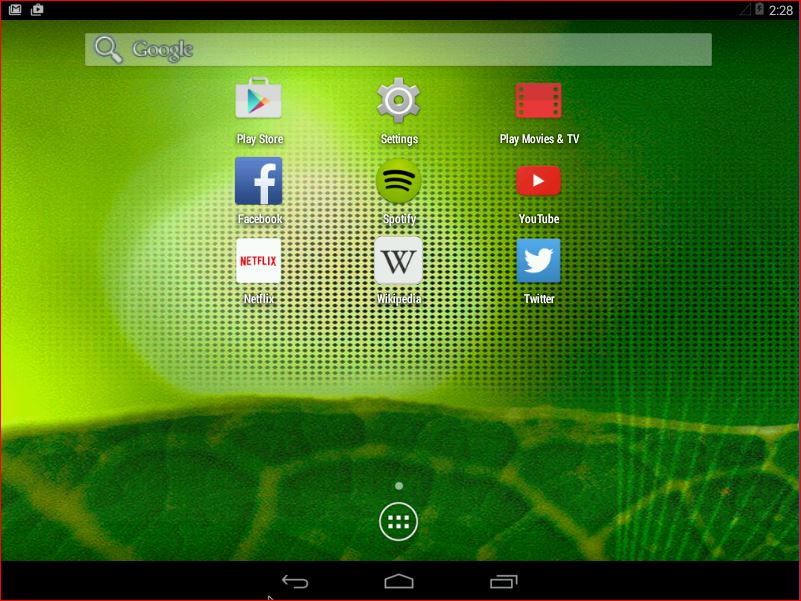
Screenshot of the modified Desktop

Android-x86 KitKat 4.4.4 Live CD Exton build 1 » version 150301 with kernel 3.18.2-android-x86,  Google Play Store and many other apps pre-installed » DOWNLOAD for 7 $
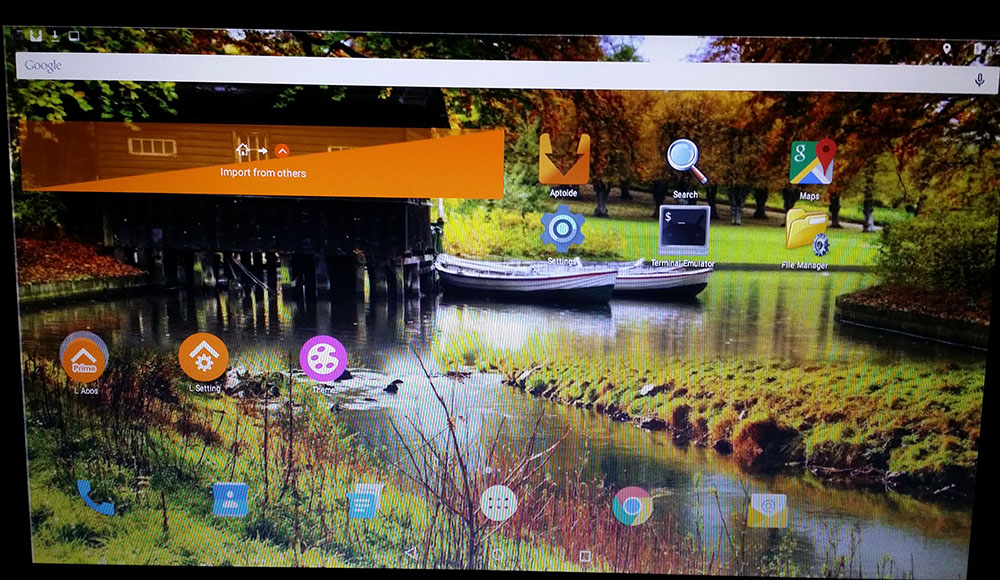
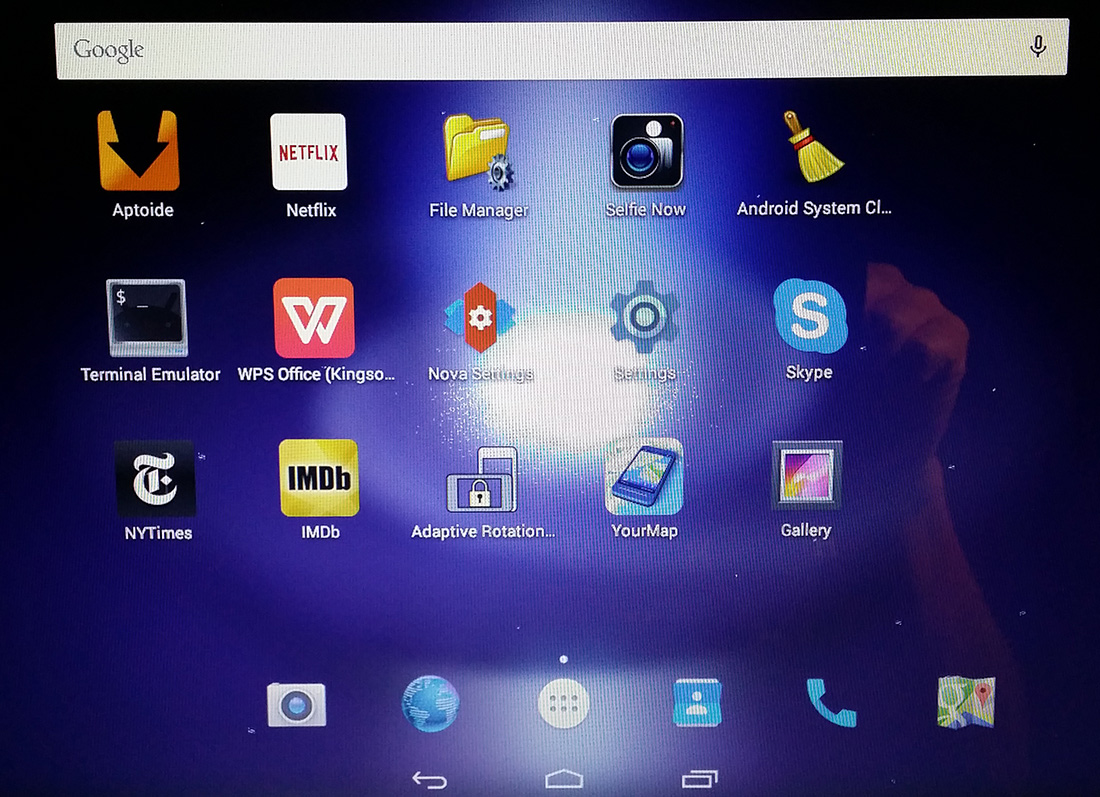
Screenshot of the Desktop (after I have added a few apps)

Android-x86 KitKat 4.4.4 Live CD Exton build 2 » version 150307 with “my” special kernel 3.18.8-exton-android-x86, Aptoide App Manager and many other apps pre-installed » DOWNLOAD for 8 $
Screenshot of the Desktop (after I have added a few apps)

RaspEX for Raspberry Pi 2 » version 150318 based on Debian Jessie (upcoming Debian 8), Ubuntu Vivid Vervet (upcoming Ubuntu 15.04) and Linaro (Open Source software for ARM SoCs) » DOWNLOAD for 7 $
Screenshot of the Desktop

##################################################

exton-contact

exton /150323